X (Twitter) profile picture size
The recommended X (Twitter) profile picture size is 400 × 400 pixels (1:1 aspect ratio).
Last updated:
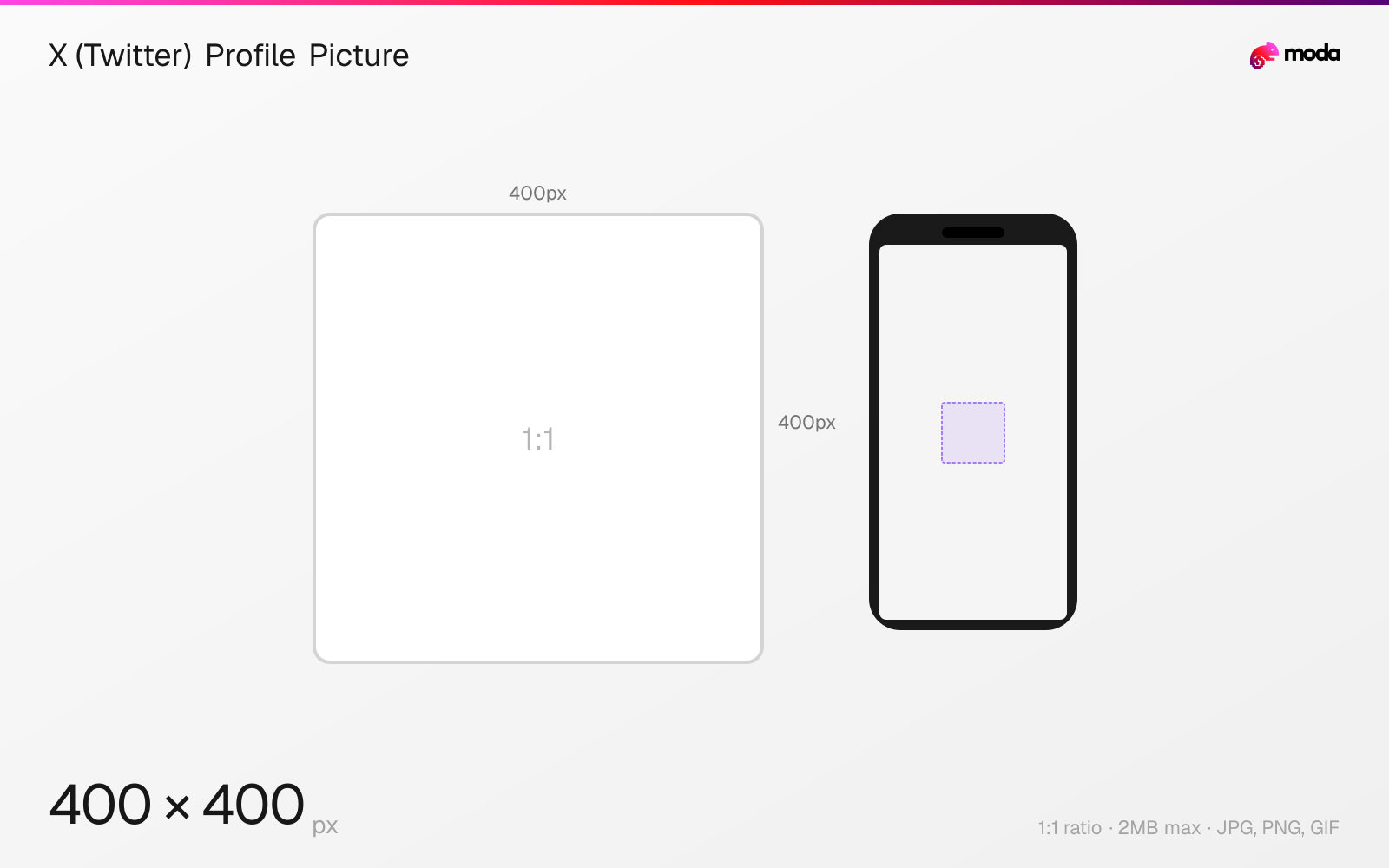
Specifications
| Spec | Value |
|---|---|
| Dimensions (px) | 400 × 400 px |
| Aspect ratio | 1:1 |
| Max file size | 2MB |
| Supported formats | JPG, PNG, GIF |
| Minimum resolution | 200x200 |
| Color mode | sRGB |
Design at this size with Moda
Start with a canvas pre-set to 400×400px and let AI generate your design.
Create a X (Twitter) profile picture →Design tips
X profile pictures are 400×400 pixels in a 1:1 square format, displayed as circles. Your profile picture appears next to every post, reply, repost, and DM. It also overlaps the bottom-left corner of your header banner on your profile page.
- •Upload at 400×400px — X displays it as a circle at sizes from 48px (timeline) to 134px (profile).
- •Use a close-up face or bold logo mark — the image must be recognizable at 48px in the timeline.
- •X supports animated GIF avatars for all users — no Premium required.
What you need to know
X displays profile pictures as circles at varying sizes throughout the platform: approximately 48px next to posts in the timeline, 64px in the notification panel, and 134px on the full profile page. The image is stored at 400×400px but rendered smaller everywhere. Design for legibility at the smallest size — if it's not recognizable at 48px, simplify the design.
Unlike some platforms, X supports animated GIF profile pictures for all users (no premium requirement). The GIF plays on hover on desktop and auto-plays in the full profile view. Keep animated avatars subtle — rapid or flashy animations can be distracting in the timeline and may cause some users to mute or unfollow.
Your profile picture overlaps the bottom-left corner of your header banner on the desktop profile page. This creates a visual connection between the two images. Some creators design their header and profile picture as a complementary pair — using matching colors, continuous imagery, or thematic consistency.
How to create a X (Twitter) profile picture at the right size
- 1Open Moda and create a new canvas at 400×400 pixels.
- 2Design your X (Twitter) profile picture using AI generation or start from a blank canvas.
- 3Export as JPG and upload to X (Twitter).
Frequently asked questions
What size is an X (Twitter) profile picture?
400×400 pixels (1:1 square), displayed as a circle. Upload at 400×400 or higher for best quality. Maximum file size is 2MB.
Can I have an animated profile picture on X?
Yes. X supports animated GIF profile pictures for all users — no Premium subscription required.
What size is the profile picture in the X timeline?
Approximately 48×48 pixels next to posts. Design your profile picture to be recognizable at this small size.
Same format on other platforms
Specs last verified: March 19, 2026. Dimensions may change as platforms update their requirements.