LinkedIn post size
The recommended LinkedIn feed post size is 1200 × 627 pixels (1.91:1 aspect ratio).
Last updated:
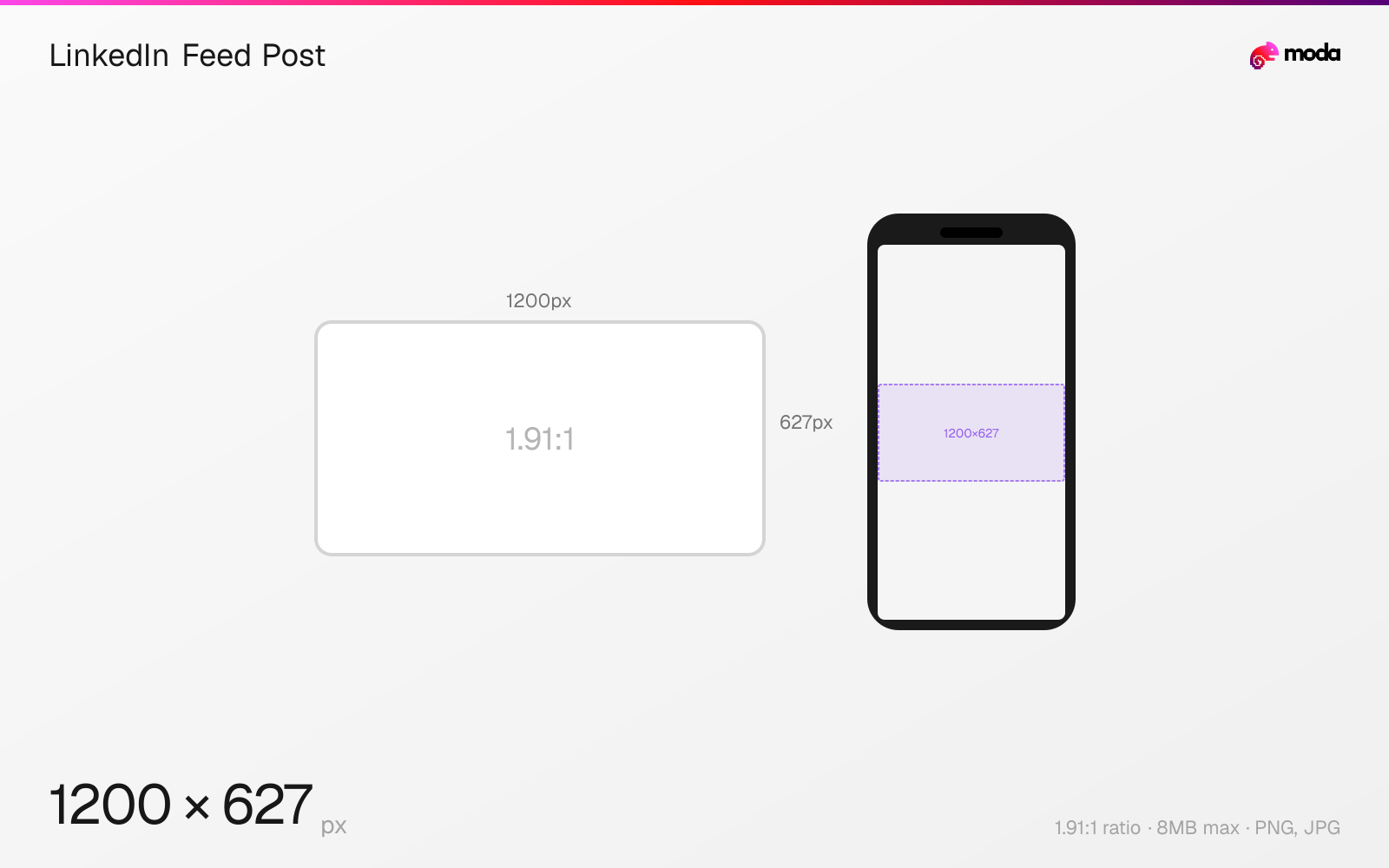
Specifications
| Spec | Value |
|---|---|
| Dimensions (px) | 1200 × 627 px |
| Aspect ratio | 1.91:1 |
| Max file size | 8MB |
| Supported formats | PNG, JPG |
| Minimum resolution | 552x276 |
| Color mode | sRGB |
Other documented sizes
| Format | Dimensions | Aspect ratio |
|---|---|---|
| Square | 1200 × 1200 px | 1:1 |
| Portrait | 1080 × 1350 px | 4:5 |
Design at this size with Moda
Start with a canvas pre-set to 1200×627px and let AI generate your design.
Create a LinkedIn feed post →Design tips
LinkedIn feed posts support multiple aspect ratios. The default landscape format is 1200×627 pixels (1.91:1), but portrait posts at 1080×1350 (4:5) take up more feed space on mobile. Square posts at 1200×1200 (1:1) are a versatile middle ground. All formats render natively in the LinkedIn feed.
- •Use 1080×1350px (4:5 portrait) if you want more visual space in the mobile feed than landscape.
- •For link shares, optimize your OG image at 1200×627px — this is the default link preview format on LinkedIn.
- •Single-image posts and PDF carousels give you the most control over cropping and layout.
What you need to know
LinkedIn does not publish a ranking advantage for one image size over another, but portrait posts (1080×1350, 4:5) take up significantly more screen space in the mobile feed. If you want a larger visual footprint while scrolling, portrait is the most noticeable option.
The default link preview format on LinkedIn is 1200×627 (1.91:1 landscape). When you share a URL, LinkedIn auto-generates a preview card at this aspect ratio from the page's OG image. If you're sharing links rather than uploading images directly, optimizing your OG images at 1200×627 ensures they display correctly in LinkedIn's preview cards.
LinkedIn supports multi-image posts (up to 9 images in a collage), but the layout and cropping varies based on how many images you include. For consistent control over how your images display, single-image posts or carousels (PDF uploads) give you the most predictable results.
How to create a LinkedIn feed post at the right size
- 1Open Moda and create a new canvas at 1200×627 pixels.
- 2Design your LinkedIn feed post using AI generation or start from a blank canvas.
- 3Export as PNG and upload to LinkedIn.
Frequently asked questions
What size is a LinkedIn post?
LinkedIn supports multiple post sizes: 1200×627px (1.91:1 landscape), 1200×1200px (1:1 square), and 1080×1350px (4:5 portrait). Portrait takes up the most feed space on mobile, while landscape matches the default link preview format.
What is the best LinkedIn image size for engagement?
LinkedIn does not publish one 'best' image size for engagement. Portrait (1080×1350px, 4:5) takes up the most screen space in the mobile feed, while square (1200×1200) is a balanced all-around choice.
What's the maximum file size for LinkedIn images?
8MB for images. LinkedIn accepts PNG and JPG. For the sharpest results, use PNG for graphics with text and JPG for photographs.
Same format on other platforms
Specs last verified: March 19, 2026. Dimensions may change as platforms update their requirements.