LinkedIn carousel size
The recommended LinkedIn carousel size is 1080 × 1080 pixels (1:1 aspect ratio).
Last updated:
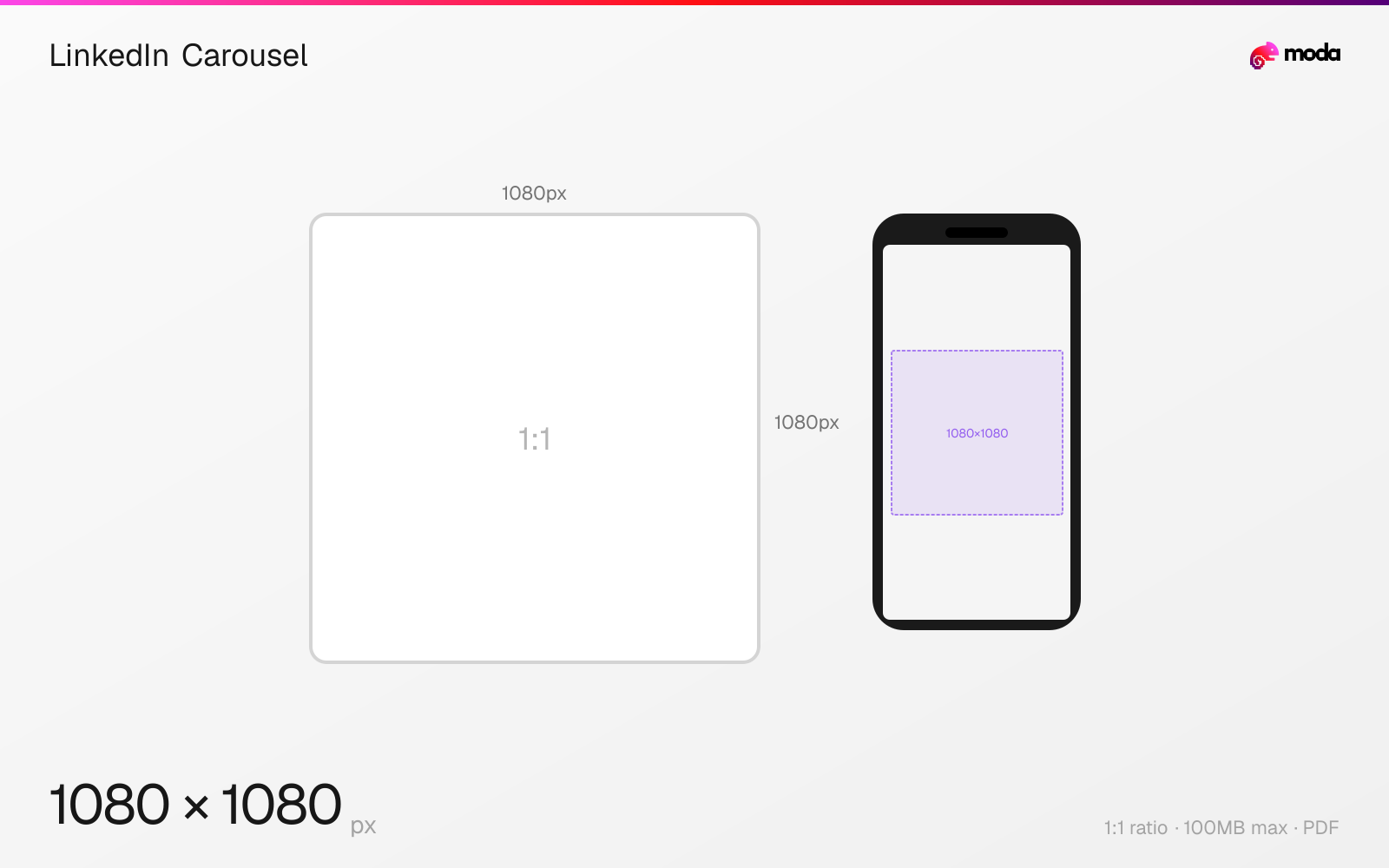
Specifications
| Spec | Value |
|---|---|
| Dimensions (px) | 1080 × 1080 px |
| Aspect ratio | 1:1 |
| Max file size | 100MB |
| Supported formats | |
| Minimum resolution | 1080x1080 |
| Color mode | sRGB |
Other documented sizes
| Format | Dimensions | Aspect ratio |
|---|---|---|
| Portrait | 1080 × 1350 px | 4:5 |
Design at this size with Moda
Start with a canvas pre-set to 1080×1080px and let AI generate your design.
Create a LinkedIn carousel →Design tips
LinkedIn carousels are uploaded as PDF documents with each page displayed as a swipeable slide. The recommended slide size is 1080×1080px (1:1 square) or 1080×1350px (4:5 portrait). The maximum file size is 100MB with up to 300 pages, though most practical carousels are much shorter.
- •Upload as PDF — each page becomes a swipeable slide. Design at 1080×1080px (square) or 1080×1350px (portrait).
- •Keep the slide count manageable — the first slide is your hook, and the last slide should close with a clear takeaway or CTA.
- •Use high-resolution source files — LinkedIn compresses PDFs during processing.
What you need to know
Unlike Instagram carousels (which upload individual images), LinkedIn carousels are PDF uploads. Each page of the PDF becomes a swipeable slide in the feed. This means you design your carousel in any tool that exports PDFs — Canva, Figma, PowerPoint, or Moda — and upload the final PDF to LinkedIn. Each slide should be a single page at your target dimensions.
LinkedIn carousels support up to 300 pages, but most real-world posts are much shorter. The first slide is critical because it appears in the feed preview and sets expectations for the rest of the document.
Square slides (1080×1080) are the most common format and display well on both mobile and desktop. Portrait slides (1080×1350, 4:5) take up more feed space on mobile but may get slightly cropped on desktop. For PDF carousels, LinkedIn compresses images during processing, so use high-resolution source files and avoid thin text that might become blurry after compression.
How to create a LinkedIn carousel at the right size
- 1Open Moda and create a new canvas at 1080×1080 pixels.
- 2Design your LinkedIn carousel using AI generation or start from a blank canvas.
- 3Export as PDF and upload to LinkedIn.
Frequently asked questions
What size are LinkedIn carousel slides?
1080×1080px (1:1 square) or 1080×1350px (4:5 portrait). Carousels are uploaded as PDFs with each page as a slide. Max 100MB file size.
How many slides can a LinkedIn carousel have?
Up to 300 pages technically, though most carousels are much shorter. The first slide is the most important because it appears as the feed preview.
How do I make a LinkedIn carousel?
Design each slide at 1080×1080px in any design tool, export as a multi-page PDF, and upload to LinkedIn as a document post.
Same format on other platforms
Specs last verified: March 19, 2026. Dimensions may change as platforms update their requirements.