Instagram carousel size
The recommended Instagram carousel size is 1080 × 1350 pixels (4:5 aspect ratio).
Last updated:
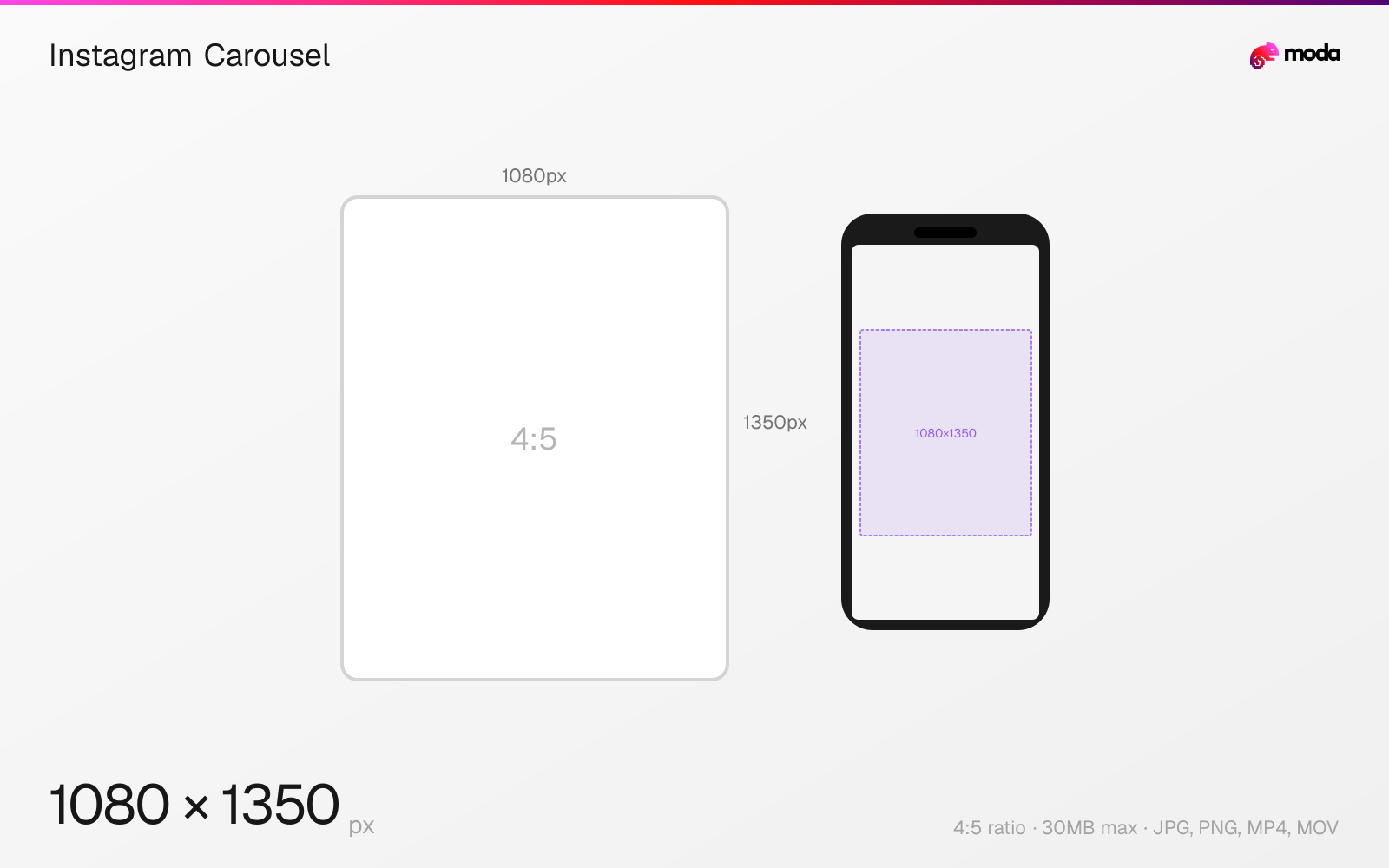
Specifications
| Spec | Value |
|---|---|
| Dimensions (px) | 1080 × 1350 px |
| Aspect ratio | 4:5 |
| Max file size | 30MB |
| Supported formats | JPG, PNG, MP4, MOV |
| Minimum resolution | 320x320 |
| Color mode | sRGB |
Other documented sizes
| Format | Dimensions | Aspect ratio |
|---|---|---|
| Square | 1080 × 1080 px | 1:1 |
Design at this size with Moda
Start with a canvas pre-set to 1080×1350px and let AI generate your design.
Create an Instagram carousel →Design tips
Instagram carousels use the same dimensions as regular feed posts — 1080×1350px at a 4:5 ratio is recommended. Carousels support up to 20 slides and can mix images and videos. All slides in a carousel must share the same aspect ratio; Instagram will crop mismatched slides to match the first one.
- •All slides share the aspect ratio of your first slide — design every frame at 1080×1350px for consistency.
- •Use the first slide to hook attention and make the rest of the sequence visually consistent.
- •Use the last slide for a CTA or summary so the carousel has a clear finish.
What you need to know
Carousel posts allow up to 20 slides in a single swipeable post, mixing images and videos. Every slide in a carousel is cropped to match the aspect ratio of the first slide — so if your first image is 4:5 portrait, all subsequent slides will also display at 4:5, regardless of their original dimensions. Plan your entire carousel at a consistent size before uploading.
Carousels work especially well when the sequence itself adds context: tutorials, before-and-after examples, multi-step stories, or product walkthroughs. Because viewers move through the content slide by slide, consistency across framing and typography matters more than on a single-image post.
For design workflow, create a single wide canvas (e.g., 10800×1350 for a 10-slide 4:5 carousel) and design the slides as a continuous sequence, then export as individual frames. This ensures visual consistency across slides and makes it easy to create "seamless" carousels where images flow across slide boundaries.
How to create an Instagram carousel at the right size
- 1Open Moda and create a new canvas at 1080×1350 pixels.
- 2Design your Instagram carousel using AI generation or start from a blank canvas.
- 3Export as JPG and upload to Instagram.
Frequently asked questions
How many slides can an Instagram carousel have?
Instagram carousels can have up to 20 slides, mixing both images and videos in a single post.
Do all carousel slides need to be the same size?
All slides will be cropped to match the aspect ratio of the first slide. Design all slides at the same dimensions (1080×1350px recommended) for best results.
What's the best aspect ratio for Instagram carousels?
4:5 portrait (1080×1350px) is recommended — it takes up the most feed space. Square (1:1) also works well for carousels.
Same format on other platforms
Specs last verified: March 15, 2026. Dimensions may change as platforms update their requirements.