Threads carousel size
The recommended Threads carousel size is 1080 × 1350 pixels (4:5 aspect ratio).
Last updated:
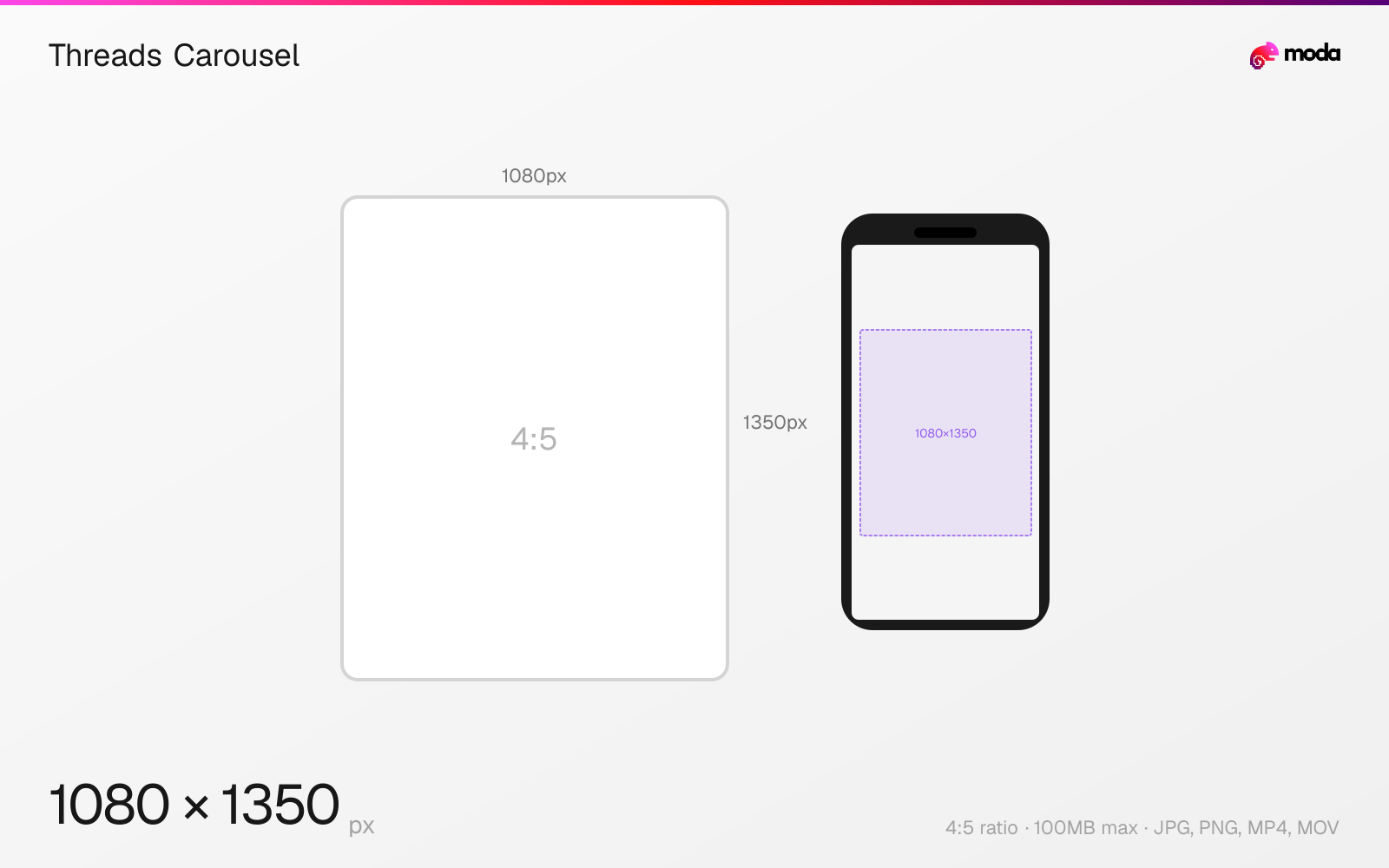
Specifications
| Spec | Value |
|---|---|
| Dimensions (px) | 1080 × 1350 px |
| Aspect ratio | 4:5 |
| Max file size | 100MB |
| Supported formats | JPG, PNG, MP4, MOV |
| Minimum resolution | 320x320 |
| Color mode | sRGB |
Other documented sizes
| Format | Dimensions | Aspect ratio |
|---|---|---|
| Square | 1080 × 1080 px | 1:1 |
Design at this size with Moda
Start with a canvas pre-set to 1080×1350px and let AI generate your design.
Create a Threads carousel →Design tips
Threads carousels use the same dimensions as single posts — 1080×1350px (4:5) is recommended. Carousels support up to 10 slides and can mix images and videos. All slides share the aspect ratio of the first slide, so design every frame at consistent dimensions.
- •Design all slides at 1080×1350px (4:5) — the first slide's ratio determines the display for all slides.
- •Use carousels for tutorials, lists, and stories when the sequence itself adds context.
- •You can mix images and videos in one carousel — all will be cropped to match the first slide's ratio.
What you need to know
Threads carousels work almost identically to Instagram carousels. You can include up to 10 slides mixing images and videos. The aspect ratio of the first slide determines the display ratio for all subsequent slides — mismatched slides will be cropped to fit.
Carousel posts on Threads are useful when the idea unfolds across multiple frames: educational content, step-by-step tutorials, before-and-after examples, or multi-part stories. Because the sequence carries meaning, consistent sizing and framing matter more than on a single-image post.
For mixed media carousels (photos + video), all media files share the same aspect ratio display. A video in a 4:5 carousel will be cropped to 4:5 even if the original is 9:16. Plan your video framing accordingly if mixing formats.
How to create a Threads carousel at the right size
- 1Open Moda and create a new canvas at 1080×1350 pixels.
- 2Design your Threads carousel using AI generation or start from a blank canvas.
- 3Export as JPG and upload to Threads.
Frequently asked questions
How many slides can a Threads carousel have?
Up to 10 slides, mixing images and videos. All slides share the aspect ratio of the first image.
What's the best size for Threads carousels?
1080×1350 pixels (4:5 portrait) for maximum feed visibility. Square (1080×1080) also works well.
Same format on other platforms
Specs last verified: March 19, 2026. Dimensions may change as platforms update their requirements.