Threads post size
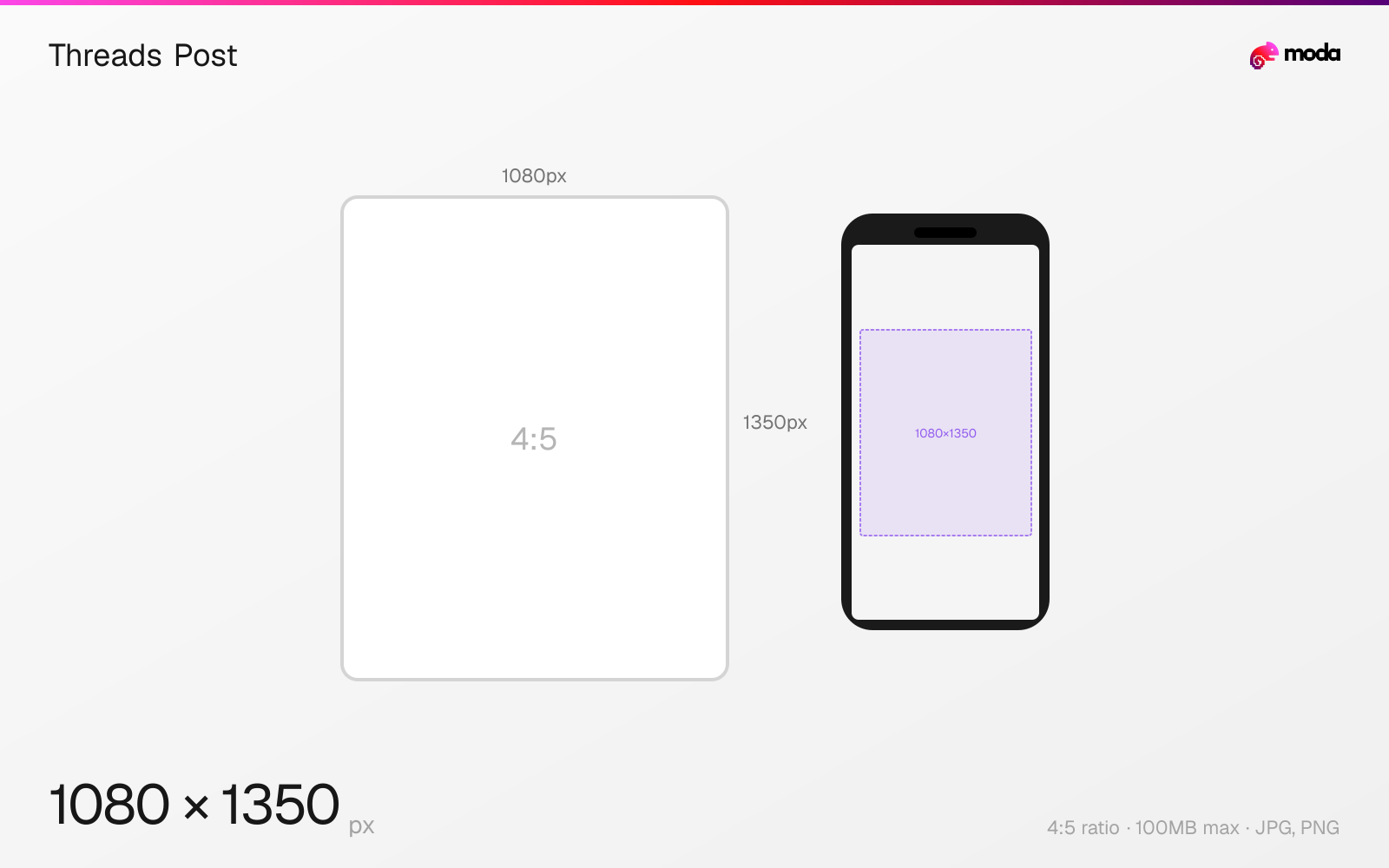
The recommended Threads post size is 1080 × 1350 pixels (4:5 aspect ratio).
Last updated:
Specifications
| Spec | Value |
|---|---|
| Dimensions (px) | 1080 × 1350 px |
| Aspect ratio | 4:5 |
| Max file size | 100MB |
| Supported formats | JPG, PNG |
| Minimum resolution | 320x320 |
| Color mode | sRGB |
Other documented sizes
| Format | Dimensions | Aspect ratio |
|---|---|---|
| Square | 1080 × 1080 px | 1:1 |
| Landscape | 1200 × 628 px | 1.91:1 |
| Vertical | 1080 × 1920 px | 9:16 |
Design at this size with Moda
Start with a canvas pre-set to 1080×1350px and let AI generate your design.
Create a Threads post →Design tips
The recommended Threads post image size is 1080×1350 pixels in a 4:5 portrait aspect ratio — the same as Instagram feed posts. Threads also supports square (1080×1080), landscape (1200×628), and full vertical (1080×1920) images. Portrait 4:5 takes up the most feed space.
- •Use 1080×1350px (4:5 portrait) for maximum feed visibility — same dimensions as Instagram posts.
- •Threads is text-first — pair images with clear post text so the visual and copy work together.
- •Carousels support up to 10 images — all will match the aspect ratio of the first slide.
What you need to know
Threads uses the same image dimension system as Instagram, which makes sense given they share the same Meta infrastructure. The 4:5 portrait format (1080×1350px) takes up the most screen real estate in the Threads feed. Square (1:1) and landscape (1.91:1) posts display smaller in-feed.
Unlike Instagram, Threads is a text-first platform — images are supplementary rather than primary. When you do include an image, it helps if the visual is simple and easy to understand quickly, especially alongside the post text.
Threads supports up to 10 images per post in a carousel format. All images in a carousel share the same aspect ratio (determined by the first image). The maximum file size is generous at 100MB per image, so compression artifacts shouldn't be an issue. Export at the full 1080px width for best quality.
How to create a Threads post at the right size
- 1Open Moda and create a new canvas at 1080×1350 pixels.
- 2Design your Threads post using AI generation or start from a blank canvas.
- 3Export as JPG and upload to Threads.
Frequently asked questions
What size are Threads posts?
The recommended size is 1080×1350 pixels (4:5 portrait). Threads also supports 1080×1080 (square), 1200×628 (landscape), and 1080×1920 (vertical).
Are Threads and Instagram image sizes the same?
Yes — Threads uses the same dimension system as Instagram. 1080×1350 (4:5) is the recommended format for both platforms.
How many images can a Threads post have?
Up to 10 images per post in a carousel format. All images share the aspect ratio of the first image.
Same format on other platforms
Specs last verified: March 19, 2026. Dimensions may change as platforms update their requirements.