Threads video size
The recommended Threads video size is 1080 × 1920 pixels (9:16 aspect ratio).
Last updated:
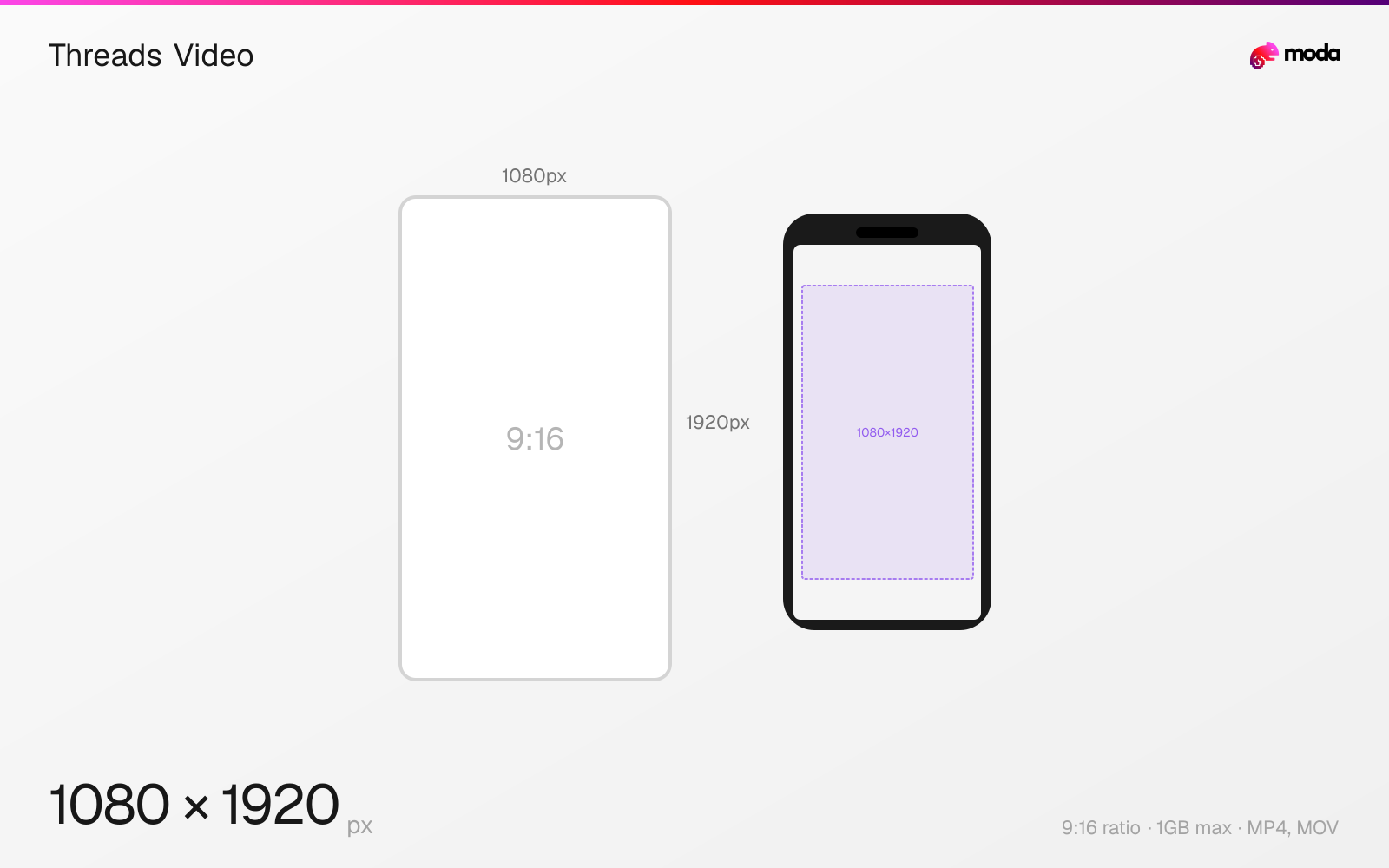
Specifications
| Spec | Value |
|---|---|
| Dimensions (px) | 1080 × 1920 px |
| Aspect ratio | 9:16 |
| Max file size | 1GB |
| Supported formats | MP4, MOV |
| Minimum resolution | 720x1280 |
| Color mode | sRGB |
Other documented sizes
| Format | Dimensions | Aspect ratio |
|---|---|---|
| Portrait | 1080 × 1350 px | 4:5 |
| Square | 1080 × 1080 px | 1:1 |
Design at this size with Moda
Start with a canvas pre-set to 1080×1920px and let AI generate your design.
Create a Threads video →Design tips
Threads videos should be 1080×1920 pixels in a 9:16 vertical format for full-screen display. Videos can be up to 5 minutes long with a maximum file size of 1GB. Threads also supports 4:5 (1080×1350) and 1:1 (1080×1080) video formats for feed posts.
- •Use 1080×1920px (9:16) for full-screen vertical video — same as Instagram Reels.
- •Videos auto-play muted — make the first 3 seconds visually compelling without relying on audio.
- •Export as MP4 with H.264 codec for best quality after Threads' compression.
What you need to know
Threads supports video uploads up to 5 minutes long — significantly longer than Instagram Reels (90 seconds). The recommended format is 9:16 vertical (1080×1920) for maximum screen coverage, but 4:5 portrait (1080×1350) and 1:1 square (1080×1080) also work well in the feed.
Video on Threads auto-plays without sound in the feed (users tap to enable audio), similar to Instagram and Facebook. This means the first few seconds need to capture attention visually without relying on audio. Use captions, bold text overlays, or visually striking opening frames.
The maximum file size is 1GB, and Threads accepts MP4 and MOV formats. Use H.264 codec with AAC audio for the best compatibility. Threads compresses all uploaded videos, so uploading at the highest quality your source supports will produce better results after compression.
How to create a Threads video at the right size
- 1Open Moda and create a new canvas at 1080×1920 pixels.
- 2Design your Threads video using AI generation or start from a blank canvas.
- 3Export as MP4 and upload to Threads.
Frequently asked questions
What size are Threads videos?
1080×1920 pixels (9:16 vertical) is recommended. 1080×1350 (4:5) and 1080×1080 (1:1) are also supported.
How long can Threads videos be?
Up to 5 minutes. Maximum file size is 1GB. Supported formats are MP4 and MOV.
Same format on other platforms
Specs last verified: March 19, 2026. Dimensions may change as platforms update their requirements.