Threads profile picture size
The recommended Threads profile picture size is 320 × 320 pixels (1:1 aspect ratio).
Last updated:
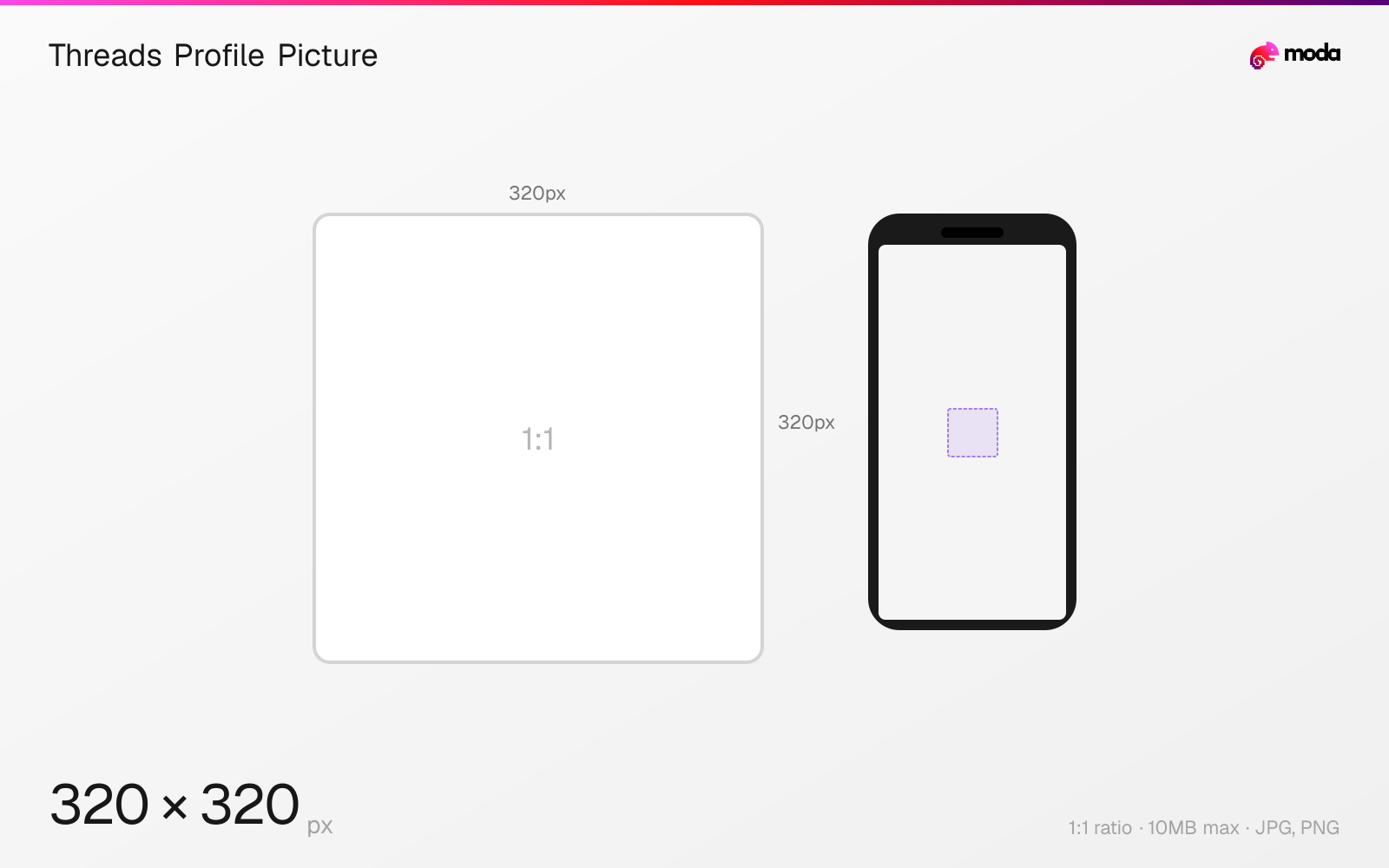
Specifications
| Spec | Value |
|---|---|
| Dimensions (px) | 320 × 320 px |
| Aspect ratio | 1:1 |
| Max file size | 10MB |
| Supported formats | JPG, PNG |
| Minimum resolution | 320x320 |
| Color mode | sRGB |
Design at this size with Moda
Start with a canvas pre-set to 320×320px and let AI generate your design.
Create a Threads profile picture →Design tips
Threads profile pictures are 320×320 pixels in a 1:1 square format, displayed as circles. By default, your Threads profile picture syncs with your Instagram account. You can set a different image for Threads, but any change on Instagram will also update Threads unless you've manually overridden it.
- •Upload at 320×320px minimum — Threads will display it as a circle at various sizes.
- •Your Threads profile picture syncs from Instagram by default — set it manually if you want them different.
- •Use a simple, high-contrast image that reads clearly at 32px (the smallest display size).
What you need to know
Your Threads profile picture is linked to your Instagram account by default — when you create a Threads account, it imports your Instagram profile picture automatically. If you change your Instagram profile picture, your Threads picture updates too. You can override this by manually setting a different image on Threads, but the Instagram-to-Threads sync is one-way.
The profile picture displays as a circle throughout the Threads app: next to your posts in the feed, in comment threads, in the follower/following lists, and on your profile page. Like Instagram, it appears at various sizes — from about 32px in comment threads to 80px+ on the profile page. Keep your design simple and high-contrast for readability at small sizes.
Upload at 320×320px minimum for the sharpest result. Higher resolution images are accepted but will be downscaled. Use PNG for logos or graphics with hard edges, and JPG for photographs.
How to create a Threads profile picture at the right size
- 1Open Moda and create a new canvas at 320×320 pixels.
- 2Design your Threads profile picture using AI generation or start from a blank canvas.
- 3Export as JPG and upload to Threads.
Frequently asked questions
What size is a Threads profile picture?
320×320 pixels (1:1 square), displayed as a circle. Same size as Instagram profile pictures.
Does my Threads profile picture sync with Instagram?
Yes, by default. Your Instagram profile picture automatically syncs to Threads. You can manually set a different one on Threads.
Same format on other platforms
Sources
Specs last verified: March 19, 2026. Dimensions may change as platforms update their requirements.