Instagram landscape post size
The recommended Instagram landscape post size is 1080 × 566 pixels (1.91:1 aspect ratio).
Last updated:
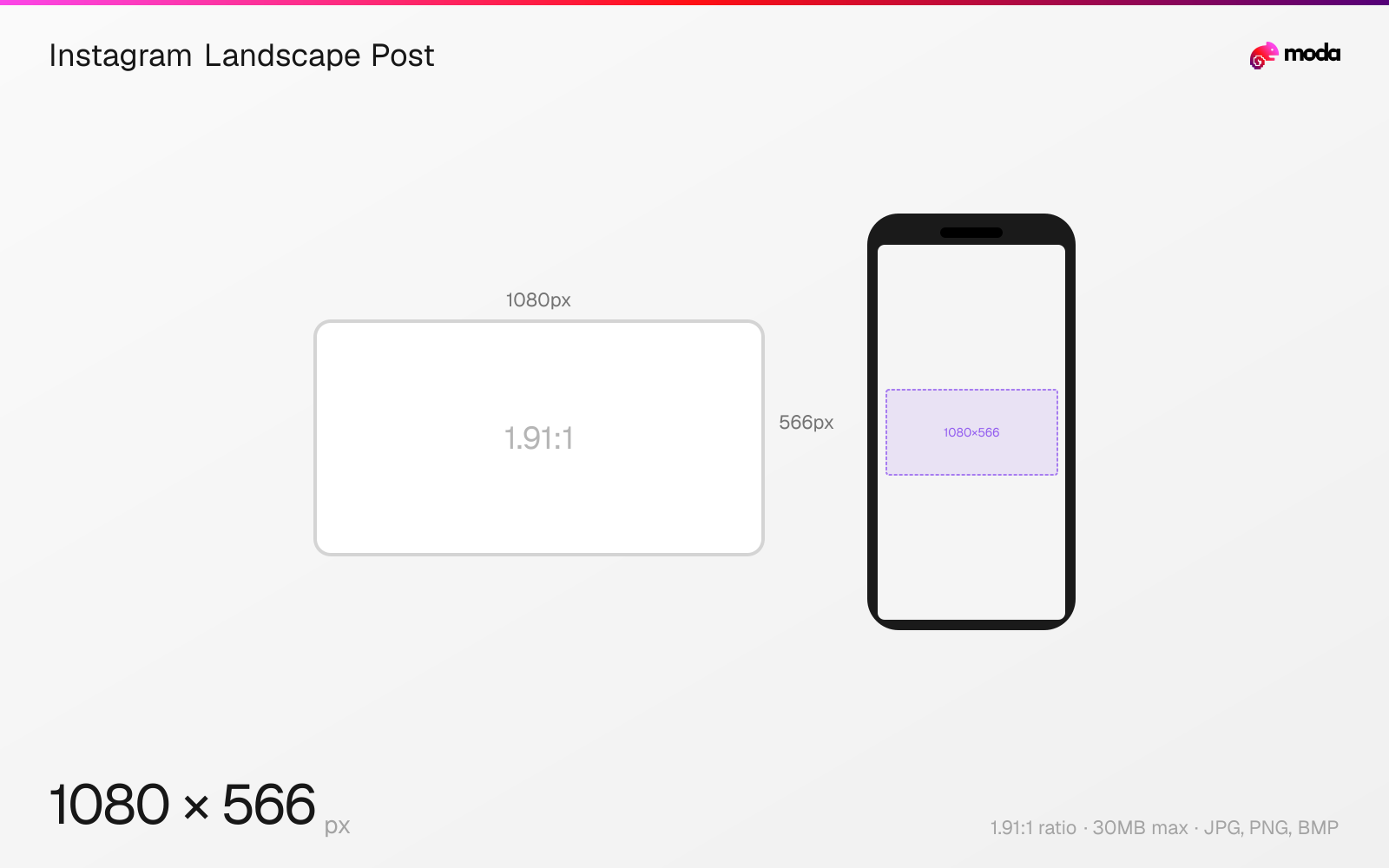
Specifications
| Spec | Value |
|---|---|
| Dimensions (px) | 1080 × 566 px |
| Aspect ratio | 1.91:1 |
| Max file size | 30MB |
| Supported formats | JPG, PNG, BMP |
| Minimum resolution | 320x320 |
| Color mode | sRGB |
Design at this size with Moda
Start with a canvas pre-set to 1080×566px and let AI generate your design.
Create an Instagram landscape post →Design tips
Instagram landscape posts are 1080×566 pixels with a 1.91:1 aspect ratio. Landscape is the least common Instagram format because it takes up the smallest area in the feed, but it works well for wide panoramic shots, group photos, and cinematic content where a horizontal frame is essential.
- •Landscape posts take up less feed space than portrait or square — use them only when the horizontal composition is important.
- •Instagram crops landscape posts to a square in the grid view — center your subject accordingly.
- •Consider posting landscape images as carousels with a portrait cover slide for more feed visibility.
What you need to know
Landscape posts at 1080×566 (1.91:1) are the least commonly used Instagram format. They take up the smallest area in the mobile feed — roughly half the screen height of a portrait post — so they usually feel less prominent while scrolling.
However, landscape is the right choice for certain content: panoramic photography, wide group shots, cinematic film stills, and content originally created for YouTube or TV (16:9) that you want to share on Instagram. In these cases, forcing the content into a square or portrait crop would sacrifice the composition.
In the profile grid, landscape posts are center-cropped to 1:1 squares, which often cuts off the left and right edges of the image. You can use Instagram's cover image feature to manually adjust which portion of the landscape image appears in the grid thumbnail, but the default center crop catches most people off guard.
How to create an Instagram landscape post at the right size
- 1Open Moda and create a new canvas at 1080×566 pixels.
- 2Design your Instagram landscape post using AI generation or start from a blank canvas.
- 3Export as JPG and upload to Instagram.
Frequently asked questions
What is the Instagram landscape post size?
Instagram landscape posts are 1080×566 pixels with a 1.91:1 aspect ratio. This is the widest format Instagram supports for feed posts.
Should I use landscape or portrait on Instagram?
Portrait (4:5, 1080×1350px) is recommended for most posts if you want a taller in-feed image. Use landscape when horizontal framing is essential for the composition.
Specs last verified: March 15, 2026. Dimensions may change as platforms update their requirements.