LinkedIn newsletter article cover size
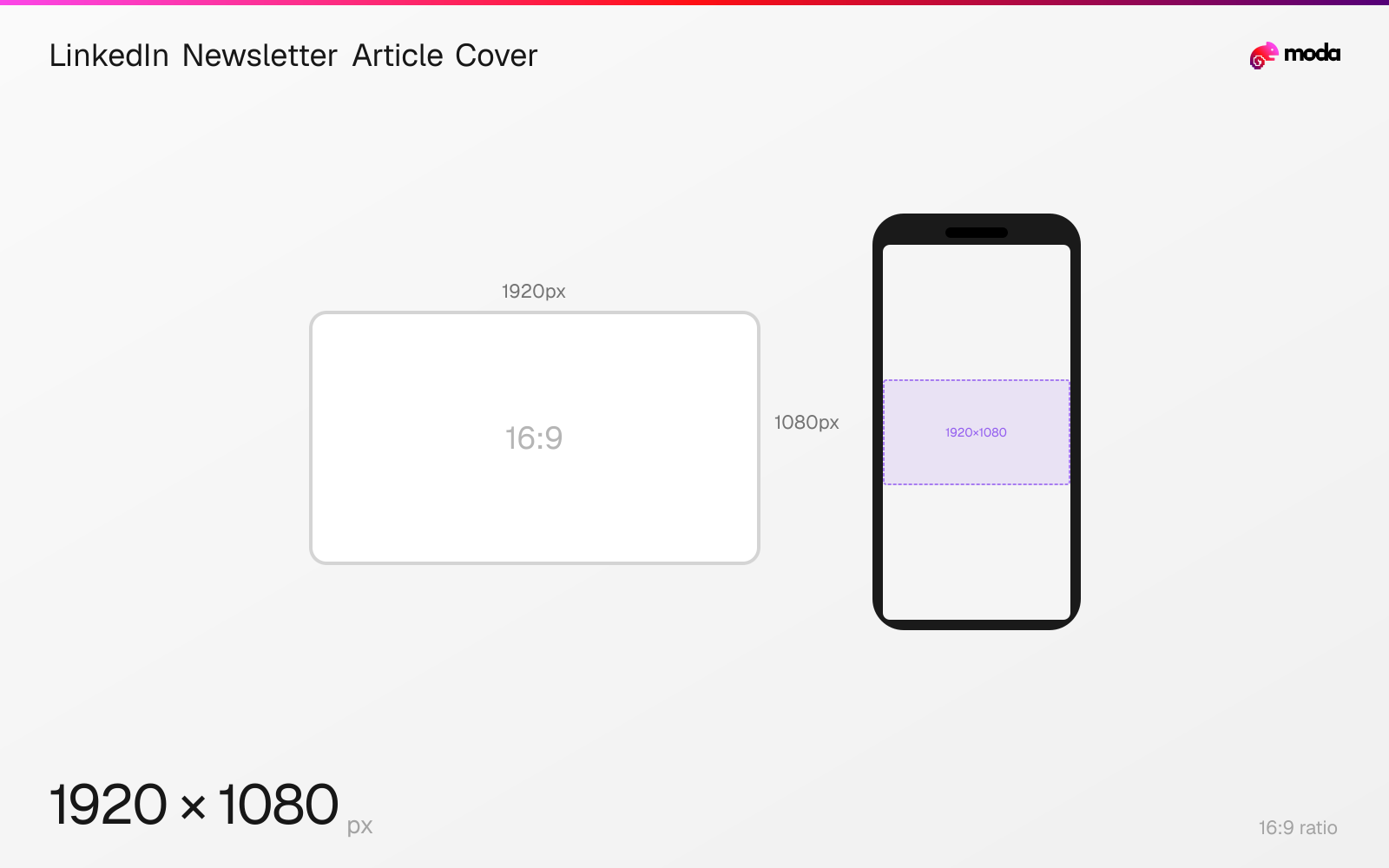
The recommended LinkedIn newsletter article cover size is 1920 × 1080 pixels (16:9 aspect ratio).
Last updated:
Specifications
| Spec | Value |
|---|---|
| Dimensions (px) | 1920 × 1080 px |
| Aspect ratio | 16:9 |
Design at this size with Moda
Start with a canvas pre-set to 1920×1080px and let AI generate your design.
Create a LinkedIn newsletter article cover →Design tips
LinkedIn recommends a 1920×1080-pixel cover photo for each individual article in a newsletter. The newsletter's separate square logo is 300×300 pixels.
- •Upload each newsletter article cover at 1920×1080 pixels.
- •Keep the separate newsletter logo square at 300×300 pixels.
- •Use a cover that represents the individual article rather than repeating the publication logo.
What you need to know
LinkedIn's newsletter best-practices page recommends a different cover for each individual newsletter article at 1920×1080 pixels. The 16:9 image is the issue-level cover, not the newsletter's identity logo.
The newsletter logo is a separate square asset recommended at 300×300 pixels. Use it for consistent publication identity, while changing the wide cover to reflect each article's subject.
LinkedIn advises avoiding generic clip art and notes that images with faces and people tend to resonate more. That is a creative recommendation, not a guaranteed engagement result or ranking factor.
How to create a LinkedIn newsletter article cover at the right size
- 1Open Moda and create a new canvas at 1920×1080 pixels.
- 2Design your LinkedIn newsletter article cover using AI generation or start from a blank canvas.
- 3Export in a format accepted by LinkedIn, then upload it.
Frequently asked questions
What size is a LinkedIn newsletter article cover?
LinkedIn recommends 1920×1080 pixels for the cover photo of each individual newsletter article.
What size is a LinkedIn newsletter logo?
LinkedIn recommends 300×300 pixels for the square newsletter logo. It is separate from each article's 1920×1080 cover.
Specs last verified: August 28, 2026. Dimensions may change as platforms update their requirements.