LinkedIn video size
The recommended LinkedIn video size is 1920 × 1080 pixels (16:9 aspect ratio).
Last updated:
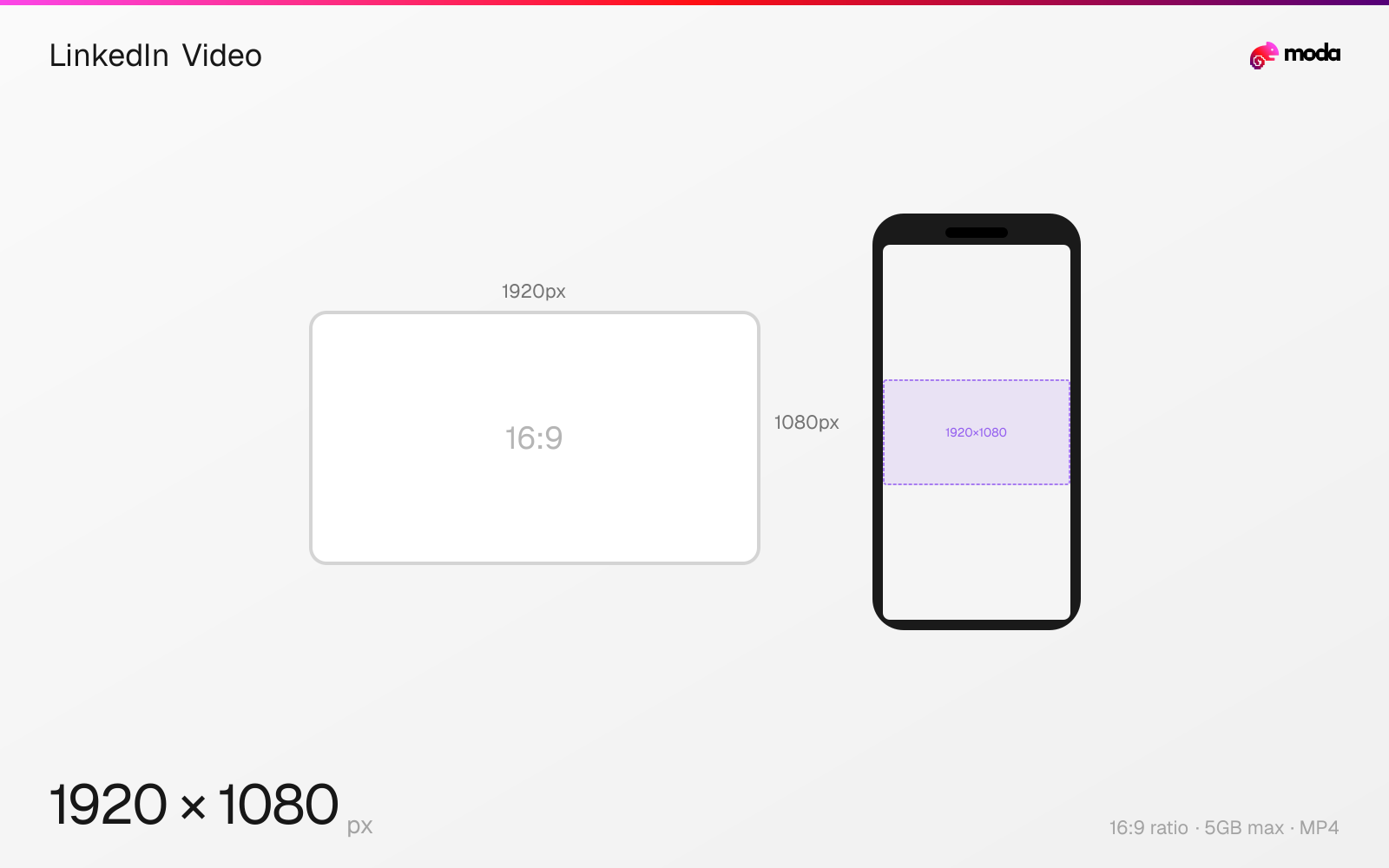
Specifications
| Spec | Value |
|---|---|
| Dimensions (px) | 1920 × 1080 px |
| Aspect ratio | 16:9 |
| Max file size | 5GB |
| Supported formats | MP4 |
| Minimum resolution | 256x144 |
| Color mode | sRGB |
Other documented sizes
| Format | Dimensions | Aspect ratio |
|---|---|---|
| Square | 1080 × 1080 px | 1:1 |
| Vertical | 1080 × 1920 px | 9:16 |
Design at this size with Moda
Start with a canvas pre-set to 1920×1080px and let AI generate your design.
Create a LinkedIn video →Design tips
LinkedIn native videos should be 1920×1080 pixels (16:9 landscape) for standard content or 1080×1920 (9:16 vertical) for mobile-first viewing. Videos can be 3 seconds to 15 minutes long with a 5GB maximum file size.
- •Upload natively to LinkedIn when you want the video to play directly in-feed rather than sending viewers off-platform.
- •Add captions so the video still works well in muted autoplay contexts.
- •Keep the opening seconds visually clear and concise so the video is understandable before a viewer unmutes.
What you need to know
LinkedIn supports native video uploads in landscape (16:9), square (1:1), and vertical (9:16) formats. Landscape is the traditional default, while vertical video is increasingly common for mobile-first publishing. Square video is a practical compromise that works cleanly in both mobile and desktop feeds.
Native LinkedIn videos auto-play on mute in the feed, so the first few seconds need to communicate visually without relying on sound. Adding captions is still a good practice because it improves readability in muted autoplay contexts. Use MP4 format with H.264 encoding for best compatibility.
LinkedIn videos can be 3 seconds to 15 minutes long for personal accounts (up to 30 minutes for company pages). Shorter videos are often easier to watch in-feed, while longer videos may fit educational or event content. If the goal is native in-feed viewing, uploading directly to LinkedIn gives you control over how the post is displayed.
How to create a LinkedIn video at the right size
- 1Open Moda and create a new canvas at 1920×1080 pixels.
- 2Design your LinkedIn video using AI generation or start from a blank canvas.
- 3Export as MP4 and upload to LinkedIn.
Frequently asked questions
What size should LinkedIn videos be?
1920×1080 (16:9 landscape) for standard videos, or 1080×1920 (9:16 vertical) for mobile-first content. Square (1080×1080) also works well.
How long can LinkedIn videos be?
3 seconds to 15 minutes for personal accounts, up to 30 minutes for company pages. The maximum file size is 5GB.
Do LinkedIn videos auto-play with sound?
No. LinkedIn videos auto-play on mute in the feed. Users must tap to unmute. Add captions so your message works without audio.
Same format on other platforms
Specs last verified: March 19, 2026. Dimensions may change as platforms update their requirements.