X (Twitter) card image size
The recommended X (Twitter) card image (link preview) size is 1200 × 675 pixels (16:9 aspect ratio).
Last updated:
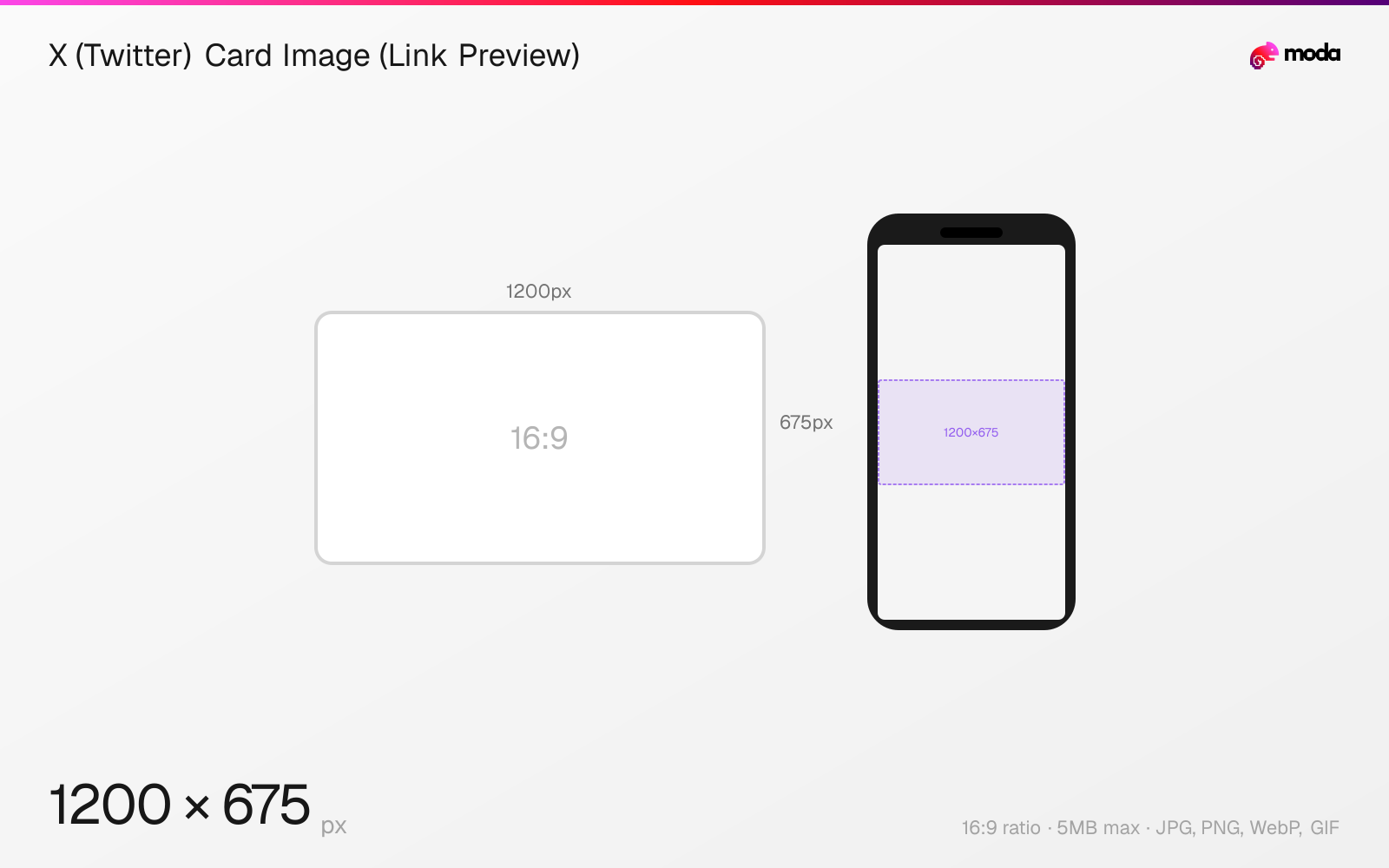
Specifications
| Spec | Value |
|---|---|
| Dimensions (px) | 1200 × 675 px |
| Aspect ratio | 16:9 |
| Max file size | 5MB |
| Supported formats | JPG, PNG, WebP, GIF |
| Minimum resolution | 300x157 |
| Color mode | sRGB |
Other documented sizes
| Format | Dimensions | Aspect ratio |
|---|---|---|
| Summary Card (thumbnail) | 240 × 240 px | 1:1 |
Design at this size with Moda
Start with a canvas pre-set to 1200×675px and let AI generate your design.
Create a X (Twitter) card image (link preview) →Design tips
X Card images (link previews) are recommended at 1200×675 pixels, close to the official 2:1 aspect ratio. When you share a URL on X, the card image is pulled from the page's twitter:image or og:image meta tag. The minimum size is 300×157 pixels and the maximum is 4096×4096. Images must be under 5MB.
- •Use 1200×675px — works for both X Cards and Facebook/LinkedIn OG images with a single asset.
- •Set the twitter:card meta tag to 'summary_large_image' for the prominent wide card format.
- •X caches card images aggressively — use the Card Validator to force a refresh after updating.
What you need to know
X Cards are the rich link previews that appear when you share a URL in a post. The image, title, and description are pulled from the page's HTML meta tags. X supports two main card types: Summary Card (small square thumbnail on the left) and Summary Card with Large Image (wide banner-style image above the title). The large image card is simply the more prominent visual treatment.
To use the large image card, set the twitter:card meta tag to 'summary_large_image'. The official aspect ratio is 2:1 (e.g., 1200×600), but 1200×675 (16:9) also works well and is more convenient since it matches standard OG image dimensions used by Facebook and LinkedIn. The minimum image size is 300×157 pixels — anything smaller and X will fall back to a Summary Card.
X caches card images aggressively. If you update a page's OG image, the old card may persist for hours or days. Use the X Card Validator (cards-dev.x.com/validator) to force a cache refresh. Supported formats are JPG, PNG, WebP, and GIF (only the first frame of animated GIFs is used). SVG is not supported.
How to create a X (Twitter) card image (link preview) at the right size
- 1Open Moda and create a new canvas at 1200×675 pixels.
- 2Design your X (Twitter) card image (link preview) using AI generation or start from a blank canvas.
- 3Export as JPG and upload to X (Twitter).
Frequently asked questions
What size should X (Twitter) Card images be?
1200×675 pixels recommended. Official ratio is 2:1 with a minimum of 300×157 and maximum of 4096×4096. Must be under 5MB. JPG, PNG, WebP, and GIF are supported.
How do I set up X Card meta tags?
Add twitter:card ('summary_large_image'), twitter:title, twitter:description, and twitter:image meta tags to your page's HTML head. X also falls back to og:image if twitter:image is not set.
Why isn't my X Card image updating?
X caches card images aggressively. Use the Card Validator at cards-dev.x.com/validator to force a cache refresh after updating your page's meta tags.
Specs last verified: March 20, 2026. Dimensions may change as platforms update their requirements.