Facebook in-stream video ad specs
The recommended Meta in-stream video ad size is 1920 × 1080 pixels (16:9 aspect ratio).
Last updated:
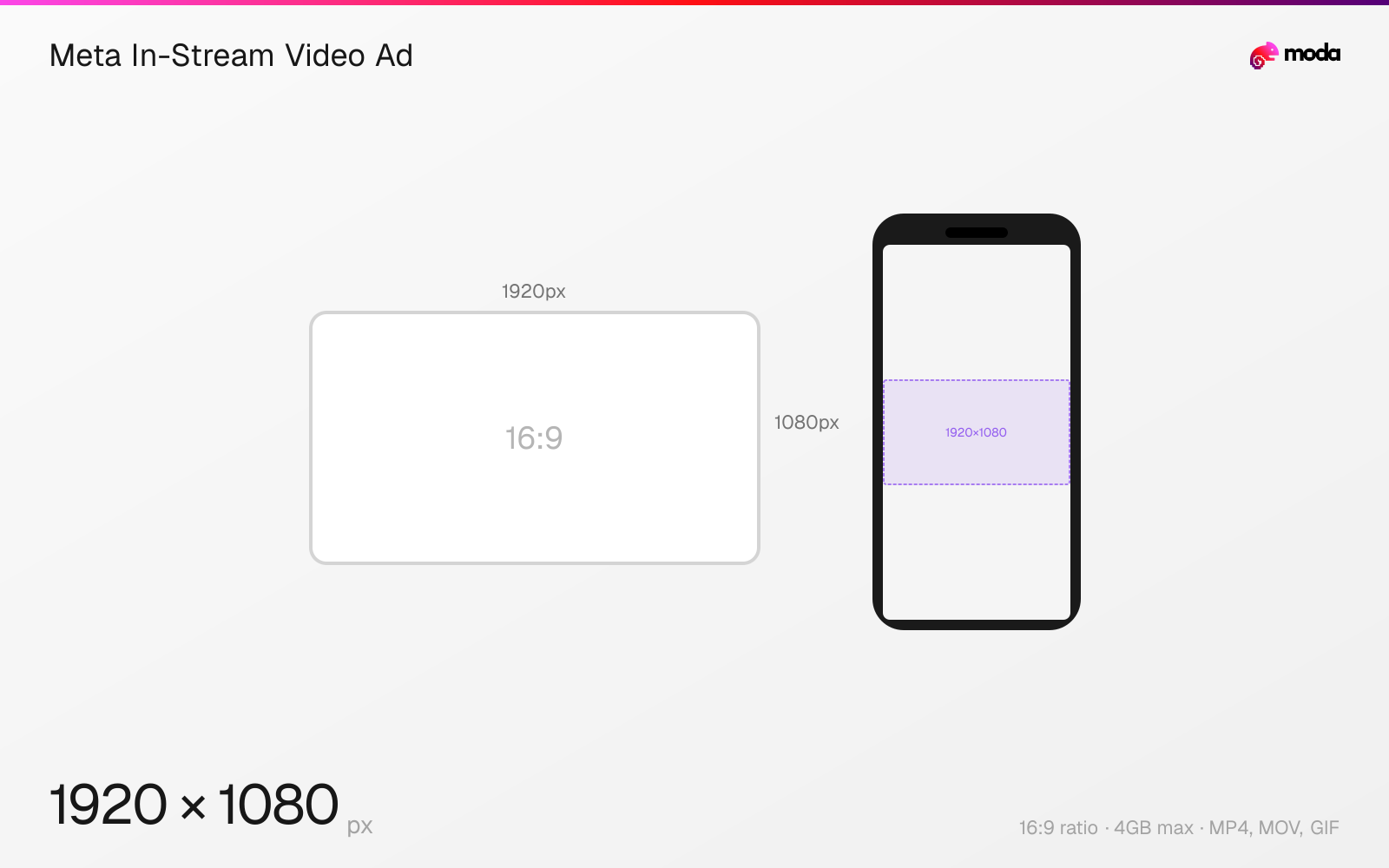
Specifications
| Spec | Value |
|---|---|
| Dimensions (px) | 1920 × 1080 px |
| Aspect ratio | 16:9 |
| Max file size | 4GB |
| Supported formats | MP4, MOV, GIF |
| Minimum resolution | 1080x1080 |
| Color mode | sRGB |
Other documented sizes
| Format | Dimensions | Aspect ratio |
|---|---|---|
| Square | 1080 × 1080 px | 1:1 |
Design at this size with Moda
Start with a canvas pre-set to 1920×1080px and let AI generate your design.
Create a Meta in-stream video ad →Design tips
In-stream video ads play inside other people's video content on Facebook. They accept 16:9 or 1:1 at a minimum resolution of 1080×1080, up to 4GB. Duration differs by device: 5–15 seconds on desktop, and 5 seconds to 10 minutes on mobile. Anything longer than 15 seconds is truncated, with viewers given the option to keep watching.
- •Front-load the message — anything past 15 seconds is truncated unless the viewer opts to continue.
- •Include audio. Unlike feed placements, in-stream viewers usually already have sound on.
- •Add captions anyway, for the viewers who don't.
What you need to know
In-stream is a video-only placement — the ad plays as a break inside longer Facebook video content, so it is the one Meta surface where the viewer is already watching something and your ad interrupts it. That makes the opening seconds disproportionately important.
Meta accepts 16:9 or 1:1 here, with a minimum resolution of 1080×1080 and a maximum file size of 4GB. Use MP4 or MOV with H.264 compression, square pixels, a fixed frame rate, progressive scan, and stereo AAC audio at 128kbps or higher.
Duration rules differ by device. On desktop the ad runs 5 to 15 seconds; on mobile it can run from 5 seconds up to 10 minutes, though anything past 15 seconds is truncated with a prompt for the viewer to resume. Captions are optional but recommended, and audio is optional but strongly recommended given the placement plays inside content the viewer already chose to watch with sound.
How to create a Meta in-stream video ad at the right size
- 1Open Moda and create a new canvas at 1920×1080 pixels.
- 2Design your Meta in-stream video ad using AI generation or start from a blank canvas.
- 3Export as MP4 and upload to Meta.
Frequently asked questions
What aspect ratio do Facebook in-stream video ads use?
16:9 or 1:1, with a minimum resolution of 1080×1080 pixels.
How long can an in-stream video ad be?
5 to 15 seconds on desktop, and 5 seconds to 10 minutes on mobile. Videos longer than 15 seconds are truncated to the first 15 seconds, with an option for the viewer to resume.
What file formats does in-stream video accept?
MP4, MOV or GIF, up to 4GB, using H.264 compression with stereo AAC audio at 128kbps or higher.
Same format on other platforms
Specs last verified: August 28, 2026. Dimensions may change as platforms update their requirements.