Pinterest profile picture size
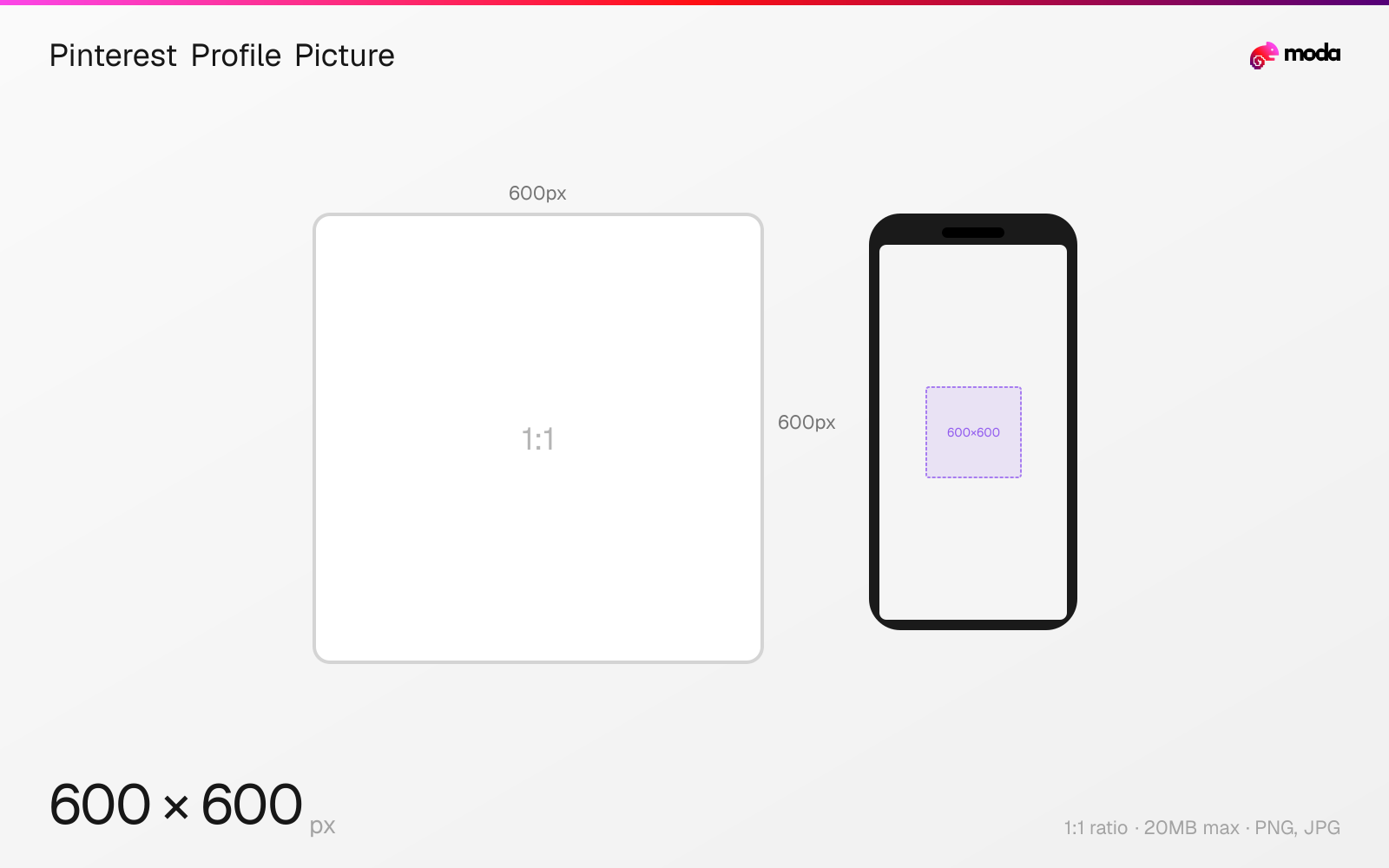
The recommended Pinterest profile picture size is 600 × 600 pixels (1:1 aspect ratio).
Last updated:
Specifications
| Spec | Value |
|---|---|
| Dimensions (px) | 600 × 600 px |
| Aspect ratio | 1:1 |
| Max file size | 20MB |
| Supported formats | PNG, JPG |
| Minimum resolution | 165x165 |
| Color mode | sRGB |
Design at this size with Moda
Start with a canvas pre-set to 600×600px and let AI generate your design.
Create a Pinterest profile picture →Design tips
Pinterest profile pictures should be 600×600 pixels in a 1:1 square format. They display as circles across the platform — on your profile page, next to your pins in the feed, and in search results. The minimum size is 165×165px, but uploading at 600×600 ensures clarity on all devices.
- •Upload at 600×600px — the minimum 165×165 will look blurry on modern high-DPI screens.
- •Design within a circular safe zone — Pinterest displays profile pictures as circles everywhere.
- •Use a simple, recognizable image — your profile picture appears as small as 32px in notifications and feeds.
What you need to know
Pinterest profile pictures appear in several places: your profile page header, next to your Pins in the feed, in search results when your content appears, and in the 'Creator' section of pin detail pages. The image is always displayed as a circle, so corners of the square upload are cropped.
For business accounts, your profile picture is particularly important because it appears as a trust signal next to your Promoted Pins (ads). A clear, recognizable logo or headshot helps users quickly identify your brand as they scroll. The minimum dimension is 165×165px, but this will look blurry on high-DPI devices — upload at 600×600px for best results.
Pinterest profile pictures also appear in the 'Following' feed and in notifications when you interact with other users' content. At these small sizes (approximately 32-48px), only the simplest designs remain legible. Use a bold, recognizable mark rather than a detailed photograph or text-heavy logo.
How to create a Pinterest profile picture at the right size
- 1Open Moda and create a new canvas at 600×600 pixels.
- 2Design your Pinterest profile picture using AI generation or start from a blank canvas.
- 3Export as PNG and upload to Pinterest.
Frequently asked questions
What size is a Pinterest profile picture?
600×600 pixels recommended (1:1 square, displayed as a circle). The minimum is 165×165px, but higher resolution looks better on all devices.
Does Pinterest show profile pictures as circles or squares?
Circles. Pinterest crops your square upload to a circle on all surfaces — profile page, feed, search results, and notifications.
Same format on other platforms
Specs last verified: March 19, 2026. Dimensions may change as platforms update their requirements.