Pinterest Idea Pin size
The recommended Pinterest idea pin size is 1080 × 1920 pixels (9:16 aspect ratio).
Last updated:
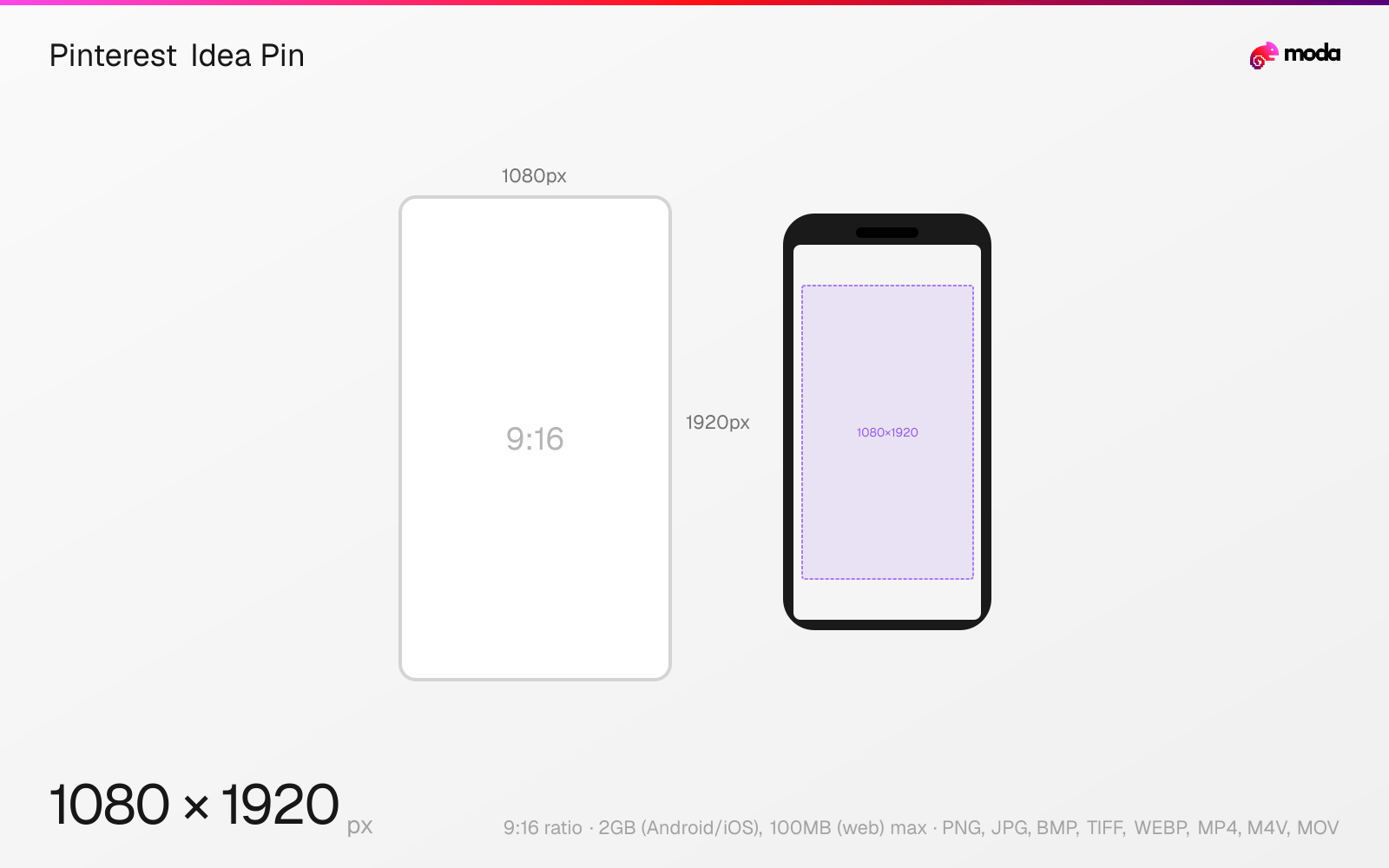
Specifications
| Spec | Value |
|---|---|
| Dimensions (px) | 1080 × 1920 px |
| Aspect ratio | 9:16 |
| Max file size | 2GB (Android/iOS), 100MB (web) |
| Supported formats | PNG, JPG, BMP, TIFF, WEBP, MP4, M4V, MOV |
| Minimum resolution | 1080x1920 |
| Color mode | sRGB |
Design at this size with Moda
Start with a canvas pre-set to 1080×1920px and let AI generate your design.
Create a Pinterest idea pin →Design tips
Pinterest no longer documents Idea Pins as a type of Pin. Its help centre lists Image, Video, Rich and Product Pins, and the multi-page full-screen format is now documented as Idea ads. The dimensions people search for are unchanged: 1080×1920 pixels, a 9:16 full-bleed vertical frame.
- •Design at 1080×1920px (9:16) — the dimension is unchanged from the Idea Pin era.
- •Keep text inside Pinterest’s published safe zones: 270px top, 440px bottom, 65px left, 195px right.
- •The right safe zone is three times the left, so centre your layout on the safe area rather than on the frame.
- •Do not carry the 20MB limit over from standard image Pins; this format allows 2GB on mobile and 100MB on web.
What you need to know
If you are looking for the Idea Pin size, the number has not moved: Pinterest recommends 1080×1920 pixels (9:16) for full-bleed images and video, meaning creative that fills the whole screen. What changed is the label. Pinterest’s "Types of Pins" help article (https://help.pinterest.com/en/article/types-of-pins-on-pinterest) lists Image Pins, Video Pins, Rich Pins and Product Pins, and does not mention Idea Pins or Story Pins at all.
The format itself is documented as Idea ads, described by Pinterest as "a set of multiple videos, images, lists and custom text in a single Pin", which can be promoted from an organic Pin. That page is where the current specifications live (https://help.pinterest.com/en/business/article/pinterest-product-specs).
Two published limits are worth checking against older guidance, because they differ from the standard image Pin. Maximum file size is 2GB on Android and iOS and 100MB on web, not the 20MB that applies to a standard image Pin, and maximum video length is five minutes. Accepted image files are BMP, JPEG, PNG, TIFF and WEBP; video is MP4, M4V or MOV on iOS and Android, encoded as H.264 or H.265.
The safe zones are larger than a naive full-bleed layout assumes. Pinterest asks for 270px clear at the top, 440px at the bottom, 65px on the left and 195px on the right, so a centred layout is not automatically safe: the right margin is three times the left. Titles are capped at 100 characters and on-page text at 250.
How to create a Pinterest idea pin at the right size
- 1Open Moda and create a new canvas at 1080×1920 pixels.
- 2Design your Pinterest idea pin using AI generation or start from a blank canvas.
- 3Export as PNG and upload to Pinterest.
Frequently asked questions
What size is a Pinterest Idea Pin?
1080×1920 pixels, a 9:16 full-bleed vertical frame. Pinterest still recommends this size for full-screen images and video, now under the Idea ads specification.
Do Idea Pins still exist?
Pinterest no longer lists Idea Pins as a type of Pin. Its help centre documents Image, Video, Rich and Product Pins, and the multi-page full-screen format appears as Idea ads in its product specifications.
What are the safe zones for a 9:16 Pinterest Pin?
Pinterest publishes 270px at the top, 440px at the bottom, 65px on the left and 195px on the right. The right margin is considerably larger than the left, so a centred design can still be clipped.
How long can a Pinterest Idea ad video be?
Up to five minutes, in MP4, M4V or MOV, encoded as H.264 or H.265. Maximum file size is 2GB on Android and iOS, or 100MB on the web.
Sources
Specs last verified: August 27, 2026. Dimensions may change as platforms update their requirements.