Pinterest pin size
The recommended Pinterest standard pin size is 1000 × 1500 pixels (2:3 aspect ratio).
Last updated:
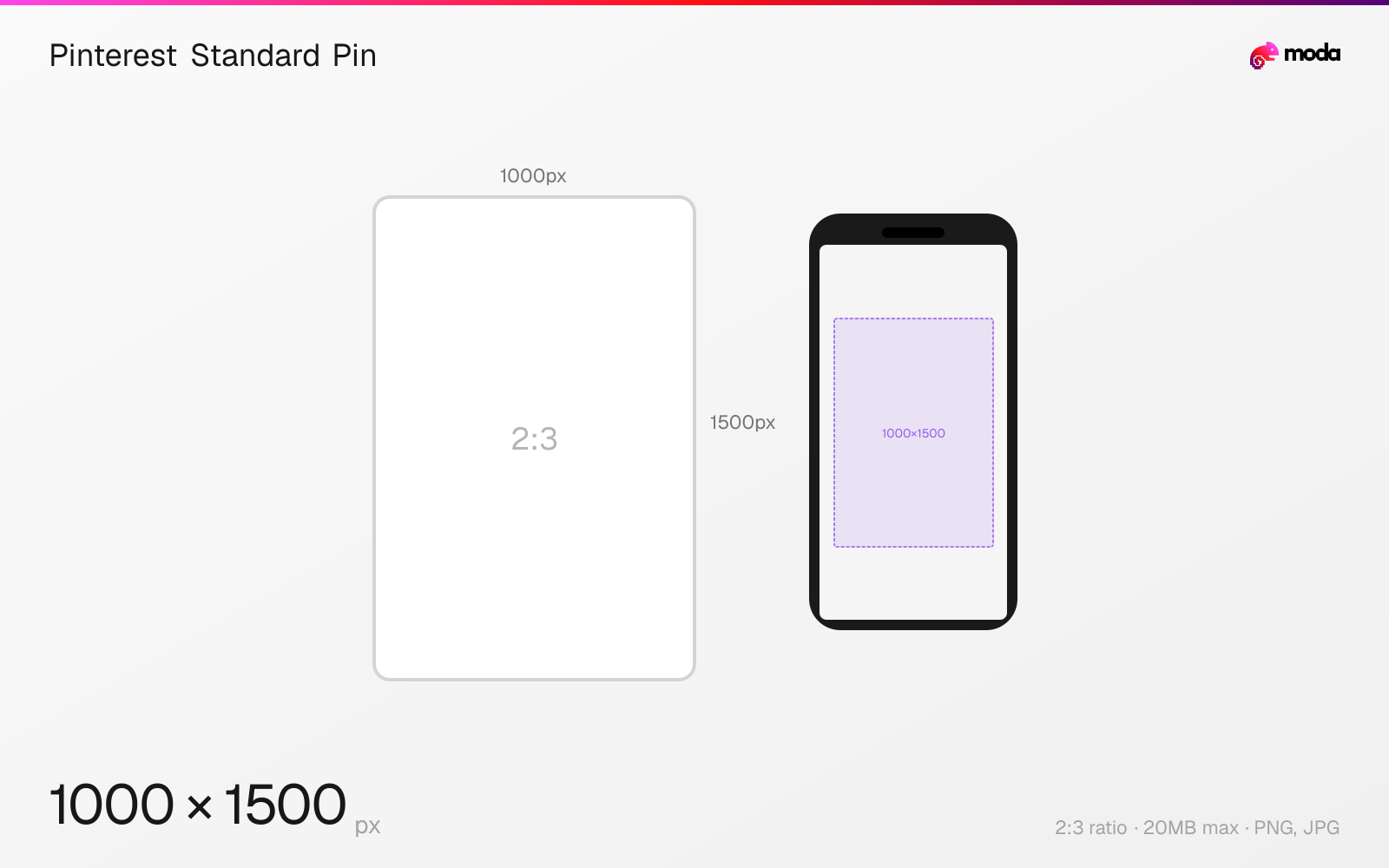
Specifications
| Spec | Value |
|---|---|
| Dimensions (px) | 1000 × 1500 px |
| Aspect ratio | 2:3 |
| Max file size | 20MB |
| Supported formats | PNG, JPG |
| Minimum resolution | 600x900 |
| Color mode | sRGB |
Other documented sizes
| Format | Dimensions | Aspect ratio |
|---|---|---|
| Square | 1000 × 1000 px | 1:1 |
| Long pin (max before truncation) | 1000 × 2100 px | 1:2.1 |
Design at this size with Moda
Start with a canvas pre-set to 1000×1500px and let AI generate your design.
Create a Pinterest standard pin →Design tips
The recommended Pinterest pin size is 1000×1500 pixels with a 2:3 vertical aspect ratio. This is the standard Pinterest format, and vertical pins take up more visual space than square or horizontal formats. Pinterest supports images up to 20MB in PNG or JPG.
- •Use 2:3 vertical (1000×1500px) when you want the standard Pinterest pin layout.
- •Upload as PNG with sRGB profile — Pinterest converts everything to JPEG internally, and PNG preserves the most quality through conversion.
- •Keep pins under 2.1:1 ratio — anything taller gets truncated in the feed with a 'See more' overlay.
What you need to know
Pinterest's feed is a masonry grid layout where pins of different heights sit side by side. Vertical 2:3 pins (1000×1500) are a practical default — tall enough to stand out in the feed without being so long that Pinterest truncates them. Pins taller than roughly 2.1:1 (1000×2100) can be cut off in the feed with a 'See more' overlay, which reduces how much of the design is visible at a glance.
All pins are displayed at a fixed width in the feed (approximately 236px on desktop, full screen width on mobile), and height varies based on aspect ratio. This means a 2:3 vertical pin gets noticeably more visual area than a 1:1 square pin.
Pinterest converts all uploaded images to 8-bit RGB JPEG regardless of the source format. Upload as PNG with sRGB color profile for the best quality through this conversion. Custom color profiles (Adobe RGB, ProPhoto) are not supported and may cause color shifts. Keep text minimal so the pin stays readable at smaller feed sizes.
How to create a Pinterest standard pin at the right size
- 1Open Moda and create a new canvas at 1000×1500 pixels.
- 2Design your Pinterest standard pin using AI generation or start from a blank canvas.
- 3Export as PNG and upload to Pinterest.
Frequently asked questions
What is the best Pinterest pin size?
1000×1500 pixels (2:3 vertical aspect ratio). This is Pinterest's recommended size and matches the platform's standard pin layout.
What happens if my Pinterest pin is too tall?
Pins taller than approximately 2.1:1 (e.g., 1000×2100px) get truncated in the feed with a 'See more' overlay. This reduces how much of the design is visible before someone opens the pin.
Does Pinterest support PNG?
Yes, but Pinterest converts all images to JPEG internally. Upload as PNG with an sRGB color profile for the best quality through the conversion process.
What is the maximum Pinterest image file size?
20MB when uploading from desktop, 32MB from the mobile app. For optimal loading speed, keep images under 5MB.
Specs last verified: March 19, 2026. Dimensions may change as platforms update their requirements.