Pinterest board cover size
The recommended Pinterest board cover size is 600 × 600 pixels (1:1 aspect ratio).
Last updated:
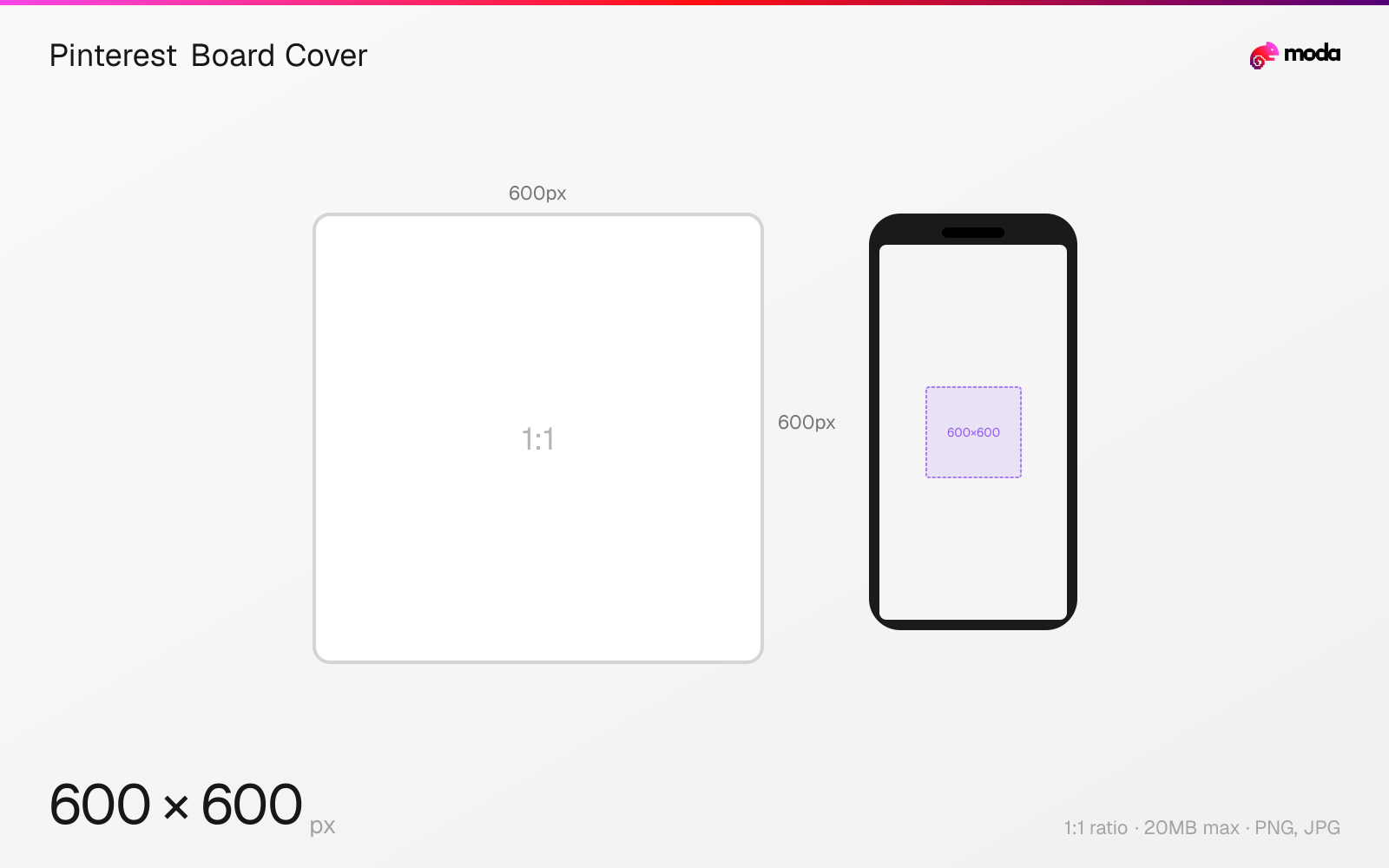
Specifications
| Spec | Value |
|---|---|
| Dimensions (px) | 600 × 600 px |
| Aspect ratio | 1:1 |
| Max file size | 20MB |
| Supported formats | PNG, JPG |
| Minimum resolution | 222x150 |
| Color mode | sRGB |
Design at this size with Moda
Start with a canvas pre-set to 600×600px and let AI generate your design.
Create a Pinterest board cover →Design tips
Pinterest board covers should be uploaded at 600×600 pixels (1:1 square). Pinterest crops the square image to a landscape format (approximately 222×150px) for display on your profile's board grid. Center your content vertically since the top and bottom edges may be cropped.
- •Upload at 600×600px (1:1 square) — Pinterest will crop to landscape, so center your design vertically.
- •Create a consistent set of covers with matching style, colors, and typography across all boards.
- •You can use any existing pin as a board cover, or upload a custom image specifically for the cover.
What you need to know
Board covers serve as the thumbnail image for each board on your Pinterest profile. They display as small landscape rectangles in the board grid — approximately 222×150 pixels on desktop. Pinterest crops your uploaded image to fit this landscape frame, cutting from the top and bottom of a square upload.
You can set a board cover by going to the board, tapping the '...' menu, and selecting 'Edit board.' Choose any pin within the board as the cover, or upload a custom image. A custom 600×600px image with the key visual centered vertically works best, since Pinterest's landscape crop is predictable and consistent.
Well-designed board covers make your Pinterest profile look intentional and browsable. Many brands create a matching set of covers with consistent typography, colors, and icon styles — similar to Instagram Highlight covers. This visual consistency signals professionalism and makes it easier for visitors to find the content they're looking for.
How to create a Pinterest board cover at the right size
- 1Open Moda and create a new canvas at 600×600 pixels.
- 2Design your Pinterest board cover using AI generation or start from a blank canvas.
- 3Export as PNG and upload to Pinterest.
Frequently asked questions
What size is a Pinterest board cover?
Upload at 600×600 pixels (1:1 square). Pinterest crops it to approximately 222×150 pixels (landscape) for display on your profile's board grid.
How do I change a Pinterest board cover?
Go to the board, tap the '...' menu, select 'Edit board,' then choose a pin as the cover or upload a custom image.
Specs last verified: March 19, 2026. Dimensions may change as platforms update their requirements.