Twitch profile picture size
The recommended Twitch profile picture size is 256 × 256 pixels (1:1 aspect ratio).
Last updated:
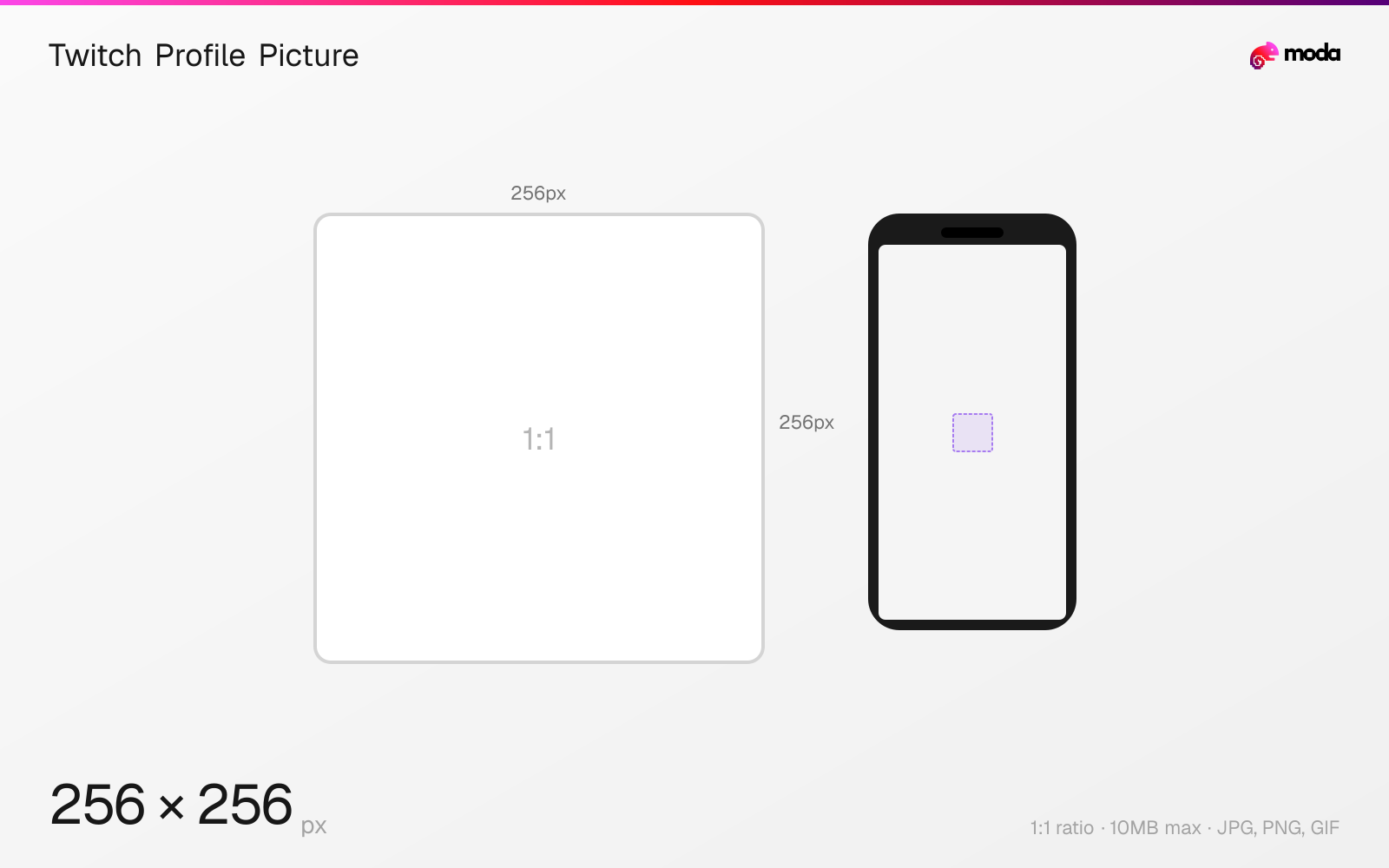
Specifications
| Spec | Value |
|---|---|
| Dimensions (px) | 256 × 256 px |
| Aspect ratio | 1:1 |
| Max file size | 10MB |
| Supported formats | JPG, PNG, GIF |
| Minimum resolution | 200x200 |
| Color mode | sRGB |
Design at this size with Moda
Start with a canvas pre-set to 256×256px and let AI generate your design.
Create a Twitch profile picture →Design tips
Twitch profile pictures are 256×256 pixels in a 1:1 square format. The minimum accepted size is 200×200 pixels — anything larger than 256×256 is automatically scaled down. Your profile picture appears in chat, channel search, going-live email notifications, Google search results, and social media embeds.
- •Design at 512×512 and export at 256×256 for the sharpest result — Twitch downscales anything larger.
- •Keep the subject large and centered — the profile picture renders at very small sizes in chat.
- •Twitch displays the full square (not cropped to a circle), so use the entire canvas.
What you need to know
Your Twitch profile picture is the single most visible branding element on the platform. It appears at small sizes in chat next to every message, in the navigation bar, in search results, in follower notifications, and in social media previews when someone shares your channel link. Because it renders at very small sizes in most contexts, clarity and recognizability at tiny dimensions matter more than detail.
The recommended size is 256×256 pixels. Twitch accepts a minimum of 200×200 and will downscale anything larger than 256×256. For the sharpest result, design at 512×512 and export at 256×256 — this gives you more precision while editing without affecting the final quality. JPG, PNG, and GIF formats are all accepted, with a 10MB maximum file size.
For streamers and content creators, a custom logo or illustrated avatar tends to work better than a photo because it stays recognizable at the tiny chat sizes. Brands should use their logo. Keep the subject centered and filling as much of the frame as possible — Twitch does not crop the profile picture to a circle (unlike Instagram or Twitter), so you can use the full square canvas.
How to create a Twitch profile picture at the right size
- 1Open Moda and create a new canvas at 256×256 pixels.
- 2Design your Twitch profile picture using AI generation or start from a blank canvas.
- 3Export as JPG and upload to Twitch.
Frequently asked questions
What size is a Twitch profile picture?
256×256 pixels (1:1 square). The minimum accepted size is 200×200. Anything larger than 256×256 is automatically downscaled. Maximum file size is 10MB.
What format should a Twitch profile picture be?
JPG, PNG, or GIF are all accepted. PNG is best for logos and graphics. GIF is supported but the animation won't play — only the first frame shows.
Is the Twitch profile picture a circle or a square?
Twitch displays profile pictures as a full square, unlike Instagram or Twitter which crop to a circle. You can use the entire 256×256 canvas.
Same format on other platforms
Sources
Specs last verified: March 20, 2026. Dimensions may change as platforms update their requirements.