Twitch panel size
The recommended Twitch panel size is 320 × 160 pixels (2:1 aspect ratio).
Last updated:
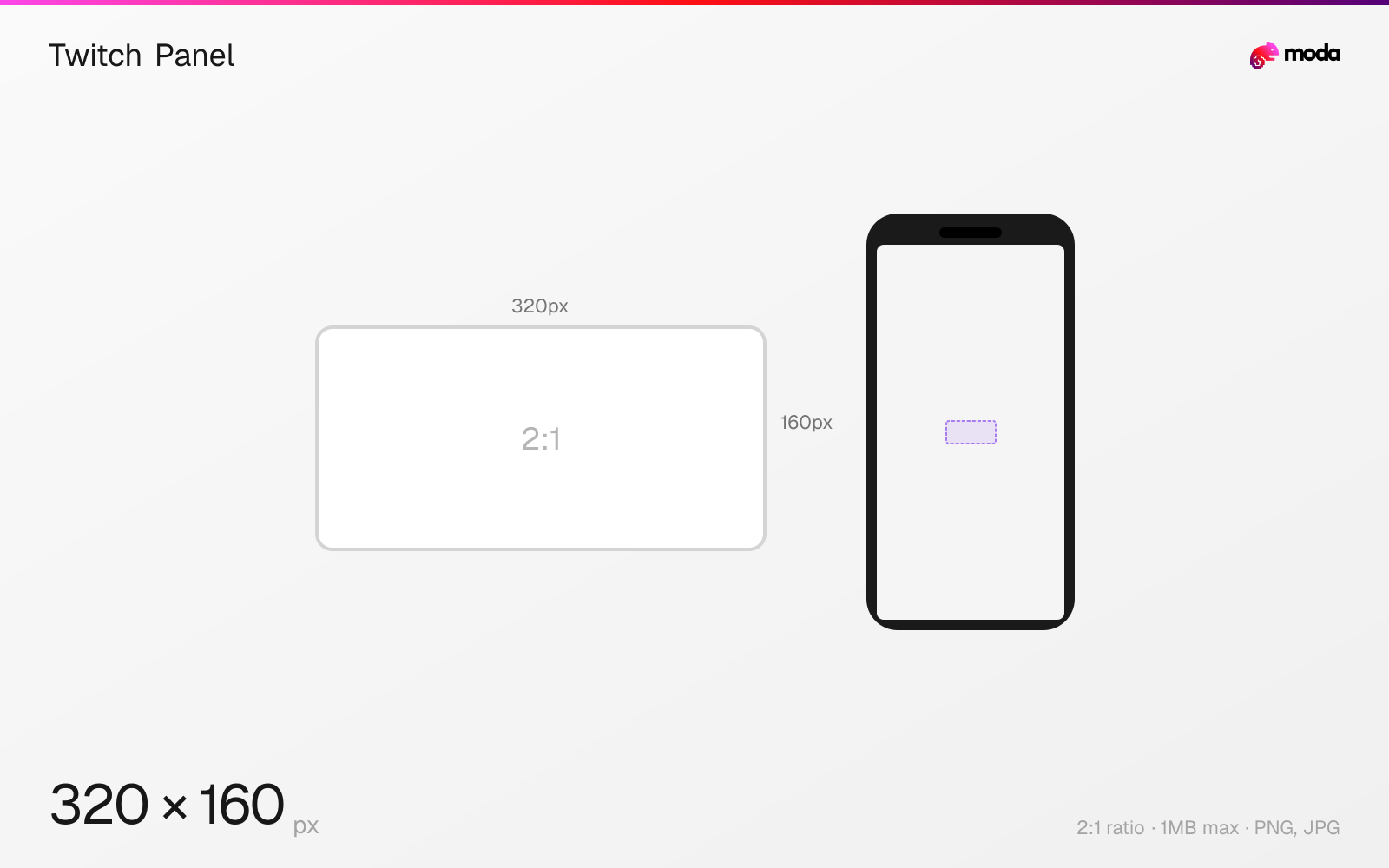
Specifications
| Spec | Value |
|---|---|
| Dimensions (px) | 320 × 160 px |
| Aspect ratio | 2:1 |
| Max file size | 1MB |
| Supported formats | PNG, JPG |
| Minimum resolution | 320x60 |
| Color mode | sRGB |
Other documented sizes
| Format | Dimensions | Aspect ratio |
|---|---|---|
| Button style | 320 × 80 px | 4:1 |
| Tall info card | 320 × 300 px | 16:15 |
Design at this size with Moda
Start with a canvas pre-set to 320×160px and let AI generate your design.
Create a Twitch panel →Design tips
Twitch panels are fixed at 320 pixels wide with flexible height — the standard recommended size is 320×160 pixels (2:1 ratio). Panels appear below the video player on your channel page and are used for About, Schedule, Rules, Social Links, Donations, and other channel information sections.
- •Width is locked at 320px — design at exactly 320px wide. Height is flexible (60-600px), with 100-160px being most common.
- •Use transparent PNG if you want panels to blend seamlessly with the channel background.
- •Keep file size under 1MB — panels with large file sizes slow down your channel page load.
What you need to know
Panels are the main way streamers organize information on their channel page. They appear in a grid below the video player — typically 2-3 panels per row on desktop, stacking to a single column on mobile. Each panel consists of a header image (the part you design) and an optional text description or link below it.
The width is fixed at 320px by Twitch — you cannot change this. Height is flexible from about 60px (a thin button-style panel) up to 600px (a tall info card). The most common approach is 320×100-160px for header panels that label sections like 'About Me,' 'Schedule,' 'Rules,' and 'Social Links.' Some streamers use taller panels (320×300+) for panels that contain visual content like schedules or tier lists.
Use transparent PNG for panels that need to blend with your channel's background color. Twitch's default dark theme means most streamers design panels with dark backgrounds and light text. If you design for the dark theme only, viewers using the light theme may find your panels hard to read — consider testing both.
How to create a Twitch panel at the right size
- 1Open Moda and create a new canvas at 320×160 pixels.
- 2Design your Twitch panel using AI generation or start from a blank canvas.
- 3Export as PNG and upload to Twitch.
Frequently asked questions
What size are Twitch panels?
Twitch panels are 320 pixels wide (fixed) with flexible height. The standard size is 320×160px (2:1). Height can range from about 60px to 600px.
How many Twitch panels can I have?
There's no hard limit on the number of panels. Most channels use 6-12 panels covering About, Schedule, Rules, Social Links, Donations, and PC specs.
Should I use PNG or JPG for Twitch panels?
PNG is recommended — it supports transparency (useful for blending with the channel background) and keeps text sharper than JPG. Keep files under 1MB.
Specs last verified: March 19, 2026. Dimensions may change as platforms update their requirements.