Twitch emote size
The recommended Twitch emote size is 112 × 112 pixels (1:1 aspect ratio).
Last updated:
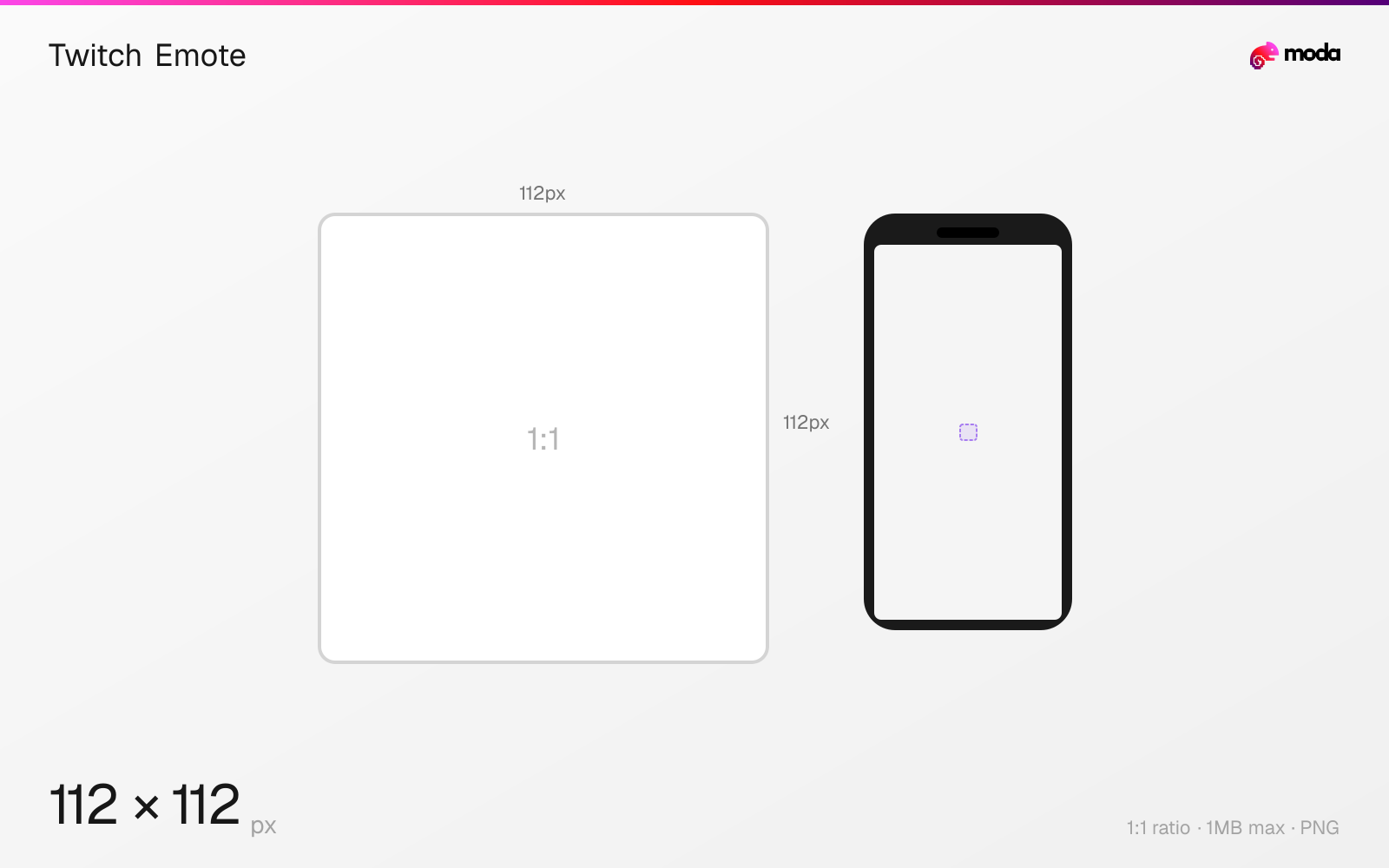
Specifications
| Spec | Value |
|---|---|
| Dimensions (px) | 112 × 112 px |
| Aspect ratio | 1:1 |
| Max file size | 1MB |
| Supported formats | PNG |
| Minimum resolution | 112x112 |
| Color mode | sRGB |
Design at this size with Moda
Start with a canvas pre-set to 112×112px and let AI generate your design.
Create a Twitch emote →Design tips
Twitch emotes are 112×112 pixels minimum in a 1:1 square format — though you can upload up to 4096×4096 and Twitch will downscale. Emotes are PNG only, under 1MB per file. They're displayed at 28px, 56px, and 112px across the platform depending on context.
- •Design at 112×112px minimum — test readability at 28×28px since that's how most viewers see it in chat.
- •Use PNG with a transparent background — Twitch doesn't accept JPG, GIF, or other formats for emotes.
- •Keep designs simple with bold outlines — fine detail disappears at the 28px chat size.
What you need to know
Twitch subscriber emotes are the core of channel identity and community culture. They appear in chat at three sizes: 1.0 (28×28px), 2.0 (56×56px), and 3.0 (112×112px). You need to design for the smallest size — if your emote isn't readable at 28px, it won't work in fast-moving chat where most viewers see it.
Upload emotes at 112×112px minimum. Twitch accepts up to 4096×4096px and will generate all three size variants automatically. Uploading at a higher resolution (like 512×512 or 1024×1024) can produce slightly cleaner downscaled results, but the improvement is marginal. The file must be PNG with a transparent background.
The number of emote slots you have depends on your subscriber count and Affiliate/Partner status. Affiliates start with 1 emote slot and can unlock up to 5. Partners start with more and can earn up to 60+ slots based on subscriber points. Each emote goes through Twitch's approval process, which typically takes 1-2 business days.
How to create a Twitch emote at the right size
- 1Open Moda and create a new canvas at 112×112 pixels.
- 2Design your Twitch emote using AI generation or start from a blank canvas.
- 3Export as PNG and upload to Twitch.
Frequently asked questions
What size are Twitch emotes?
Twitch emotes are 112×112 pixels minimum (1:1 square). You can upload up to 4096×4096px. They display at 28px, 56px, and 112px across the platform.
What format do Twitch emotes need to be?
PNG only, with a transparent background. Maximum file size is 1MB per emote. No JPG, GIF, or other formats are accepted.
How many emote slots do Twitch Affiliates get?
Affiliates start with 1 subscriber emote slot and can unlock up to 5 based on subscriber count. Partners can earn 60+ slots.
Specs last verified: March 19, 2026. Dimensions may change as platforms update their requirements.