Discord profile banner size
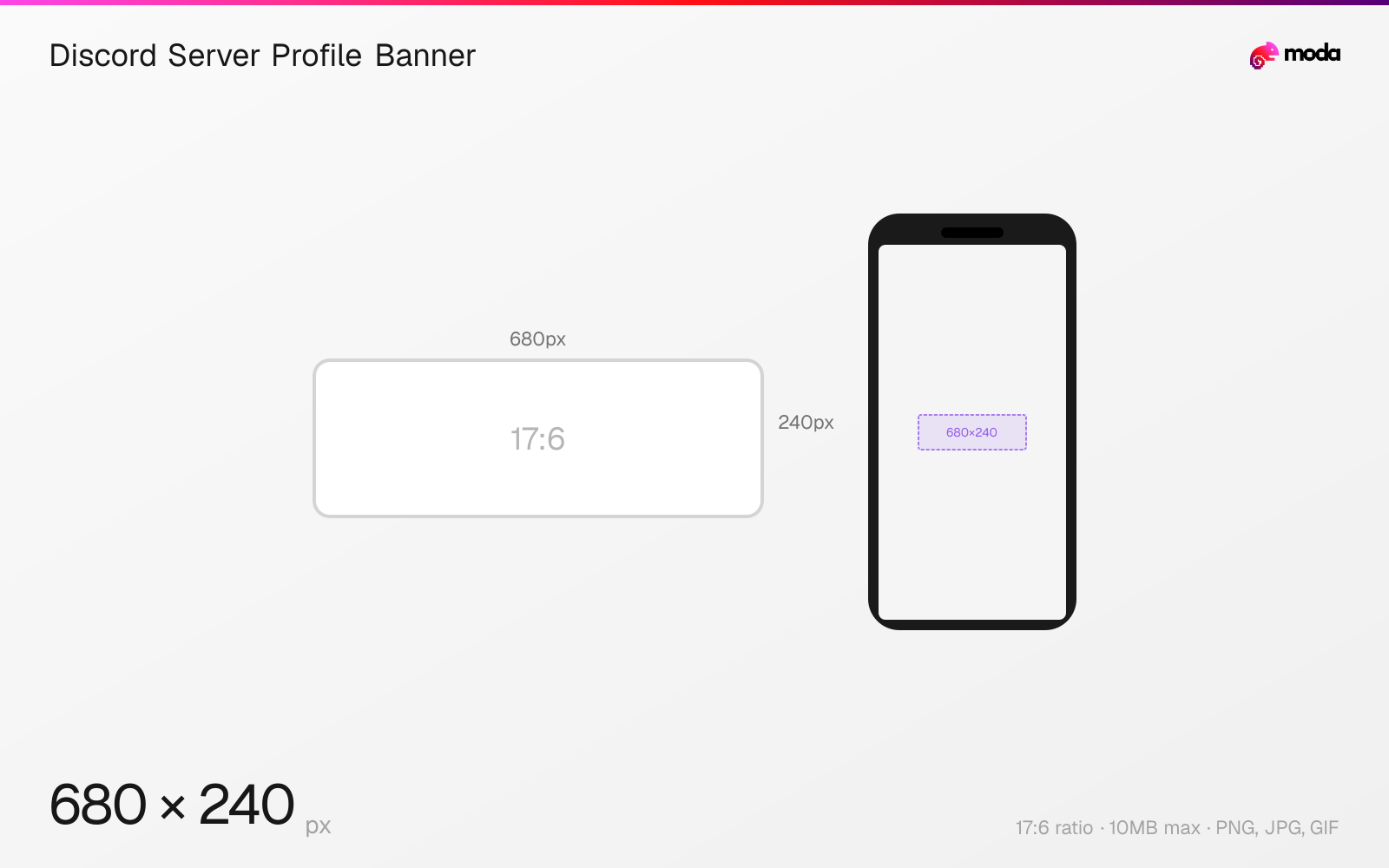
The recommended Discord server profile banner size is 680 × 240 pixels (17:6 aspect ratio).
Last updated:
Specifications
| Spec | Value |
|---|---|
| Dimensions (px) | 680 × 240 px |
| Aspect ratio | 17:6 |
| Max file size | 10MB |
| Supported formats | PNG, JPG, GIF |
| Minimum resolution | 600x240 |
| Color mode | sRGB |
Design at this size with Moda
Start with a canvas pre-set to 680×240px and let AI generate your design.
Create a Discord server profile banner →Design tips
Discord per-server profile banners are 680×240 pixels, slightly wider than the standard 600×240 profile banner. This Nitro-only feature lets you set a different banner for each server you're in. The banner appears at the top of your profile card within that specific server.
- •Design at 680×240px for per-server banners — this is slightly wider than the 600×240 global profile banner.
- •Use per-server banners to match the vibe of each community — professional for work servers, casual for gaming.
- •Animated GIF banners work for per-server profiles too, with the same 10MB limit.
What you need to know
Per-server profile banners let Nitro users customize their appearance on a server-by-server basis. You can have a professional banner in a work Discord, a gaming-themed banner in a game community, and something personal in a friend group — all without affecting your global profile.
To set a per-server banner on desktop, right-click your avatar in a text channel and select 'Edit Server Profile,' or click your avatar in the member list. On mobile, go to the server, tap your avatar, and choose 'Edit Server Profile.' The per-server banner overrides your global banner only in that specific server.
The per-server banner dimension (680×240) is slightly wider than the global profile banner (600×240). Both display the same way — as a horizontal strip behind your avatar at the top of the profile card. If you design at 680×240, it will work for both global and per-server contexts with minor edge cropping on the global profile.
How to create a Discord server profile banner at the right size
- 1Open Moda and create a new canvas at 680×240 pixels.
- 2Design your Discord server profile banner using AI generation or start from a blank canvas.
- 3Export as PNG and upload to Discord.
Frequently asked questions
What size is a Discord per-server profile banner?
680×240 pixels, slightly wider than the standard 600×240 global profile banner. Both require Discord Nitro (not Nitro Basic).
How do I change my banner on a specific Discord server?
Right-click your avatar in a text channel and select 'Edit Server Profile,' then upload a new banner. This only affects that server.
Specs last verified: March 19, 2026. Dimensions may change as platforms update their requirements.