LinkedIn company page banner size
The recommended LinkedIn company page banner size is 4200 × 700 pixels (6:1 aspect ratio).
Last updated:
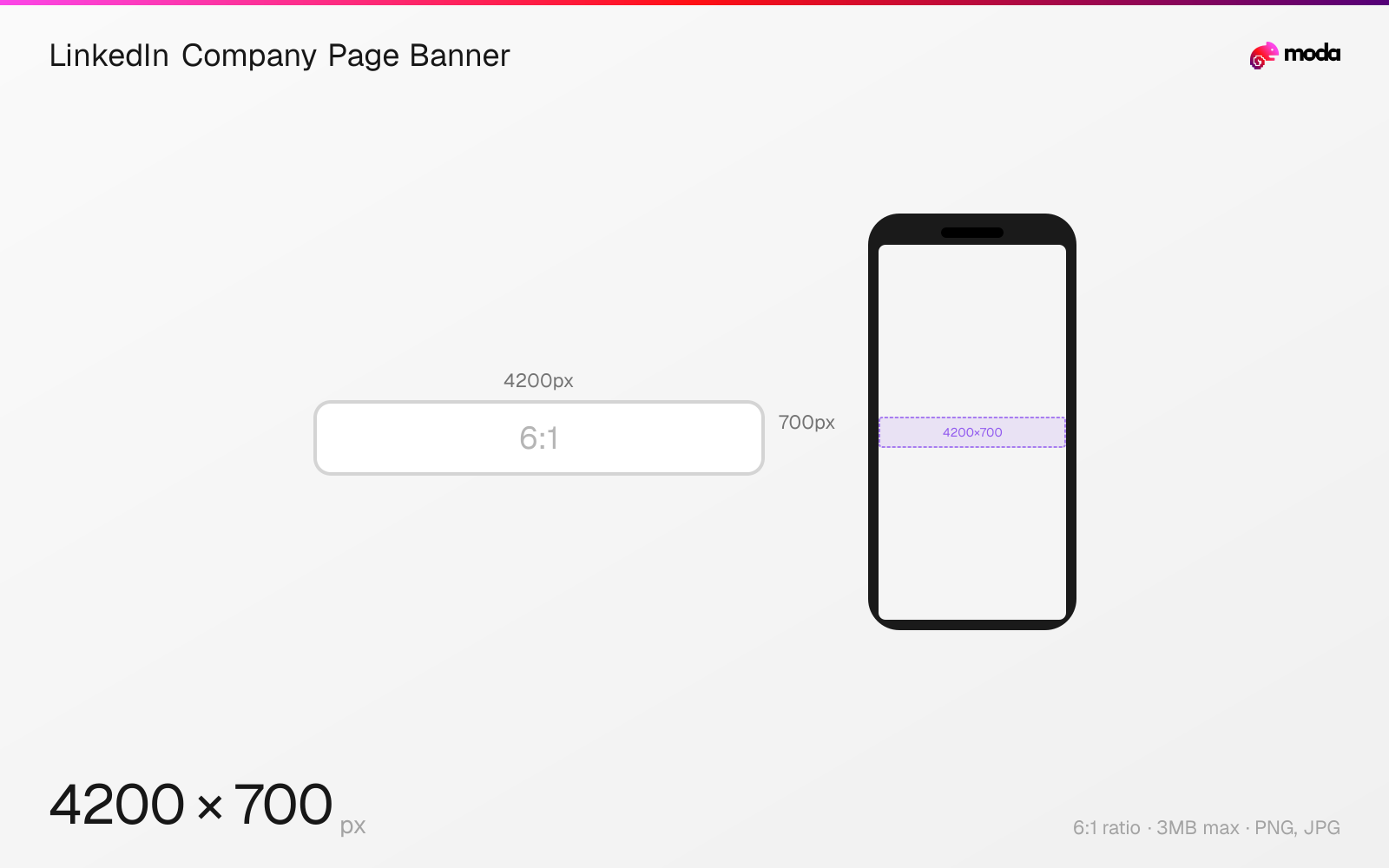
Specifications
| Spec | Value |
|---|---|
| Dimensions (px) | 4200 × 700 px |
| Aspect ratio | 6:1 |
| Max file size | 3MB |
| Supported formats | PNG, JPG |
| Minimum resolution | 4200x700 |
| Color mode | sRGB |
Design at this size with Moda
Start with a canvas pre-set to 4200×700px and let AI generate your design.
Create a LinkedIn company page banner →Design tips
LinkedIn company page banners are 4200×700 pixels with a 6:1 aspect ratio — significantly wider and thinner than personal profile banners (1584×396). The company logo (400×400px recommended) overlaps the bottom-left corner, so keep that area clear of key content.
- •Upload at exactly 4200×700px — LinkedIn lists this as both the minimum and recommended size.
- •Keep text large and centered — the 6:1 aspect ratio makes the banner very thin, so small text is hard to read.
- •Your company logo overlaps the bottom-left — place important content in the center or right side.
What you need to know
LinkedIn company page banners have different dimensions from personal profile banners. The recommended size is 4200×700px (6:1), so a personal banner at 1584×396 (4:1) cannot be reused without redesigning. Both the minimum and recommended size per LinkedIn's official documentation are 4200×700px.
The company page banner is visible on your company's LinkedIn page, which is a key branding surface for B2B businesses. It appears below the company logo and above the follow button. The company logo (400×400px recommended, 268×268px minimum) overlaps the bottom-left corner, so keep that area clear of text and key graphics.
Company page banners don't support animation. Use this space for brand messaging, product imagery, or event promotion. Many companies update the banner seasonally or when launching new products. Keep text large and centered since the banner is quite thin — small text becomes illegible at the 6:1 aspect ratio. All images must be PNG or JPEG and under 3MB.
How to create a LinkedIn company page banner at the right size
- 1Open Moda and create a new canvas at 4200×700 pixels.
- 2Design your LinkedIn company page banner using AI generation or start from a blank canvas.
- 3Export as PNG and upload to LinkedIn.
Frequently asked questions
What size is a LinkedIn company page banner?
4200×700 pixels (6:1 aspect ratio). This is different from personal profile banners which are 1584×396px (4:1).
Can I use the same image for personal and company banners?
Not without cropping — they have different aspect ratios. Personal banners are 4:1 (1584×396px) while company banners are 6:1 (4200×700px).
Specs last verified: March 19, 2026. Dimensions may change as platforms update their requirements.