LinkedIn event cover size
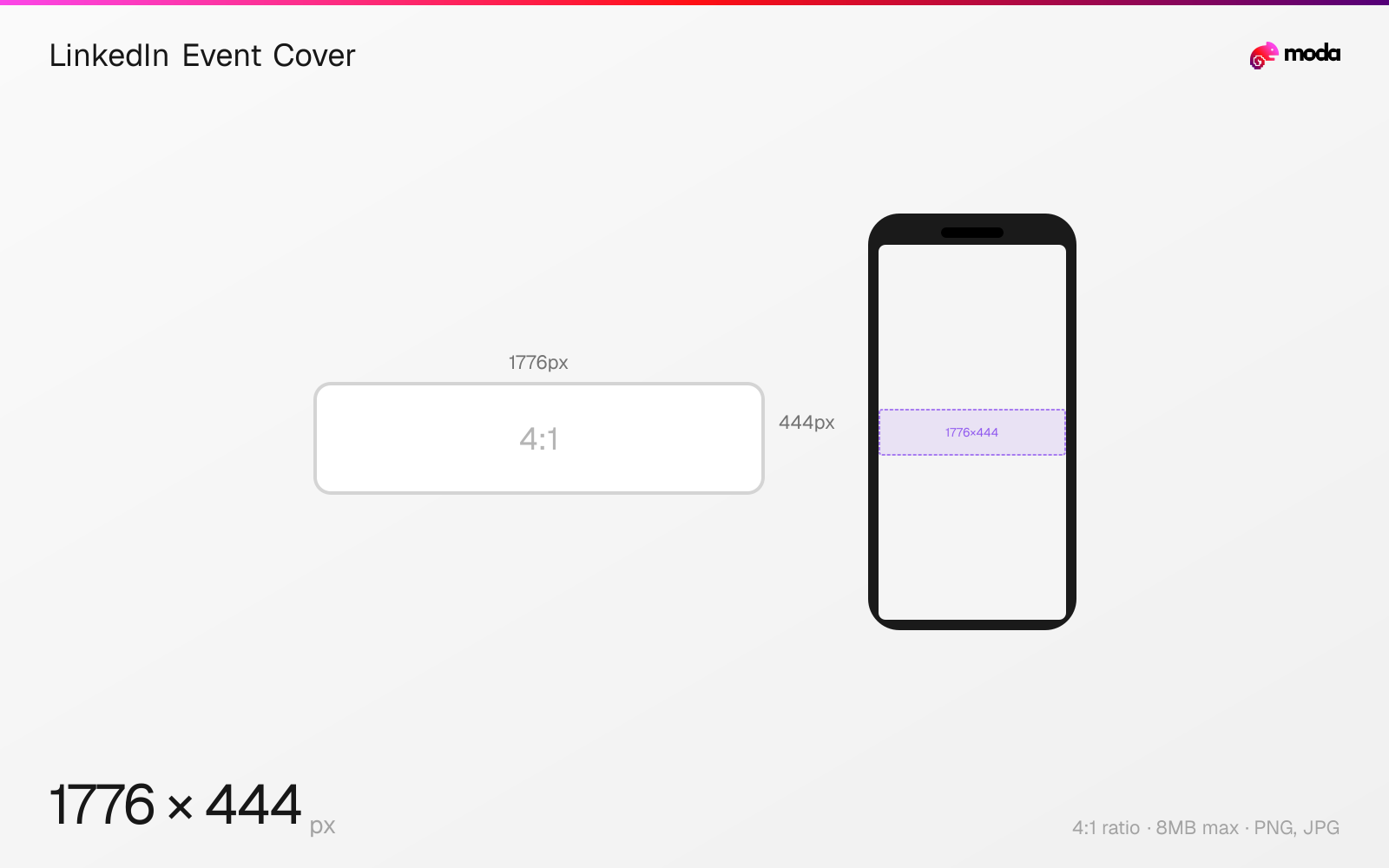
The recommended LinkedIn event cover size is 1776 × 444 pixels (4:1 aspect ratio).
Last updated:
Specifications
| Spec | Value |
|---|---|
| Dimensions (px) | 1776 × 444 px |
| Aspect ratio | 4:1 |
| Max file size | 8MB |
| Supported formats | PNG, JPG |
| Minimum resolution | 1776x444 |
| Color mode | sRGB |
Design at this size with Moda
Start with a canvas pre-set to 1776×444px and let AI generate your design.
Create a LinkedIn event cover →Design tips
LinkedIn event cover images are 1776×444 pixels with a 4:1 aspect ratio. This wide banner appears at the top of your event page and in feed posts when the event is shared. Include the event name, date, and key visual in the center of the image for maximum impact across all display contexts.
- •Upload at 1776×444px — include the event name, date, and branding prominently.
- •Center all important content — the image is cropped for feed previews.
- •Don't reuse your profile banner — event covers are a different size (1776×444 vs. 1584×396).
What you need to know
LinkedIn event covers display as a wide horizontal banner at the top of the event page and in feed previews when the event is promoted or shared. The 4:1 aspect ratio is similar to the personal profile banner but slightly wider (1776×444 vs. 1584×396). They are not interchangeable — the event cover needs its own design.
The event cover is often the first thing potential attendees see, so include the event name, date, and any key branding prominently in the image. LinkedIn doesn't overlay text on the event cover (unlike profile banners where your name/headline appears), so you have the full canvas to work with.
When events are shared in the feed, the cover image is cropped to a more compact preview. Keep the most important information centered to survive this cropping. LinkedIn events can be virtual or in-person, and the cover image is the primary visual differentiator in a feed full of text-based posts.
How to create a LinkedIn event cover at the right size
- 1Open Moda and create a new canvas at 1776×444 pixels.
- 2Design your LinkedIn event cover using AI generation or start from a blank canvas.
- 3Export as PNG and upload to LinkedIn.
Frequently asked questions
What size is a LinkedIn event cover?
1776×444 pixels with a 4:1 aspect ratio. This is wider than a personal profile banner.
Can I use my LinkedIn banner as an event cover?
They're similar but different sizes — profile banners are 1584×396px while event covers are 1776×444px. You'd need to resize.
Specs last verified: March 19, 2026. Dimensions may change as platforms update their requirements.