Instagram highlight cover size
The recommended Instagram highlight cover size is 1080 × 1920 pixels (9:16 aspect ratio).
Last updated:
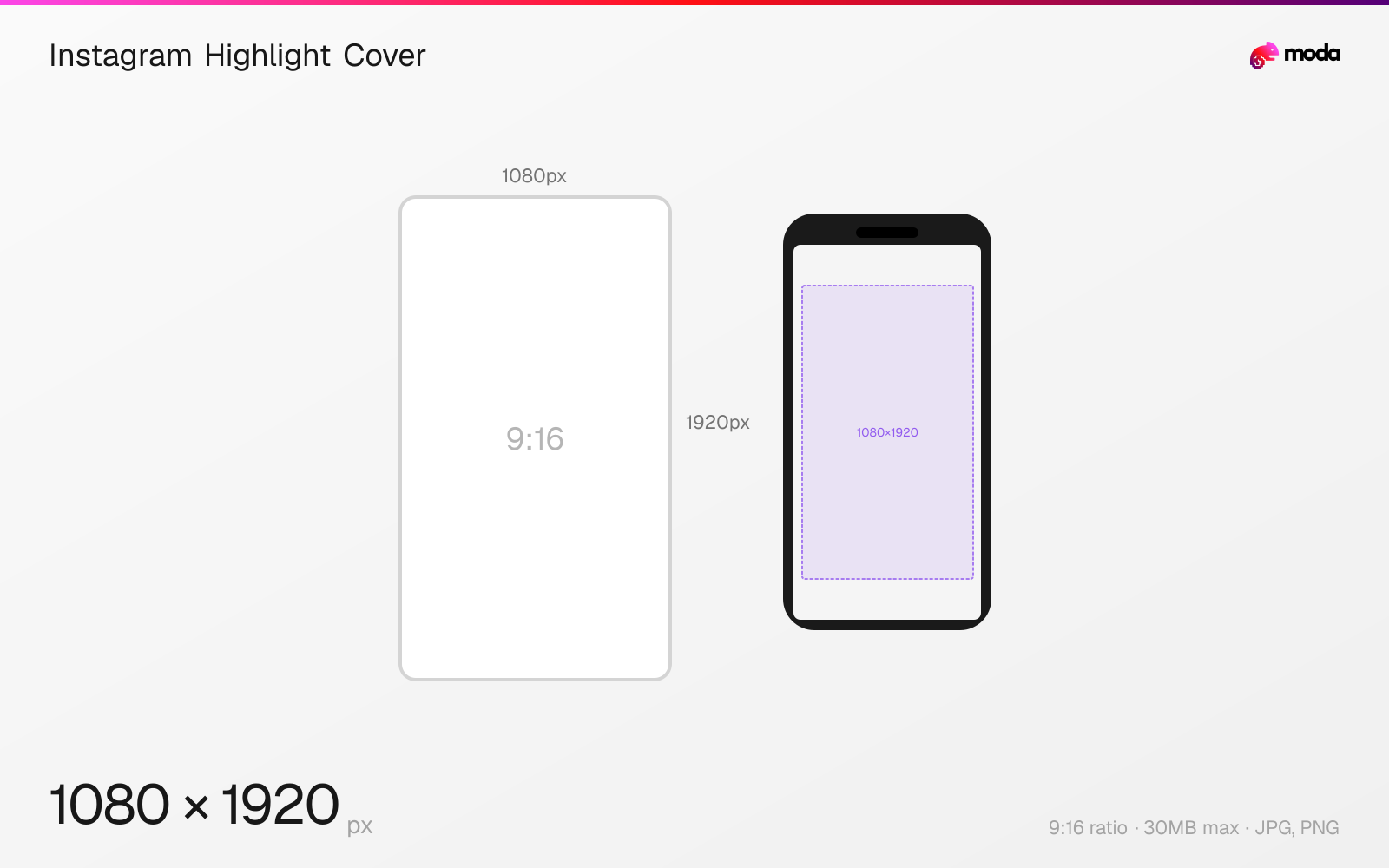
Specifications
| Spec | Value |
|---|---|
| Dimensions (px) | 1080 × 1920 px |
| Aspect ratio | 9:16 |
| Max file size | 30MB |
| Supported formats | JPG, PNG |
| Minimum resolution | 640x1136 |
| Color mode | sRGB |
Design at this size with Moda
Start with a canvas pre-set to 1080×1920px and let AI generate your design.
Create an Instagram highlight cover →Design tips
Instagram highlight covers use the same 1080×1920px story dimensions, but only the center portion is visible since highlights display as small circles on your profile. Design your icon or graphic within the center ~720×720px area to ensure it displays correctly in the circular crop.
- •Design at 1080×1920px but keep the icon centered within a ~720×720px zone — everything else gets cropped by the circle.
- •Use simple icons or letters rather than detailed images — highlight circles are only about 80px on screen.
- •Create a consistent set of covers with a unified color scheme to make your profile look polished.
What you need to know
Highlight covers use the full Story dimension (1080×1920) during upload, but they're displayed as small circles approximately 80px in diameter on your profile page. Instagram crops to the center of the image, showing only a roughly 720×720px area in the circular frame. Everything outside this center zone is invisible.
Most brands and creators use Highlight covers as a set of matching icons — simple graphics, single-color backgrounds with a centered icon, or letter/emoji labels. The key is consistency: a unified set of covers with the same style, color palette, and icon weight makes your profile look intentional and professional.
You can change a Highlight's cover at any time without affecting the stories inside it. To set a custom cover, open the Highlight, tap "Edit Highlight," then "Edit Cover." You can choose a frame from any story in the Highlight or upload a new image from your camera roll.
How to create an Instagram highlight cover at the right size
- 1Open Moda and create a new canvas at 1080×1920 pixels.
- 2Design your Instagram highlight cover using AI generation or start from a blank canvas.
- 3Export as JPG and upload to Instagram.
Frequently asked questions
What size are Instagram highlight covers?
Highlight covers are uploaded at 1080×1920px (9:16) but displayed as small circles. Only the center ~720×720px area is visible.
Can I use a custom image for highlight covers?
Yes. Upload an image or select a frame from an existing story. For custom covers, design a 1080×1920px image with your icon centered.
Specs last verified: March 15, 2026. Dimensions may change as platforms update their requirements.