Research poster size
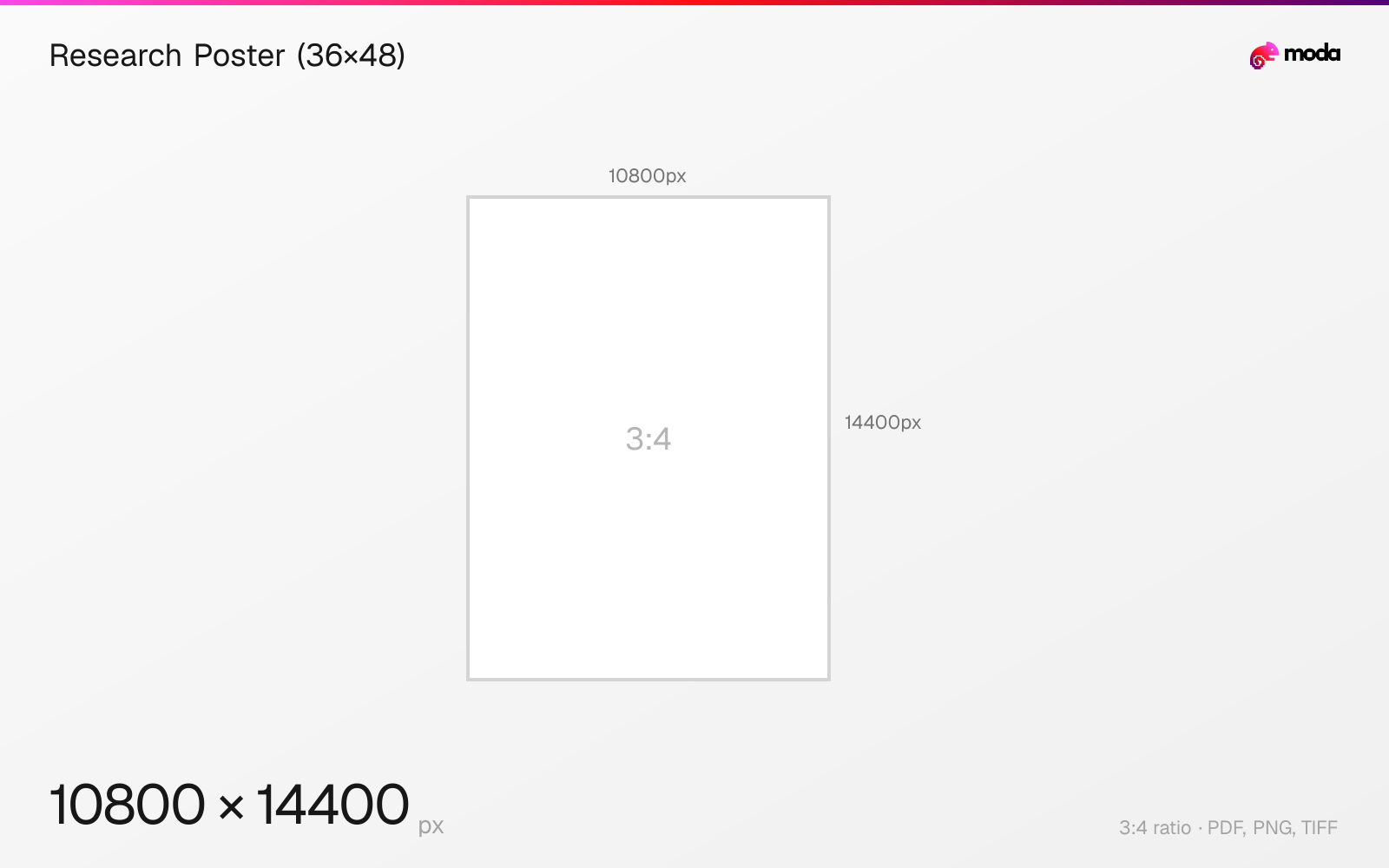
The standard research poster (36×48) size is 914.4 × 1219.2 mm (36 × 48 inches), or 10800 × 14400 pixels at 300 DPI.
Last updated:
Specifications
| Spec | Value |
|---|---|
| Dimensions (px) | 10800 × 14400 px |
| Aspect ratio | 3:4 |
| Size (inches) | 36 × 48 in |
| Size (cm) | 91.44 × 121.92 cm |
| Size (mm) | 914.4 × 1219.2 mm |
| Supported formats | PDF, PNG, TIFF |
| Color mode | CMYK |
| Bleed | 3 mm (0.118″) |
Print zones
| Zone | Dimensions | Purpose |
|---|---|---|
| Trim | 36 × 48″ | Final cut size |
| Bleed | 36.25 × 48.25″ | Design canvas (extends past trim) |
| Safe area | 35.5 × 47.5″ | Keep text and logos inside this zone |
Other documented sizes
| Format | Dimensions | Aspect ratio |
|---|---|---|
| Large (42×60") | 12600 × 18000 px | 7:10 |
Research Poster (36×48) in pixels at different DPI
| Resolution | Width | Height | Use case |
|---|---|---|---|
| 72 DPI | 2592 px | 3456 px | Screen / web |
| 96 DPI | 3456 px | 4608 px | Windows default |
| 150 DPI | 5400 px | 7200 px | Draft print / large posters |
| 300 DPI | 10800 px | 14400 px | High-quality print |
Design at this size with Moda
Start with a canvas pre-set to 10800×14400px and let AI generate your design.
Create a research poster (36×48) →Design tips
A common research poster size is 36×48 inches (914×1219mm), usually shown in landscape orientation. At 300 DPI, that's 10800×14400 pixels. Purdue's poster-printing guidance notes that 48×36 is the most commonly used size, though conference requirements can vary.
- •Start with your conference's posted dimensions first. 36×48" is common, but requirements vary.
- •Always check your conference's specific size requirements before designing — they vary.
- •Use roughly 24-36pt body text and a title at least two to three times larger so the poster stays readable from a few feet away.
What you need to know
Research posters are commonly displayed in landscape orientation (wider than tall), and 36×48 inches is one of the most common conference sizes. Purdue's poster-printing guidance notes that 48×36 is the most commonly used size for poster sessions, but you should always check the event's requirements before designing because some conferences publish maximum board dimensions instead of a single fixed size.
Research posters often contain dense charts, labels, and figure captions, so resolution matters. Adobe treats 300 DPI as the standard print benchmark, and VistaPrint likewise recommends higher DPI when a poster includes fine detail or will be read up close. If your conference printer gives different specs, follow those first.
Purdue recommends body text in roughly the 24-36pt range and titles that are at least two to three times larger, with the main goal being legibility from a few feet away. Keep the layout scannable and use figures, charts, and diagrams to carry the main content rather than long blocks of text.
How to create a research poster (36×48) at the right size
- 1Open Moda and create a new canvas at 10800×14400 pixels.
- 2Design your research poster (36×48) using AI generation or start from a blank canvas.
- 3Export as PDF and upload to your platform.
Frequently asked questions
What size is a research poster?
36×48 inches (914×1219mm) in landscape is the most common. Some conferences use 42×60 inches. Always check the event's specific requirements.
What resolution for a research poster?
There is no single universal requirement, because conferences and printers set their own specs. As a benchmark, 36×48 at 300 DPI is 10800×14400 pixels, and lower effective resolution may be acceptable if the printer and viewing distance allow it.
What font size for a research poster?
A practical baseline is body text around 24-36pt, with the title at least two to three times larger. The exact sizes depend on your layout, but the key requirement is readability from a few feet away.
What is 36×48 in pixels?
At 300 DPI: 10800×14400 px. At 150 DPI: 5400×7200 px. At 72 DPI: 2592×3456 px.
Sources
Specs last verified: March 19, 2026. Dimensions may change as platforms update their requirements.