Standard poster size
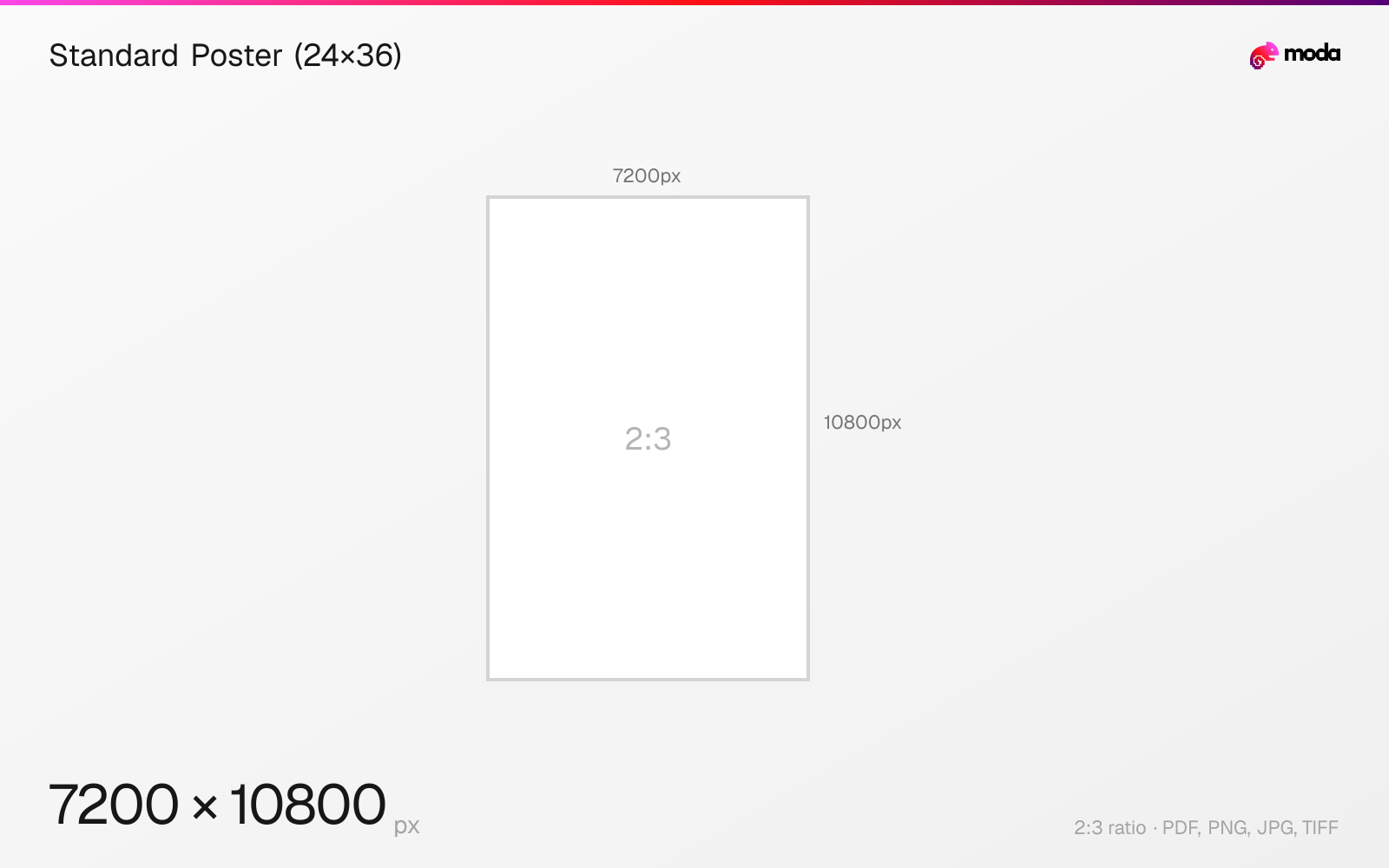
The standard standard poster (24×36) size is 609.6 × 914.4 mm (24 × 36 inches), or 7200 × 10800 pixels at 300 DPI.
Last updated:
Specifications
| Spec | Value |
|---|---|
| Dimensions (px) | 7200 × 10800 px |
| Aspect ratio | 2:3 |
| Size (inches) | 24 × 36 in |
| Size (cm) | 60.96 × 91.44 cm |
| Size (mm) | 609.6 × 914.4 mm |
| Supported formats | PDF, PNG, JPG, TIFF |
| Color mode | CMYK |
| Bleed | 3 mm (0.118″) |
Print zones
| Zone | Dimensions | Purpose |
|---|---|---|
| Trim | 24 × 36″ | Final cut size |
| Bleed | 24.25 × 36.25″ | Design canvas (extends past trim) |
| Safe area | 23.5 × 35.5″ | Keep text and logos inside this zone |
Other documented sizes
| Format | Dimensions | Aspect ratio |
|---|---|---|
| Medium (18×24") | 5400 × 7200 px | 3:4 |
| Small (11×17") | 3300 × 5100 px | 11:17 |
| Movie poster (27×40") | 8100 × 12000 px | 27:40 |
Standard Poster (24×36) in pixels at different DPI
| Resolution | Width | Height | Use case |
|---|---|---|---|
| 72 DPI | 1728 px | 2592 px | Screen / web |
| 96 DPI | 2304 px | 3456 px | Windows default |
| 150 DPI | 3600 px | 5400 px | Draft print / large posters |
| 300 DPI | 7200 px | 10800 px | High-quality print |
Design at this size with Moda
Start with a canvas pre-set to 7200×10800px and let AI generate your design.
Create a standard poster (24×36) →Design tips
24×36 inches (610×914mm) is a widely used standard poster size. At 300 DPI, that's 7200×10800 pixels. Many print shops and frame vendors support this format, and large-format posters can sometimes be printed at lower effective DPI when they are meant to be viewed from farther away.
- •Use 300 DPI if the poster will be read up close or includes fine detail. For large-format viewing, many print providers accept lower effective resolution depending on viewing distance.
- •24×36" is a common standard frame and print size, which makes it a practical default when you want easy production.
- •Submit as a print-ready PDF or TIFF in CMYK, and add 0.125" bleed if the design runs to the trim edge.
What you need to know
24×36 inches is one of the most common US poster sizes and is frequently offered as a standard format by commercial print shops. It is also a common off-the-shelf frame size, which makes it a practical choice when you want straightforward printing and framing.
At full 300 DPI, a 24×36 poster is 7200×10800 pixels — a very large file. Adobe and VistaPrint both treat 300 DPI as the print benchmark, while VistaPrint notes that larger posters can often be printed successfully at lower effective resolutions such as roughly 150-250 DPI depending on viewing distance and design detail. At 200 DPI, a 24×36 poster is 4800×7200 pixels; at 150 DPI, it is 3600×5400 pixels.
Print setup matters as much as dimensions. If your artwork extends to the edge, add bleed so trimming does not leave white slivers, keep important text inside a safe zone, and export a print-ready PDF or TIFF in CMYK for the most predictable handoff to a print shop.
How to create a standard poster (24×36) at the right size
- 1Open Moda and create a new canvas at 7200×10800 pixels.
- 2Design your standard poster (24×36) using AI generation or start from a blank canvas.
- 3Export as PDF and upload to your platform.
Frequently asked questions
What is the standard poster size?
24×36 inches (610×914mm) is the most common poster size. At 300 DPI: 7200×10800 pixels. At 150 DPI: 3600×5400 pixels.
What DPI should I use for poster printing?
300 DPI is the standard print benchmark. For larger posters viewed from farther away, many printers accept lower effective resolution such as 150-250 DPI depending on the artwork and viewing distance.
What are all the common poster sizes?
Small: 11×17". Medium: 18×24". Standard: 24×36". Movie poster: 27×40". Research poster: 36×48" or 42×60".
What is 24×36 in pixels?
At 300 DPI: 7200×10800 pixels. At 150 DPI: 3600×5400 pixels. At 72 DPI: 1728×2592 pixels.
Sources
Specs last verified: March 19, 2026. Dimensions may change as platforms update their requirements.