US Tabloid paper size
The standard us tabloid size is 279.4 × 431.8 mm (11 × 17 inches), or 3300 × 5100 pixels at 300 DPI.
Last updated:
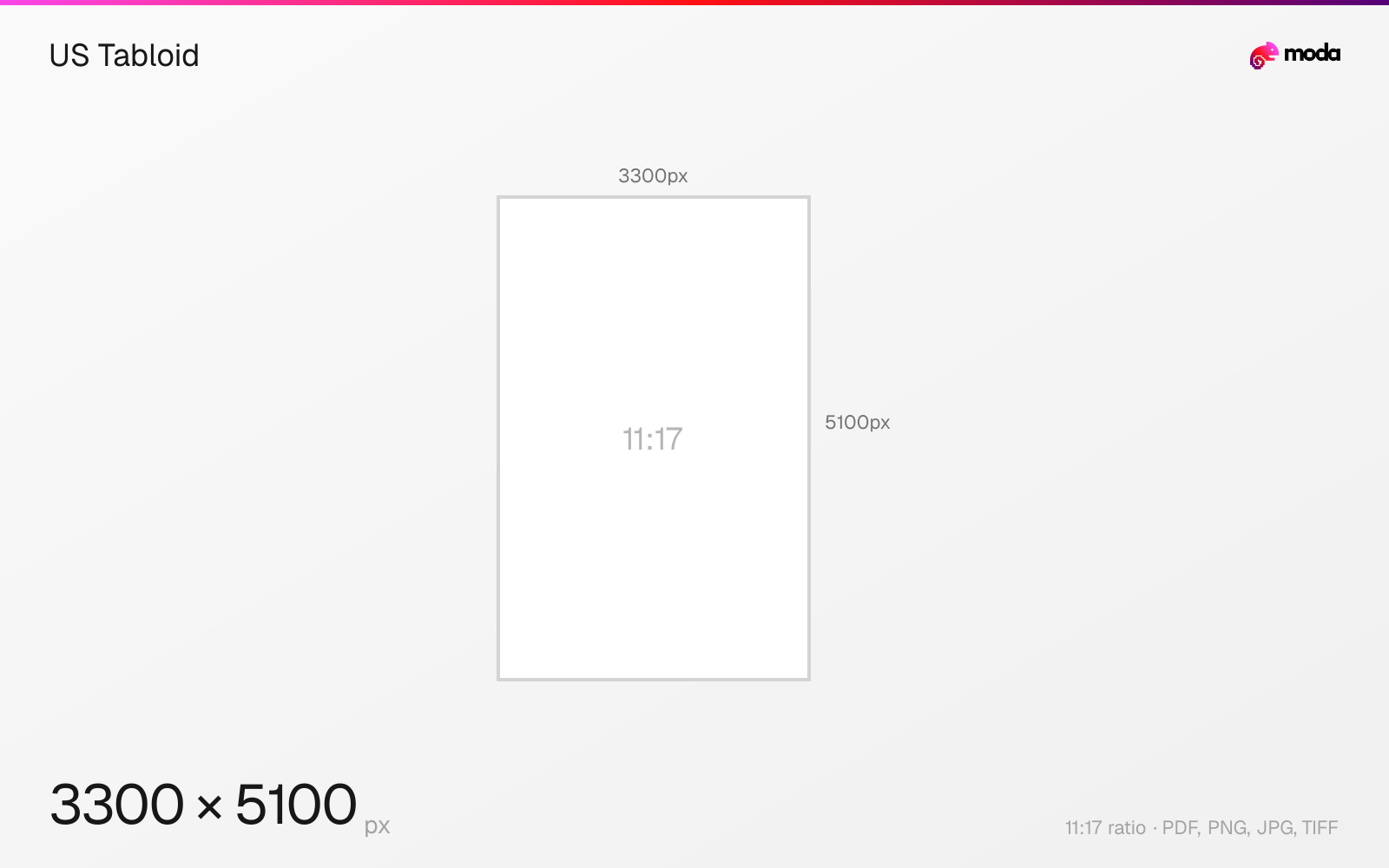
Specifications
| Spec | Value |
|---|---|
| Dimensions (px) | 3300 × 5100 px |
| Aspect ratio | 11:17 |
| Size (inches) | 11 × 17 in |
| Size (cm) | 27.94 × 43.18 cm |
| Size (mm) | 279.4 × 431.8 mm |
| Supported formats | PDF, PNG, JPG, TIFF |
| Color mode | CMYK |
US Tabloid in pixels at different DPI
| Resolution | Width | Height | Use case |
|---|---|---|---|
| 72 DPI | 792 px | 1224 px | Screen / web |
| 96 DPI | 1056 px | 1632 px | Windows default |
| 150 DPI | 1650 px | 2550 px | Draft print / large posters |
| 300 DPI | 3300 px | 5100 px | High-quality print |
Design at this size with Moda
Start with a canvas pre-set to 3300×5100px and let AI generate your design.
Create an us tabloid →Design tips
US Tabloid paper is 11×17 inches (279.4×431.8mm). At 300 DPI, that's 3300×5100 pixels. Tabloid is exactly twice the size of Letter — it's the same sheet rotated and called "Ledger" when used in landscape orientation. Common for small posters, newsletters, and wide-format documents.
- •Design at 3300×5100px (300 DPI). Tabloid is 2× Letter — folds perfectly into Letter-size booklets.
- •Tabloid in landscape orientation is called Ledger — same paper, different name.
- •This is the largest size most standard wide-format office printers can handle.
What you need to know
Tabloid (portrait, 11×17) and Ledger (landscape, 17×11) are the same physical paper, just oriented differently. The name 'tabloid' comes from tabloid newspapers that use this size. In the ANSI paper size system, it's designated ANSI B.
Tabloid is the largest size most standard wide-format office printers can handle. It's commonly used for small posters, real estate flyers, restaurant menus, newsletters, and architectural sketches. Two Letter-size pages printed side by side on a Tabloid sheet create a booklet spread.
When designing for Tabloid, remember that it's exactly two Letter pages — this makes it natural for bifold brochures (fold in half for a Letter-size cover) and booklet printing. Design your spread at 3300×5100px and it folds cleanly into two 2550×3300 Letter panels.
How to create an us tabloid at the right size
- 1Open Moda and create a new canvas at 3300×5100 pixels.
- 2Design your us tabloid using AI generation or start from a blank canvas.
- 3Export as PDF and upload to your platform.
Frequently asked questions
What size is Tabloid paper?
US Tabloid is 11×17 inches (279.4×431.8mm). At 300 DPI, that's 3300×5100 pixels. It's exactly twice the size of Letter.
What's the difference between Tabloid and Ledger?
They're the same paper. Tabloid is 11×17 (portrait). Ledger is 17×11 (landscape). Just different orientations.
What is Tabloid size in cm?
US Tabloid is 27.94 × 43.18 cm (11 × 17 inches).
What is Tabloid size in pixels?
At 300 DPI: 3300 × 5100 px. At 150 DPI: 1650 × 2550 px. At 72 DPI: 792 × 1224 px.
Specs last verified: March 19, 2026. Dimensions may change as platforms update their requirements.