How to Turn Existing Material Into a Presentation
A practical workflow for turning documents, old decks, spreadsheets, screenshots, and brand files into an accurate presentation without endless cleanup.
 Anvisha Pai, Co-founder & CEO, Moda
If you already have a document, an old deck, a spreadsheet, screenshots, and brand files, the hard part is not generating more slides. It is telling the presentation tool which material contains facts, which material suggests a structure, and which material is only a visual reference.
This guide gives you a source-to-deck workflow that protects important details and reduces cleanup. It works whether you use PowerPoint, Google Slides, Gamma, Canva, Moda, or a combination of them.
Start by separating facts, structure, and style
An AI presentation tool will not automatically understand why you attached each file. If you upload everything without instructions, it can treat last year's deck as current evidence, copy an old layout you wanted to replace, or turn a decorative screenshot into a factual source.
Give every input one role:
- Facts: approved documents, research, transcripts, and spreadsheet cells that contain claims, numbers, names, or dates.
- Structure: an outline or old deck whose sequence is useful, even if its wording and design are not.
- Style: brand guidelines, logos, fonts, colors, and reference slides that show how the result should look.
- Visual evidence: product screenshots, charts, diagrams, and customer examples that should appear in the deck.
If one file serves several roles, say so. For example: "Use slides 2 through 6 for the narrative structure, but treat the figures in the attached spreadsheet as the current source of truth. Do not reuse the old deck's colors."
Build a small source packet
The best input is not the largest pile of files. It is a small packet that makes disagreements easy to resolve.
Include five things:
- A one-paragraph brief. Name the audience, purpose, desired decision, length, delivery format, and deadline.
- An outline. List the question each slide should answer. This is more useful than asking for "a professional 12-slide deck."
- A fact sheet. Pull exact numbers, dates, names, quotations, and source links into one page or worksheet. Label estimates and figures that must not be changed.
- Selected visuals. Include only the screenshots, charts, photos, and logos you might actually use. Give each file a descriptive name.
- Rules and exclusions. State what is confidential, outdated, unapproved, or for inspiration only.
When two sources disagree, decide which one wins before generation. A polished slide containing the wrong revenue figure is still wrong.
Choose the workflow that matches your starting material
A document or PDF that needs a new narrative
Use a generate-from-source workflow when the source contains the right information but was not written as a presentation.
Microsoft documents how Copilot in PowerPoint can create or add slides using referenced Word, PDF, and PowerPoint files. Google says Gemini in Slides can use Drive files as references, create an editable presentation plan, and optionally match the style of an existing deck. Gamma offers both a plain import and an AI-assisted import. Its documentation makes an important distinction: plain import brings in text, but does not preserve the source styling or layout.
These tools can produce a useful first draft. None removes the need to check what was omitted, condensed, or inferred.
An old deck that needs refreshing
First decide whether you are preserving the deck or rebuilding it.
If exact layouts, animations, or master-slide behavior must survive, edit in the original application when possible. Importing into another editor introduces conversion risk. Canva, for example, warns that some PowerPoint content such as 3D objects, WordArt, and pattern fills may not import.
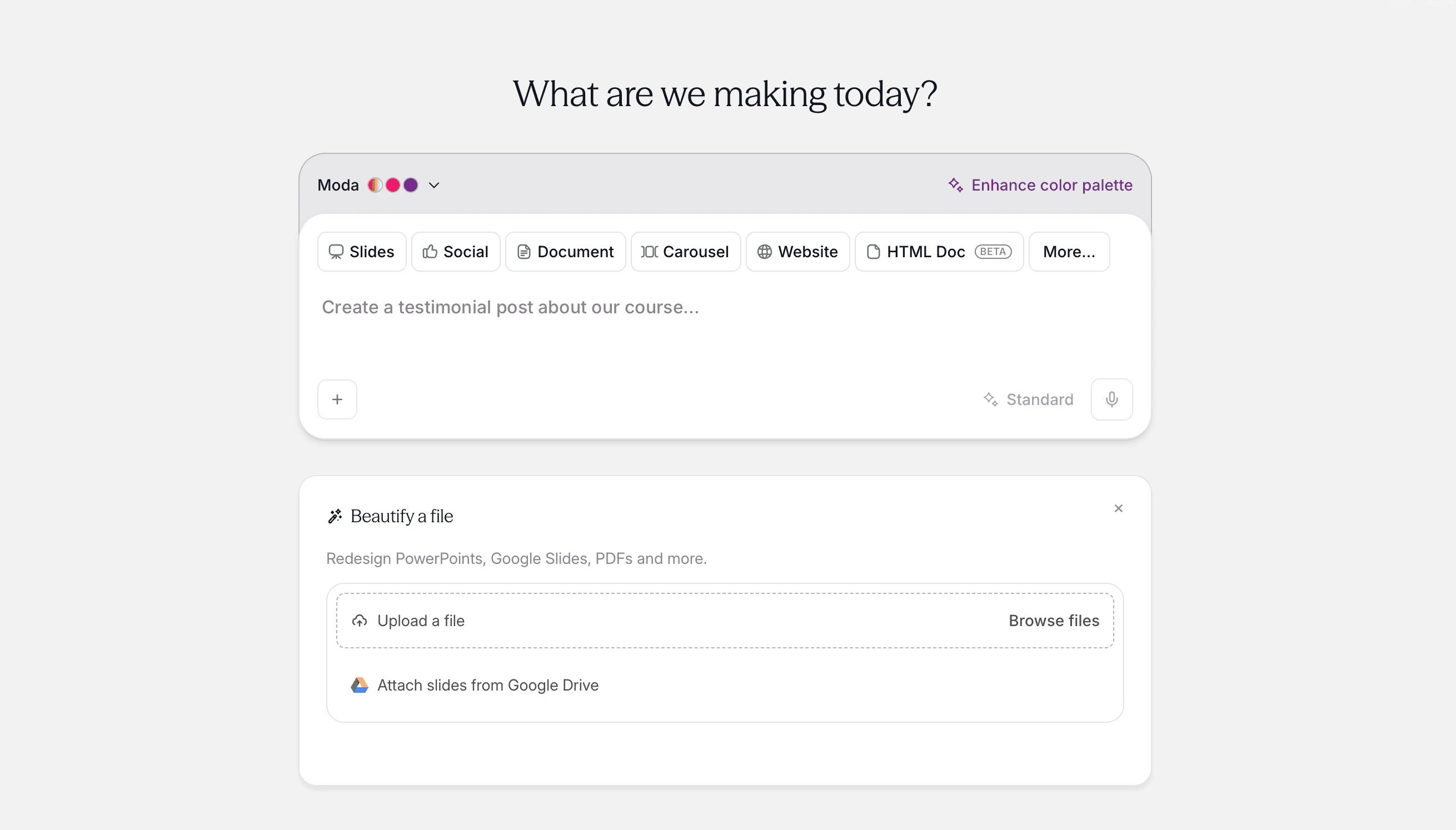
If the old deck is only a starting point, rebuilding can be cleaner. Keep the useful storyline, replace outdated evidence, and ask for a new visual system. Moda's Beautify workflow accepts a presentation or PDF as a starting file and rebuilds it on an editable canvas. That is useful when you want a redesign, but it is the wrong choice when pixel-for-pixel preservation is the requirement.
A spreadsheet that contains the important numbers
Do not ask a slide generator to "make charts from this workbook" without identifying the relevant sheet, cells, units, date range, and comparison.
Create a chart brief instead:
- Source:
Revenuesheet, cells B4:M6 - Measure: monthly recurring revenue in USD
- Comparison: actual versus plan
- Message: growth recovered after the April decline
- Required labels: April, June, and the latest month
- Footnote: exclude services revenue
Keep the spreadsheet as the source of truth. The slide should present the result, not become the only surviving copy of the calculation.
Screenshots and brand assets
Label screenshots as either evidence to reproduce or visual references to interpret. Otherwise a tool may invent interface details, crop away the important state, or treat placeholder data as real.
Brand files need instructions too. A logo and a few hex values do not explain hierarchy, spacing, typography, illustration style, or when not to use an accent color. For a deeper workflow, see our guide to creating an on-brand pitch deck with AI.
A practical source-to-deck process
1. Write the decision before the slides
Complete this sentence: "After this presentation, the audience should understand ___ and decide ___."
If you cannot complete it clearly, generation will usually produce a collection of related slides rather than an argument.
2. Approve the outline first
Ask the tool for slide titles and one-sentence takeaways before it designs anything. Check the sequence, remove repeated points, and identify missing evidence. Rearranging ten lines of text is much easier than rebuilding ten finished slides.
3. Generate a representative sample
Start with three different slides: an opening, a data-heavy slide, and a visual or recommendation slide. This exposes problems with density, chart treatment, image style, and branding before they spread through the entire deck.
4. Lock factual content
Compare every claim, number, name, date, and quotation against the fact sheet. Do not assume a citation means the sentence accurately reflects the source.
5. Build the remaining slides
Once the narrative and sample designs work, generate the rest. Give corrections as exact instructions: "Use the spreadsheet's FY2026 total of $4.2 million" is better than "fix the numbers."
6. Apply the brand deliberately
Choose fonts, colors, logo rules, image treatment, and repeated components. If your tool supports a brand kit, use it, but still inspect the result. A system can follow the palette and still create the wrong tone or visual hierarchy.
7. Test the real handoff
Open the exported file in the application the recipient will use. Check font substitution, text overflow, charts, image crops, speaker notes, animations, links, and slide order. If people will collaborate through a link instead, test access with the intended permissions.
Accuracy checklist before sharing
- Every number matches the source, including units, signs, and date ranges.
- Charts start from the intended baseline and use correctly labeled axes.
- Quotations are exact and attributed.
- Screenshots show the relevant state and contain no private information.
- Summaries preserve the source's conclusion and important qualifications.
- Every slide has one clear takeaway.
- Body text is readable at presentation distance.
- Nothing is clipped or substituted in the final export.
- Links and sharing permissions work for someone outside the authoring account.
Which tool should you use?
Choose based on where the source material lives and how the final deck will be used.
- PowerPoint with Copilot: a natural fit for Microsoft 365 teams, especially when the final file must remain in PowerPoint. Availability and source options depend on your Microsoft plan and organization settings.
- Google Slides with Gemini: useful when source files already live in Drive and browser collaboration matters. Google's current full-presentation generation has plan, language, and desktop availability requirements.
- Gamma: useful for turning text into a link-shared, card-based presentation. Its import can bring in source text, but imported styling and layouts are not preserved.
- Canva: useful when you want a large template and asset ecosystem with hands-on visual editing. Inspect imported PowerPoint files because some complex content may not transfer.
- Moda: useful when you want an AI agent to build and revise a visually designed deck on an editable canvas, with your brand kit applied. PowerPoint remains a better choice for advanced PowerPoint-specific animation or exact preservation of an existing file.
If you are still choosing among general presentation generators, our AI presentation maker comparison covers the broader tradeoffs.
The main lesson
Existing material saves time only when the tool knows what each source is allowed to do. Separate facts from structure and style, approve the outline before the design, and verify the final handoff in the recipient's application.
The goal is not to make the AI consume every file you have. It is to give it a small, reliable set of instructions and evidence from which it can build a presentation you can defend.

Real editable visuals. Real canvas. Full control.
Fly through design work