AI Presentation Export to PowerPoint and Google Slides
A practical guide to AI presentation export: compare PowerPoint and Google Slides handoff paths, then check editability, fonts, media, notes, and links.
 Anvisha Pai, Co-founder & CEO, Moda
An AI presentation export is successful when the person receiving it can do the next job without returning to the original tool. That might mean rewriting a heading in PowerPoint, updating a table in Google Slides, presenting a video, or reading speaker notes. A file opening successfully is only the first check.
The safest approach is to choose the handoff destination before generating the full deck, then export one representative slide early. This guide compares documented export paths from Moda, Plus AI, Beautiful.ai, Gamma, and Canva. It does not rank visual quality or claim that any tool exports every feature unchanged.
Choose the handoff path before choosing the AI tool
| Path | Use it when | Main risk to inspect |
| Create inside PowerPoint or Google Slides | The final editors already work there and want native files from the start | Whether the add-in supports your template, content, and plan |
| Direct editable export | You want a separate creation environment, followed by a PowerPoint or Google Slides handoff | Which elements stay editable and which are simplified or rasterized |
| PPTX, then upload to Google Slides | The tool exports PowerPoint but has no direct Slides route | A second conversion can change fonts, spacing, media, or effects |
| Live link or PDF | The recipient only needs to view, comment, or present | The recipient may not be able to edit individual elements |
“Exports to Google Slides” can describe two different paths. A direct integration creates a Slides presentation. A conversion path first creates a PPTX, then opens or uploads that file in Google Slides. Both can be useful, but they do not have the same conversion risk.
The eight checks that matter after export
1. Can you edit the text?
Click several headings and body paragraphs in the destination app. Confirm that they are text boxes, not one picture of the slide. Then change a sentence and see whether the text box still fits. An editable box can still overflow when the replacement text is longer.
2. Did the layout shift?
Compare the exported slide with the source at the same aspect ratio. Look for line breaks, clipped text, moved objects, changed crop positions, and elements outside the slide. Check a dense slide, not only the title slide.
3. Are the fonts actually available?
Font embedding and font availability are different issues. A PPTX can contain an embedded font that the destination app does not honor. Open the file on the computer that will present it, and in Google Slides if that is the real destination. Gamma, for example, documents that Google Slides ignores fonts embedded in an uploaded PPTX and substitutes its own.
4. Are charts and tables editable in the way you need?
Try changing one number and one label. A table may remain a real table while a chart becomes an image. That is not automatically bad: a picture can preserve appearance, while native objects preserve editing. Choose based on who owns the next revision.
5. Did speaker notes transfer?
Open the notes pane in the destination file. Notes are easy to overlook because the slides can look correct without them. If the presenter relies on a script, notes are part of the deliverable, not optional metadata.
6. What happened to video, audio, and animation?
Play the deck in the destination app. Do not infer media support from a thumbnail in editing view. Check embedded video, poster frames, transitions, and object animations separately. Some export paths explicitly drop animation or replace unsupported video with a still.
7. Do links still work?
Click a text link, a linked image, and any button-shaped call to action. Also check links in a PDF if that format is part of the handoff. A link that looks underlined is not proof that its target survived.
8. Which elements became images?
Select complex graphics, gradients, charts, and effects. Rasterization can be a sensible fidelity choice, but it changes the handoff: the recipient can move or replace the picture, not edit its internal parts. Record which elements require changes back in the source tool.
How the documented tool paths differ
Plus AI: create in the destination editor
Plus AI runs as an add-in in Google Slides and PowerPoint. Slides generated through those add-ins already live in the editor where the team will continue working, so there is no separate export conversion. Its web app follows a different route: the current guide says it exports PPTX, which can then be opened in PowerPoint or imported into Google Slides, and later edits do not sync back to the web version.
Choose the add-in path when staying inside the existing presentation file matters most. Test it with the actual company template, since “native editor” does not establish that every generated layout follows your template rules.
Beautiful.ai: separate editable and image-based PowerPoint exports
Beautiful.ai’s export guide documents an editable PowerPoint export and a separate PowerPoint Images option. The image option puts each slide into PowerPoint as a static picture. The editable option includes presentation notes, but missing local fonts can change formatting.
Beautiful.ai also documents a direct editable Google Slides export on Pro, Team, and Enterprise plans. It warns that embedded video, audio, animations, and transitions do not transfer to Google Slides. This makes the choice straightforward: use the direct export for editable handoff, and keep presenting inside Beautiful.ai or test an offline option when motion is essential. Our Beautiful.ai vs Gamma comparison looks more closely at their different authoring workflows.
Gamma: export PPTX, then upload it to Google Slides
Gamma’s export documentation supports PowerPoint export. Tables can remain editable, but rounded table corners become square because PowerPoint does not support them. Gamma also lists possible changes to gradients, frosted effects, and fonts.
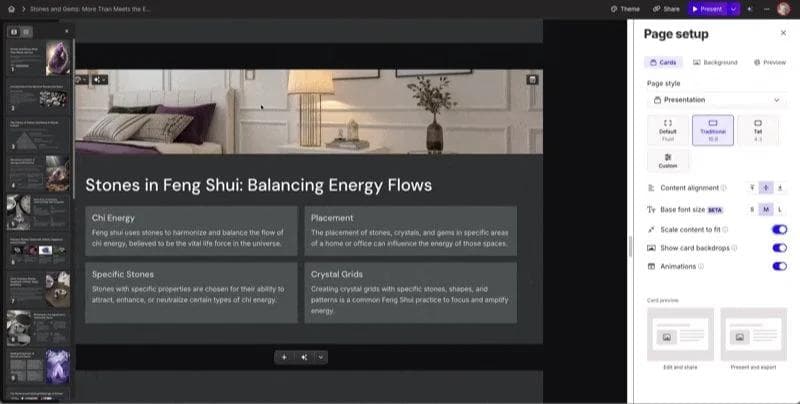
Gamma does not document a direct Google Slides export. Its documented route is to export PPTX, then upload that file to Google Slides. Gamma embeds theme fonts in PPTX, but Google Slides ignores those embedded fonts and substitutes its own. If Slides is the real destination, inspect the uploaded Slides file rather than approving only the PPTX.
Canva: PowerPoint export, or a PPTX conversion through Drive
Canva Presentations supports PPTX download. Its documented Google Slides route saves a PPTX to Google Drive, then asks you to open it and choose Save as Google Slides. That is a PowerPoint conversion path, not a direct native Slides export.
Canva is useful when the source presentation is maintained in Canva and the recipient needs a conventional file. Because the vendor page does not promise that every element remains editable after conversion, verify the particular charts, media, effects, and fonts in your deck.
Moda: direct PowerPoint and Google Slides, with explicit raster fallbacks
Moda’s export documentation lists text, basic shapes, tables, and images among the elements that can become native PowerPoint objects. It also lists the exceptions. Complex effects and unsupported shapes can be rasterized per element, charts drawn as live shapes export as one picture, and animations do not transfer to PowerPoint.
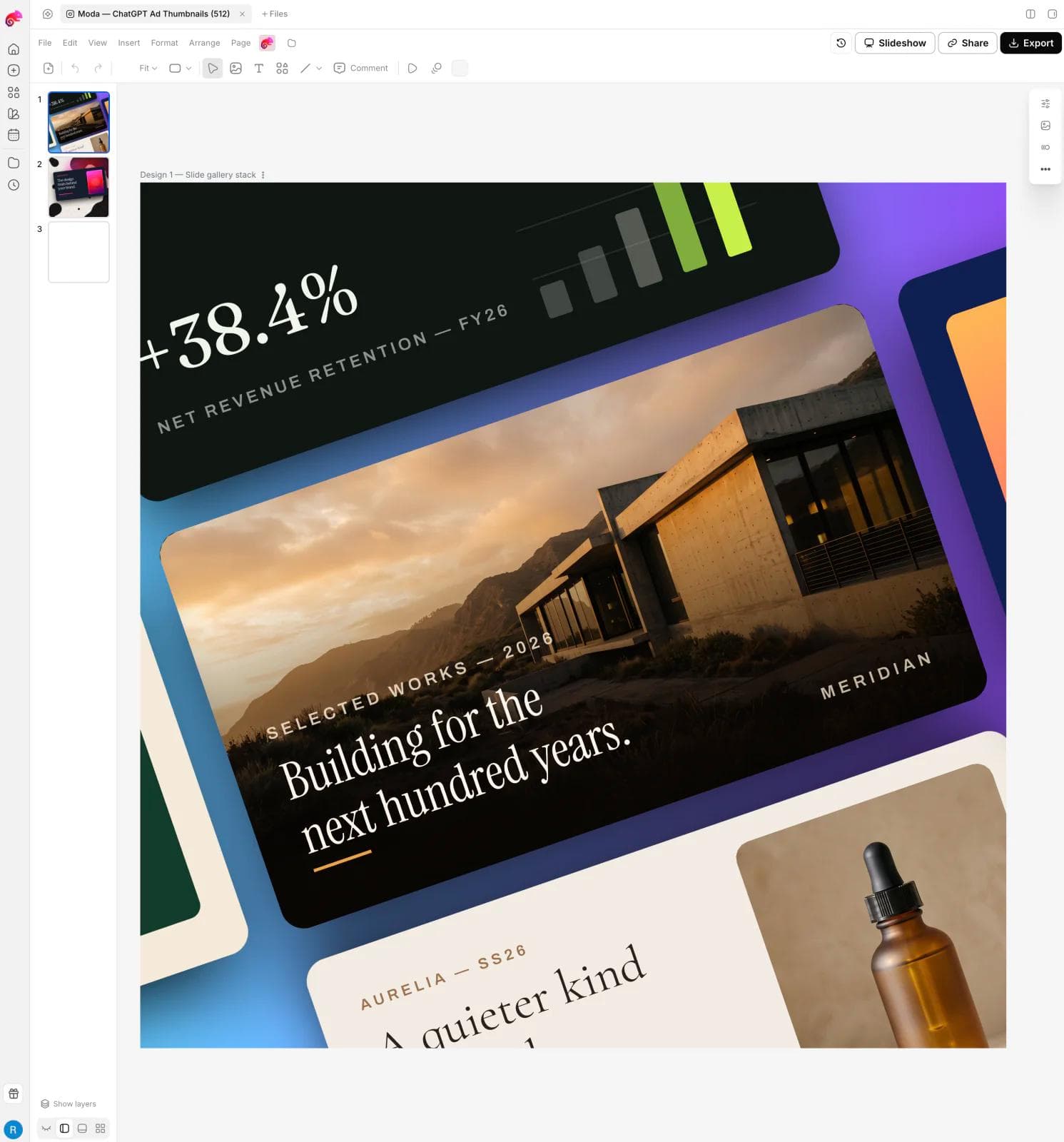
Moda also has a direct Google Slides export. Its documentation says text, basic shapes, and many images transfer as editable Slides content, while complex vectors, blends, SVG-backed assets, and advanced image treatments may be rasterized. Custom letter spacing and animations do not transfer, and unusual page sizes may open as standard 16:9. Moda is worth considering when you want to design on a canvas before handing off, but it is not the right choice if every complex graphic must remain decomposed into native PowerPoint or Slides parts.
A ten-minute export test before you build the deck
Make one slide that contains the difficult parts of the real presentation:
- Your actual heading and body fonts, including bold or italic text.
- A dense text box with a link.
- One chart and one table with numbers you can change.
- A cropped image and one complex visual effect.
- Speaker notes, plus video or animation if the deck uses them.
Export that slide through the exact route the team will use. If the destination is Google Slides, complete the upload or direct transfer. Then ask the future editor to change a headline, a number, an image crop, and one table cell. Present it once on the intended computer.
This is also the useful principle behind converting PowerPoint to Google Slides without losing formatting: inspect the final Slides document, not the intermediate file.
What to choose
Use an add-in such as Plus AI when creating directly in PowerPoint or Google Slides is the priority. Use a direct editable export when you prefer another authoring environment and its documented fallbacks fit the deck. A PPTX-to-Slides route can work, but it deserves an extra font and layout check after upload.
Do not choose from an export badge alone. Choose the path that preserves the parts your recipient must change, and accept rasterization where appearance matters more than internal editability. The best handoff is not the file with the most editable objects. It is the file the next person can safely maintain.

Real editable visuals. Real canvas. Full control.
Fly through design work