8 Best Beautiful.ai Alternatives in 2026, by Workflow
Compare 8 Beautiful.ai alternatives for custom slides, team sales decks, native Office editing, and visual reports. Find the right workflow in 2026.
 Anvisha Pai, Co-founder & CEO, Moda
The best Beautiful.ai alternative depends on which part of presentation work you want to change. Start with Moda for bespoke slides and supporting brand assets, Pitch for a team sales-presentation workflow, and PowerPoint or Google Slides when the working file must stay in your existing office suite. Gamma, Plus AI, Canva, and Visme solve different parts of the job.
Beautiful.ai is worth keeping if automatic slide layouts are the reason your team can maintain a good deck without a designer. Switching only makes sense when the new tool improves a specific task: making an unusual layout, updating approved material, working with colleagues, or handing off an editable file.
Here are eight alternatives, what each replaces, and what you should check before moving your decks.
Beautiful.ai alternatives at a glance
This is a shortlist by workflow, not a ranking of generated slide quality. It is based on current product documentation and independent hands-on reporting, not a Moda-run output benchmark. Documented availability and observed export behavior are treated as different evidence.
| Alternative | Start here when you need | Main thing to check |
|---|---|---|
| Moda | Custom slide compositions plus related brand assets | Which exported elements remain editable in the recipient's app |
| Gamma | A presentation people can read as a web document | Whether the same material works as projected slides |
| Pitch | A shared sales-deck and client-delivery workspace | Team access, analytics, and what survives PPTX export |
| PowerPoint with Copilot | A native corporate PowerPoint file | Template preparation and your organization's Copilot entitlement |
| Google Slides with Gemini | A shared Google-native working deck | Available AI features and domain-template requirements |
| Plus AI | A different AI authoring layer inside PowerPoint or Slides | Add-in approval, subscription, and custom-template support |
| Canva | Presentations alongside a broad range of campaign assets | Brand controls and the actual exported deliverable |
| Visme | Reports, infographics, and interactive presentations | Whether recipients need a live experience or a downloadable file |
Before switching, check what Beautiful.ai already does
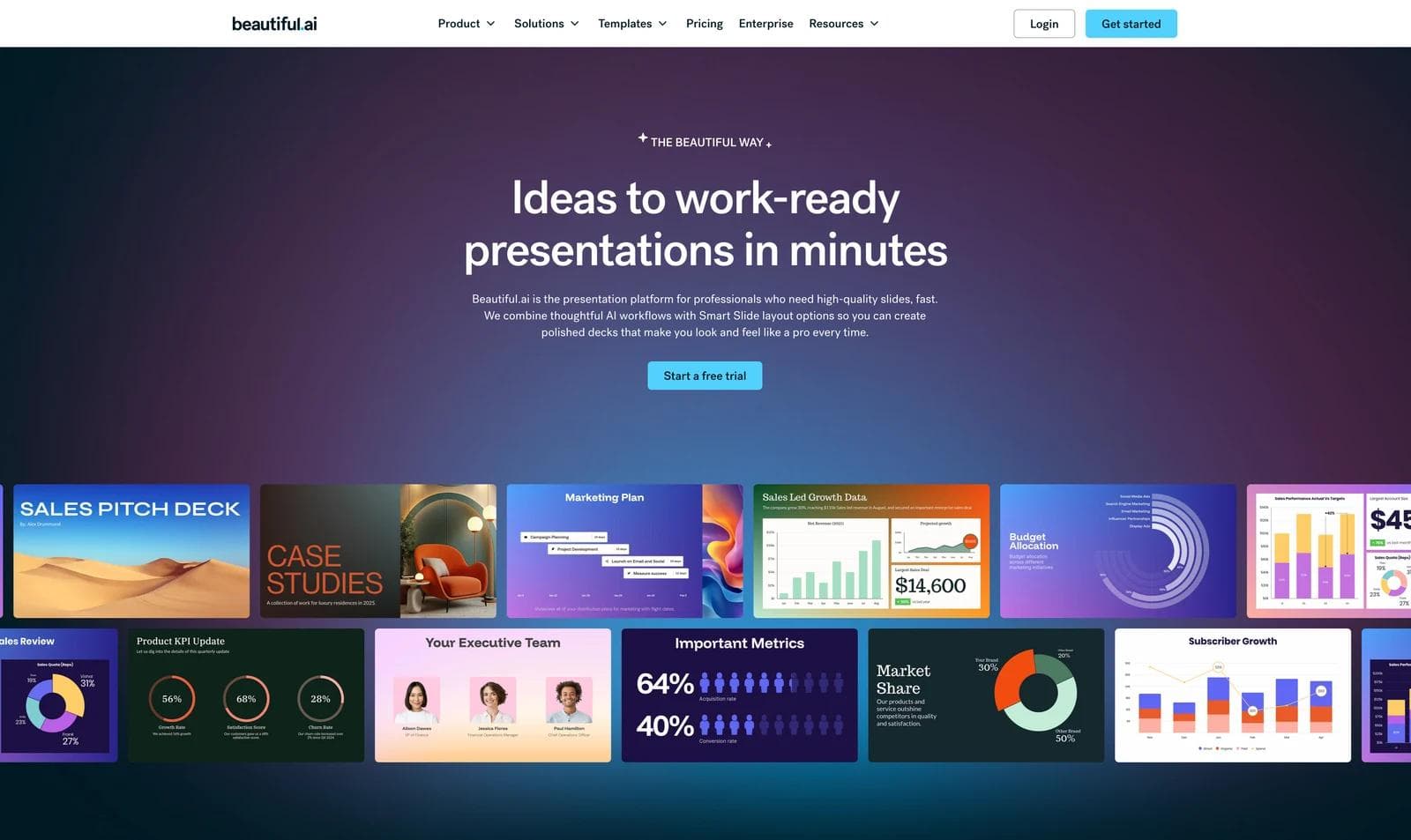
Beautiful.ai is not just a prompt box followed by a locked template. Its current Create with AI workflow lets you shape the outline before generating slides and revise individual slides afterward. Smart Slides then handle layout changes as content changes.
There is also an escape hatch for unusual compositions. Pro, Team, and Enterprise subscribers can convert a Smart Slide to a Classic Slide for freeform control over text, shapes, images, paths, tables, and charts. The conversion removes that slide's Smart Slide guardrails, so the useful question is whether a few exceptions need Classic mode or most of the deck needs a different editor.
Try that conversion before migrating. Duplicate a real Smart Slide, convert one copy to Classic, make the awkward change, then lengthen a label or add another item. Compare the manual freedom with the automatic behavior you gave up.
Branding and collaboration are plan-sensitive, not absent. The current plan comparison lists a custom theme builder for Pro, while Team adds workspace themes, centralized slide and asset libraries, real-time editing, version control, and locked slides. Enterprise adds advanced permissions and configurable brand guardrails. Beautiful.ai also documents Team Slides that owners or librarians can update across every presentation using them. Test the exact control you need: reusable styling, an approved starting point, or centrally governed content that propagates.
The file handoff also needs a precise test. Beautiful.ai's export guide lists editable PowerPoint and Google Slides export for Pro, Team, and Enterprise. PowerPoint Images is a different option that places static slide images in a PPT file. Missing fonts can change an editable PowerPoint, and Google Slides export drops embedded video, audio, animations, and transitions. An independent 2026 review reported reasonably preserved PowerPoint layouts while noting that adaptive Smart Slide behavior cannot transfer to PowerPoint. Treat that as one reviewer's result, then verify your own fonts, charts, media, notes, and editable objects.
1. Moda: for custom slides and the assets around them
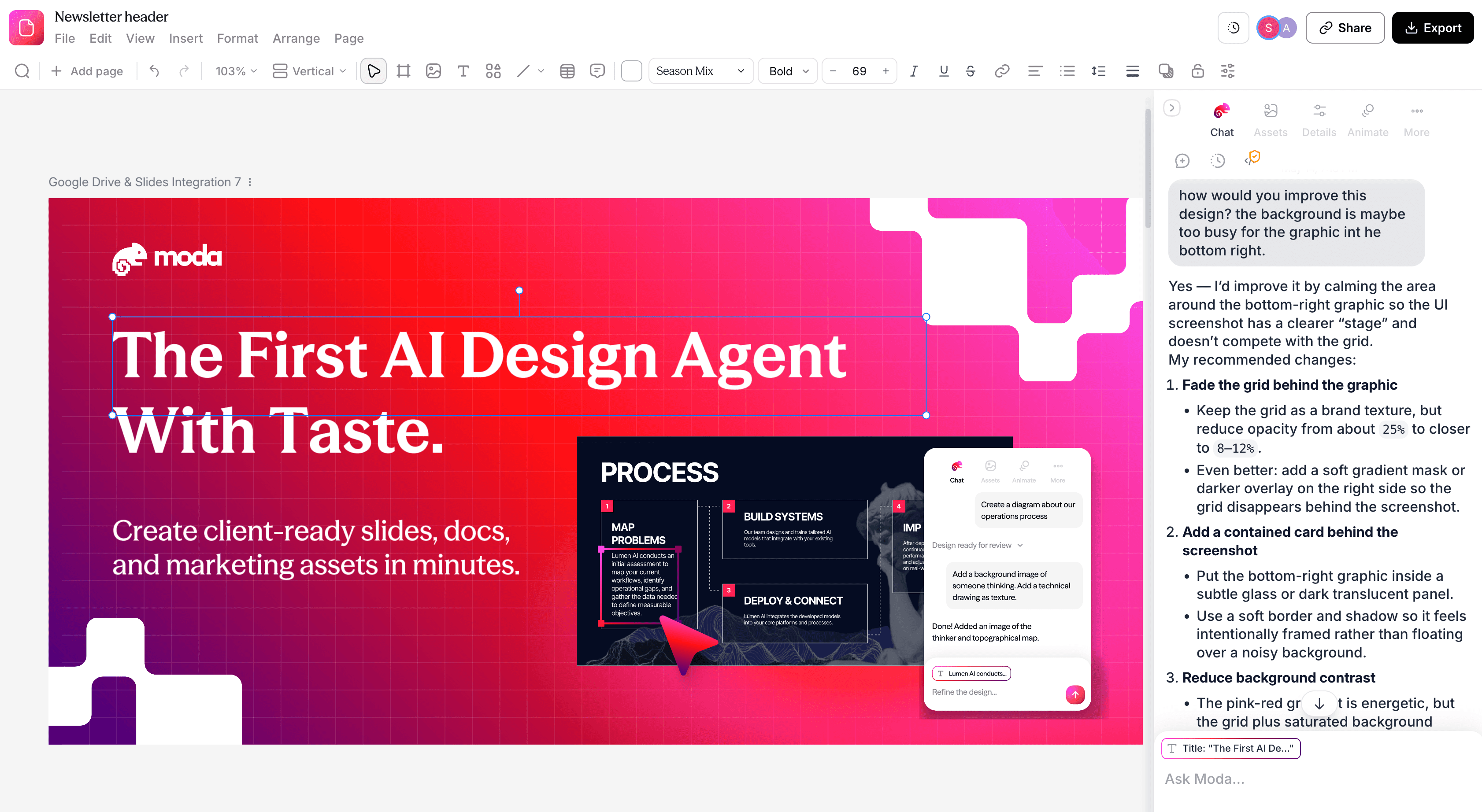
Moda is a strong fit when a deck is part of a larger design assignment. You might need a sales presentation, a one-page leave-behind, a product diagram, and a set of launch graphics using the same brand assets.
Its AI works on an editable canvas. You can ask for a composition, revise it through conversation, and adjust individual text, shapes, or images directly. Reusable brand kits provide colors, fonts, logos, and guidance for the work. The appeal is the combination of AI authoring and direct control, not a promise that every first draft will satisfy your brand reviewer.
Imagine a product slide with a large interface image, three annotations, and an asymmetric comparison. If you already know how it should look, canvas-level control is useful. If you would rather the software choose and maintain the arrangement, Beautiful.ai's guardrails may be more valuable.
Moda supports PowerPoint and Google Slides output, but editability on the Moda canvas is not a guarantee that every effect becomes a native object in another app. Some visual treatments require rendered imagery. Check the elements your recipient will need to change.
Choose Moda for: bespoke visual work and related deliverables. Choose Beautiful.ai instead when standardized slide layouts and a presentation-specific operating model are the main requirement.
2. Gamma: for presentations that also work as reading material
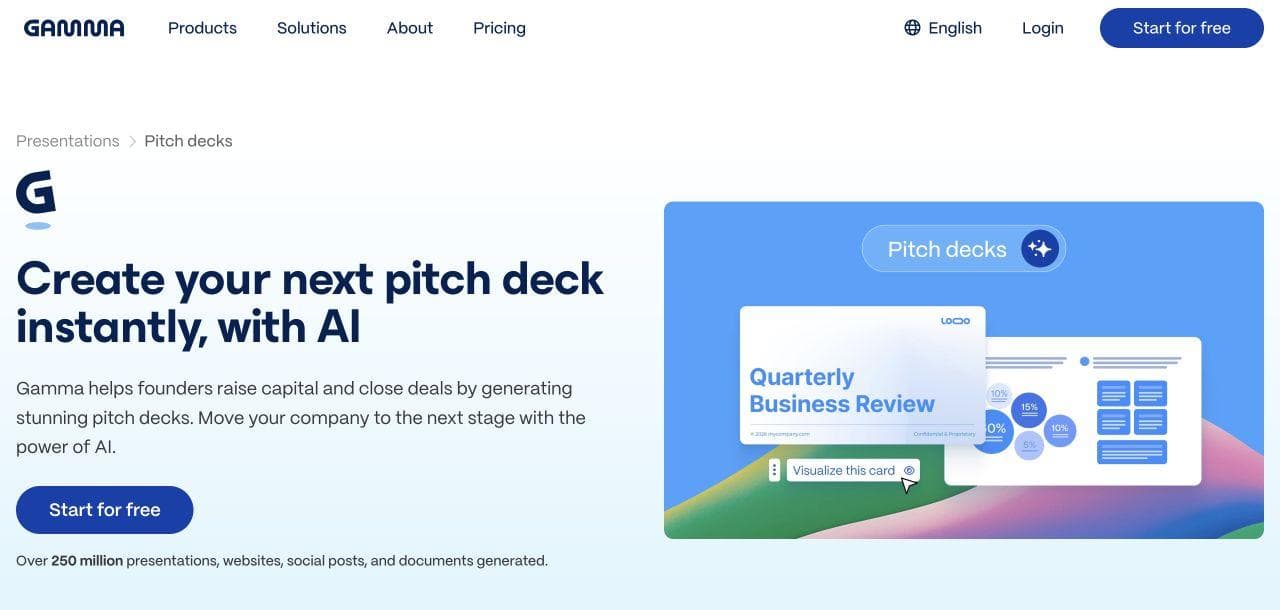
Gamma is worth considering when a deck is really a proposal, briefing, or explanation that people will read without a presenter. Its card-based format gives you a different way to organize text, visuals, and embedded material, with AI assistance and manual editing.
For example, a proposal can lead with the recommendation and let readers continue into supporting detail. The question is not whether Gamma can make slides. It can. The question is whether a web-readable document better suits the way your audience consumes the work.
If you also need to project the material in a meeting, review that version separately. A dense card that works at a reader's own pace can be too much for a room.
Gamma supports PPTX export, including editable tables. Its export documentation explains visual differences for some effects and the PPTX-upload route into Google Slides. That makes it a candidate for file handoffs, not proof that every web feature transfers unchanged.
Choose Gamma for: reader-led proposals and briefings. Prefer Beautiful.ai when automatic maintenance of a conventional slide layout matters more than document-style flexibility.
3. Pitch: for teams whose deck is part of selling
Pitch deserves a place on the shortlist when several people build and deliver customer-facing presentations. Its workspace combines a slide editor, shared brand assets, viewer analytics, and pitch rooms for sharing presentations with supporting resources.
The practical comparison is a sales process, not just a slide. Who maintains the approved material? Who adapts it for an account? Who sends the link, and who follows up? A buyer evaluating those steps has different requirements from someone making an occasional internal update.
Beautiful.ai also offers collaboration and viewer analytics. Pitch is an alternative to evaluate, not the only tool with those capabilities. Look at the specific workflow and plan that cover your team.
If the client asks for PowerPoint, account for a format change. Pitch documents PPTX export limitations, including uploaded video and animation behavior. A downloadable deck is not the same experience as a pitch room.
Choose Pitch for: collaborative sales delivery centered on a shared workspace and presentation links. Prefer a native office editor when the customer's editable file is the primary deliverable.
4. PowerPoint with Copilot: when the company template is non-negotiable
Sometimes the right Beautiful.ai alternative is the tool the final editor already uses. If a client requires a particular PowerPoint template and colleagues will keep revising the file, working natively avoids an additional authoring-to-export boundary.
Copilot can help draft material, including slides grounded in files. Availability depends on the subscription and organization settings; a Microsoft account alone does not establish access to every Copilot feature.
The brand work is concrete. Microsoft's template guidance describes slide masters, layouts, and correctly typed placeholders. A well-prepared company template gives the AI usable structure. A decorative sample deck is not necessarily an equally useful template.
This route does not remove the need to review visual hierarchy or edit the story. It keeps that work inside the file and application your team already owns.
Choose PowerPoint with Copilot for: template-governed corporate decks and ongoing native editing. Prefer Beautiful.ai if you want the slide layout system to take more responsibility for arranging changing content.
5. Google Slides with Gemini: for a shared deck that stays in Drive
Google Slides is the natural candidate when the working presentation is a shared Google file. Live editing and comments let colleagues revise the same deck. Gemini can assist with tasks such as generating a slide from a prompt and Drive material; check availability for your account.
The benefit is continuity. An account manager can update a section, a subject-matter expert can correct a claim, and the deck remains in the workspace where those people already collaborate.
Google also offers organization-wide templates on specified Workspace plans. That is worth evaluating if people repeatedly start from the wrong design. It is still important to distinguish giving everyone an approved starting point from preventing every off-brand edit.
Choose Google Slides with Gemini for: Google-native team collaboration and ownership. Choose Beautiful.ai if managing object positions is the work you are trying to delegate to automatic layouts.
6. Plus AI: for changing the AI layer without changing editors
Plus AI creates and edits presentations inside PowerPoint and Google Slides. It changes the AI authoring layer, not the source editor: the PowerPoint file or Google Slides deck remains the working document for manual edits, comments, sharing, and final ownership.
That distinction matters in a migration. Plus AI does not recreate Beautiful.ai's separate Smart Slide system or replace PowerPoint and Slides collaboration. It augments the native editor, while its template setup, subscription, permissions, and data handling remain additional decisions.
For a consulting team, the relevant question might be whether Plus AI can turn approved source material into slides using the team's template, and then revise a section without changing applications. Its plan documentation distinguishes branding and custom-template options. Bring the actual template to an evaluation instead of judging only vendor examples.
You should also confirm that your organization permits the add-in and the handling of the source documents you intend to use. Existing Microsoft or Google licensing does not automatically cover a third-party subscription.
Choose Plus AI for: adding AI drafting and revision to a PowerPoint or Google Slides workflow whose native file must remain the source of truth. Choose a separate presentation platform when its layout system, delivery experience, or governance is the capability you actually want.
If the assignment also includes extensive research or operational tasks beyond creating slides, that is a wider buying decision. Our Manus alternatives guide separates those agent workflows from dedicated presentation tools.
7. Canva: for presentations within a wider content workflow

Canva is a relevant alternative when presentations sit beside social graphics, event materials, and other recurring content. Its presentation editor combines templates, visual assets, and AI assistance in a broader design workspace.
The distinction from Moda is not that one is editable and the other is not. Both support editing. The useful comparison is how you prefer to build: selecting and adapting material from an established template and asset ecosystem, or directing an agent through a custom canvas composition.
For a small marketing team, try a connected set of deliverables: a webinar deck, an invitation graphic, and a follow-up asset. Check what you can reuse and what must be adjusted separately. Sharing colors and logos does not automatically synchronize the message or layout across every format.
Choose Canva for: a broad template-and-asset workflow across content types. Check the applicable brand controls and exported presentation before committing. For a broader office-and-creative bundle comparison, see our Genspark alternatives guide.
8. Visme: for reports, data visuals, and interactive material
Visme is worth considering when the presentation is only one version of a larger business document. It supports presentations, reports, infographics, and data visualizations, including interactive content.
A quarterly report illustrates the choice. A meeting deck may need a concise recommendation, while the version shared afterward needs explanation and additional charts. Visme's range of formats makes it relevant to that combined assignment, rather than simply another prompt-to-slides tool.
Its presentation offering also deserves evaluation when the audience will interact with the material online. Decide whether that behavior is a requirement or decoration. A reader who must submit a PDF internally cannot use a web interaction in the same way.
Choose Visme for: report-led visual communication and interactive deliverables. Check the plan and output format against the features you actually need; do not assume the live experience and downloaded file behave identically.
A better switching brief than “make us a deck”
Before committing to a replacement, give two shortlisted tools the same small assignment. You do not need a full new presentation to learn whether the workflow fits.
- One routine update: Use a slide your team revises regularly. Add another item or change a label length. Note who has to repair the layout.
- One Smart Slide conversion: In Beautiful.ai, duplicate a representative Smart Slide and convert one copy to Classic. Build the exception, then change the content again. Compare its manual repair work with the same edit in each alternative.
- One governance change: Replace an approved logo or font and update one reusable slide. Check an existing deck and a new one, note whether the change propagates, and confirm which roles can edit, lock, comment on, or restore the material.
- One editable-file handoff: Export an eight-slide deck containing a custom font, chart, cropped image, speaker notes, animation, and embedded media to editable PowerPoint and Google Slides where supported. Open it in the recipient's account and device, then edit a heading, data value, and image. Record what shifts, disappears, flattens, or remains natively editable.
- One team-access check: Separate creators, occasional editors, reviewers, viewers, librarians, and administrators. Verify the plan needed for shared themes, approved slides, version recovery, comments, and permissions instead of assuming every collaborator needs the same seat.
The winning tool is the one that handles your important changes with an acceptable amount of work, at the plan your team would actually buy.
Keep Beautiful.ai if the routine update is easy and the exceptions are rare. Move toward Moda or Canva for broader design work, Pitch for sales delivery, Gamma for reader-led material, or Visme for report and interactive use cases. Start with PowerPoint, Google Slides, or Plus AI if the native working file is the constraint you cannot change.
Frequently asked questions
What is the best Beautiful.ai alternative for design freedom?
Moda and Canva are worth shortlisting for custom visual work. But first check whether Beautiful.ai's Classic Slide mode handles your exceptions. If you only need manual control on a few slides, switching the whole team may be unnecessary.
Can Beautiful.ai export an editable PowerPoint?
Yes. Its export guide lists Editable PowerPoint for Pro, Team, and Enterprise subscriptions. Do not confuse it with PowerPoint Images, which places static slide images in a PPT file. Review fonts and the elements your recipient needs to modify.
What is a free alternative to Beautiful.ai?
Google Slides is a starting point for core presentation editing with a Google account. Gemini and organization-level capabilities have separate eligibility conditions. Compare an ongoing free editing option with a time-limited trial, rather than treating them as equivalent.
Should our team choose an AI slide generator or an office add-in?
Choose around the working file. A separate workspace makes sense if its creation and delivery tools improve the job enough to justify it. An office add-in is worth considering when people must continue editing in PowerPoint or Google Slides. In both cases, evaluate the real template, access requirements, and final handoff.

Real editable visuals. Real canvas. Full control.
Fly through design work