AI Presentation Tools for Sales Teams: A Workflow Guide
Compare seven AI presentation tools by real sales workflow: approved content, personalization, brand control, buyer delivery, and engagement.
 Anvisha Pai, Co-founder & CEO, Moda
The best presentation tool for a sales team depends less on who has the flashiest generator and more on what happens between discovery and follow-up. A rep needs to turn account context into a clear story, keep approved claims intact, personalize only what should change, present confidently, and send something the buyer can open.
This guide maps seven tools to those jobs. It does not assume that one product should replace every part of the workflow.
The short answer
- Microsoft Copilot in PowerPoint fits organizations already standardized on Microsoft 365 and approved PowerPoint templates.
- Plus AI fits teams that want AI drafting and revision directly inside Google Slides or PowerPoint.
- Gamma fits reps who send live links and want a responsive, quickly updated presentation with engagement data.
- Pitch fits sales organizations that need reusable collateral, personalized links, deal rooms, and viewer analytics.
- Beautiful.ai fits enablement teams that want non-designers to stay inside controlled layouts and themes.
- Canva fits teams that create presentations plus social, video, one-pagers, and other campaign assets in one system.
- Moda fits teams that want an agent to produce a more visually customized deck and related assets on an editable canvas.
Choose the workflow before the tool
A useful sales deck is not a product brochure with the prospect's logo pasted onto the cover. It should reflect what the buyer said, separate facts from assumptions, and make the next decision easy. Before evaluating software, define the minimum workflow:
- Source: Where do approved claims, customer evidence, pricing, and product screenshots live?
- Personalization: Which slides may change by account, and which claims must remain locked?
- Review: Who checks accuracy, security, legal language, and brand before the deck leaves the company?
- Delivery: Will the buyer receive a live link, PDF, PowerPoint file, or Google Slides file?
- Learning: Do you need viewer analytics, or is feedback captured elsewhere in the sales process?
AI can draft and reformat, but it cannot make an unverified claim safe. Keep a human owner for the final narrative and every customer-specific assertion.
Comparison by sales job
| Tool | Best sales workflow | What to verify |
| Microsoft Copilot in PowerPoint | Teams standardized on Microsoft 365 and PowerPoint templates | Licensing, tenant settings, and brand-template behavior |
| Plus AI | AI drafting and revision inside Google Slides or PowerPoint | Template fidelity and the exact editor available to each user |
| Gamma | Fast follow-up through a live, updateable link | Plan-level analytics and exported-file fidelity |
| Pitch | Shared sales collateral, custom links, deal rooms, engagement | Governance and analytics available on the chosen plan |
| Beautiful.ai | Controlled self-service with layout and brand guardrails | Whether Smart Slide constraints fit the team's content |
| Canva | Presentations plus multi-format campaign collateral | Brand Kit access, approval process, and export handoff |
| Moda | Agent-led, customized decks and related visual assets | PPTX fidelity for complex designs and absence of sales analytics |
1. Microsoft Copilot in PowerPoint: best for Microsoft 365 teams
Copilot can create and edit presentations in PowerPoint, add slides, rewrite content, reorganize sections, generate images, and help summarize an existing deck. It operates in PowerPoint on Windows, Mac, and the web, subject to the organization's Microsoft 365 licensing and settings.
This is the conservative choice when the company already has approved PowerPoint templates, slide libraries, and reviewers who work in Office. The file never needs to pass through a separate editor before a teammate can revise it. It is less compelling when the sales motion depends on web-native distribution, deal rooms, or a broader multi-format design workflow.
2. Plus AI: best for AI assistance in existing slide files
Plus AI also works inside Google Slides and PowerPoint. It can generate a deck from a prompt or uploaded file, add individual slides, rewrite copy, and remix a slide into another layout. The resulting content remains in the native slide editor, where the team can use existing masters and collaboration practices.
Choose Plus AI when reps switch between Google Slides and PowerPoint or when the main need is iterative AI help inside existing decks. It is not the obvious choice for a team that wants a web-first presentation experience or sales-specific engagement features.
3. Gamma: best for fast, link-first follow-up
Gamma can turn an outline or source document into a card-based presentation and share it as a live web link. The live version can be updated without resending a file, and eligible plans include analytics for views, slide reach, and time spent. Gamma also exports PDF, PNG, and PowerPoint; Google Slides use goes through a PPTX upload.
That makes Gamma useful for a rep who wants to send a polished recap soon after a call and learn whether the recipient returned to it. Its own documentation notes that some effects can render differently in exported files and that Google Slides may substitute fonts from imported PowerPoint files. If downstream PowerPoint editing is mandatory, start with a native-editor tool instead.
4. Pitch: best for team sales collateral and buyer engagement
Pitch is the most sales-specific option in this list. It combines shared templates and visual assets with custom links, presentation analytics, recorded decks, interactive embeds, and sales rooms. The workflow is designed around maintaining a library, personalizing for an account, sharing, and observing engagement.
Choose Pitch when enablement needs control over reusable collateral and account teams want delivery data in the same presentation system. Gamma overlaps on live links and analytics, but Pitch puts more emphasis on the team sales library and deal-room workflow. Confirm which governance and analytics features are included in the plan you are evaluating.
5. Beautiful.ai: best for controlled self-service
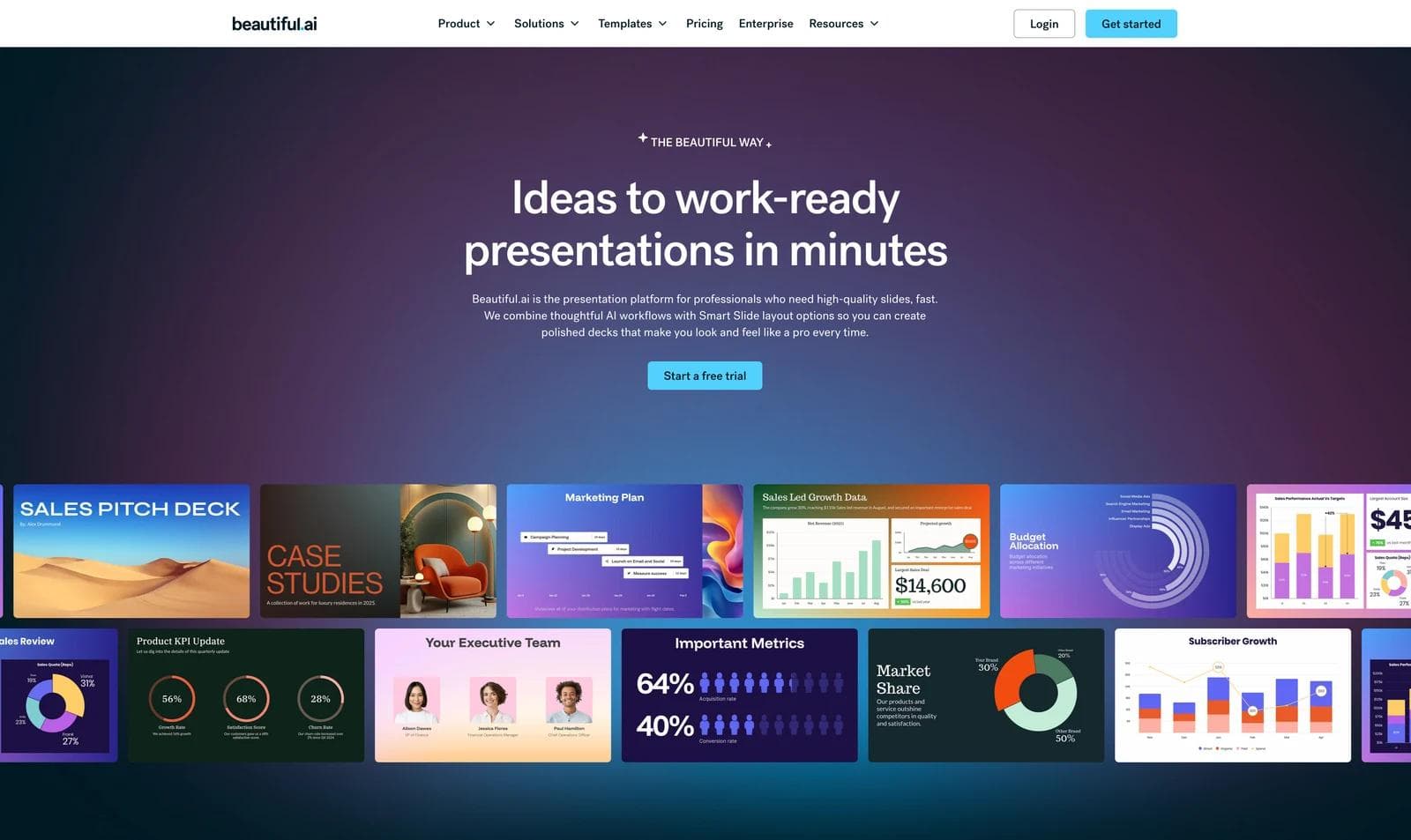
Beautiful.ai's Smart Slides automatically adjust alignment and spacing as content changes. Team features include shared assets, reusable slides, locked themes, and brand guardrails. That combination can help an enablement team give reps room to personalize while protecting approved structure and styling.
Choose Beautiful.ai when the common failure is a rep breaking the deck while adapting it. Smart Slides trade some free-form composition for layout discipline, although Classic Slides provide more direct control. Pitch is stronger when sales distribution and engagement are the center of the workflow. Beautiful.ai is stronger when consistent slide construction is the main concern.
6. Canva: best for presentations plus campaign collateral
Canva combines AI presentation drafting with a drag-and-drop editor, templates, stock media, collaboration, and Brand Kits on eligible plans. Its advantage for a small go-to-market team is breadth: the same workspace can produce a deck, one-pager, social post, short video, and event graphic.
Choose Canva when reps and marketers already share its asset library or need several formats around the same campaign. Beautiful.ai offers tighter presentation-specific layout guardrails, while Pitch has a more explicit sales engagement workflow. Canva's value is the mature creative ecosystem, not a claim that it automatically produces the best sales narrative.

7. Moda: best for agent-led, customized sales assets
Moda is useful when a team wants to give an agent source material and brand context, review a draft, request precise revisions, and keep editing on a layered visual canvas. The same workflow can produce presentations, one-pagers, diagrams, and campaign graphics, which is helpful when a deal needs more than a deck.
Moda is not the best choice for every sales organization. Pitch is better for built-in sales rooms and engagement tracking. Beautiful.ai is better for strict slide-layout guardrails. Canva is better for a large template and stock-media ecosystem. Microsoft Copilot and Plus AI are better when native Office or Google Slides authoring is non-negotiable. Moda also documents that complex PowerPoint and Google Slides conversions can rasterize or simplify some visual elements, so export should be tested with the actual customer workflow.
For the underlying asset process, see how to choose an AI presentation maker. If a single leave-behind is more useful than a deck, use this one-pager workflow.
A better evaluation exercise
Do not compare tools by asking each one to make a generic ten-slide pitch deck. Use a real, approved source pack and a realistic revision cycle:
- Create an eight-slide discovery follow-up with the buyer's stated problem, current process, agreed requirements, relevant proof, proposed next step, and open questions.
- Mark every unsupported claim and confirm the tool did not invent customer facts.
- Ask a rep to replace the prospect, industry, and use case without changing the approved proof slide.
- Ask enablement to update one product claim across the reusable source.
- Present it once, then send it in the actual buyer format.
- If analytics matter, verify exactly what is recorded, who can see it, and whether the buyer must accept tracking or identify themselves.
The winning tool is the one that makes this controlled workflow easier. A beautiful first draft is useful, but accuracy, editability, governance, and delivery determine whether the deck can be used with a customer.
What the tool should not decide
Do not let the presentation generator decide which customer claims are approved, which case study is comparable, or whether an objection has been resolved. Those judgments belong to the account owner and the teams responsible for product, legal, security, and brand.
The cleanest operating model is a controlled source pack: current product facts, approved proof, standard legal language, brand assets, and a small set of reusable story structures. The tool may adapt that material to the buyer's stated context, but a person should check every changed claim before delivery. This also makes evaluation fairer. You are testing how well each product transforms known inputs, not rewarding whichever model invents the most confident story.

Real editable visuals. Real canvas. Full control.
Fly through design work