Best Google Slides Alternatives in 2026
Compare Google Slides alternatives by source-of-truth ownership, AI creation, offline work, privacy, collaboration, design control, and file handoff.
 Anvisha Pai, Co-founder & CEO, Moda
The best Google Slides alternative depends on what you need to preserve. Choose PowerPoint when PPTX files, offline work and deep desktop controls matter. Choose Canva for a large visual asset and template ecosystem. Choose Gamma for fast web-native decks, Beautiful.ai for layout guardrails, Keynote for an Apple-centered workflow, and LibreOffice Impress for local open-source ownership.
If Google Slides collaboration is non-negotiable, the best answer may be not to replace it at all. Gemini now generates complete editable presentations in Slides, and add-ons such as Plus AI add another creation layer while keeping the Google Slides file as the source of truth. Moda fits when an agent-led visual design workflow matters more than staying entirely inside Workspace.
This guide is based on current product documentation, independent reviews, and documented export behavior. We did not run our own generated-deck benchmark across all eight products, so the recommendations focus on source-of-truth ownership, handoff, collaboration, and workflow fit rather than invented design-quality scores.
Google Slides alternatives at a glance
| Option | Working source of truth | Best reason to choose it | Primary tradeoff |
|---|---|---|---|
| Google Slides with Gemini | Google Slides | Preserve Workspace collaboration while improving creation | Does not replace the underlying Slides editor |
| Plus AI | Google Slides or PowerPoint | Add AI inside the destination editor | An augmentation layer, not a new presentation platform |
| PowerPoint | PPTX | Desktop depth, offline work and native client handoff | Microsoft licensing and file-based governance |
| Canva | Canva design | Templates, media and multi-format campaigns | Slides and PPTX handoffs require conversion testing |
| Beautiful.ai | Beautiful.ai presentation | Automatic layout guardrails for recurring decks | Structured layouts can resist unusual compositions |
| Gamma | Gamma web document | Fast link-shared narratives and proposals | PPTX or Slides is a secondary export |
| Keynote | Keynote file | Apple-first presentation production | Cross-platform editing is less complete |
| LibreOffice Impress | ODP or local file | Open-source and local ownership | Weaker browser-native collaboration |
| Moda | Moda canvas | Agent-led visual creation and revision | Destination exports still require inspection |
Do you actually need to leave Google Slides?
Google Slides has changed substantially. It supports live editing, comments, version history, animations, transitions, linked Sheets charts, presenter tools, recording on eligible plans and offline work after setup. Most importantly, Gemini can now generate a complete editable presentation after a short planning conversation. It can work from approved Google context, cite sources in the outline and match an existing presentation’s style.
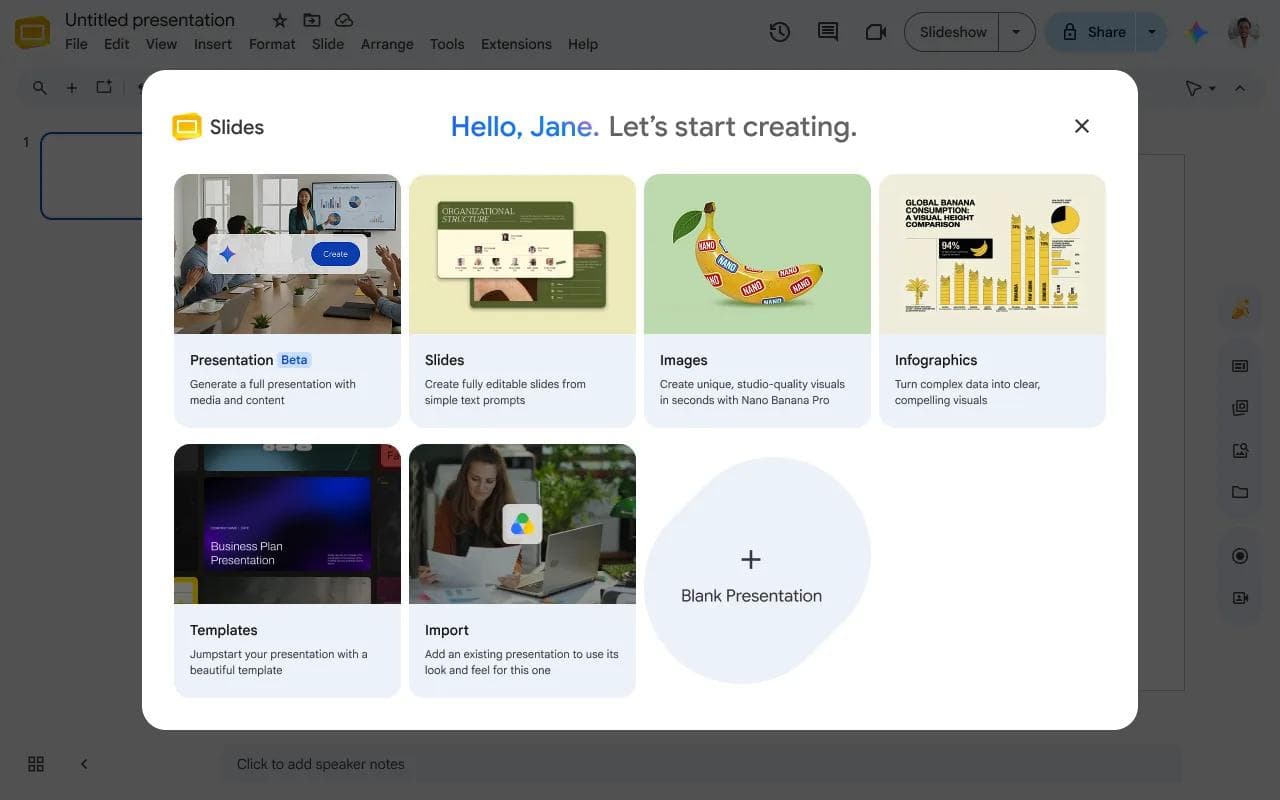
Stay with Slides if its sharing model, Drive permissions, linked Sheets data and review history are central to the work. A replacement may improve design or automation while making collaboration, governance or handoff worse.
Switch only when you can name the missing capability. “Better presentations” is too vague. “We must deliver editable PPTX files,” “we need local open-source files,” or “non-designers need layouts that cannot drift” are actionable reasons.
Google Slides alternatives by workflow
| Option | Working file | Best for | Main tradeoff |
|---|---|---|---|
| Plus AI | Google Slides or PowerPoint | Adding AI while keeping the existing editor | It augments Slides rather than replacing its editing model |
| PowerPoint | PPTX | Desktop depth, offline work and conventional client handoff | The fullest feature set requires the desktop application and the right plan |
| Canva | Canva design | Templates, visual assets and multi-format content | PPTX or Slides handoff can require cleanup |
| Beautiful.ai | Beautiful.ai presentation | Automatic layout guardrails for non-designers | Guardrails also limit freeform control |
| Gamma | Gamma card-based document | Fast AI-generated, link-shared presentations | Its native format is not a conventional slide file |
| Keynote | Keynote file | Apple-first design and native motion tools | Cross-platform editing is more limited than Google Slides |
| LibreOffice Impress | ODP or local presentation file | Open-source, offline and local ownership | Weak choice for browser-native collaboration |
| Moda | Editable Moda canvas | Agent-led visual creation and branded redesign | Less mature ecosystem integration than Google or Microsoft |
1. Plus AI: best when Google Slides must remain the source of truth
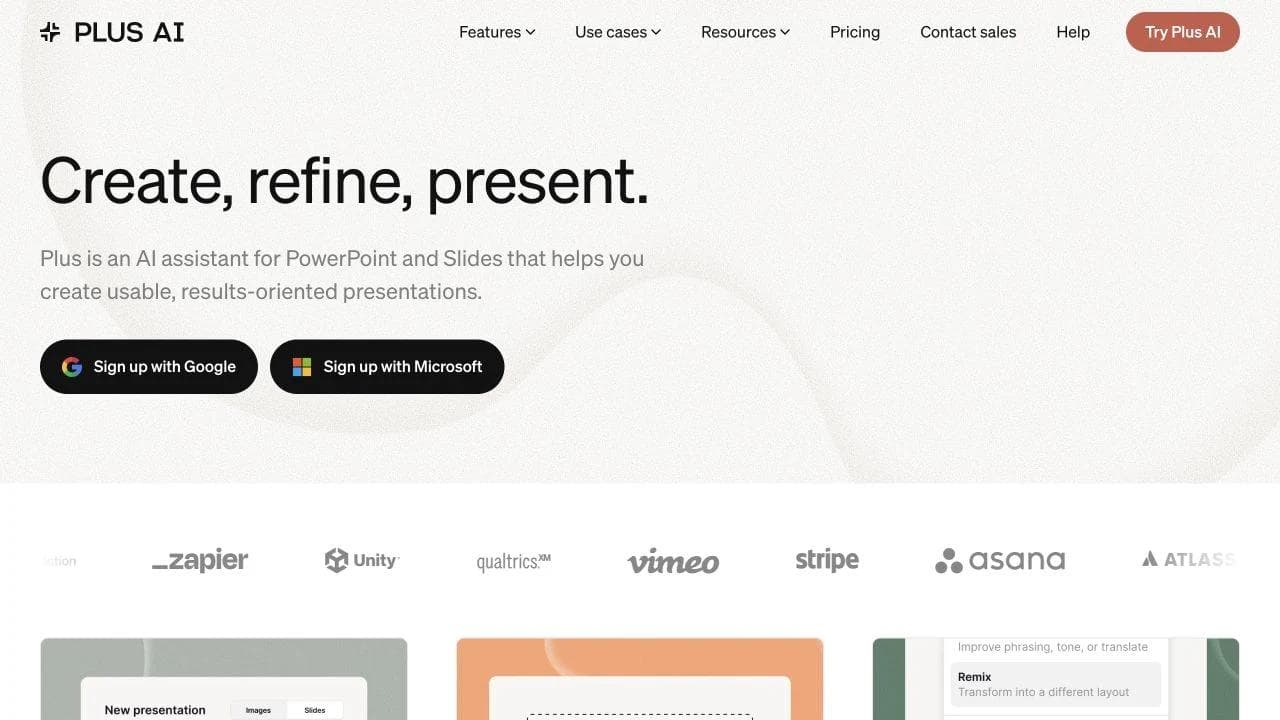
Plus AI is the unusual “alternative” that does not ask you to leave. It runs inside Google Slides and PowerPoint, generating presentations and individual slides, rewriting content and remixing layouts in the file your team already uses.
That makes it a strong fit for Workspace teams that want more presentation automation without migrating comments, permissions, templates and review habits to another platform. It is less compelling if the underlying Slides editor is the problem rather than the creation process.
Plus offers a trial and paid plans; check its current pricing and renewal terms before rollout. Custom templates and team controls vary by plan.
2. PowerPoint: best for PPTX ownership and desktop depth
PowerPoint is the most direct conventional replacement. It keeps the familiar slide model while adding deeper desktop control over masters, animations, media and delivery. It is the safest choice when recipients expect to continue editing a PPTX file.
Do not confuse PowerPoint for the web with the desktop applications. Microsoft’s platform comparison shows that real-time coauthoring is widely available, but features such as master editing, animation triggers and some presentation controls differ by platform.
PowerPoint is genuinely collaborative when the file lives in OneDrive or SharePoint. Choose it over Slides when local presentation reliability or advanced production matters more than starting from a universally accessible browser link. For a direct breakdown, see Google Slides vs PowerPoint.
3. Canva: best for templates and multi-format visual work
Canva Presentations combines a drag-and-drop presentation editor with Canva’s broader template, image, illustration, video and brand ecosystem. It is a good choice for marketing teams that produce decks alongside social graphics, documents and other visual assets.
Canva also supports live collaboration, comments, recording and several presentation modes. Where it beats Google Slides is breadth of visual starting points and assets. Where Slides wins is native Workspace continuity, especially when linked Sheets data, Drive permissions and a Slides file must remain authoritative.
Canva can export to PowerPoint, and a PPTX can then be placed in Google Drive. Treat that as a handoff rather than proof of perfect round-trip compatibility. Our detailed Canva vs Google Slides comparison covers that choice.

4. Beautiful.ai: best for automatic layout guardrails
Beautiful.ai Smart Slides automatically adapt layout as content changes. That is useful when non-designers need to create consistent business decks without manually aligning every object.
The same guardrails are the tradeoff. Smart Slides are intentionally structured, so a designer who wants to break the layout rules may prefer a more open canvas. Beautiful.ai also offers Classic Slides for greater freedom, but the product’s core value is still its constrained layout system.
Beautiful.ai has a trial rather than a permanent free tier. Review the current plan and auto-renewal terms before inviting a team.
5. Gamma: best for fast web-native presentations
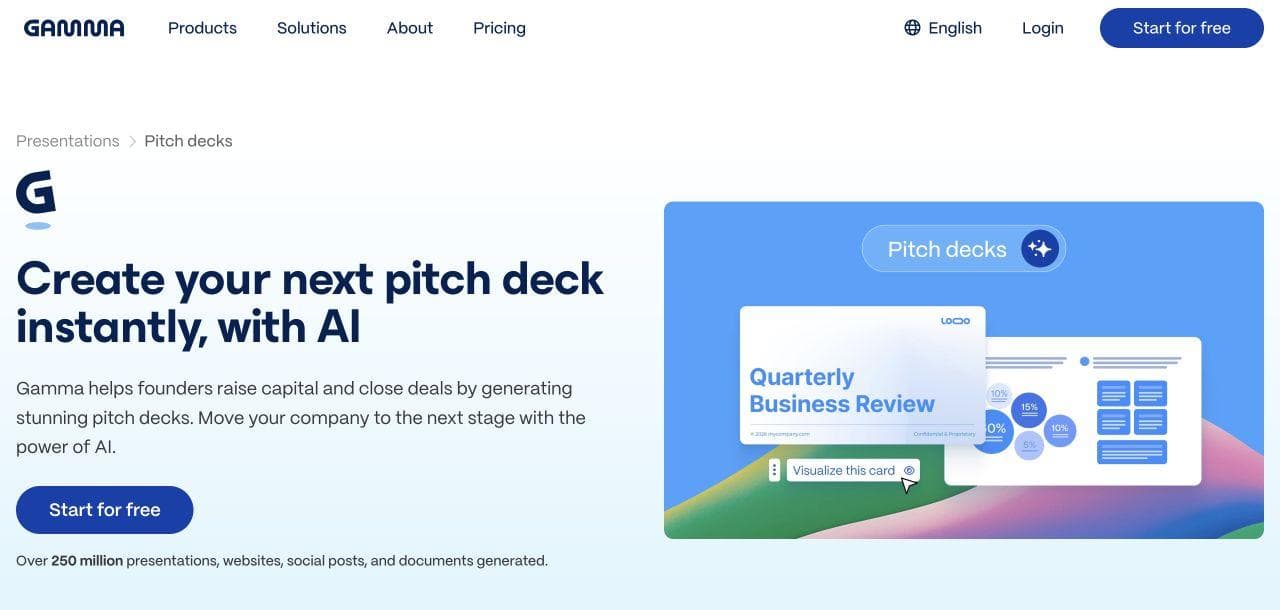
Gamma turns prompts, outlines and documents into card-based presentations that can be edited, presented and shared as live links. It is particularly good for a fast first draft that reads naturally on the web.
Gamma’s native object is not a traditional slide file. It can export to PowerPoint, PDF and Google Slides through a PPTX workflow, but the company documents differences for effects, fonts and some embedded content. Choose Gamma when the live Gamma experience is acceptable as the primary deliverable, not merely because an export button exists.
The free plan uses a limited credit allocation and retains Gamma branding on exports. Check current plan limits against the number of decks and exports your team expects.
6. Keynote: best for an Apple-first team
Keynote offers strong typography, transitions and motion tools in a focused presentation application. It is a sensible choice for an Apple-centered team that presents from Macs and does not need Google Workspace to own the deck.
Keynote is not strictly Apple-device-only. Keynote for iCloud supports creation and editing in compatible Windows browsers, and Apple supports real-time collaboration. The caveat is that some features are limited in collaborative or browser workflows, and Android users can view but not fully edit.
Choose Keynote for an Apple-native production workflow. Do not choose it merely because you assume it will collaborate exactly like a Google Slides URL across every device.
7. LibreOffice Impress: best for local and open-source ownership
The privacy-focused search results reveal a use case most commercial roundups ignore: some people are leaving Google because they do not want a cloud vendor to own the workflow. LibreOffice Impress is the strongest mainstream answer for that requirement.
Impress uses the OpenDocument Presentation format and can open or export common presentation formats. Files can remain local, the software is open source, and offline work is the default rather than a prepared mode.
The tradeoff is collaboration. Impress is not a replacement for Google Slides’ browser-native coediting, comments and permission model. It is best when local control matters more than real-time teamwork.
8. Moda: best for agent-led visual creation
Moda uses an AI agent to create and revise presentations on an editable design canvas. It can apply a brand kit, respond to conversational design instructions, export an editable PPTX and publish directly to Google Slides.
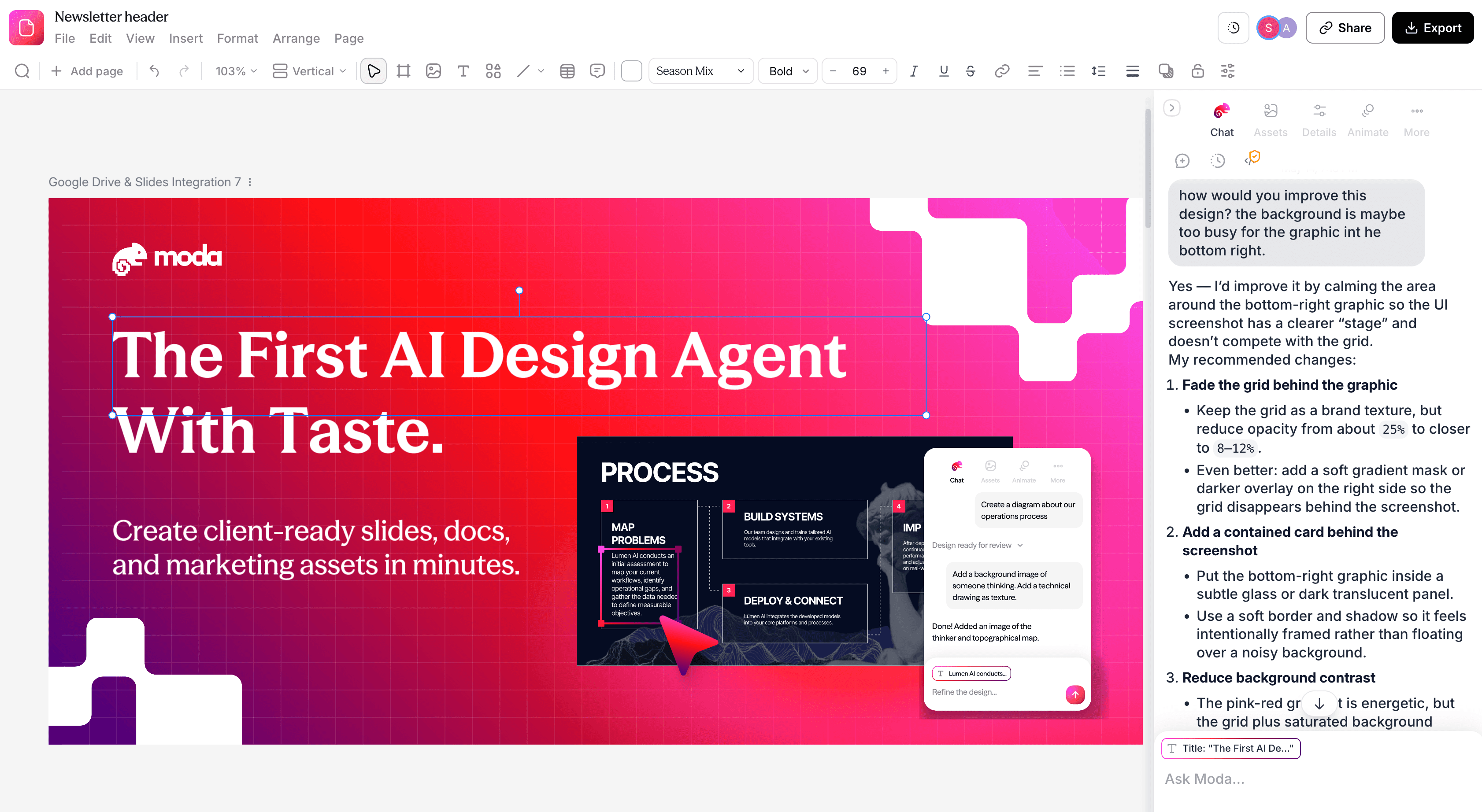
Moda is a good fit when the bottleneck is producing or redesigning a visually developed first draft. It is not the best replacement when you need Google’s mature Workspace permissions and history, PowerPoint’s deepest desktop effects, Canva’s asset ecosystem or LibreOffice’s local open-source ownership.
Exports also deserve inspection. Complex or unsupported effects can rasterize or change when moving into PPTX or Google Slides. Use Moda for the creation workflow when that advantage is worth the handoff, then review the destination deck.
Offline use, privacy, and ownership are different requirements
Google Slides can work offline after advance setup in a supported browser, but the file still belongs to a Google Drive workflow. Google’s offline documentation describes browser, account, storage, and administrator requirements. Test offline access before travel rather than discovering the limitation in a meeting room.
PowerPoint and Keynote provide native desktop applications, but collaboration still usually depends on OneDrive, SharePoint, or iCloud. LibreOffice is the clearest option when local open-source files are the requirement, although the team gives up much of Slides’ browser-native review model.
Privacy also cannot be inferred from “local” or “cloud.” Enterprise identity, retention, encryption, data residency, model-training terms, audit logs, guest sharing, and administrator controls vary by product and plan. Ask the security question directly instead of using offline support as a proxy for governance.
What switching away from Google Slides costs
The subscription price is only one part of switching. Before moving a team, audit:
- Templates and brand systems: Can the new tool use the layouts, fonts and assets your organization already maintains?
- Comments and history: Decide whether old review context must remain accessible.
- Linked data: Slides linked to Sheets may become static or require a new connection.
- File handoff: Identify whether clients need a live link, PDF, PPTX or Google Slides file.
- Offline behavior: Separate “can be prepared for offline use” from “works as a local desktop file by default.”
- Training and governance: A better editor can still be a worse organizational choice if nobody knows how to use or administer it.
Test one representative deck before migrating a library. Include the fonts, charts, notes, comments, animation and media your real work depends on.
- Use the organization’s real fonts, theme, masters, speaker notes, and a linked Sheets chart.
- Include a table, diagram, transparent image, embedded video, hyperlinks, transitions, and object animation.
- Give a reviewer comment access and another person edit access, then inspect notifications and version recovery.
- Export or convert into the required destination and change a heading, chart value, crop, and layout there.
- Open the result on the recipient’s computer and present it without the original creator signed in.
- Name the authoritative working file and confirm that later edits do not create two diverging masters.
Recommendations by scenario
- Google Workspace team that mainly wants better AI drafts: Try Gemini’s current full-presentation workflow or Plus AI before replacing Slides.
- Agency delivering editable client files: Use PowerPoint when PPTX is the required source of truth; use Moda or Canva upstream only if the export handoff is tested.
- Small marketing team producing many asset types: Canva is usually the most practical shared visual system.
- Non-designers who keep breaking layouts: Beautiful.ai provides the clearest guardrails.
- Fast, link-shared narrative or proposal: Gamma is a strong fit when its native web format is acceptable.
- Mac-centered presenter: Keynote offers a polished native workflow with some browser collaboration.
- Privacy-first or fully local workflow: LibreOffice Impress is the honest default, even though its collaboration is weaker.
- Team that wants an AI agent to design and revise the deck: Moda belongs on the shortlist, with an explicit export review before handoff.
Bottom line
Choose the destination and source of truth first, then choose the creation tool. If the presentation must remain a Google Slides file, improve the Slides workflow before replacing it. If the final artifact is PPTX, start with PowerPoint or test the export early. If local ownership, automatic layout or agent-led design is the actual requirement, choose the tool built around that job.
A useful Google Slides alternative is not the product with the longest feature list. It is the one that fixes your specific bottleneck without breaking the parts of Slides your team already relies on.
Frequently asked questions
What is the best free alternative to Google Slides?
LibreOffice Impress is the strongest open-source, local option. PowerPoint, Canva, Gamma and Prezi also offer free access or free tiers with different limitations. Check current export and collaboration limits before committing.
What is the best Google Slides alternative for AI presentations?
If the final file must remain in Google Slides, start with Gemini or a native add-on such as Plus AI. Gamma is strong for fast web-native decks, Beautiful.ai for layout guardrails, and Moda for agent-led design on an editable canvas.
Which Google Slides alternative works offline?
PowerPoint desktop, Keynote and LibreOffice Impress are built around local applications or files. Google Slides can also work offline after advance setup, and some browser-first competitors offer prepared offline modes.
Is there a privacy-focused Google Slides alternative?
LibreOffice Impress is the clearest mainstream choice for local, open-source presentation files. It gives up much of Google Slides’ browser-native collaboration in exchange for local ownership.
Can Google Slides alternatives export editable files?
Many can export PPTX or another editable format, but editability does not guarantee perfect visual fidelity. Check fonts, charts, grouped objects, notes, animation and media in the destination application.

Real editable visuals. Real canvas. Full control.
Fly through design work