Google Slides vs PowerPoint: Which Should You Use in 2026?
Compare Google Slides vs PowerPoint across collaboration, design, AI, offline work, file handoff, and presenting.
 Anvisha Pai, Co-founder & CEO, Moda
For most teams, the Google Slides vs PowerPoint decision is simpler than feature tables make it sound: use the application your organization already treats as the source of truth. Choose Google Slides for a URL-first, browser-based workflow centered on live editing. Choose PowerPoint when the final deliverable is a PPTX file, deep desktop controls matter, or you need reliable local presenting without advance setup.
Both products are capable presentation tools, and both now generate complete presentations with AI. The practical question is not which one wins every category. It is where the deck will live, who must edit it, and which capabilities cannot be lost during handoff.
Google Slides vs PowerPoint at a glance
| Workflow | Better default | Why | Switch only if |
|---|---|---|---|
| Internal deck in a Google Workspace team | Google Slides | One link, live editing, comments, Drive permissions and version history | You need a PowerPoint-only desktop feature or a PPTX handoff |
| Complex animation or highly controlled desktop deck | PowerPoint desktop | Morph, motion paths, richer masters and deeper desktop presentation controls | Collaboration friction outweighs the advanced controls |
| Client or partner requires an editable PPTX | PowerPoint | The requested delivery format is also the working format | The client explicitly agrees to a Slides-first workflow |
| Mixed team that needs fast external collaboration | Google Slides | Browser access and link sharing reduce setup | The receiving organization standardizes on Microsoft 365 |
| Conference or unreliable internet connection | PowerPoint desktop | Local files and desktop presenting work without prior browser setup | You have prepared Slides offline and tested the exact machine |
| AI-generated first draft | Either | Gemini and Copilot now both generate editable presentations | Another creation tool offers a workflow or design system you specifically need |
Start with the source of truth
A presentation often moves through several stages: research, first draft, review, design, approval, delivery and later revision. Problems begin when different teams quietly treat different copies as authoritative. A Slides URL, a local PPTX and an emailed PDF can all look current while containing different edits.
Before choosing software, answer three questions:
- Who owns the working file? Name the person or team responsible for the authoritative version.
- Where must the final editable deck live? If a client expects PPTX, building the entire workflow around a Google Slides URL creates a conversion step at the end.
- Which features must survive handoff? List fonts, charts, notes, comments, animations, media and linked data before moving the deck.
If you must use both applications, minimize round trips. Converting once is a workflow. Repeatedly moving the same deck back and forth is a version-control problem.
Where Google Slides is the better choice
Google Slides is strongest when the presentation is a shared working document. Google documents live editing, comments, viewer/commenter/editor permissions and collaboration with people outside your organization. Its version history shows who changed the file and lets editors restore earlier versions.
That URL-first model is especially useful for internal reviews, education, distributed teams and projects where many people contribute small edits. You do not need to email a new file after every revision, and the same link can remain the review surface from first draft through approval.
Slides also integrates naturally with Drive, Sheets and Meet. Linked charts can be refreshed from Sheets, and presenters can use speaker notes, captions, annotations and audience Q&A. These are real presentation capabilities, not a bare-bones substitute for PowerPoint.
The offline caveat
Google Slides works offline, but it is not the same default as opening a local desktop file. Offline access must be configured in advance in Chrome or Edge, private browsing is not supported, and the required files must be available locally. For a high-stakes presentation, test the exact device and account before leaving a reliable connection.
Where PowerPoint is the better choice
PowerPoint desktop remains the stronger choice when presentation depth is the job. Microsoft documents Morph, custom motion paths, animation triggers, slide-master editing and richer video and recording controls. Availability varies by Windows, Mac and web, so “PowerPoint supports it” does not always mean every PowerPoint client can edit it.
PowerPoint is also the safer default when a client, conference organizer or executive workflow expects an editable PPTX. Keeping the native file as the source of truth avoids a last-minute format conversion and makes it easier for recipients to continue working in their established Microsoft 365 environment.
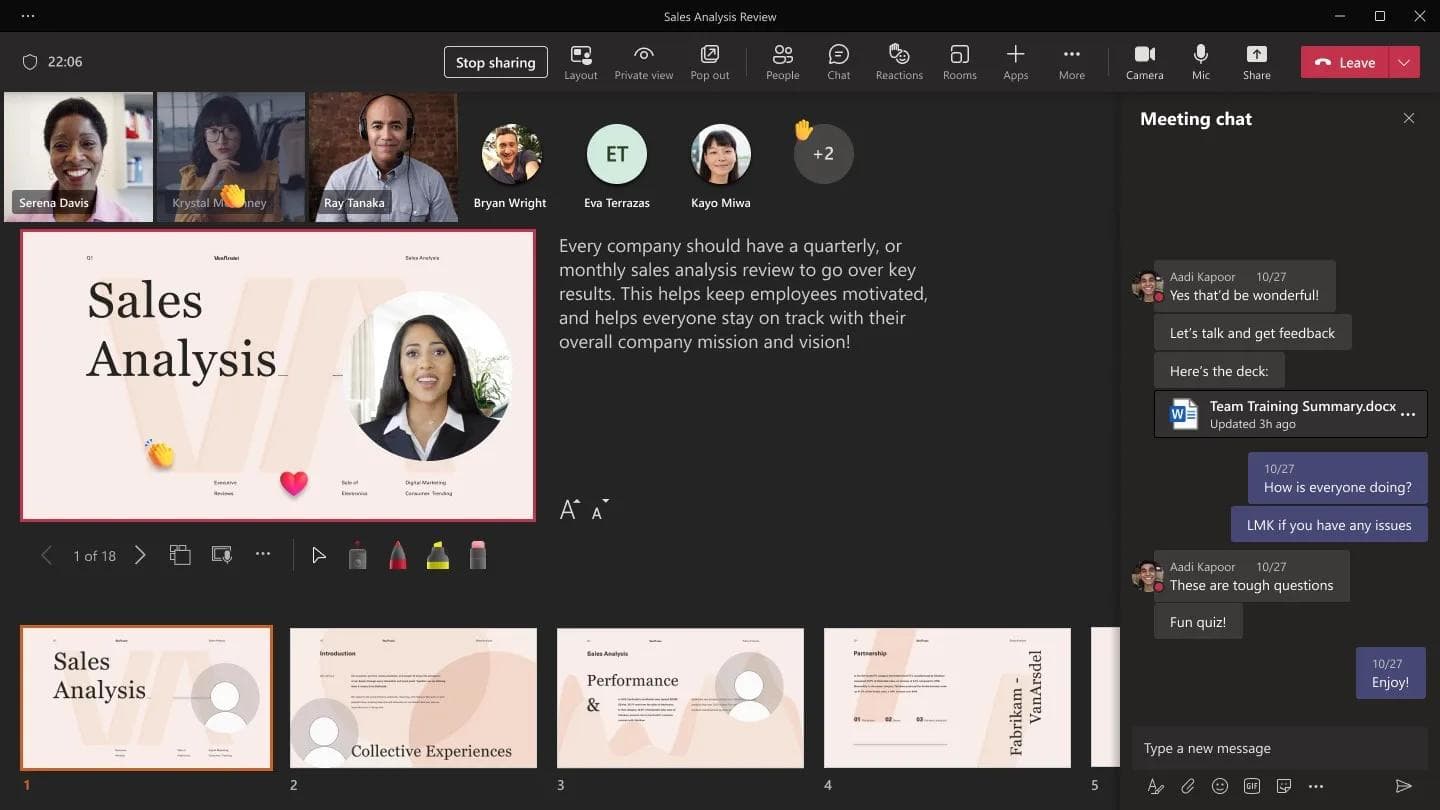
Collaboration is no longer a missing PowerPoint feature. Microsoft supports real-time coauthoring, comments and version history when the presentation is stored in OneDrive or SharePoint. The distinction is workflow: Slides begins as a shared cloud document, while PowerPoint can be either a local file or a cloud-coauthored presentation.
PowerPoint also offers Speaker Coach and deeper desktop delivery controls. If rehearsing, recording, custom animation or tightly controlled playback matters more than instant browser access, PowerPoint is usually the better tool.
AI no longer separates the two products cleanly
Older comparisons often say Gemini only helps with one slide while Copilot drafts a deck, or that neither product can create a complete presentation. That is no longer accurate.
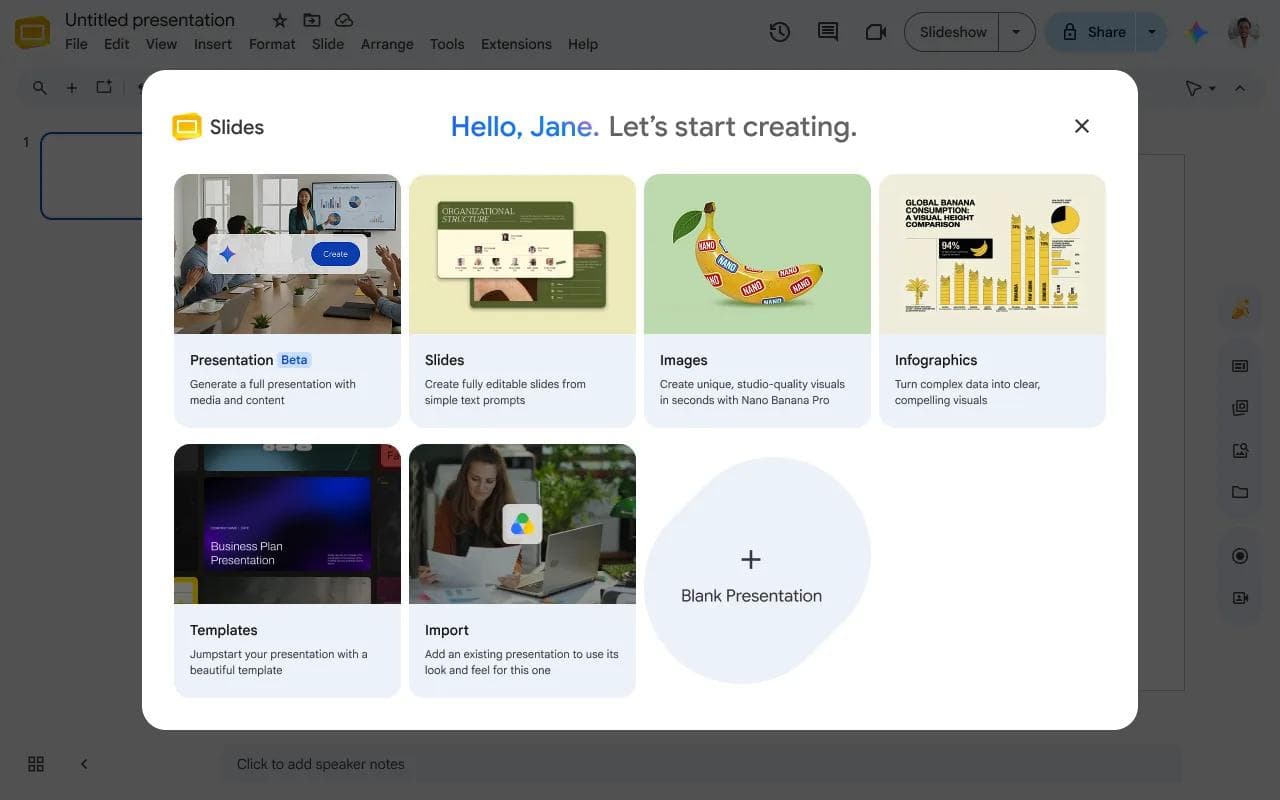
Google now documents full-presentation generation in Slides. Gemini can ask clarifying questions, create an editable outline with sources, use approved context from Drive and other Google services, match an existing presentation style, and then generate editable slides. The current experience requires an eligible Google Workspace or Google AI plan and is limited to desktop and English, with personal-account access also appearing through Workspace Experiments.
Microsoft Copilot in PowerPoint also generates full decks from prompts and supported source files. It can ask questions, propose an outline and continue editing the generated presentation. Microsoft also documents in-place restructuring, image work and brand-kit support, with availability depending on license, region and administrator settings.
This means the AI choice should be evaluated inside the surrounding workflow. If your sources, permissions and collaborators live in Google Workspace, Gemini has a natural context advantage. If the deck must remain a PowerPoint file and draw on Microsoft 365, Copilot avoids a format handoff. Neither vendor’s documentation proves that every generated deck will be accurate or visually ready to present. Review the content and design before sharing it.
What happens when you move between Slides and PowerPoint
Google supports opening, editing and saving Microsoft Office files, and Slides can download a presentation as PPTX. That compatibility is useful, but it is not a guarantee that every feature will survive every conversion.
Common text, images, basic shapes and ordinary layouts are the least risky. Custom fonts, linked data, comments, advanced animations, embedded media and application-specific effects deserve inspection. Neither company’s primary documentation promises a lossless round trip across all those elements.
Use a practical handoff checklist:
- Export a copy while preserving the original source file.
- Open the converted deck in the destination application, not only in a preview.
- Check every font, chart, image crop, note, animation and embedded media item that matters.
- Present once from the destination environment before the real meeting.
- After handoff, declare which copy receives future edits.
For detailed repair steps, see our guide to converting PowerPoint to Google Slides while preserving formatting. Our separate review of AI presentation export to PowerPoint and Google Slides focuses on the output handoff rather than this editor decision.
Which should you choose?
Choose Google Slides if
- Your organization already works primarily in Google Workspace.
- The deck will be reviewed and edited by many people through a shared link.
- Most slides use ordinary text, images, charts and modest animation.
- Fast external access matters more than deep desktop controls.
Choose PowerPoint if
- The final editable deliverable must be a PPTX file.
- You rely on advanced animation, masters, media or desktop presentation controls.
- You routinely work offline or present on machines with uncertain connectivity.
- Your organization already manages files and collaboration through Microsoft 365.
Use both only with a clear handoff rule
A sensible hybrid workflow might draft collaboratively in Slides, export once to PowerPoint for final production, and freeze Slides after the handoff. The reverse can also work. What does not work well is letting both versions continue changing.
Where Moda fits
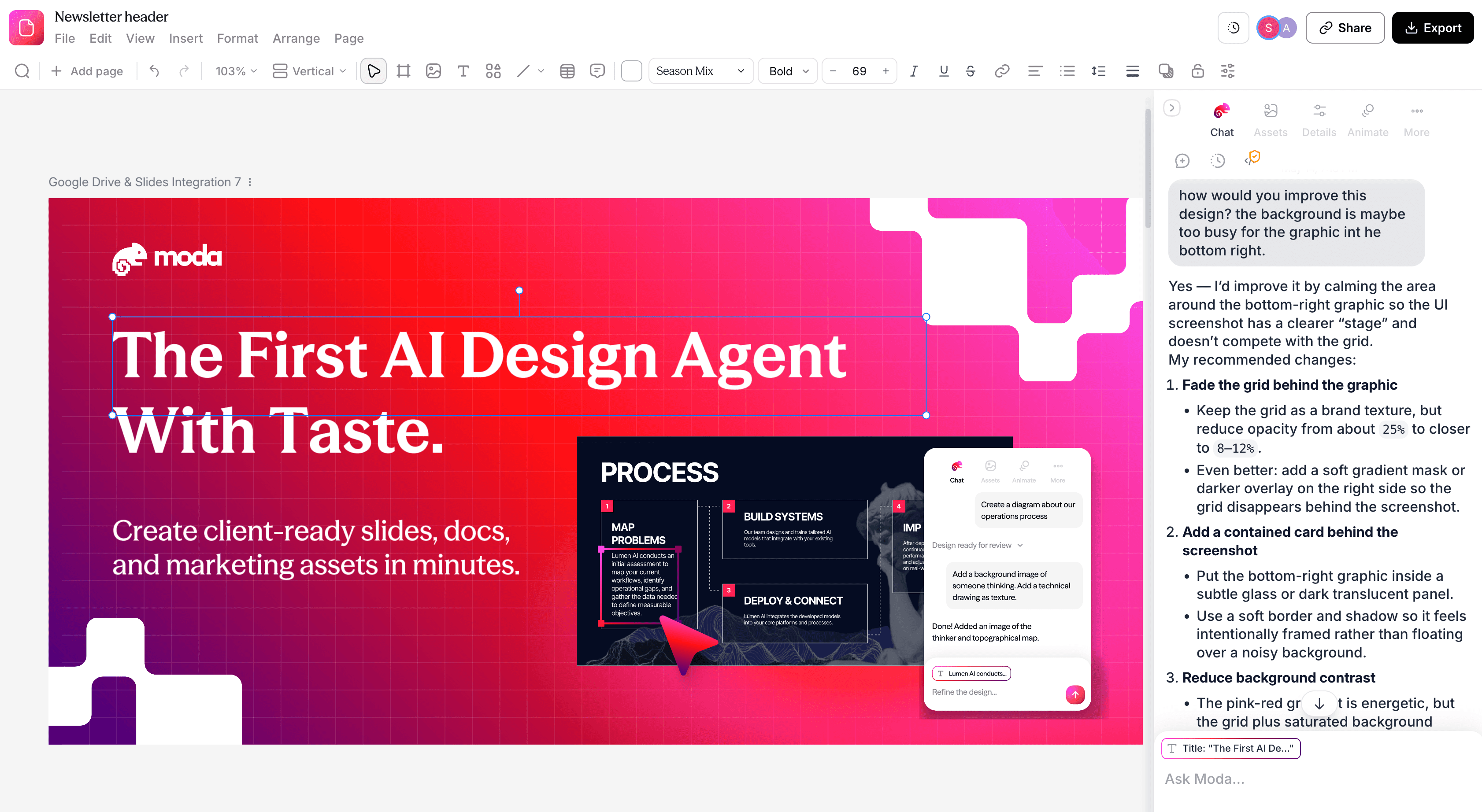
Sometimes the bottleneck is not choosing between two editors. It is creating and redesigning the deck in the first place. Moda uses an AI agent on an editable design canvas, supports brand kits and conversational revision, and can export editable PPTX files or publish directly to Google Slides.
That can be useful when you want an agent-led visual first draft and then need to hand the result to a Slides or PowerPoint workflow. It does not make Moda the best choice for every presentation. Google Slides has the more mature Workspace-native collaboration and permission model. PowerPoint has deeper desktop animation and presentation controls. Complex or unsupported effects can also rasterize or change during export, so inspect the destination deck.
The honest choice is based on the part of the workflow you are trying to improve: creation, collaboration, production or delivery.
Bottom line
Use Google Slides when the deck is primarily a collaborative cloud document. Use PowerPoint when it is primarily a controlled presentation file. Both now provide serious AI creation features, both can collaborate in the cloud, and both can work offline under the right conditions. Your organization’s ecosystem and required final format usually matter more than a generic feature winner.
Frequently asked questions
Is Google Slides better than PowerPoint?
Google Slides is usually better for URL-first collaboration in Google Workspace. PowerPoint is usually better for deep desktop controls, native PPTX delivery and local presenting. Neither is better for every workflow.
Can Google Slides work offline?
Yes. Google documents offline creation and editing after advance setup in Chrome or Edge. Private browsing is not supported, and you should make the required files available offline before losing connectivity.
Can PowerPoint collaborate in real time?
Yes. PowerPoint supports real-time coauthoring, comments and version history when the presentation is stored in OneDrive or SharePoint.
Can Gemini and Copilot both create complete presentations?
Yes. Google and Microsoft both document full-presentation generation. Availability and source-file support depend on the account, plan, platform and administrator settings.
Can you convert between Google Slides and PowerPoint without changes?
Often, common content transfers well, but neither vendor guarantees a lossless round trip for every font, animation, linked object, comment or media type. Always inspect and present the converted file before delivery.

Real editable visuals. Real canvas. Full control.
Fly through design work