7 PowerPoint Alternatives, Chosen by What You Need
Compare seven PowerPoint alternatives by what they replace: source file, collaboration, AI drafting, design control, or live delivery.
 Anvisha Pai, Co-founder & CEO, Moda
The best PowerPoint alternative depends on which part of PowerPoint you are actually trying to replace. Google Slides is the safest choice for browser-based coauthoring. Keynote is strong for Mac-based presenting. Canva is better for template-led visual production. Gamma and Beautiful.ai speed up first drafts in different ways. Prezi changes the presentation format itself. Moda fits teams that want an AI agent to create and revise designed slides on an editable canvas.
But if the final working file must remain a complex, editable .pptx, PowerPoint may still be the right answer. An exported PowerPoint file is not automatically equivalent to a presentation authored natively in PowerPoint. Start with the durable source your team needs, then choose the tool.
Last reviewed: September 1, 2026. Product and export claims below link to current vendor documentation.
PowerPoint alternatives at a glance
| Tool | Best when you need | Durable source | PowerPoint handoff |
|---|---|---|---|
| Google Slides | Browser collaboration in Google Workspace | Google Slides or an Office file in Drive | Good for ordinary slides; test complex decks |
| Keynote | A polished Mac-native editor and live presentation tool | Keynote file | Opens and exports PPTX |
| Canva | Templates and assets reused across many visual formats | Canva design | Exports PPTX; some PowerPoint features do not import |
| Gamma | Fast AI drafting for narrative, text-forward decks | Gamma cards | Exports PPTX; some effects differ |
| Beautiful.ai | Layout guardrails for repeatable business slides | Beautiful.ai presentation | Editable export is plan-dependent |
| Prezi | Spatial, zooming live storytelling | Prezi presentation | PPTX fallback loses the spatial experience |
| Moda | AI-generated, brand-aware slides with direct canvas editing | Moda canvas | Exports PPTX; complex effects may rasterize |
First decide what layer of PowerPoint you want to replace
Most comparison lists put every presentation app in one ranking. That hides the practical difference between replacing PowerPoint as an editor, replacing the .pptx file as your source of truth, or adding AI before the file ever reaches PowerPoint.
1. The durable source
The durable source is the file or hosted project your team keeps revising. If colleagues, clients, or an events team will open and modify a .pptx after handoff, native PowerPoint is the lowest-risk source. If the team will keep working in a browser and only download a final copy, a hosted source such as Google Slides, Canva, Gamma, or Moda may be more useful.
2. The drafting and design layer
You may not need to replace the editor at all. AI-first tools can generate an outline, draft slides, or create a visual direction before the deck moves into its final home. This works especially well when the main problem is blank-page time rather than PowerPoint itself.
3. Collaboration and approval
A team that comments and edits together needs one shared source. Exporting a new file after every revision recreates the version-control problem that browser tools are meant to solve. Choose the collaboration system first, then treat PPTX as a delivery format only if the recipient requires it.
4. Live delivery
A conference keynote, classroom lecture, async sales link, and emailed board deck have different requirements. Presenter displays, offline reliability, video outputs, audience interaction, and link analytics can matter more than how quickly the first slide was generated.
When PowerPoint is still the better choice
Stay with PowerPoint when the .pptx itself is the product. That includes decks with complex animation, linked Office data, organization-specific templates, or recipients who will continue editing in Microsoft 365. PowerPoint can also coauthor files stored in OneDrive or SharePoint, so cloud collaboration alone is not a reason to leave it. Microsoft documents the current coauthoring workflow and its file requirements.
PowerPoint is also the safer default for a live production setup that has already been rehearsed on specific hardware. A prettier editor is not worth a risky format conversion five minutes before a talk.
1. Google Slides: best browser-based replacement
Choose Google Slides when the team already lives in Google Workspace and simultaneous editing matters more than advanced PowerPoint behavior. The source stays in Drive, collaborators work from a link, and presentation files can be made available offline after setup.
Google also lets you open a PowerPoint file from Drive and save changes to the original Office file. That is useful for ordinary decks, but it does not prove that every font, chart, animation, or layout will survive a round trip. Google’s switching guide explains both Office-file editing and offline setup. For important handoffs, open the downloaded file in desktop PowerPoint and compare it slide by slide.
PowerPoint is better when the deck depends on native Office behavior. Google Slides is better when the shared browser document is the real source and PPTX is an occasional export.
2. Keynote: best for Mac-native creation and presenting
Keynote is a serious alternative for individuals and teams centered on Apple devices. Its desktop application makes it a good fit for offline creation and live presenting, and its visual and motion tools are useful for speaker-led decks.
Apple confirms that Keynote can open and edit PowerPoint files and save them back as PowerPoint presentations. Still, the durable source is usually a Keynote file. If a Windows-based client will revise the final deck, test the exported .pptx on that machine before committing to the workflow.
Keynote is the better editor for an Apple-first presenter. PowerPoint remains the better shared source for a mixed enterprise audience.
3. Canva: best for template-led, multi-format visual work
Canva makes sense when a presentation is one asset in a larger stream of visual content. Its templates, media library, and browser editor help non-specialists create slides, social graphics, and other campaign pieces in one environment. Teams can collaborate in real time and download presentations as PPTX.

The tradeoff is that Canva becomes the durable source. Canva’s own import documentation says some PowerPoint content, including 3D objects, WordArt, and pattern fills, may not import. Review Canva’s current file requirements before migrating an existing library.
Canva is better when visual templates and reuse across formats drive the work. PowerPoint is better when sophisticated slide behavior and native downstream editing matter.
4. Gamma: best for fast, narrative-first AI drafts
Gamma is useful when you want to turn an outline or source document into a presentable narrative quickly. Its card-based source is well suited to internal updates, explainers, and content that may also be shared as a web link.
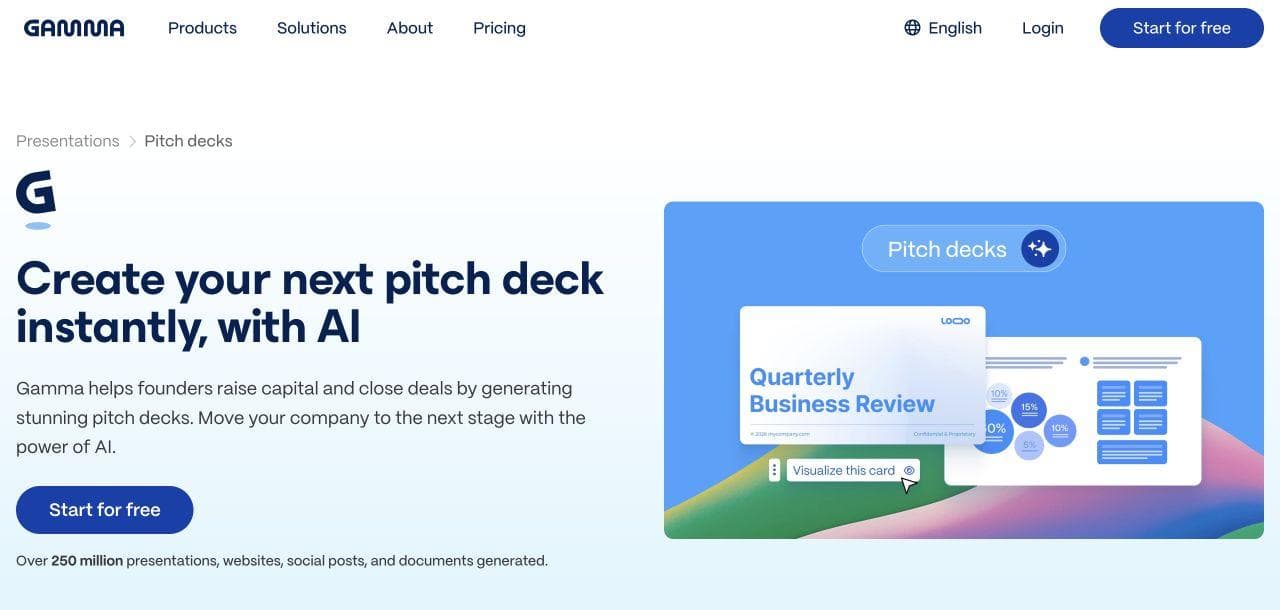
Do not treat Gamma as a lossless PowerPoint editor. Gamma says slide imports bring in text rather than the original styling and layout. Its PPTX exporter now keeps tables editable, but the same documentation notes that gradients, frosted effects, fonts, and rounded table corners can behave differently after export.
Gamma is better for generating and iterating on the story. PowerPoint is better when exact slide mechanics or a natively authored .pptx are required.
5. Beautiful.ai: best for design guardrails
Beautiful.ai fits teams that want layouts to respond predictably as content changes. Its structured slide system reduces alignment and spacing decisions, which can be valuable when many non-designers produce recurring business decks.
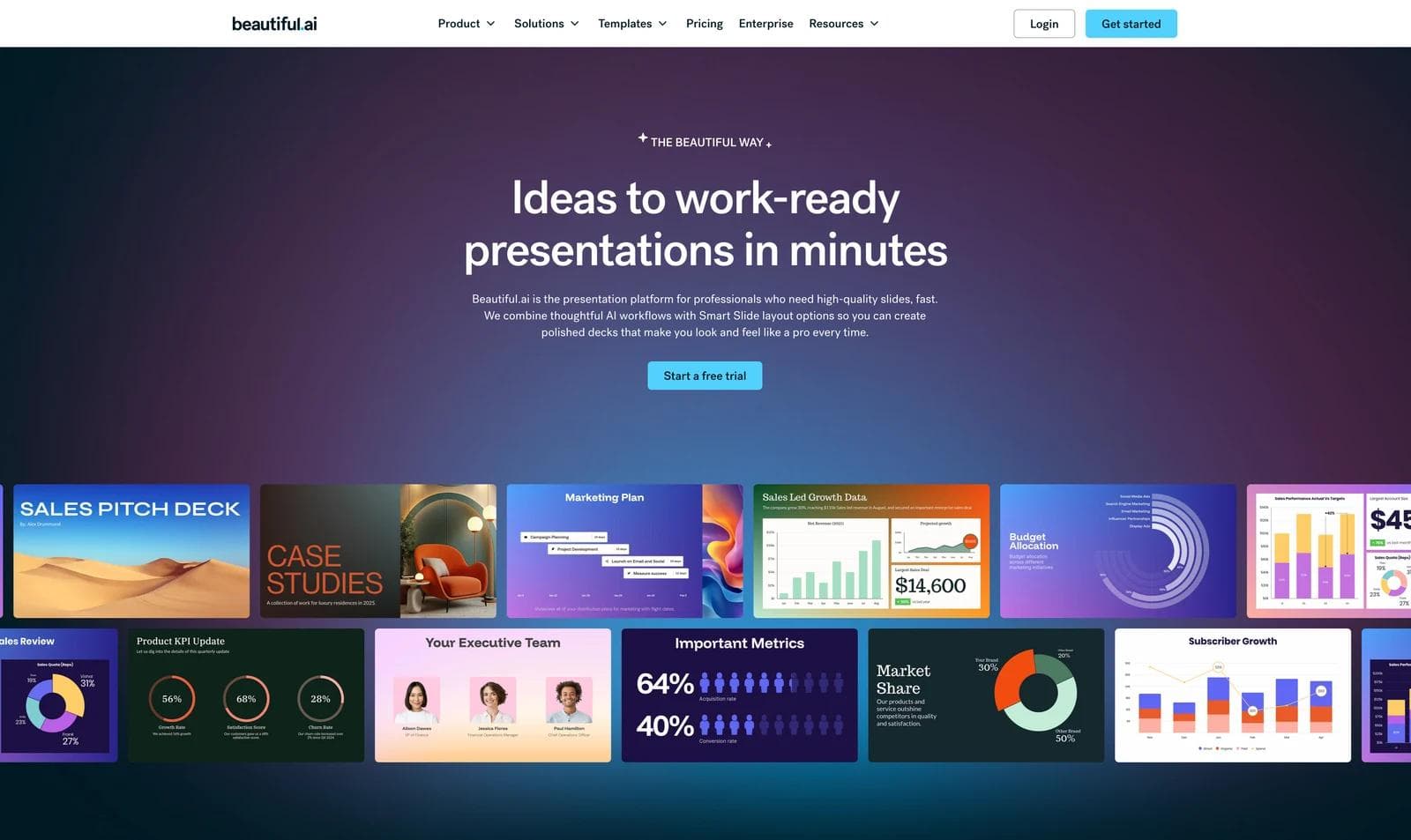
The same guardrails can be limiting when a designer needs to break the layout system. Also check the export plan before buying: Beautiful.ai limits editable PowerPoint export to Pro, Team, and Enterprise subscriptions, and warns that missing local fonts can change the exported file.
Beautiful.ai is better for consistent, repeatable slide structures. PowerPoint is better for unrestricted composition and deep native control.
6. Prezi: best when the format should be spatial, not linear
Prezi is not merely another slide editor. Its central value is a zooming, spatial presentation that lets a speaker move between the overview and supporting ideas. That can work well for teaching, conference talks, and narratives where relationships matter.
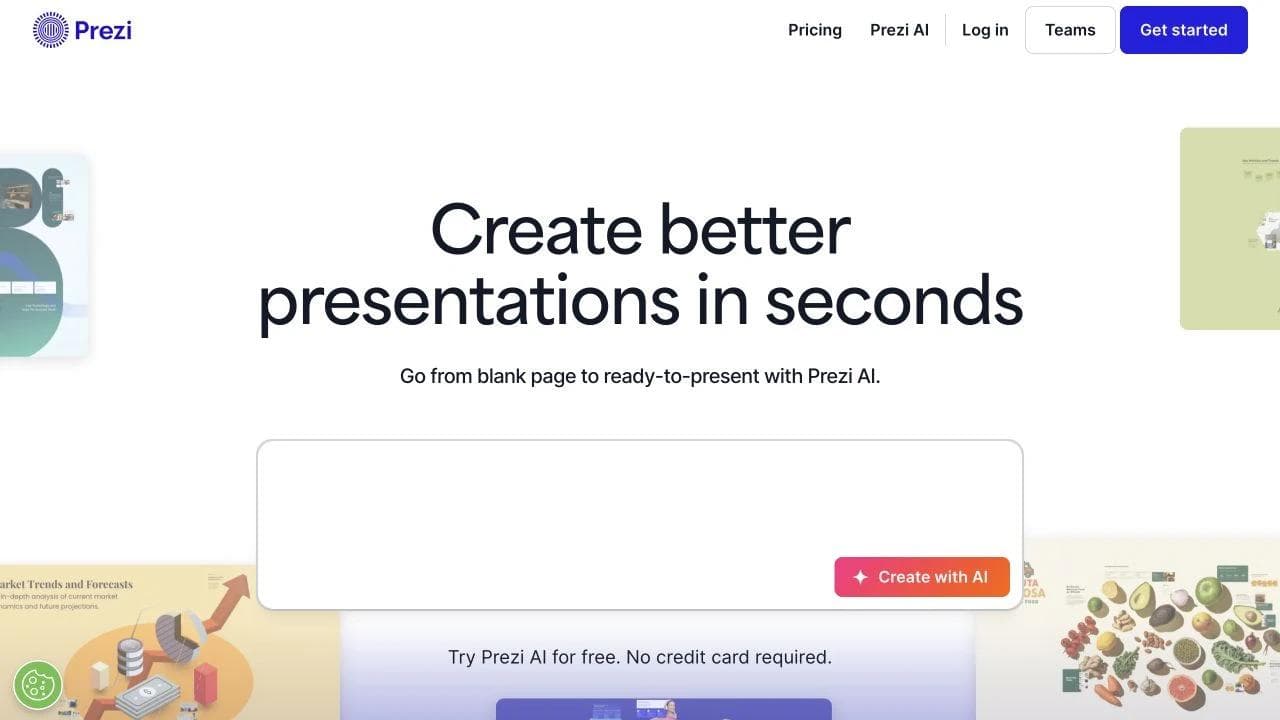
This choice only makes sense if you intend to present in Prezi. Prezi documents offline desktop and portable-presentation options, but its PowerPoint and PDF fallbacks turn frames into ordinary slides or pages and lose the zooming motion.
Prezi is better when spatial delivery is the point. PowerPoint is better when the audience expects a conventional deck file.
7. Moda: best for AI-created slides that remain editable on a canvas
Moda fits teams whose bottleneck is creating and visually revising the deck, especially when brand colors, fonts, logos, and related campaign assets should share one design system. You can start from a prompt, continue revising through the agent, and directly edit the result on the canvas.
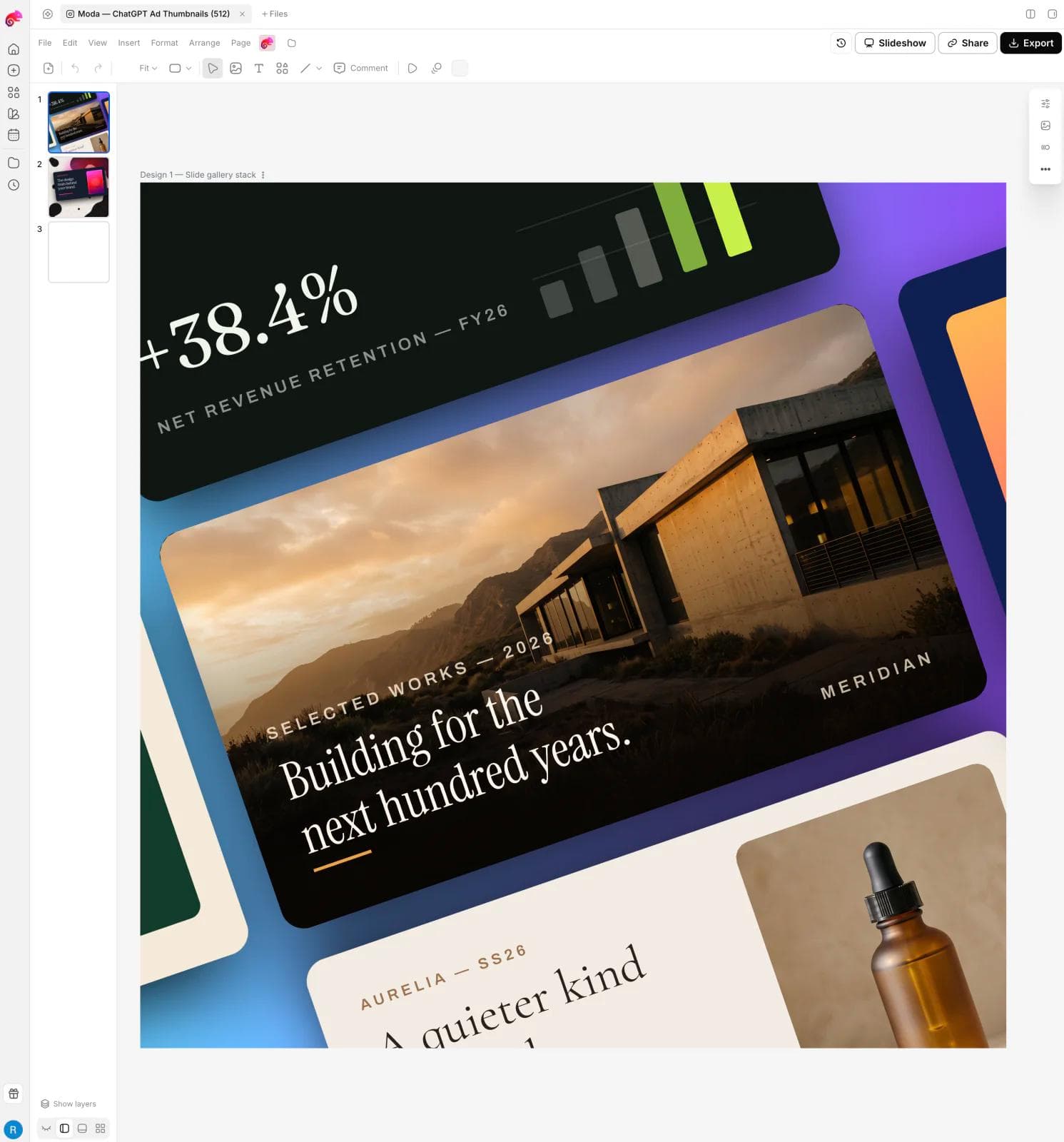
Moda’s documentation confirms that designs remain editable in Moda and can export to PPTX. The honest boundary is the export. Moda’s export guide says complex vector effects can be rasterized or simplified and animations do not transfer to PowerPoint. If every object must remain natively editable in a complex client .pptx, validate the hardest slide before moving the workflow.
Moda is better when the work begins with an AI-assisted visual draft and the Moda canvas remains the primary editing surface. PowerPoint is better for offline desktop work, advanced presentation mechanics, and teams whose final .pptx must be the authoritative source.
How to test an alternative without creating a migration project
Do not begin with your easiest deck. Run a small handoff test using the presentation most likely to expose problems.
- Choose a representative deck. Include custom fonts, charts, speaker notes, media, and at least one complex layout.
- Name the durable source. Decide whether future edits happen in the new tool or in PowerPoint. Do not leave this implicit.
- Import or rebuild it. If the tool only imports text, judge it as a rebuild workflow rather than a PowerPoint editor.
- Export once. Open the file in the exact PowerPoint environment the recipient uses.
- Make a downstream edit. Change a number, swap an image, edit a chart, and revise speaker notes. This reveals whether the handoff is truly usable.
- Present offline. If the deck will be delivered live, rehearse with the same machine, display setup, and network assumptions.
For a deeper handoff checklist, see our guide to AI presentation export to PowerPoint and Google Slides. If your decision is specifically between two browser editors, compare Google Slides and PowerPoint. For AI-first drafting rather than a full editor replacement, see our AI presentation maker comparison.
The bottom line
There is no universal PowerPoint replacement because these tools replace different layers. Choose Google Slides for a shared Google-native source, Keynote for Apple-first authoring and delivery, Canva for reusable templates, Gamma for rapid narrative drafts, Beautiful.ai for layout guardrails, Prezi for spatial presenting, and Moda for AI-created visual work that stays editable on a design canvas.
Keep PowerPoint when the final .pptx is the durable source, when advanced presentation behavior matters, or when downstream editors cannot adopt a new tool. The most useful alternative is not the one with the longest feature list. It is the one that removes your actual bottleneck without making the handoff worse.
Frequently asked questions
What is the best free PowerPoint alternative?
Google Slides is the safest general recommendation for browser-based collaboration. Keynote is also a strong choice for Apple users. Free-plan limits and AI allowances change, so check current vendor terms before committing a team.
Which PowerPoint alternative has the best PPTX compatibility?
If PPTX compatibility is the top requirement, PowerPoint itself is the safest source. Google Slides and Keynote can work with PowerPoint files, while Canva, Gamma, Beautiful.ai, Prezi, and Moda can export PPTX with different limitations. Test your hardest real deck rather than relying on a checkmark.
What is the best AI PowerPoint alternative?
Gamma is strong for fast, narrative-first drafts. Beautiful.ai is suited to structured layouts and guardrails. Moda is suited to agent-created visual slides that you can continue editing on a canvas. The right choice depends on whether the durable source will be the AI tool or a downstream PowerPoint file.

Real editable visuals. Real canvas. Full control.
Fly through design work