Prezi vs Canva: Which Presentation Tool Should You Use in 2026?
Compare Prezi and Canva by presentation structure, AI creation, editing, collaboration, presenting, export, and the kinds of stories each handles best.
 Anvisha Pai, Co-founder & CEO, Moda
Prezi and Canva can both generate and edit presentations, but they do not create the same audience experience. Prezi is built around spatial navigation, zoom, live delivery, and a presentation that can move through ideas nonlinearly. Canva is built around familiar slides inside a much broader visual-content suite.
Choose Prezi when the relationship among ideas is part of the story, the presenter needs to zoom into branches, or the delivery should feel different from a standard deck. Choose Canva when speed, templates, mixed marketing assets, and a conventional slide-by-slide handoff matter more. The best choice is determined by presentation grammar, not by counting AI features.
Prezi vs Canva at a glance
| Decision | Prezi | Canva |
|---|---|---|
| Presentation grammar | Spatial canvas, overview, paths, zoom, and nonlinear navigation | Conventional slides with familiar page-by-page sequencing |
| Best for | Live storytelling, teaching, conceptual maps, and presenter-led exploration | Fast decks, branded collateral, social content, and mixed marketing work |
| AI creation | Prompt or imported file into an editable Prezi with animated structure | Magic Design and AI tools inside a broad template and editing system |
| Presenting | Presenter view, zooming paths, polls, audience interaction, and video presence | Familiar slide presenting, collaboration, sharing, and recording |
| Main tradeoff | Motion and spatial structure can distract or complicate handoff | Linear slides are easier to exchange but less distinctive as a narrative form |
The real choice: what is the map of your story?
A slide deck says, “Here is the next page.” A Prezi can say, “Here is the whole system, and now we will enter this part.” That difference is valuable only when the content has a useful spatial structure. A market map, product ecosystem, process, curriculum, or strategy tree may benefit. A board update with financial tables may not.
Use this three-part test before comparing templates:
- Narrative: Is the story linear, or should the presenter branch and return to an overview?
- Delivery: Will a person actively guide the audience, or will the file be read asynchronously and handed between tools?
- Asset system: Is the presentation one deliverable, or part of a larger campaign with social posts, documents, and video?
Where Prezi is stronger
Spatial storytelling remains genuinely different
Prezi’s zooming canvas is not merely a transition pack. It lets a presenter establish an overview, move into a section, reveal relationships, and change the path during a conversation. This can work especially well for training, education, product systems, and consultative sales conversations where the audience’s questions determine where to go next.
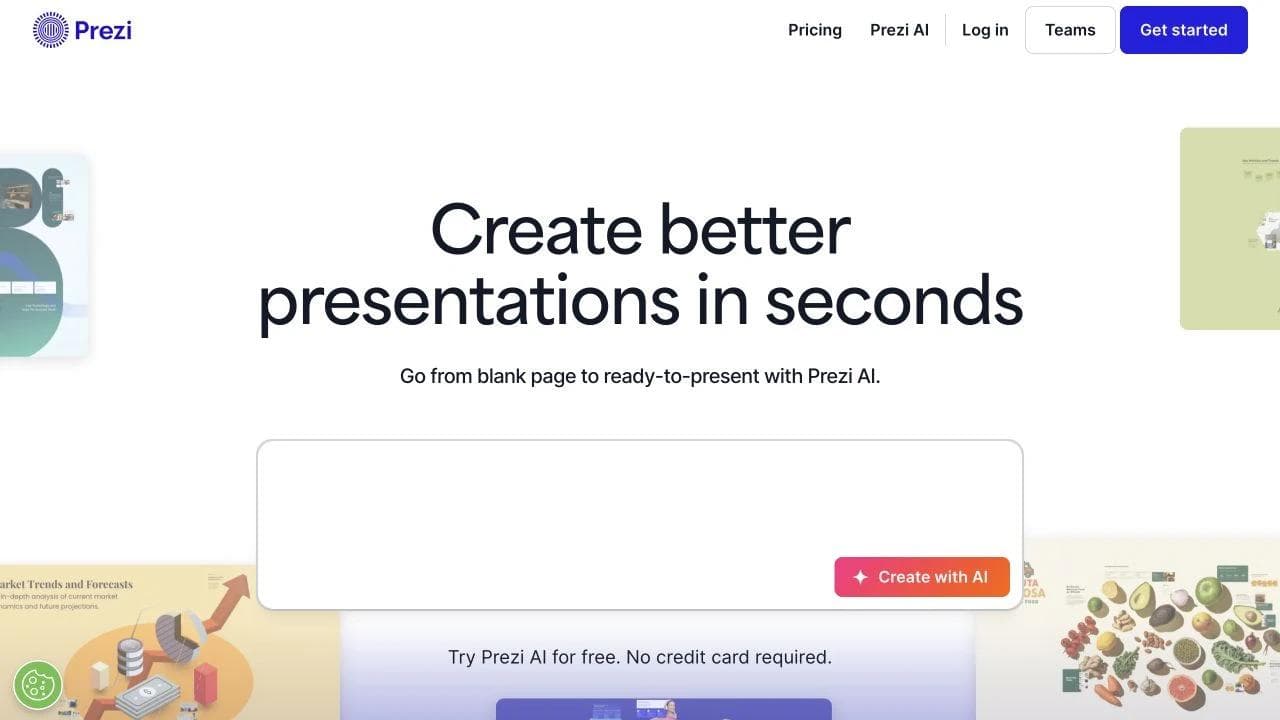
Prezi has also become much more AI-first than older comparisons imply. Its 2026 feature overview describes prompt-to-deck creation, file imports, editable canvas overviews, animated sequencing, narrated video, polls, presenter features, mobile creation, and an MCP connection for supported agent workflows.
Live presentation is treated as its own medium
Prezi includes presenter modes, audience interaction, camera-based delivery, and zoom paths designed around a speaker. The product is at its most differentiated when someone is presenting, not when a PDF is sitting in an inbox. If your team mostly sends decks asynchronously, test whether the spatial motion still adds meaning without the presenter.
Where Canva is stronger
The conventional format lowers coordination cost
Canva’s slides are easier for most collaborators to understand immediately. Page thumbnails, template conventions, and familiar sequencing reduce training and make last-minute edits less risky. A teammate can open slide 12, change a chart, and know roughly how that change will affect the presentation.

That conventional structure also travels more naturally into PowerPoint-style workflows. Canva supports broad sharing and export options, but any cross-tool conversion should still be tested with the actual fonts, animation, charts, and media in your deck.
The presentation lives inside a broad content suite
Canva’s major advantage is everything around the deck: social graphics, documents, whiteboards, video, websites, brand kits, stock media, print, and a huge template ecosystem. A launch presentation can share assets with the announcement post, webinar graphic, one-pager, and event signage. Prezi offers adjacent formats too, but Canva’s general visual ecosystem is the stronger reason to choose it.
Import and export need a realistic test
Prezi’s current file-support documentation says Prezi AI can import PPT, PPTX, DOC, DOCX, and PDF content and export to PDF or PPTX. However, a separate Prezi import guide explains that traditional PowerPoint slides can enter Prezi as static images in a frame. That preserves appearance but is different from preserving every element as an independently editable object.
The reverse direction also changes the format. Exporting a spatial path into PPTX necessarily turns it into a sequence of slides. If editable PowerPoint handoff is a contract requirement, test a representative deck before choosing the authoring system.
When Prezi’s motion helps, and when it hurts
Zoom and spatial navigation help when they encode hierarchy, geography, or relationship. They hurt when used as decoration between unrelated pages. Excessive motion can make the presenter feel less in control and can be uncomfortable for some viewers. The right test is whether the audience understands the structure better after the movement.
Canva has animations and transitions too, but its default grammar stays page-based. That restraint can be an advantage for financial, legal, board, and operational content where clarity and handoff matter more than novelty.
Where Moda fits
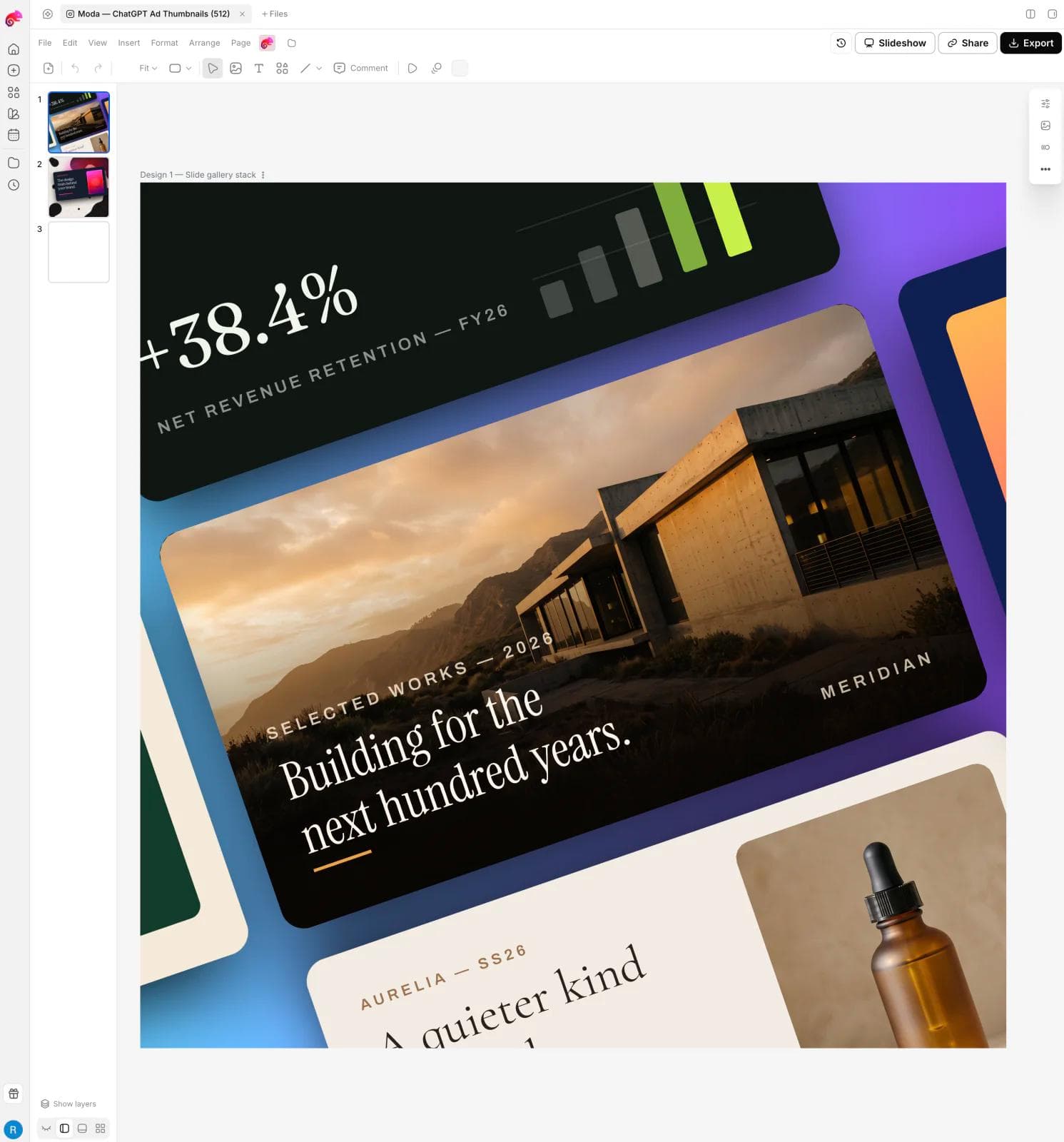
Moda is relevant for teams that want an AI agent to research, write, and design a presentation on a fully editable canvas, then export it to PowerPoint or Google Slides. It is stronger than either product when the desired workflow is conversational creation with hands-on visual revision and related campaign assets.
Moda does not recreate Prezi’s zoomable spatial presentation grammar, live audience tools, or presenter-specific experience. It also does not match Canva’s enormous template and asset ecosystem. Its fit is AI-first production for on-brand slides, ads, social posts, one-pagers, diagrams, and motion content.
For the conventional slide-file decision, read Canva vs PowerPoint and our PowerPoint alternatives guide. To evaluate an agent-led presentation workflow on an editable canvas, explore Moda.
Who should choose which?
- Choose Prezi when spatial structure, zooming narrative, live audience engagement, or nonlinear presenting is central to the message.
- Choose Canva when a familiar slide format, broad templates, mixed marketing content, and easy team adoption matter most.
- Choose Moda when an AI agent should create the content and visual system on an editable canvas, with PowerPoint or Google Slides as the delivery format.
- Choose PowerPoint or Google Slides directly when native-file collaboration, corporate compatibility, or complex existing workflows outweigh AI-first creation.
How the choice changes by presentation
A consultative sales conversation
Prezi can be powerful when the presenter must respond to the room. An overview can establish the customer’s system, then the presenter can enter the relevant branch without paging through unrelated sections. The format works best when the presenter rehearses navigation and the audience benefits from seeing relationships.
A board or investor update
Canva is usually the safer of these two. A linear sequence, familiar page numbers, predictable PDF, and straightforward handoff reduce friction. If the organization expects a native PowerPoint file with deep editing, build or finish in PowerPoint instead of assuming either browser tool will preserve every element perfectly.
A training module or classroom lesson
Prezi’s overview, zoom, quizzes, polls, and presenter-led exploration can make structure visible and invite participation. Canva may be better when the lesson is mostly asynchronous, distributed as pages, or accompanied by worksheets, posters, and social materials made by the same team.
A launch campaign with a keynote deck and many derivatives
Canva has the advantage when one visual system must become social posts, video snippets, documents, and event graphics. Moda is also credible when an agent should research and create the deck plus campaign variants on editable canvases. Prezi wins only if the spatial presentation itself is a central launch experience.
Accessibility and audience comfort
Motion should communicate structure, not decorate it. Give viewers a stable overview, use restrained paths, avoid unnecessary spinning or long zooms, and provide a linear PDF or slide export when the presentation must be reviewed asynchronously. Test the real presentation on the display and connection that will be used. A beautiful transition that stutters on the conference-room setup is not an advantage.
Also check reading order, contrast, text size, captions, presenter notes, and keyboard behavior in the actual delivery mode. Neither an AI-generated deck nor a polished template guarantees an accessible presentation.
A practical trial brief
- Build the same eight-section customer story in both products using the same content and brand assets.
- Ask a teammate to replace one chart, reorder two sections, and export a version for an external collaborator.
- Present it live, then send it asynchronously. Note which format preserves meaning in both contexts.
- Test the exported PPTX or PDF rather than relying on a listed export checkbox.
- Count how many adjacent campaign assets can reuse the visual system without being rebuilt.
Frequently asked questions
Can Prezi export to PowerPoint?
Prezi’s current support documentation lists PPTX export. Because a spatial path becomes a slide sequence, test the exported file for editability, transitions, fonts, and media before making it a required handoff.
Is Canva better for live presenting?
Canva offers familiar presentation and collaboration tools. Prezi is more specialized for presenter-led spatial navigation and audience interaction. Canva is often easier; Prezi can be more expressive when the story genuinely benefits from its format.
Which is better for AI-generated presentations?
Both can generate presentations. Prezi’s differentiator is how AI can produce a spatial, animated presentation experience. Canva’s differentiator is the surrounding visual suite. Moda is worth evaluating when the desired workflow is an agent that researches, designs on a real canvas, and exports to standard slide formats.
The bottom line
Prezi is the more distinctive presentation medium. Canva is the more practical general visual suite. Pick Prezi because the story benefits from a spatial map and an active presenter. Pick Canva because the deck belongs in a familiar, reusable content ecosystem. If neither condition is true, test an AI-first slide builder rather than choosing by brand familiarity alone.

Real editable visuals. Real canvas. Full control.
Fly through design work