11 Best Replit Alternatives in 2026, by What You Need
Compare 11 Replit alternatives for prompt-built apps, cloud development, coding agents, and static websites. Choose by the layer you need to replace.
 Anvisha Pai, Co-founder & CEO, Moda
Replit alternatives replace different parts of Replit. Lovable, Base44, Bolt, and Emergent replace its prompt-to-app workflow. GitHub Codespaces replaces its cloud development environment. Cursor, Claude Code, and Codex replace the coding-agent layer for teams that already own a repository. Framer and Moda are narrower choices for people who used Replit to make a website rather than an application.
The right choice depends on which part of Replit you actually value. Replit combines an AI agent, browser-based development environment, source control, databases, authentication, hosting, and several deployment models. No alternative on this list reproduces that whole bundle in exactly the same way.
The best Replit alternatives at a glance
| Alternative | What it primarily replaces | What you still need to supply | Best for |
|---|---|---|---|
| Lovable | Prompt-to-web-app workflow | Technical review for important production systems | Founders building a focused web product |
| Base44 | Prompt-to-app workflow plus managed backend | A migration plan if Base44 services become a constraint | Nontechnical teams wanting an integrated app platform |
| Bolt | Browser-based JavaScript app generation | A plan for the stack and services outside Bolt’s supported path | Fast web prototypes and JavaScript apps |
| Emergent | Autonomous full-stack web and mobile generation | Acceptance, security, and operational testing | Teams wanting the agent to handle more of the build |
| v0 | AI web development centered on Next.js and Vercel | Another environment if that stack is not a fit | React and Next.js teams |
| GitHub Codespaces | Configurable cloud development workspace | An AI agent, hosting, and managed app services | Engineering teams already using GitHub |
| Cursor | Coding agent and code editor | Local or cloud compute, deployment, and infrastructure | Developers maintaining an owned codebase |
| Claude Code | Terminal-centered coding agent | A repository, development environment, deployment, and infrastructure | Developers who want an agent inside command-line workflows |
| Codex | Parallel coding agents for repository work | A repository plus the product and infrastructure decisions around it | Teams delegating bounded engineering tasks and reviewing results |
| Framer | AI-assisted website creation and publishing | An app platform for custom backend behavior | Marketing sites with a CMS |
| Moda | Agent-built, brand-led static websites | An app platform for accounts, databases, or custom backends | Campaign and company sites that must stay on-brand |
Why Replit is difficult to replace
Replit is no longer just an online code editor. Its Project Editor can start from a prompt, GitHub repository, uploaded files, or Figma design. Agent plans and implements work while the workspace exposes source, preview, console output, secrets, Git, databases, and publishing.
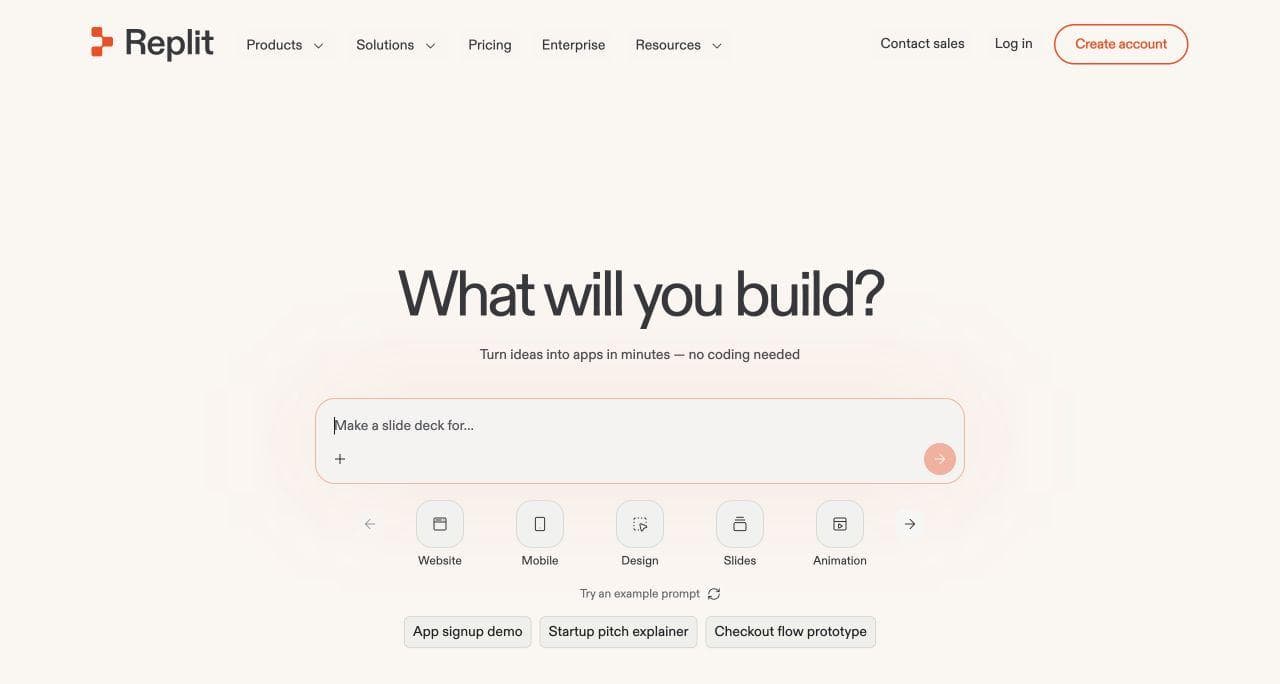
Its hosting is also broader than a typical prompt-first builder. Replit documents static, autoscale, reserved VM, and scheduled deployments. That lets one workspace serve a static site, an API, an always-running service, or a scheduled task. Replit also supports managed authentication and databases, including separate development and production data workflows.
Keep Replit if that integrated breadth is why it works for you. Replacing it with an editor, coding agent, database, auth provider, and host can create more choices than it removes.
Look elsewhere when you can name a narrower requirement:
- You want the shortest possible route from a prompt to one web application.
- You want more of the backend standardized and managed for you.
- You want code and agents to run in your existing GitHub or local workflow.
- You need a visually polished website, not an application runtime.
- You want to choose infrastructure outside Replit’s cloud.
First choose the layer you are replacing
App builders, cloud IDEs, and local coding agents do not leave you responsible for the same work.
Managed prompt-first app builders
Lovable, Base44, Bolt, and Emergent start with the desired product and let an agent create much of the application. They minimize setup, but each one makes assumptions about frameworks, backend services, deployment, or operating model.
Choose this layer when the owner thinks in screens, roles, records, and workflows rather than repositories and infrastructure.
Cloud development environments
GitHub Codespaces starts with a repository and a configured development machine. It does not replace Replit Agent or Replit hosting by itself. It replaces the cloud workspace while allowing a team to bring its own editor extensions, agent, CI, and deployment pipeline.
Choose this layer when engineering ownership and reproducible environments matter more than prompt-to-app onboarding.
Coding agents and editors
Cursor, Claude Code, and Codex start with code. Cursor centers the workflow in an AI-first editor. Claude Code centers it in the terminal. Codex supports delegating repository tasks to agents that can work locally or in parallel. None automatically provides Replit’s browser workspace, managed database, authentication, or complete hosting platform.
Choose this layer when developers want an agent inside a conventional repository workflow and are prepared to operate the rest of the stack. The relevant question is not only which agent writes better code. It is whether your team prefers an editor, terminal, or delegated-task workflow, and how it will review and verify changes.
Website and interface builders
Framer and Moda solve a narrower problem. They are relevant when someone opened Replit to build a landing page, company site, portfolio, or campaign page. They are not Replit replacements for customer accounts, private records, background jobs, or arbitrary backend logic.
Choose this layer when the output is primarily a designed public site. Avoid creating application infrastructure merely because an app builder can generate it.
1. Lovable: best for a focused prompt-to-web-app workflow
Lovable is the closest Replit alternative for someone who wants to build one web product through conversation. It combines planning, code generation, visual editing, backend services, previews, security tools, and publishing around that application.
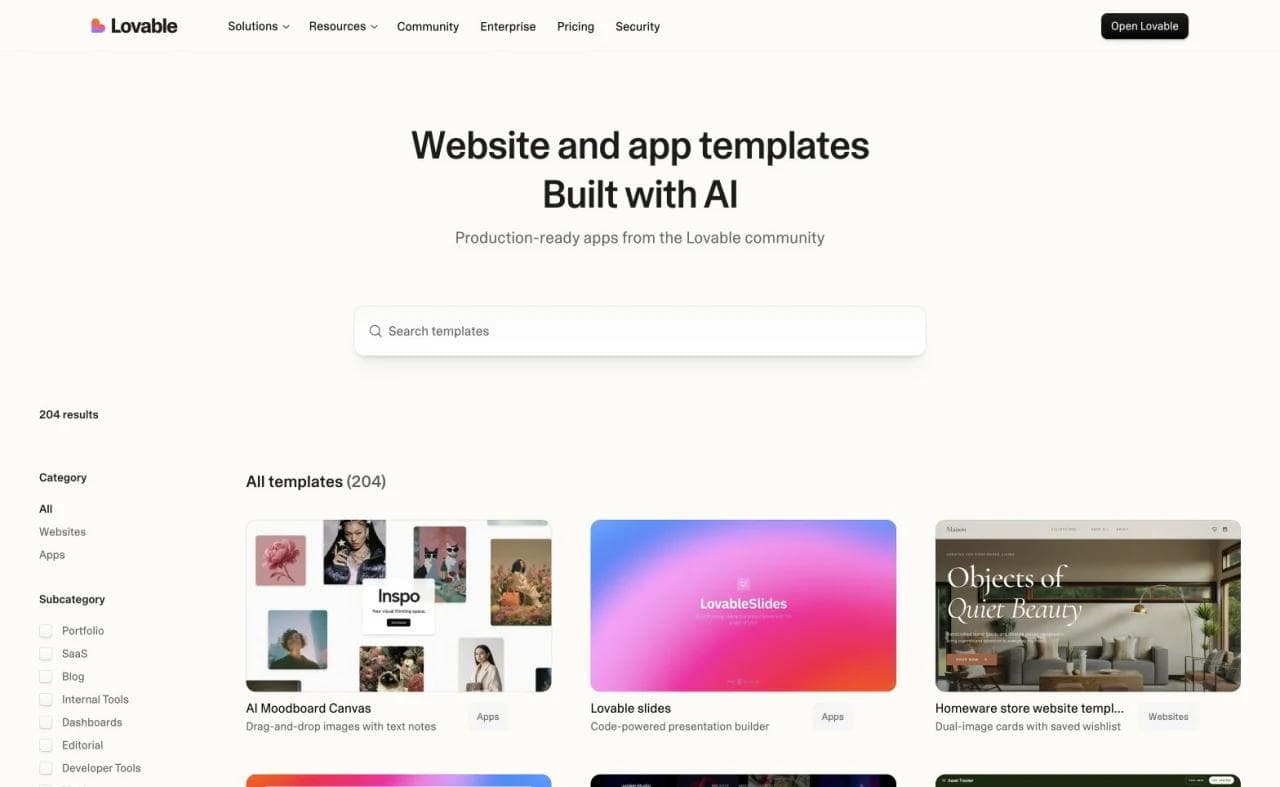
Lovable is more portable than older comparisons imply. Its GitHub integration provides two-way synchronization, local development, branches, pull requests, and alternative deployment paths. Its current FAQ also documents Plan mode and direct code editing.
Choose Lovable for a focused web-product workflow. Keep Replit for non-web projects, broader runtime choices, scheduled workloads, or terminal-centered development. Our Replit vs Lovable comparison examines that boundary.
Purchase check: Decide who will own the generated repository, database, authentication, secrets, and deployment after launch. GitHub access is useful, but source ownership does not automatically migrate every managed service.
2. Base44: best for an integrated managed app platform
Base44 suits nontechnical teams that want the platform to provide more of the application model. Its editor combines conversational building with entities, authentication, integrations, backend functions, testing, activity monitoring, security scans, and hosting.
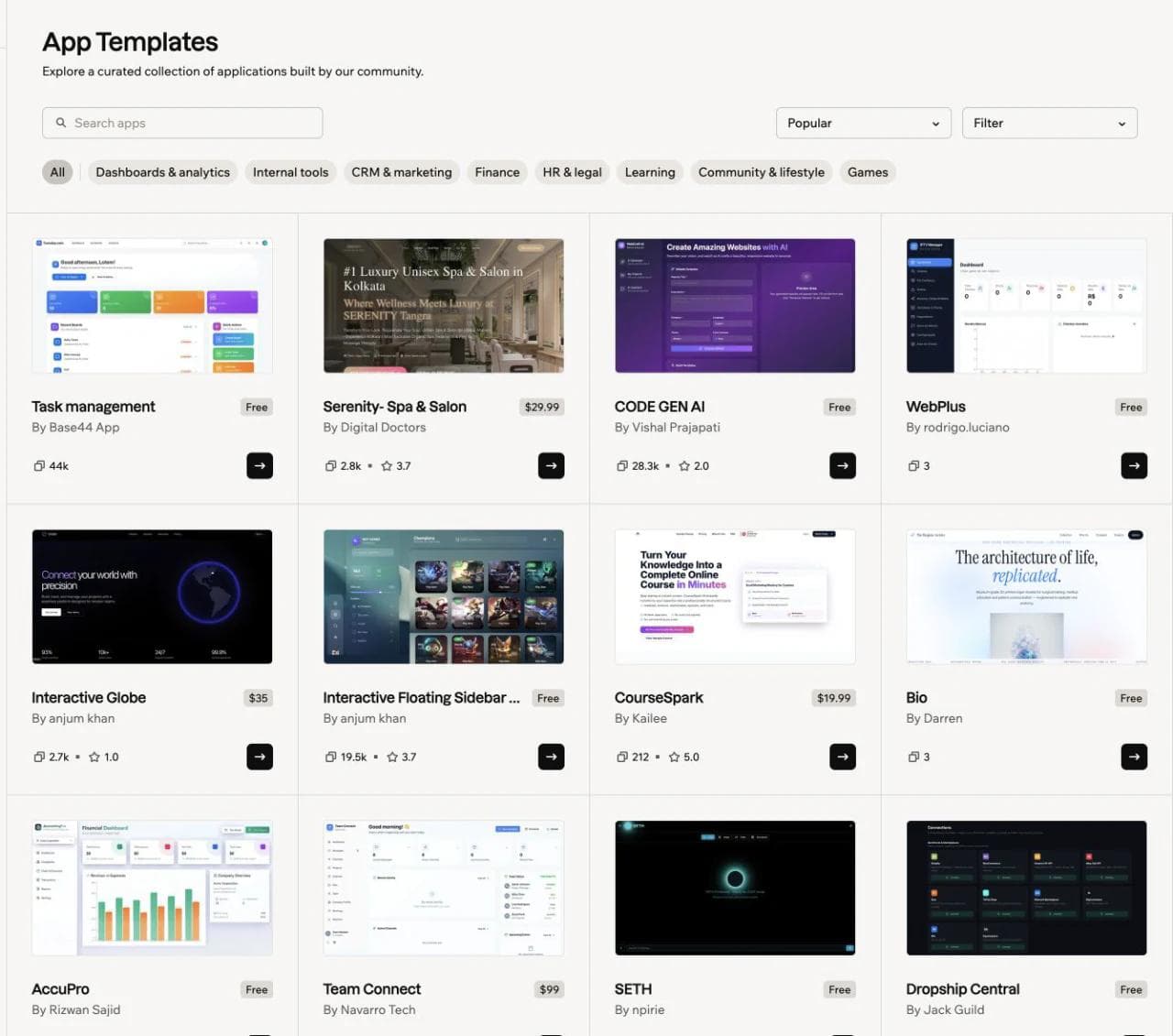
Base44 now exposes substantially more developer control than many comparison pages report. Its developer tools cover direct code work, GitHub workflows, external APIs, and Base44’s backend service. Its two-way GitHub integration supports local development on eligible plans.
The important tradeoff is not hidden code. It is platform architecture. Base44 apps rely on Base44 services and APIs by default. The CLI’s eject command downloads frontend code and backend resources into a new Base44 project with an empty database. It is a useful local-development path, but not a vendor-neutral migration of the live application and its data.
Choose Base44 when entities, permissions, integrations, and managed operations fit the app. Choose Replit when arbitrary runtimes, existing repositories, shell access, or deployment architecture are requirements. See our Base44 vs Lovable comparison for another view of Base44’s model.
Purchase check: Identify which runtime dependencies, data, secrets, and authentication configuration would have to move if the project eventually leaves Base44.
3. Bolt: best for fast JavaScript app generation in the browser
Bolt directly replaces prompt-to-web-app creation. Its current product combines repository and design-system context with Bolt Cloud services for hosting, domains, databases, authentication, server functions, storage, and secrets. See Bolt’s official overview.
Bolt is especially sensible when a JavaScript-centered web stack is already acceptable. Its narrower technical path can remove decisions during prototyping. Replit is the stronger fit when the project depends on a different language, an always-running process, scheduled execution, or a more general cloud environment.
Purchase check: Confirm that the app’s frontend framework, backend language, database, and deployment requirements fit Bolt before the project accumulates integrations and data.
4. Emergent: best for more autonomous web and mobile builds
Emergent’s agent plans, designs, codes, tests, and deploys web and mobile products. Its documentation covers GitHub, live previews, testing, deployments, integrations, and pre-deployment health checks. See Emergent’s project overview.
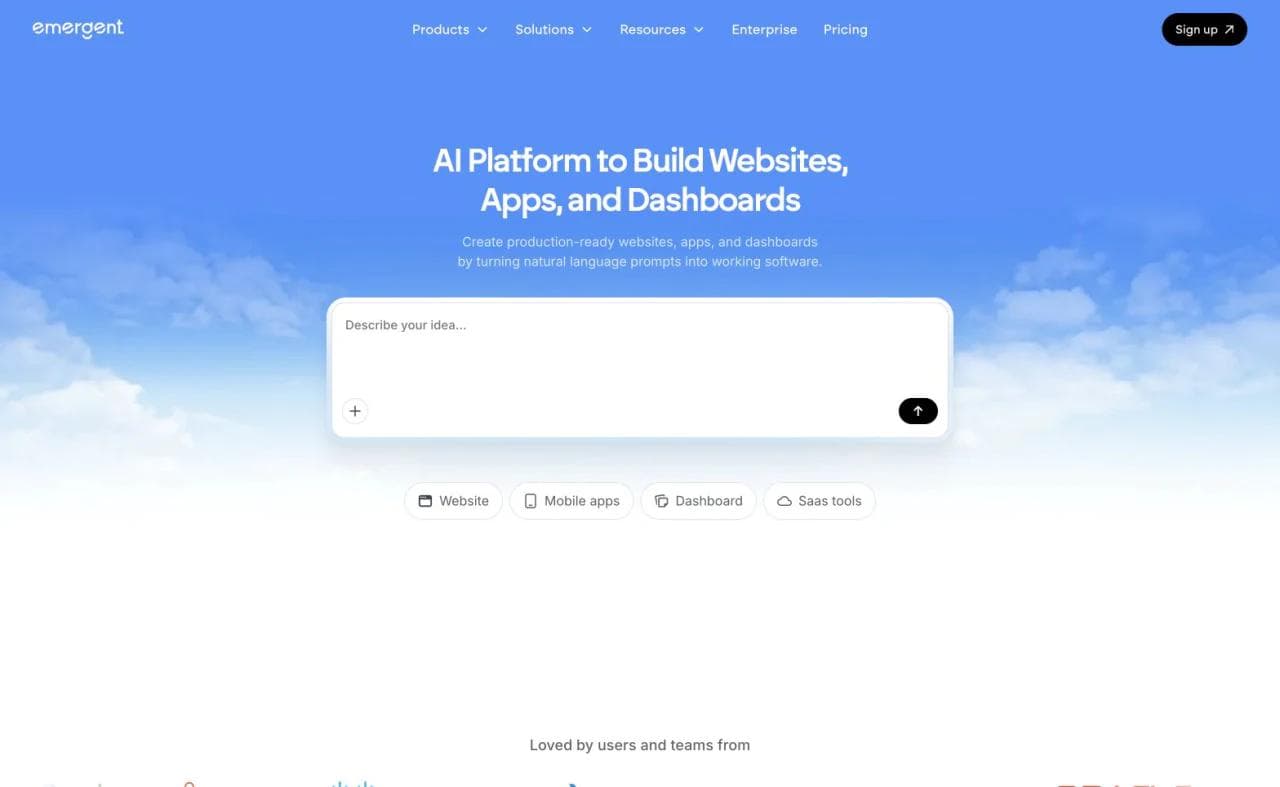
Choose Emergent when you want the agent to perform more of the end-to-end implementation and when mobile output matters. Keep Replit when you want a visible general-purpose workspace where code, terminal output, runtime configuration, and deployment types remain directly available.
Purchase check: Ask how generated changes are reviewed, how failed tests are surfaced, what can be recovered, and how the resulting repository runs outside the managed workflow.
5. v0: best for Next.js teams deploying through Vercel
v0 has grown from a UI generator into a broader web development environment. Its full-stack documentation covers server actions, API routes, databases, authentication, and integrations. Its GitHub workflow gives each chat a branch and pull request rather than pushing directly to main. See the v0 GitHub documentation.
Choose v0 when Next.js, React, GitHub pull requests, and Vercel are natural defaults for the team. Replit remains broader when you want other runtimes, mobile projects, scheduled jobs, or several deployment models inside one platform.
Purchase check: Decide whether Vercel and Next.js are deliberate architectural choices or simply defaults you have not evaluated yet.
6. GitHub Codespaces: best for a configurable cloud development environment
GitHub Codespaces replaces Replit’s cloud workspace for a team centered on GitHub. Its configurable containers run in a browser or VS Code, and a devcontainer can standardize tools and setup across contributors. See GitHub’s Codespaces overview.
Codespaces is not a prompt-to-app platform. You can add GitHub Copilot or another compatible agent, but the team still owns application architecture, deployment, databases, authentication, and operations.
Choose Codespaces when repeatable developer environments and GitHub-native control matter. Keep Replit when nontechnical prompt-to-app creation and integrated publishing are requirements.
Purchase check: Price the complete stack, including development compute, AI assistance, CI, previews, hosting, and databases, rather than comparing one subscription line.
7. Cursor: best for developers maintaining an owned codebase
Cursor replaces the agent and editor layer, not Replit’s managed cloud. Cursor Agent can search, edit code, run commands, control a browser, and create local checkpoints. Developers review changes where they debug and maintain the repository.
Choose Cursor when the application already has an engineering owner, local or separately provisioned development environments, and an established deployment path. Replit is easier when the main value is starting with nothing installed and shipping from one browser workspace.
Purchase check: Confirm who will supply secrets, databases, preview environments, deployment, monitoring, and recovery. Cursor can help implement those systems, but it is not those systems.
8. Claude Code: best for a terminal-centered repository workflow
Claude Code is an agent that works from the command line. It can inspect a codebase, edit files, run commands, use connected tools, and work through multi-step engineering tasks while developers keep their existing repository and infrastructure.
Choose Claude Code when terminal workflows are already comfortable and the team wants an agent that can operate across a repository without moving the project into a new development platform. Replit remains easier when the value is a ready-made browser environment, integrated application services, and deployment from the same workspace.
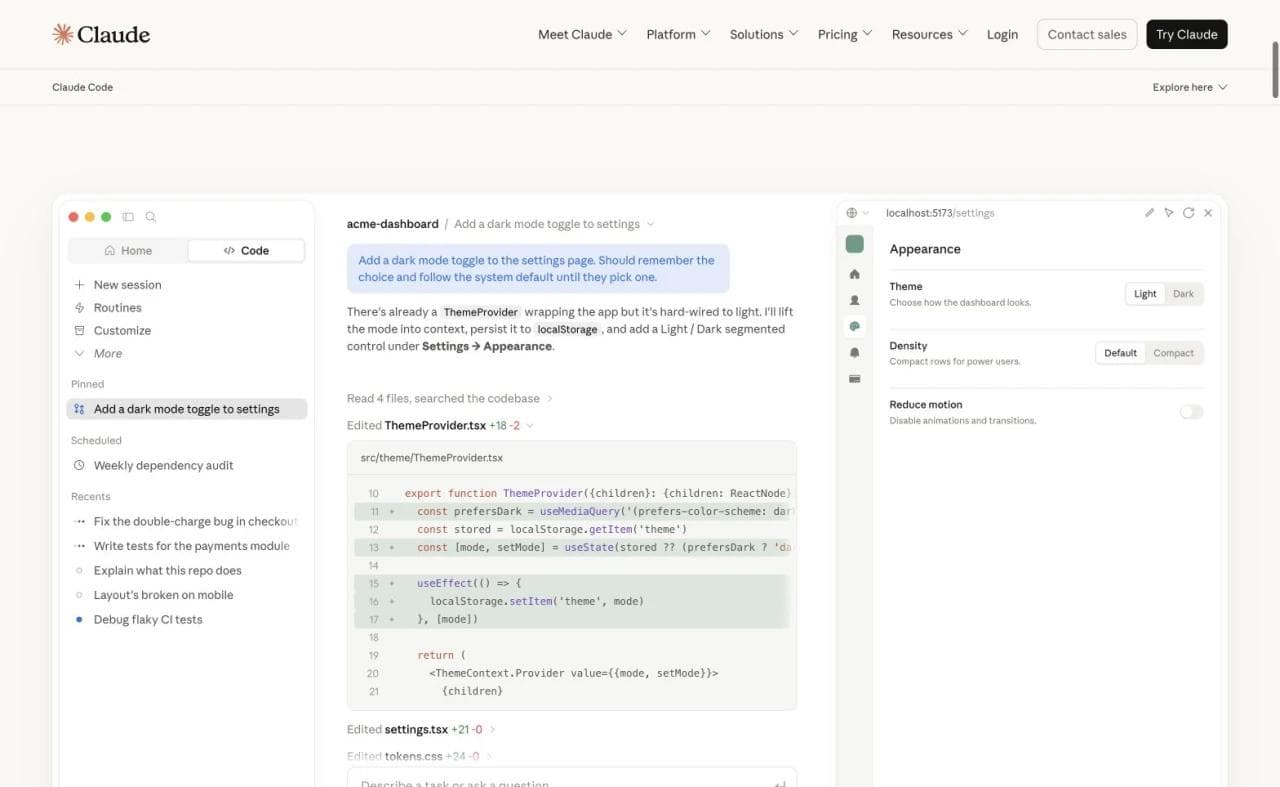
Purchase check: Evaluate the complete development loop. The agent can implement and test changes, but your team still owns the environment, permissions, review policy, CI, deployment, data, and production operations.
9. Codex: best for delegating bounded engineering tasks in parallel
Codex is a coding agent for working on existing repositories through local and cloud workflows. It is especially relevant when a team wants to delegate bounded tasks, isolate work, run several tasks in parallel, and review the resulting changes rather than keep every task inside one interactive editor session.
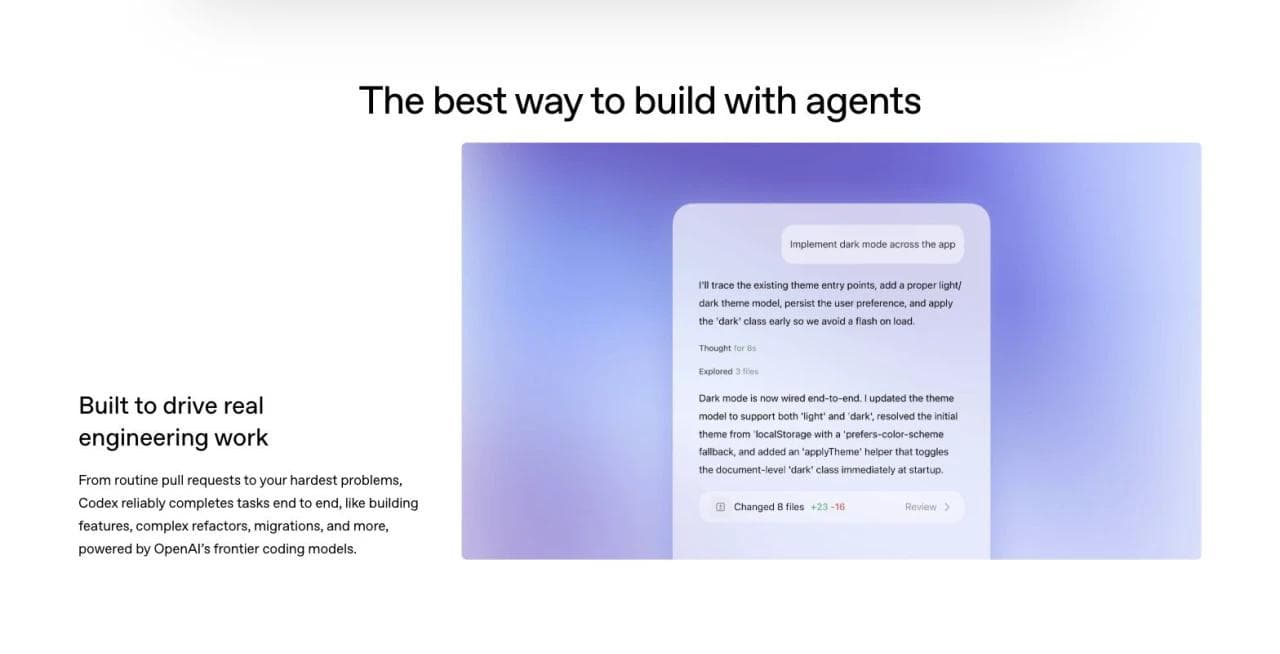
Choose Codex when the durable center of the project is the repository and the team wants an agentic execution layer around it. Choose Replit when contributors need the environment, runtime, collaboration surface, app services, and hosting bundled together before a repository workflow exists.
Purchase check: Define what evidence an agent must return with a change, such as tests, type checks, screenshots, benchmarks, or a migration plan. Parallel implementation increases throughput only when review and integration remain coherent.
10. Framer: best for a marketing website with a CMS
Framer fits someone who used Replit to make a content-driven website. Its agents, visual canvas, CMS, forms, localization, SEO controls, analytics, and publishing tools support ongoing website work. Framer’s help center documents those areas, while its Agents guidance covers AI-assisted creation.
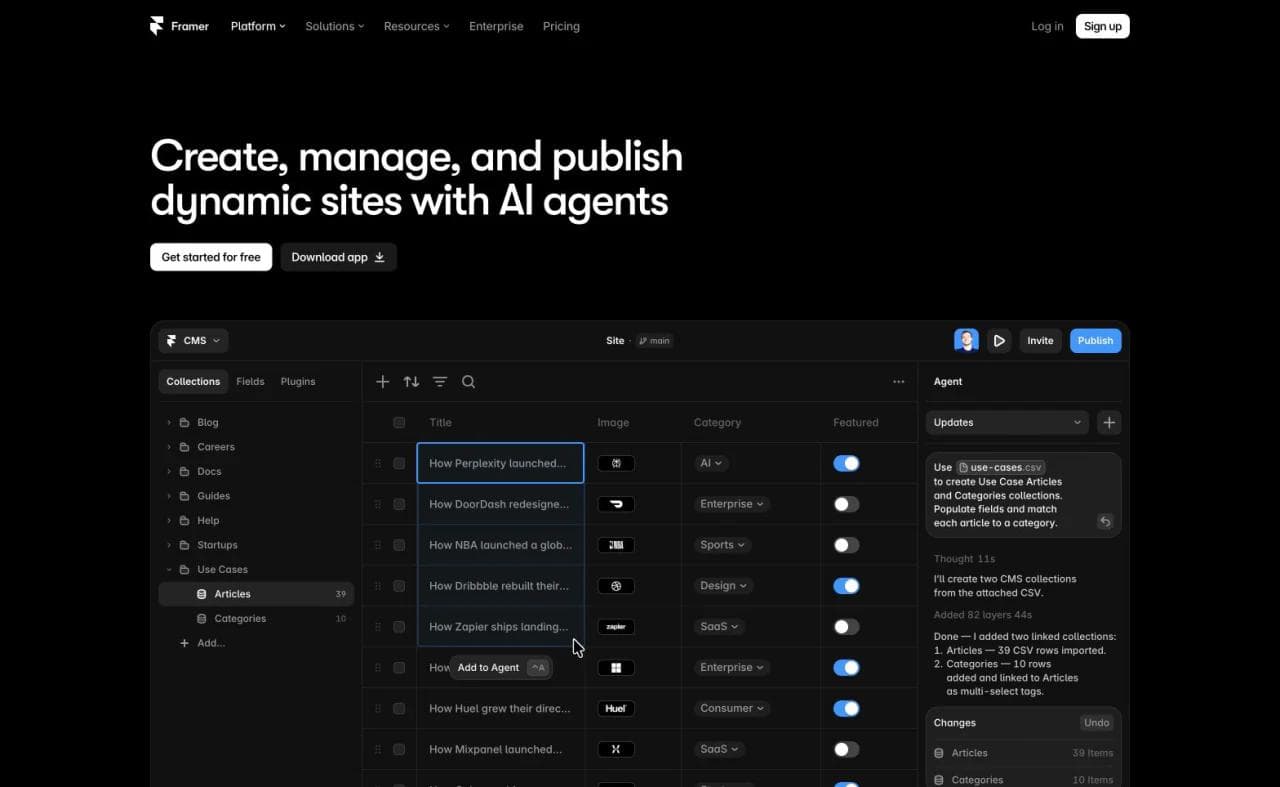
Choose Framer for a company site, portfolio, campaign site, directory, or blog where visual editing and structured content matter more than custom server behavior. Choose Replit for software whose identity is its application logic.
Purchase check: Write down every action a signed-in user must take. If the answer includes private records, complex permissions, or custom backend workflows, evaluate an app platform instead.
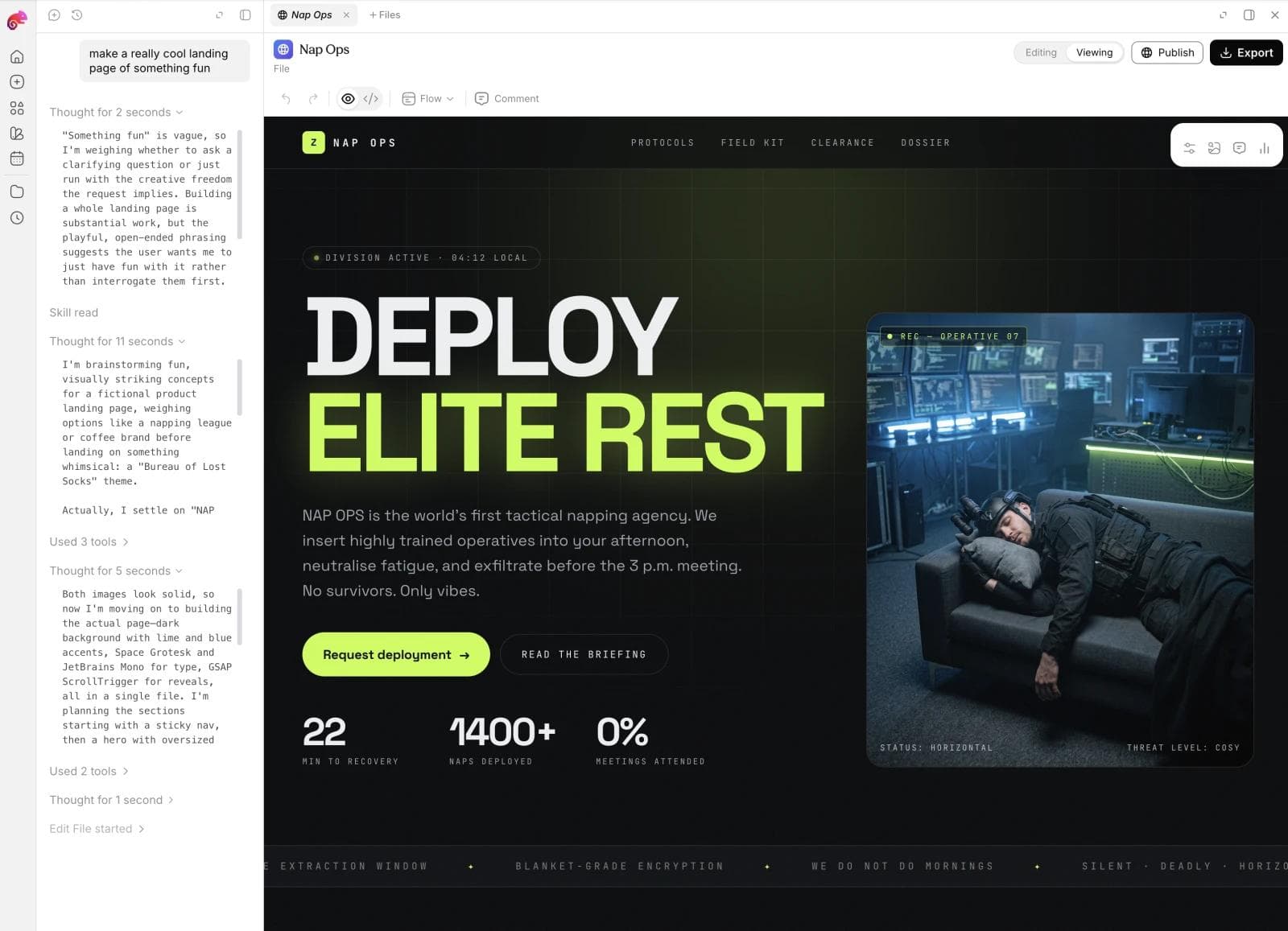
11. Moda: best for brand-led static websites and campaign assets
Moda fits a narrower website case. Its agent creates an editable, hosted HTML website using the same brand context as slides, social posts, ads, video, and other campaign assets. It is useful when the site is one part of a launch rather than a standalone software product.
Moda fits landing pages, portfolios, event pages, company sites, and simple lead capture. It is not viable for authenticated applications, databases, private records, complex backend logic, or a conventional application repository.
Choose Moda when brand fidelity and cross-format campaign production are more important than generating an application stack. Choose Replit, Lovable, Base44, Bolt, Emergent, or another app platform when the site needs to behave like software.
Purchase check: Separate the public pages from the application requirements. If the project can be delivered as static HTML plus a simple form, Moda may fit. If it needs an application backend, it does not.
How to choose a Replit alternative
Run a small migration exercise before rebuilding an important project:
- Name the layers you use. List Agent, editor, shell, Git, database, auth, secrets, hosting, scheduled jobs, and collaboration.
- Mark the durable source. Determine whether the source of truth will be a Git repository, a managed visual project, or platform-specific app resources.
- Trace one production request. Identify where authentication, authorization, data access, server logic, and third-party APIs run.
- Test a consequential revision. Make a realistic schema or permissions change, review the diff, test it with two user roles, and recover from a deliberately bad revision.
- Plan the exit before launch. Export code and document how managed services, data, secrets, domains, and deployments would move.
- Compare lifecycle cost. Include agent usage, development compute, production hosting, databases, bandwidth, collaborators, and external services.
The bottom line
Choose Lovable, Base44, Bolt, or Emergent when you want a more focused prompt-first app builder. Choose v0 when Next.js and Vercel fit the destination. Choose GitHub Codespaces when the cloud development environment is the part of Replit you need to replace. Choose Cursor, Claude Code, or Codex when developers want an agent inside an owned repository. Cursor is editor-centered, Claude Code is terminal-centered, and Codex is particularly suited to delegated and parallel repository tasks.
Choose Framer or Moda only when the project is fundamentally a public website. Framer is the broader website operating system, including CMS-driven sites. Moda is a narrower fit for brand-led static sites and the surrounding campaign assets.
The best Replit alternative is not the product with the longest feature list. It is the one that preserves the layer you rely on while making the remaining responsibilities explicit.
Frequently asked questions
What is the best Replit alternative?
Lovable is a strong direct alternative for a focused web application, while Base44 is compelling for an integrated managed app platform. GitHub Codespaces replaces the configurable cloud environment. Cursor, Claude Code, and Codex are alternatives when the repository and infrastructure already exist. The best choice depends on which part of Replit you are replacing.
Are Claude Code and Codex direct Replit alternatives?
Only for Replit’s coding-agent layer. Claude Code and Codex can inspect repositories, implement changes, and run development tools, but they do not by themselves reproduce Replit’s browser workspace, managed application services, or deployment bundle. They are strongest alternatives for teams that already own a conventional software stack.
Is there a free alternative to Replit?
Several products offer free starting access, but allowances and publishing conditions change. A local editor can avoid cloud development charges, but you still need compute, an AI agent if desired, hosting, databases, and other production services. Check current vendor plans against a complete project rather than comparing only the entry price.
Is Base44 better than Replit for nondevelopers?
Base44’s integrated app model can reduce the number of infrastructure decisions a nondeveloper encounters. Replit can also build from a prompt, but its broader workspace exposes more software-development concepts. Replit is usually the better fit when code, runtime, and deployment flexibility matter.
Can I move a Replit project to another platform?
Replit uses Git-based version control and supports GitHub workflows, so source code can move. The application may still depend on Replit databases, authentication, secrets, storage, domains, or deployment configuration. Inventory and migrate those services separately.
What should I use instead of Replit for a static website?
Use a website-focused platform. Framer fits sites that need a mature CMS and ongoing website operations. Moda fits brand-led static sites and campaign pages when the surrounding slides, social assets, ads, or video should use the same brand context. Neither replaces Replit for application backends.

Real editable visuals. Real canvas. Full control.
Fly through design work