How AI Design Tools Build a Brand Kit From Your Website
Learn what website brand importers can detect, what they miss, why tools return different results, and how to review an AI-generated brand kit.
 Anvisha Pai, Co-founder & CEO, Moda
A website can provide a useful starting point for a brand kit, but it is not a complete brand guide. Import tools can inspect public colors, fonts, logos, images, and copy; what they detect and how they interpret it varies by product. Understanding those limits makes the resulting kit easier to review and safer to use.
In brief:
- A website importer may inspect HTML, CSS, rendered styles, images, metadata, and visible copy.
- It can propose colors, fonts, logos, imagery, and tone, but the ranking method differs by tool and the result is an inference.
- Structured brand fields make approved values easier to reuse, but they do not guarantee that every generated design follows the brand correctly.
- A scan cannot recover rules and assets that are absent from the public site, so important kits still need human review and sometimes additional files.
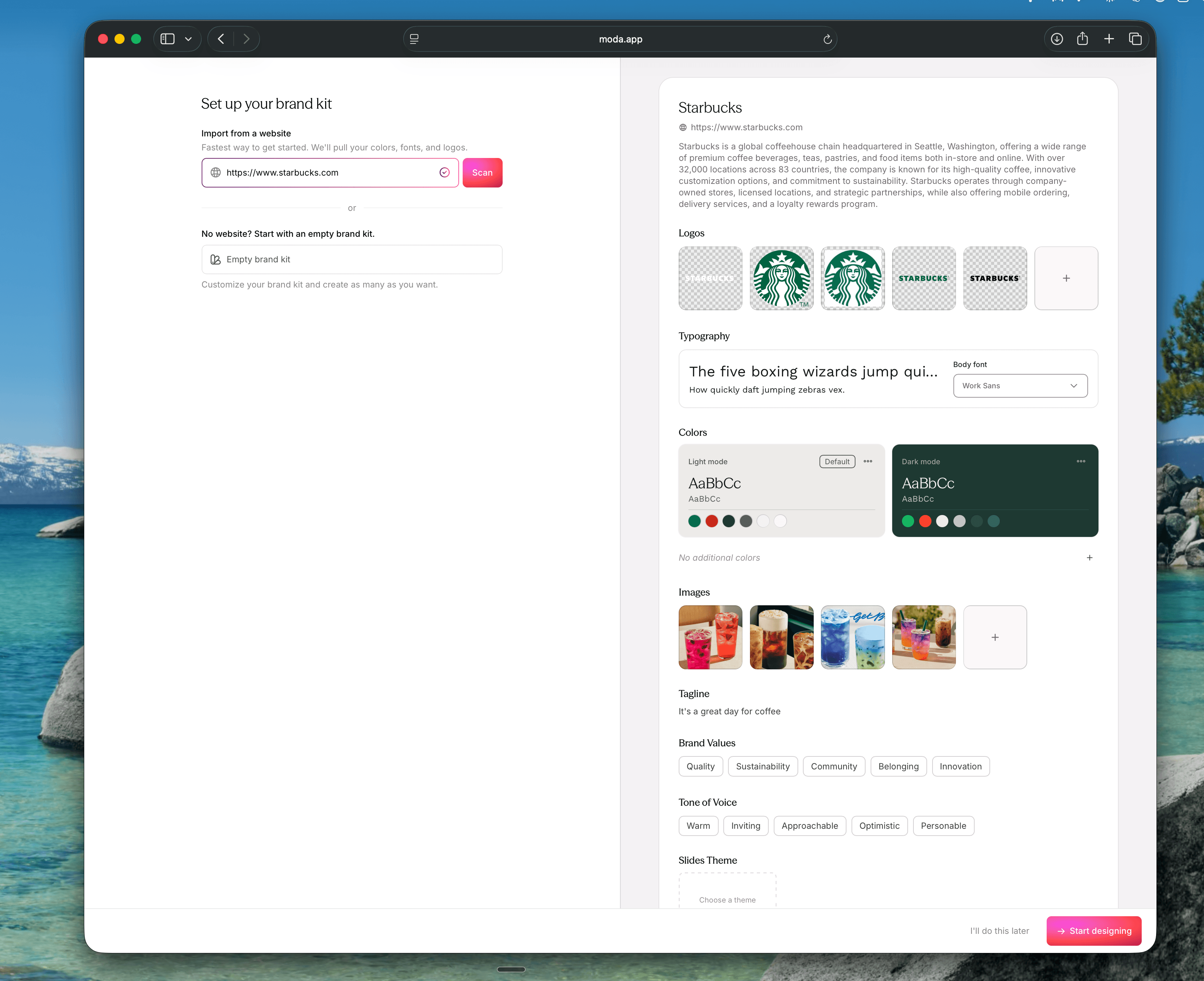
- Moda can create an editable brand kit from a public website and lets you correct the extracted colors, fonts, logos, and guidance before using it.
What Website Brand Importing Can Do
Website brand importing turns publicly visible design signals into a proposed kit. Depending on the product and site, that may include colors, font families, logos, selected images, and observations about visual or written style. Treat the result as a draft of the brand, not as an authoritative reconstruction.
The practical benefit is faster setup. Instead of locating every asset before trying a tool, you can begin with what the website exposes, correct the result, and add anything important that was missed.
How a Tool May Read the Site
The first stage is acquisition: the importer needs a representation of the site to inspect. Common approaches are parsing the returned HTML and stylesheets, rendering the page in a browser, analyzing screenshots, or combining those inputs.
An HTML and CSS parser can read server-returned markup, stylesheets, metadata, and asset references. It is fast, but it may miss visual details that appear only after client-side code runs.
A browser-based approach can run JavaScript and inspect the rendered page. It may capture more of a client-rendered site, although cookie prompts, animation, personalization, and delayed content can still affect the result.
A thin result does not necessarily mean the brand is weak. It may mean the importer could not reach the relevant styles or assets. If the first scan looks wrong, compare it with the live page and supply the missing material directly.
What a Website Can Reveal
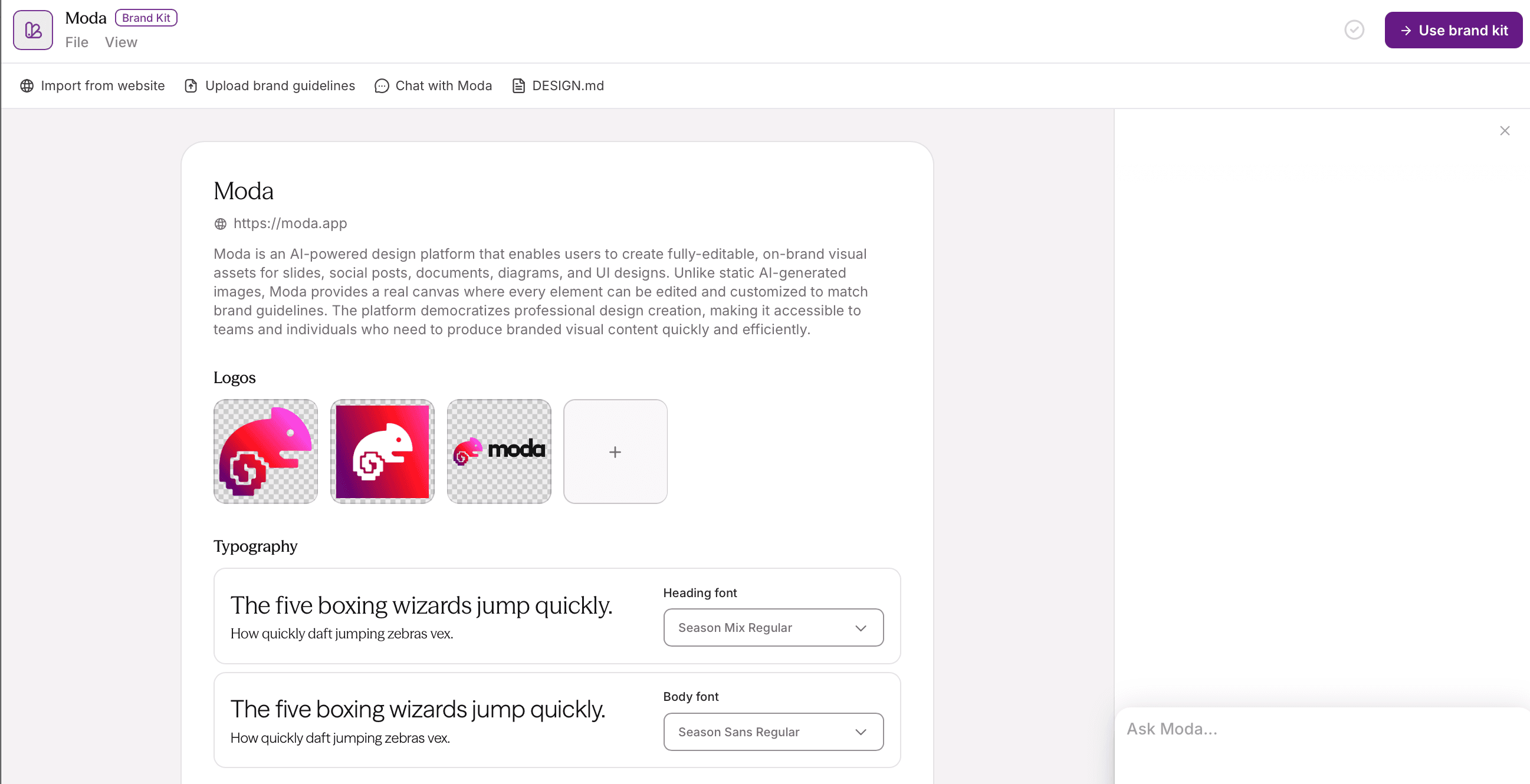
The extraction stage looks for several kinds of brand evidence:
- Colors: CSS variables, computed styles, recurring interface colors, and prominent backgrounds or accents.
- Fonts: declared font families and weights, plus the apparent hierarchy between headings, body text, and labels.
- Logos: image assets, SVGs, metadata, favicons, and visually prominent marks that appear to identify the company.
- Imagery: selected photographs, illustrations, icons, or product visuals that suggest a recurring visual style.
- Writing style: some products also summarize the public copy, but a homepage alone is weak evidence for a complete voice guide.
What is usually missing? Print-only assets, files behind a login, regional or campaign variants, legal rules, accessibility requirements, and unwritten decisions about when each logo or color may be used.
How Tools Decide Which Signals Matter
After acquiring the page, the importer separates likely brand signals from ordinary interface and content values. A real site contains many colors, font declarations, icons, and images that are not part of the core identity. Useful evidence includes:
- Repetition: colors or type styles used across several prominent elements may be more intentional than one-off values.
- Naming: CSS variables or asset names containing words such as primary, brand, logo, or accent can provide useful context.
- Placement: a mark in the site header may be more likely to be the primary logo than an icon deep in the footer.
- Visual prominence: large or repeated elements can influence what a screenshot- or browser-based system identifies.
These are clues, not proof. Two products can scan the same page and return different palettes or logo choices because their extraction and ranking methods differ.
How Extracted Brand Data Can Be Stored
After extraction, the system normalizes the proposed values into something reusable: a brand kit, theme, library, template, or another structured record. This is the step that turns observations about a page into fields later tools can retrieve.
Structured fields are useful because they separate exact values from general prose. A saved color can include a hex value and an intended role; a font can include its family, weight, and use. The details depend on the product, and the assigned roles still need review.
A useful kit commonly records:
- Logos: approved files or durable references, labeled by variant and intended use.
- Colors: exact values with roles such as background, text, primary, or accent.
- Typography: font families, weights, fallbacks, and intended roles.
How the Kit May Affect Later Designs
During creation, the product reads the saved kit and applies it through editor defaults, template choices, locked elements, model instructions, or agent context. The storage format and enforcement level differ, but the common purpose is to reuse approved values instead of rediscovering the brand for every asset.
Two common strategies are applying the palette and fonts after selecting a layout, or using the brand kit while choosing or generating the initial composition. Both still require judgment about content, hierarchy, contrast, and exceptions.
Test the behavior rather than inferring it from the phrase “brand kit.” Create a representative asset, change its content, and check whether the approved colors, fonts, logos, and editable handoff survive.
A website can suggest recurring spacing and layout patterns, but it rarely states formal rules such as minimum logo clear space or exact grid margins. Treat those observations as references unless the product lets you enter explicit guidance.
Where AI Brand Importing Falls Short
Before you lean on this feature, know where it breaks.
- Client-rendered pages may reveal little to a simple HTML fetch. A browser-based importer can see more, but delayed or personalized content can still produce inconsistent results.
- Unlabeled and one-off style values provide less context than a small, consistently named design system.
- Logos embedded in unusual formats, backgrounds, iframes, or gated areas may be overlooked or assigned the wrong role.
- A site that was never updated after a rebrand hands back a kit reflecting the old brand.
- Password-protected, blocked, or private pages may be inaccessible to the importer.
The larger limitation is conceptual: a public website shows examples, not necessarily the rules behind them. Logo clear space, regional variants, print specifications, accessibility standards, and approval policies usually require a brand guide or direct input.
Four Common Ways to Set Up a Brand
Products combine these approaches in different ways. Compare the actual inputs and controls rather than assuming one category is fully automatic.
| Setup path | What it provides | What still needs review |
| Manual kit | Exact colors, fonts, logos, and roles supplied by a person | Completeness, naming, and later updates |
| Brand-guide or asset import | Information extracted from files you choose | Conflicting versions, missing context, and permissions |
| Website import | A proposed kit based on public website signals | Incorrect roles, missing assets, and rules not visible on the site |
A website import is often the quickest starting point when the public site is current. A manual kit or approved brand guide is stronger when exact rules and asset variants matter. Many teams begin with a scan, then correct and supplement it.
How Moda Handles a Website Import
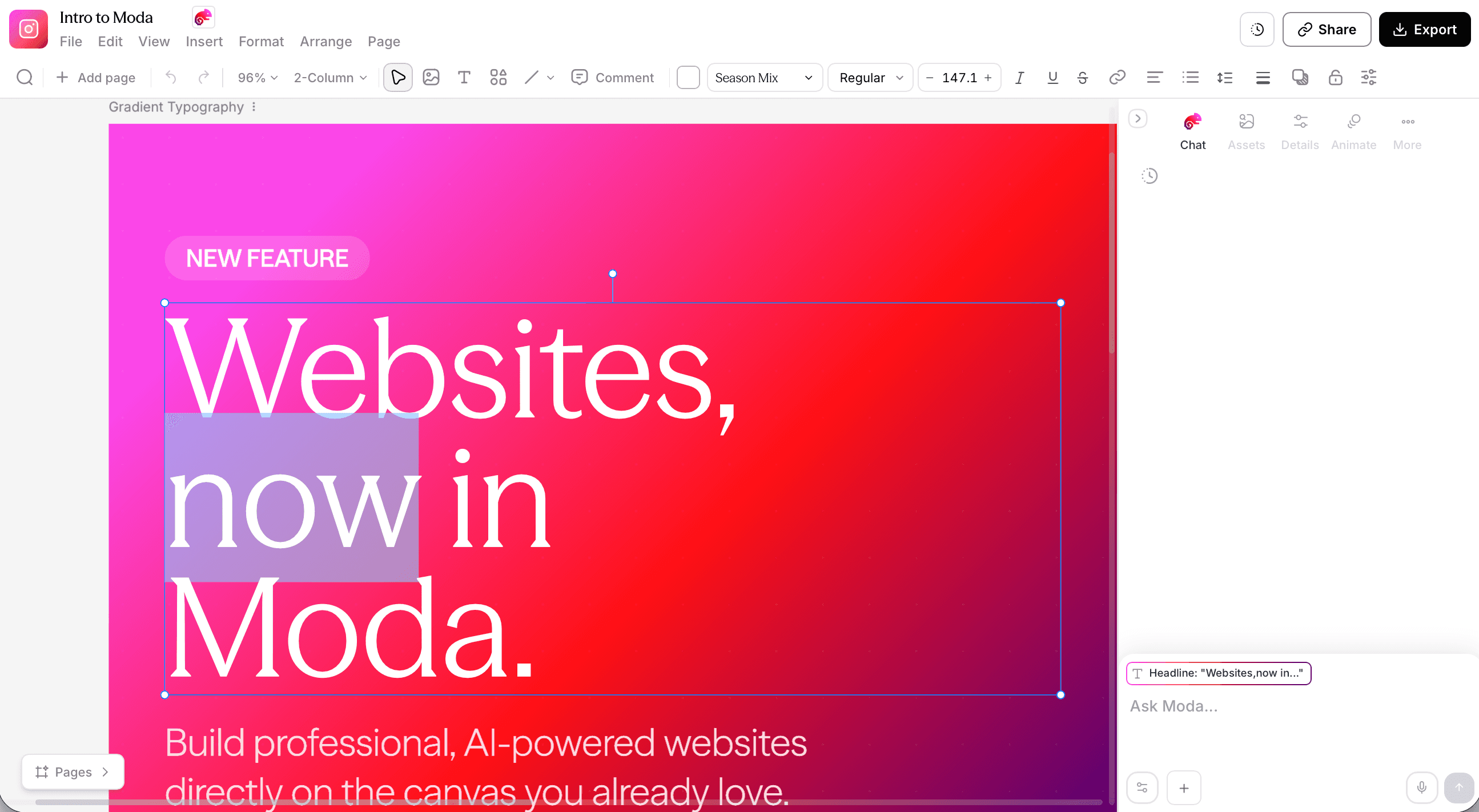
Moda can create a persistent brand kit from a public website URL. The import can collect colors, fonts, logos, images, and written guidance that later Moda workflows can use as brand context.
The result is editable. Review the proposed palette, font roles, logo variants, and guidance before using the kit for production work. If the import chooses a slightly wrong primary color or misses an accent, correct the kit rather than compensating in every later design.
A saved kit gives Moda’s agents reusable brand context, but it does not replace the design brief or final review. The agent still needs the audience, purpose, content, and output format for the specific asset.
Designs remain editable on the canvas, so incorrect copy, layout, imagery, or brand choices can be changed directly after generation.
One current limitation is logo placement: Moda can retain light and dark logo variants, but it does not automatically catch every low-contrast choice. A light logo can still land on a light background, or a dark logo on a dark one. Check the selected variant on representative outputs and swap it when needed.
A Practical Review Checklist
Before using an imported kit, compare it with the live site and approved brand material. Check color roles, font weights and fallbacks, every logo variant, imagery, written guidance, and any rules that matter outside the website. Then create one representative asset and inspect the result in its final format. Website importing saves setup time; review is what makes the kit dependable.
Frequently asked questions
How does AI brand importing work from a website URL?
A product may fetch HTML and CSS, render the page in a browser, inspect images or screenshots, and analyze visible copy. It then proposes brand elements such as colors, fonts, logos, imagery, and tone. The exact method and output vary, so review the kit before using it.
What's the difference between URL-based brand extraction and uploading a brand guidelines file?
A website import starts from public signals and requires little file preparation. A brand-guide import starts from material you deliberately supply and may capture rules or variants the site does not expose. Use both when the website is convenient but incomplete.
Can AI brand importing pick up everything from a single-page app or JavaScript-heavy site?
Not always. A browser-based importer may handle JavaScript-rendered content better than a simple HTML fetch, but consent dialogs, delayed content, personalization, embedded assets, and blocked pages can still interfere.
Should I use URL-based brand extraction or upload reference files if I want consistent AI design output?
Use the website as a starting point when it accurately represents the current brand. Add approved logos, fonts, guidelines, and reference files when important rules or variants are missing. Review the combined kit before generating customer-facing work.
How do I fix incorrect logo variants after running AI brand importing?
Review every extracted logo against the approved files, including light, dark, symbol-only, and regional variants. Remove incorrect assets, label the intended use of each retained variant, and test them on representative backgrounds.

Real editable visuals. Real canvas. Full control.
Fly through design work