A0 paper size
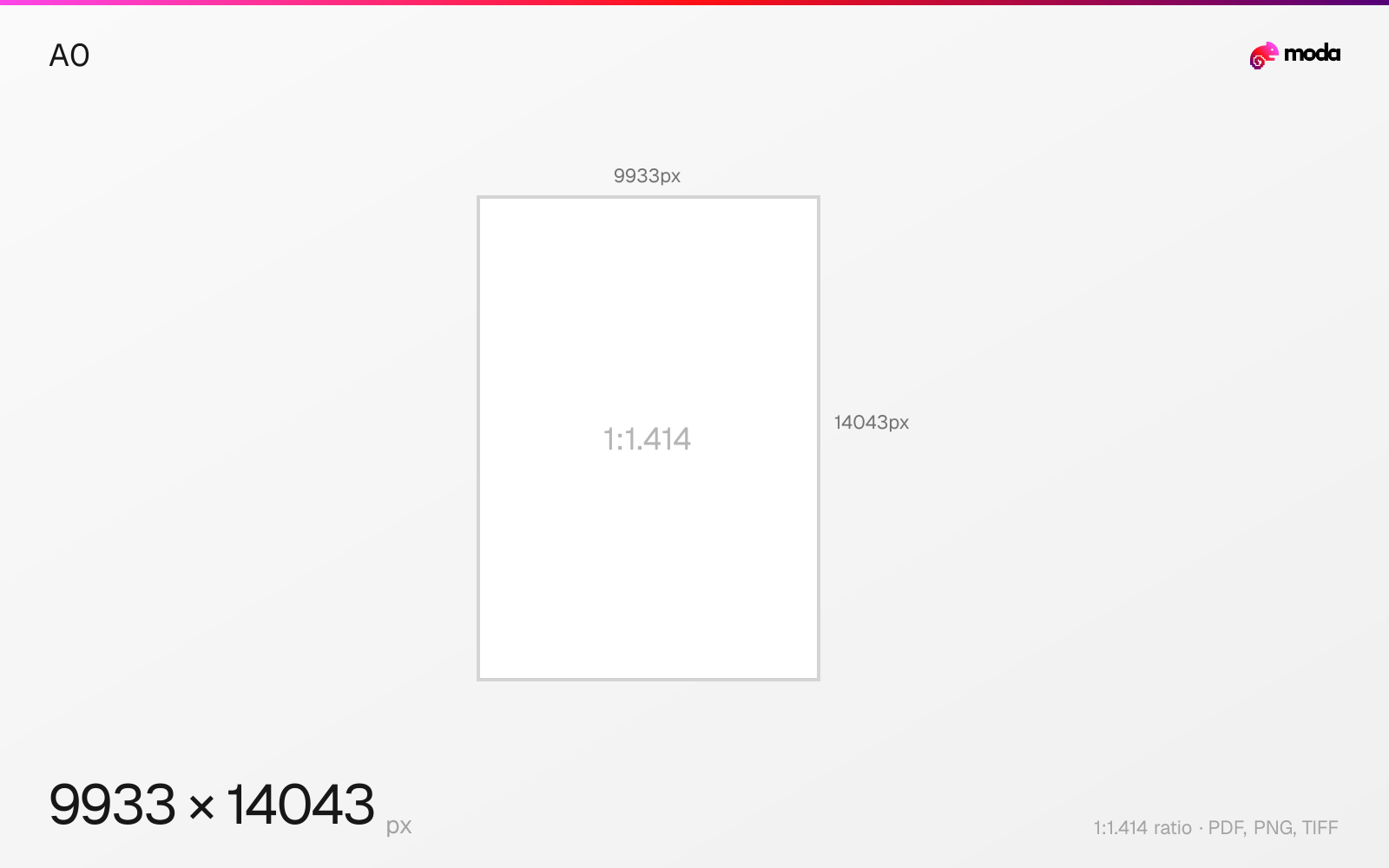
The standard a0 size is 841 × 1189 mm (33.11 × 46.81 inches), or 9933 × 14043 pixels at 300 DPI.
Last updated:
Specifications
| Spec | Value |
|---|---|
| Dimensions (px) | 9933 × 14043 px |
| Aspect ratio | 1:1.414 |
| Size (inches) | 33.11 × 46.81 in |
| Size (cm) | 84.1 × 118.9 cm |
| Size (mm) | 841 × 1189 mm |
| Supported formats | PDF, PNG, TIFF |
| Color mode | CMYK |
A0 in pixels at different DPI
| Resolution | Width | Height | Use case |
|---|---|---|---|
| 72 DPI | 2384 px | 3370 px | Screen / web |
| 96 DPI | 3178 px | 4493 px | Windows default |
| 150 DPI | 4967 px | 7022 px | Draft print / large posters |
| 300 DPI | 9933 px | 14043 px | High-quality print |
Design at this size with Moda
Start with a canvas pre-set to 9933×14043px and let AI generate your design.
Create an a0 →Design tips
A0 paper is 841×1189mm (33.11×46.81 inches). At 300 DPI, that's 9933×14043 pixels. A0 is the largest standard size in the ISO A series — it has an area of exactly 1 square meter. It's used for technical drawings, architectural plans, large posters, and scientific conference displays.
- •A0 has an area of exactly 1 square meter. Use 150 DPI (4967×7022px) for most applications.
- •Requires wide-format printing equipment. Check with your print shop for file format requirements.
- •300 DPI at A0 creates ~140 megapixel files — use 150 DPI unless the print will be viewed up close.
What you need to know
A0 is the base of the entire ISO 216 A-series paper system. It has an area of exactly 1 square meter (841×1189mm), and every other A-series size is derived by halving it: A1 is half of A0, A2 is a quarter, A3 is an eighth, and so on down to A10. This mathematical relationship makes the system elegant for scaling between sizes.
A0 is primarily used in professional settings: architectural and engineering drawings (blueprints), large-format scientific posters for conferences, retail window displays, and exhibition graphics. It requires wide-format printers — no standard office printer can handle this size.
At 300 DPI, an A0 image is nearly 10,000×14,000 pixels — a massive file. For most A0 applications (posters, plans viewed from arm's length), 150 DPI (4967×7022 pixels) is sufficient and produces a much more manageable file size. Only use 300 DPI for A0 if the print will be viewed up close.
How to create an a0 at the right size
- 1Open Moda and create a new canvas at 9933×14043 pixels.
- 2Design your a0 using AI generation or start from a blank canvas.
- 3Export as PDF and upload to your platform.
Frequently asked questions
What size is A0 paper?
A0 is 841×1189mm (33.11×46.81 inches). It has an area of exactly 1 square meter.
What is A0 in pixels?
At 300 DPI: 9933×14043 px. At 150 DPI: 4967×7022 px. At 72 DPI: 2384×3370 px.
What is A0 used for?
Architectural/engineering drawings, large scientific posters, exhibition displays, and retail window graphics.
Specs last verified: March 19, 2026. Dimensions may change as platforms update their requirements.