A2 paper size
The standard a2 size is 420 × 594 mm (16.54 × 23.39 inches), or 4961 × 7016 pixels at 300 DPI.
Last updated:
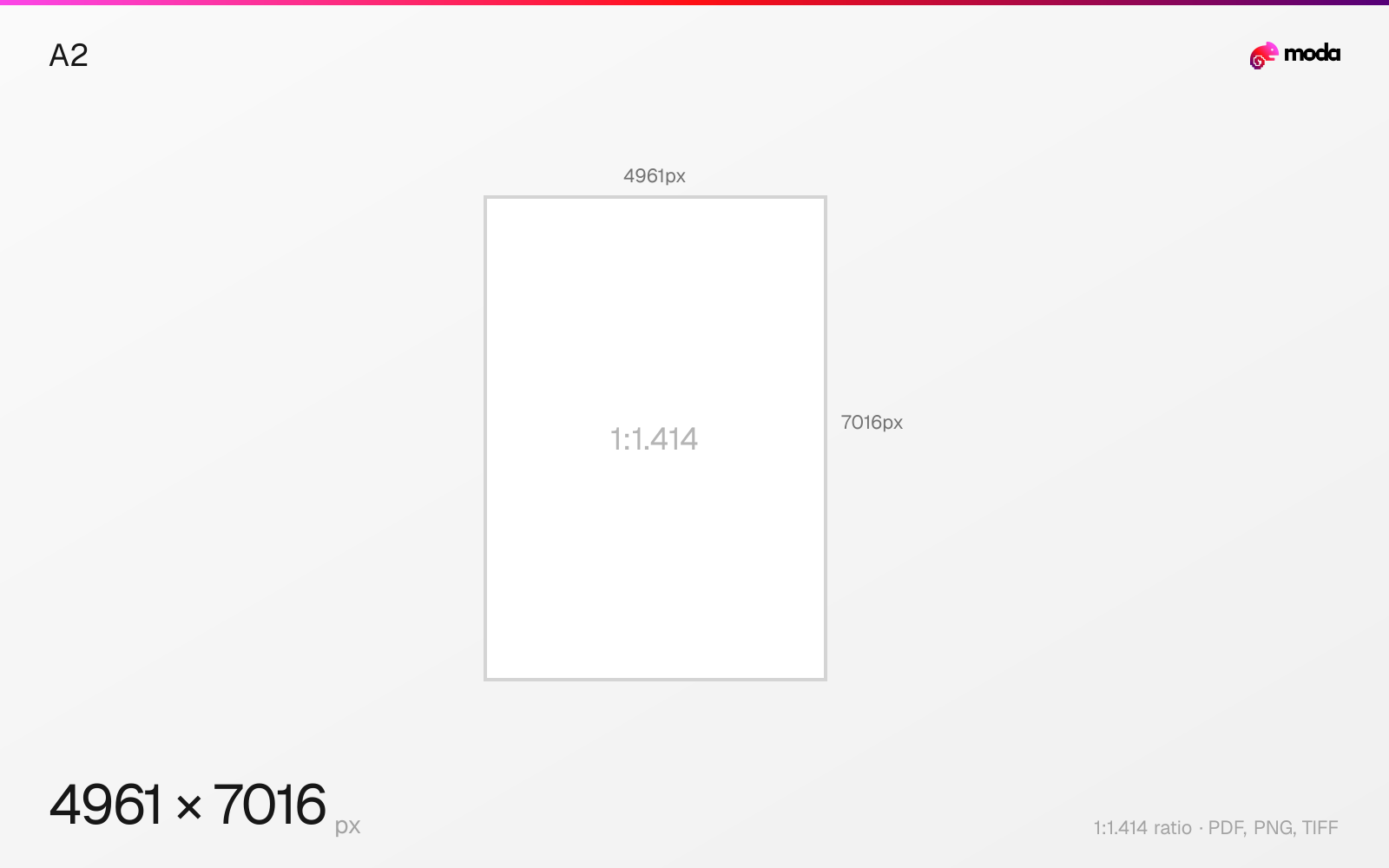
Specifications
| Spec | Value |
|---|---|
| Dimensions (px) | 4961 × 7016 px |
| Aspect ratio | 1:1.414 |
| Size (inches) | 16.54 × 23.39 in |
| Size (cm) | 42 × 59.4 cm |
| Size (mm) | 420 × 594 mm |
| Supported formats | PDF, PNG, TIFF |
| Color mode | CMYK |
A2 in pixels at different DPI
| Resolution | Width | Height | Use case |
|---|---|---|---|
| 72 DPI | 1191 px | 1684 px | Screen / web |
| 96 DPI | 1584 px | 2246 px | Windows default |
| 150 DPI | 2480 px | 3508 px | Draft print / large posters |
| 300 DPI | 4961 px | 7016 px | High-quality print |
Design at this size with Moda
Start with a canvas pre-set to 4961×7016px and let AI generate your design.
Create an a2 →Design tips
A2 paper is 420×594mm (16.54×23.39 inches). At 300 DPI, that's 4961×7016 pixels. A2 is half of A1 and twice A3 — a popular size for posters, framed art prints, and medium-format advertising displays. It's close to the US 18×24" medium poster format.
- •A2 is close to US 18×24" but not identical. Check frame and mat availability before designing.
- •Some desktop wide-format printers (17") can handle A2 — you may not need a print shop.
- •Use 300 DPI (4961×7016px) for art prints and detailed graphics. 150 DPI for advertising posters.
What you need to know
A2 sits between A1 (large poster) and A3 (desktop poster) in the ISO hierarchy. At 16.54×23.39 inches, it's close to the US 18×24" medium poster format. A2 is a popular choice for art prints, advertising posters in retail environments, and medium-format wall displays.
Many wide-format printers can handle A2 — it's the threshold where you might not need a dedicated large-format print shop. Some high-end desktop inkjet printers (17" width) can print A2 in portrait orientation. This makes it accessible for small businesses and independent artists.
A2 frames and mats are widely available in art supply stores and online, making it a practical size for prints intended for framing. The 1:1.414 aspect ratio is slightly taller than the 3:4 ratio common in US framing, so verify frame availability before committing to A2 for a framed piece.
How to create an a2 at the right size
- 1Open Moda and create a new canvas at 4961×7016 pixels.
- 2Design your a2 using AI generation or start from a blank canvas.
- 3Export as PDF and upload to your platform.
Frequently asked questions
What size is A2 paper?
A2 is 420×594mm (16.54×23.39 inches). At 300 DPI: 4961×7016 pixels.
What is A2 in pixels?
At 300 DPI: 4961×7016 px. At 150 DPI: 2480×3508 px. At 72 DPI: 1191×1684 px.
What is A2 used for?
Art prints, advertising posters, retail displays, and medium-format wall graphics. Close to the US 18×24" poster size.
Specs last verified: March 19, 2026. Dimensions may change as platforms update their requirements.