A4 paper size
The standard a4 size is 210 × 297 mm (8.27 × 11.69 inches), or 2480 × 3508 pixels at 300 DPI.
Last updated:
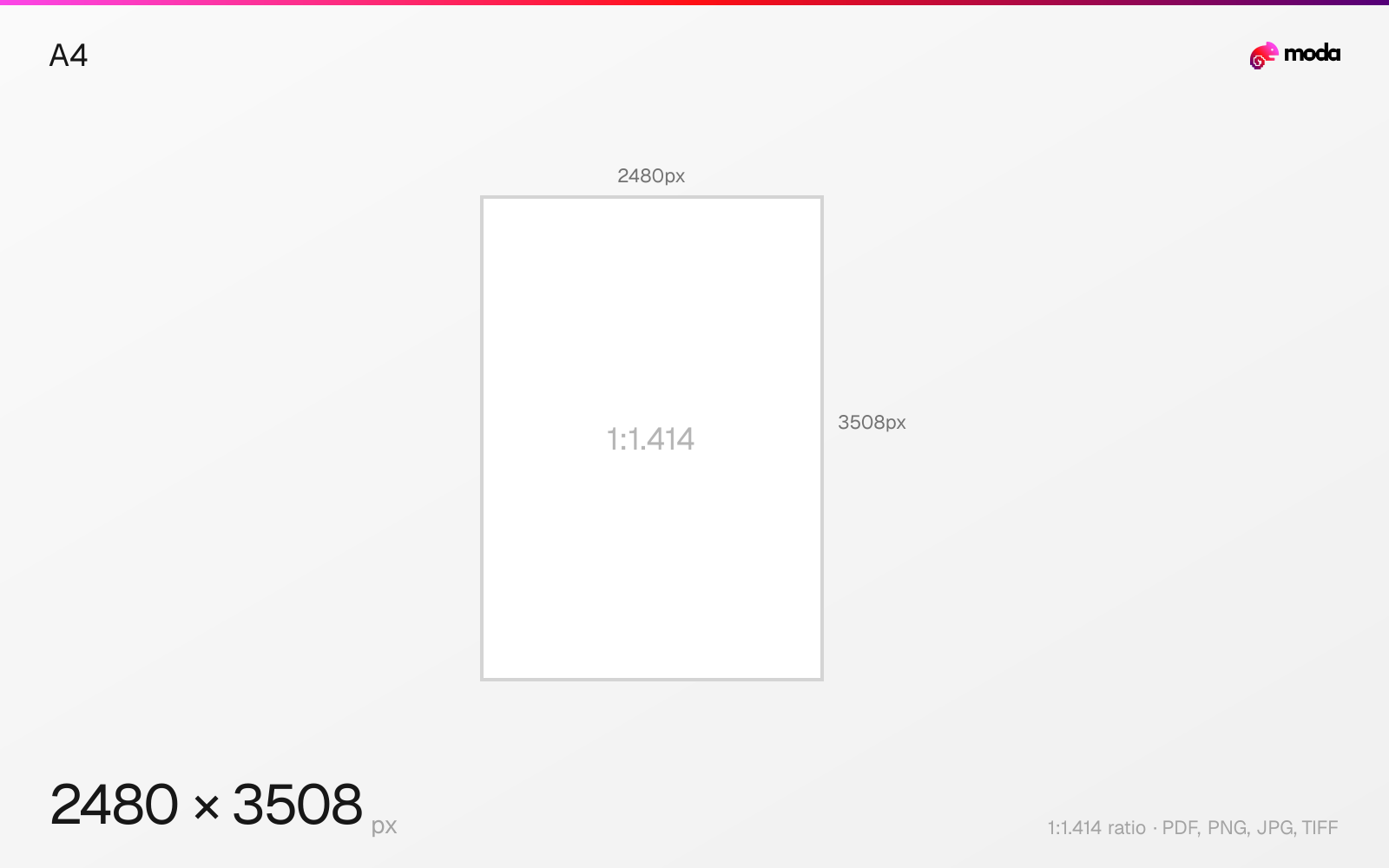
Specifications
| Spec | Value |
|---|---|
| Dimensions (px) | 2480 × 3508 px |
| Aspect ratio | 1:1.414 |
| Size (inches) | 8.27 × 11.69 in |
| Size (cm) | 21 × 29.7 cm |
| Size (mm) | 210 × 297 mm |
| Supported formats | PDF, PNG, JPG, TIFF |
| Color mode | CMYK |
A4 in pixels at different DPI
| Resolution | Width | Height | Use case |
|---|---|---|---|
| 72 DPI | 595 px | 842 px | Screen / web |
| 96 DPI | 794 px | 1123 px | Windows default |
| 150 DPI | 1240 px | 1754 px | Draft print / large posters |
| 300 DPI | 2480 px | 3508 px | High-quality print |
Design at this size with Moda
Start with a canvas pre-set to 2480×3508px and let AI generate your design.
Create an a4 →Design tips
A4 paper is 210×297mm (8.27×11.69 inches). At 300 DPI, that's 2480×3508 pixels. A4 is the most widely used paper size in the world — the standard for documents, letters, forms, and magazines in every country except the US and Canada, which use Letter size.
- •Design at 2480×3508px (300 DPI) for print. Use 150 DPI (1240×1754px) for screen-only PDFs.
- •A4 is narrower than US Letter — design for A4 if your document needs to work internationally.
- •Use CMYK for print output. Standard margins are 25mm (1 inch) on all sides for most documents.
What you need to know
A4 is the global default paper size used by printers, copiers, and document standards in over 200 countries. It's the default page size in most software (Microsoft Word, Google Docs, and design tools) outside of North America. If you're designing a document for international distribution, A4 is the safe choice.
A4 is slightly narrower and taller than US Letter (8.27×11.69" vs 8.5×11"). This difference matters when designing documents that need to work in both formats — the safest approach is to design for A4 (the narrower one) and let Letter add slightly wider margins. Most content will fit both formats without modification.
The A4 aspect ratio is 1:√2 (~1:1.414), which is the mathematical property that allows any A-series size to be folded in half to produce the next smaller size. An A4 sheet folded in half is exactly A5. Two A4 sheets side by side form A3. This self-similar scaling is what makes the ISO system elegant for booklets, brochures, and print production.
How to create an a4 at the right size
- 1Open Moda and create a new canvas at 2480×3508 pixels.
- 2Design your a4 using AI generation or start from a blank canvas.
- 3Export as PDF and upload to your platform.
Frequently asked questions
What size is A4 paper?
A4 is 210×297mm (8.27×11.69 inches). At 300 DPI, that's 2480×3508 pixels.
Is A4 the same as Letter size?
No. A4 (210×297mm) is slightly narrower and taller than US Letter (215.9×279.4mm / 8.5×11 inches). They are close but not interchangeable for precise layouts.
What pixels should I use for A4?
At 300 DPI (print quality): 2480×3508px. At 150 DPI (screen/web): 1240×1754px. At 72 DPI (low-res): 595×842px.
What is A4 size in cm?
A4 is 21.0 × 29.7 cm.
What is A4 in pixels at 300 DPI?
2480 × 3508 pixels at 300 DPI. At 150 DPI: 1240 × 1754 px. At 72 DPI: 595 × 842 px.
What is A4 size in inches?
A4 is 8.27 × 11.69 inches.
Which countries use A4 paper?
Almost every country except the US, Canada, and parts of Latin America. A4 is the international standard defined by ISO 216.
Specs last verified: March 19, 2026. Dimensions may change as platforms update their requirements.