A5 paper size
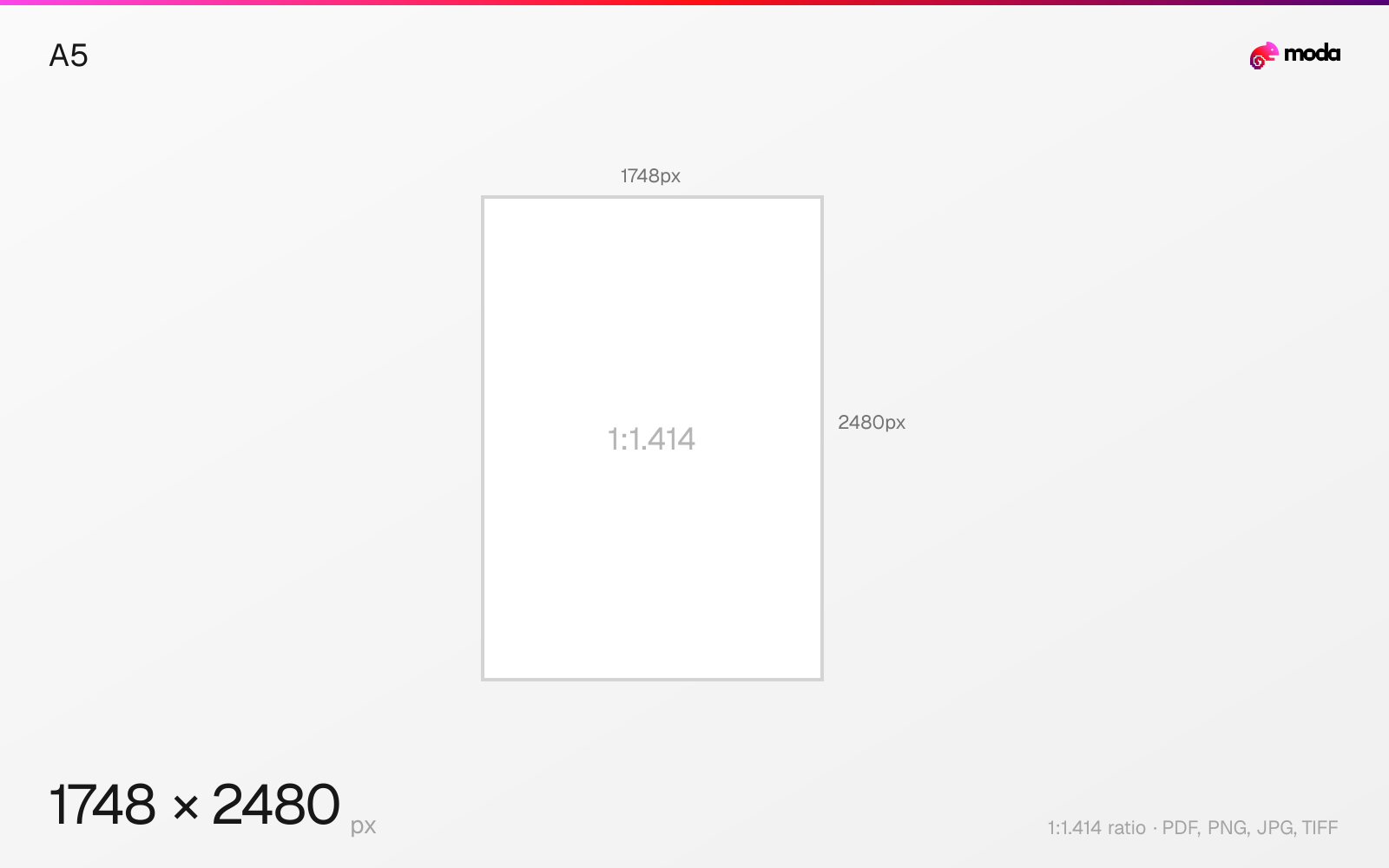
The standard a5 size is 148 × 210 mm (5.83 × 8.27 inches), or 1748 × 2480 pixels at 300 DPI.
Last updated:
Specifications
| Spec | Value |
|---|---|
| Dimensions (px) | 1748 × 2480 px |
| Aspect ratio | 1:1.414 |
| Size (inches) | 5.83 × 8.27 in |
| Size (cm) | 14.8 × 21 cm |
| Size (mm) | 148 × 210 mm |
| Supported formats | PDF, PNG, JPG, TIFF |
| Color mode | CMYK |
A5 in pixels at different DPI
| Resolution | Width | Height | Use case |
|---|---|---|---|
| 72 DPI | 420 px | 595 px | Screen / web |
| 96 DPI | 559 px | 794 px | Windows default |
| 150 DPI | 874 px | 1240 px | Draft print / large posters |
| 300 DPI | 1748 px | 2480 px | High-quality print |
Design at this size with Moda
Start with a canvas pre-set to 1748×2480px and let AI generate your design.
Create an a5 →Design tips
A5 paper is 148×210mm (5.83×8.27 inches). At 300 DPI, that's 1748×2480 pixels. A5 is exactly half of A4, making it the standard size for booklets, pocket notebooks, flyers, and small-format printed materials. It's the most common size for paperback books in many countries.
- •Design at 1748×2480px (300 DPI) for print. A5 is exactly half of A4 — great for booklets.
- •For A5 booklets, design the spread at A4 size (2480×3508px) with two A5 pages side by side.
- •A5 is the standard for pocket planners, notebooks, and small-format marketing materials.
What you need to know
A5 is the workhorse of small-format printing. It's the standard for pocket planners, notebooks (like Moleskine-style journals), half-fold leaflets, small catalogues, and pocket-sized booklets. Many event programs, wedding invitations, and greeting cards are also A5 or close to it.
Creating an A5 booklet from A4 sheets is straightforward: print two A5 pages side by side on each A4 sheet, then fold and staple. This "saddle-stitch" method is the most economical way to produce small booklets. Most print shops and office printers handle A4-to-A5 booklet printing natively.
A5 is also a popular format for digital planners and PDF downloads. When designing for screen use (rather than print), 150 DPI (874×1240 pixels) provides a good balance of quality and file size. For print, always use 300 DPI (1748×2480 pixels) with CMYK color mode.
How to create an a5 at the right size
- 1Open Moda and create a new canvas at 1748×2480 pixels.
- 2Design your a5 using AI generation or start from a blank canvas.
- 3Export as PDF and upload to your platform.
Frequently asked questions
What size is A5 paper?
A5 is 148×210mm (5.83×8.27 inches). At 300 DPI for print, that's 1748×2480 pixels.
How does A5 relate to A4?
A5 is exactly half of A4. Folding an A4 sheet in half gives you two A5 pages. Two A5 pages side by side equal one A4.
What is A5 paper used for?
Booklets, notebooks, pocket planners, flyers, small catalogues, event programs, invitations, and greeting cards.
What is A5 size in cm?
A5 is 14.8 × 21.0 cm.
What is A5 in pixels?
At 300 DPI: 1748 × 2480 px. At 150 DPI: 874 × 1240 px. At 72 DPI: 420 × 595 px.
Is A5 half of A4?
Yes. A5 is exactly half of A4. An A4 sheet folded in half gives you two A5 pages.
Specs last verified: March 19, 2026. Dimensions may change as platforms update their requirements.