A3 paper size
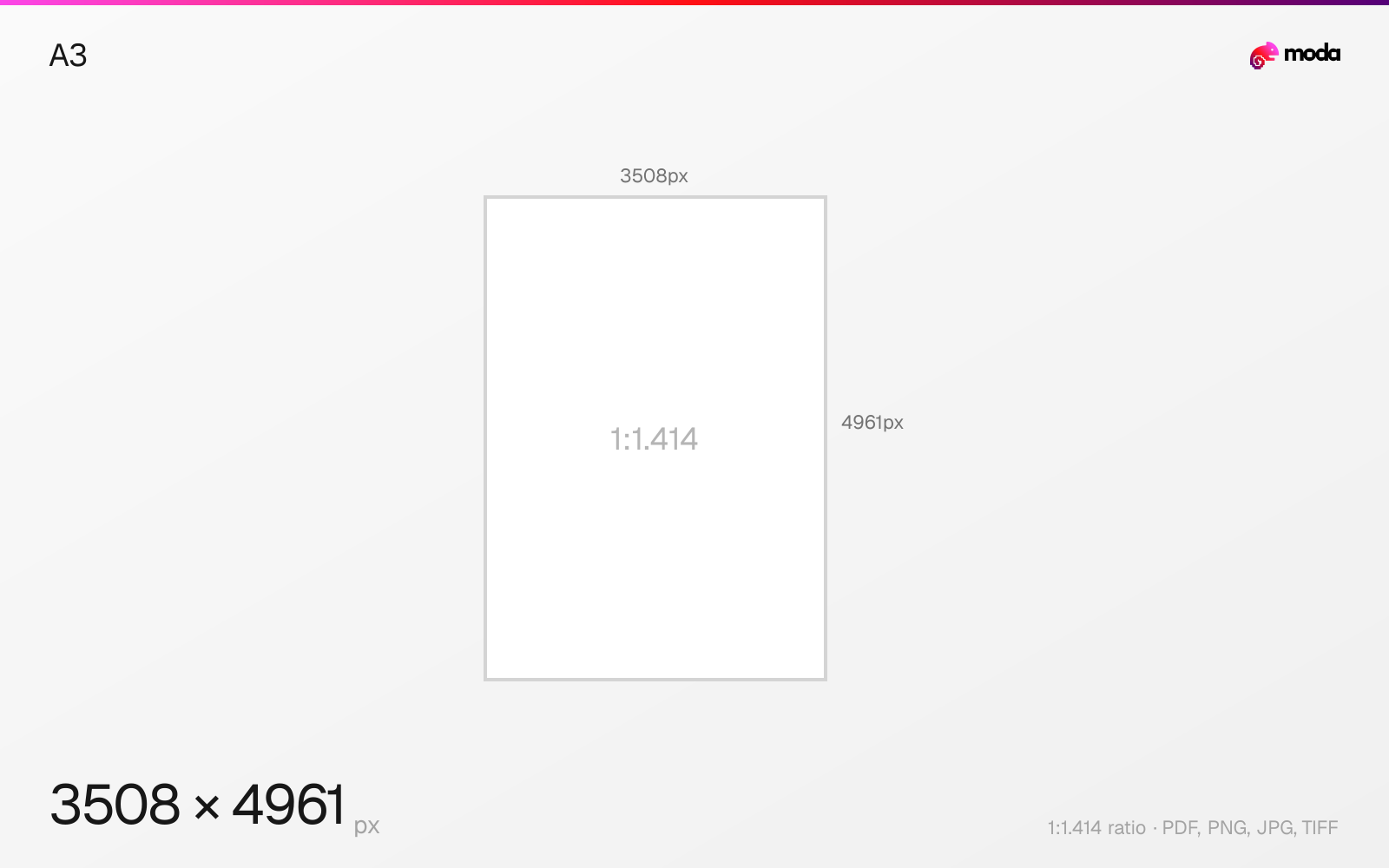
The standard a3 size is 297 × 420 mm (11.69 × 16.54 inches), or 3508 × 4961 pixels at 300 DPI.
Last updated:
Specifications
| Spec | Value |
|---|---|
| Dimensions (px) | 3508 × 4961 px |
| Aspect ratio | 1:1.414 |
| Size (inches) | 11.69 × 16.54 in |
| Size (cm) | 29.7 × 42 cm |
| Size (mm) | 297 × 420 mm |
| Supported formats | PDF, PNG, JPG, TIFF |
| Color mode | CMYK |
A3 in pixels at different DPI
| Resolution | Width | Height | Use case |
|---|---|---|---|
| 72 DPI | 842 px | 1191 px | Screen / web |
| 96 DPI | 1123 px | 1587 px | Windows default |
| 150 DPI | 1754 px | 2480 px | Draft print / large posters |
| 300 DPI | 3508 px | 4961 px | High-quality print |
Design at this size with Moda
Start with a canvas pre-set to 3508×4961px and let AI generate your design.
Create an a3 →Design tips
A3 paper is 297×420mm (11.69×16.54 inches). At 300 DPI print resolution, that's 3508×4961 pixels. A3 is exactly twice the size of A4, making it ideal for posters, architectural drawings, large charts, and documents that need more visual space than standard A4.
- •Design at 3508×4961px (300 DPI) for print-quality output — use 150 DPI for text-heavy documents.
- •A3 is exactly 2× A4 — design A3 layouts so they fold cleanly into A4 booklets.
- •Use CMYK color mode for professional printing. Include 3mm bleed if the design goes to the edge.
What you need to know
A3 is part of the ISO 216 international standard paper series. Each A-series size is exactly half the area of the next larger size: an A3 sheet folded in half becomes two A4 pages, an A4 folded becomes two A5 pages, and so on. All sizes share the same √2:1 aspect ratio (~1.414:1), which is what makes this halving work perfectly.
A3 is commonly used for posters, large-format charts and graphs, architectural and engineering drawings, newspaper broadsheets, and any document that needs to present information at a larger scale than A4. Many home and office printers top out at A4, so printing A3 usually requires a wide-format printer or a print shop.
When designing for A3 print, use 300 DPI (3508×4961 pixels) for photographic quality, or 150 DPI (1754×2480 pixels) for documents with mostly text and simple graphics. Always set your color mode to CMYK for professional printing, and include 3mm bleed on all edges if the design extends to the paper edge.
How to create an a3 at the right size
- 1Open Moda and create a new canvas at 3508×4961 pixels.
- 2Design your a3 using AI generation or start from a blank canvas.
- 3Export as PDF and upload to your platform.
Frequently asked questions
What size is A3 paper?
A3 paper is 297×420mm (11.69×16.54 inches). At 300 DPI for print, that's 3508×4961 pixels.
How does A3 relate to A4?
A3 is exactly twice the size of A4. Folding an A3 sheet in half gives you two A4 pages.
What resolution should I use for A3 print?
300 DPI (3508×4961 pixels) for high-quality prints with photos. 150 DPI is acceptable for text-heavy documents.
What is A3 size in cm?
A3 is 29.7 × 42.0 cm.
What is A3 size in pixels?
At 300 DPI: 3508 × 4961 px. At 150 DPI: 1754 × 2480 px. At 72 DPI: 842 × 1191 px.
Is A3 bigger than A4?
Yes. A3 is exactly twice the size of A4. An A3 sheet folded in half gives you two A4 pages.
Specs last verified: March 19, 2026. Dimensions may change as platforms update their requirements.