Amazon Store logo size
The recommended Amazon Store brand logo size is 400 × 400 pixels (1:1 aspect ratio).
Last updated:
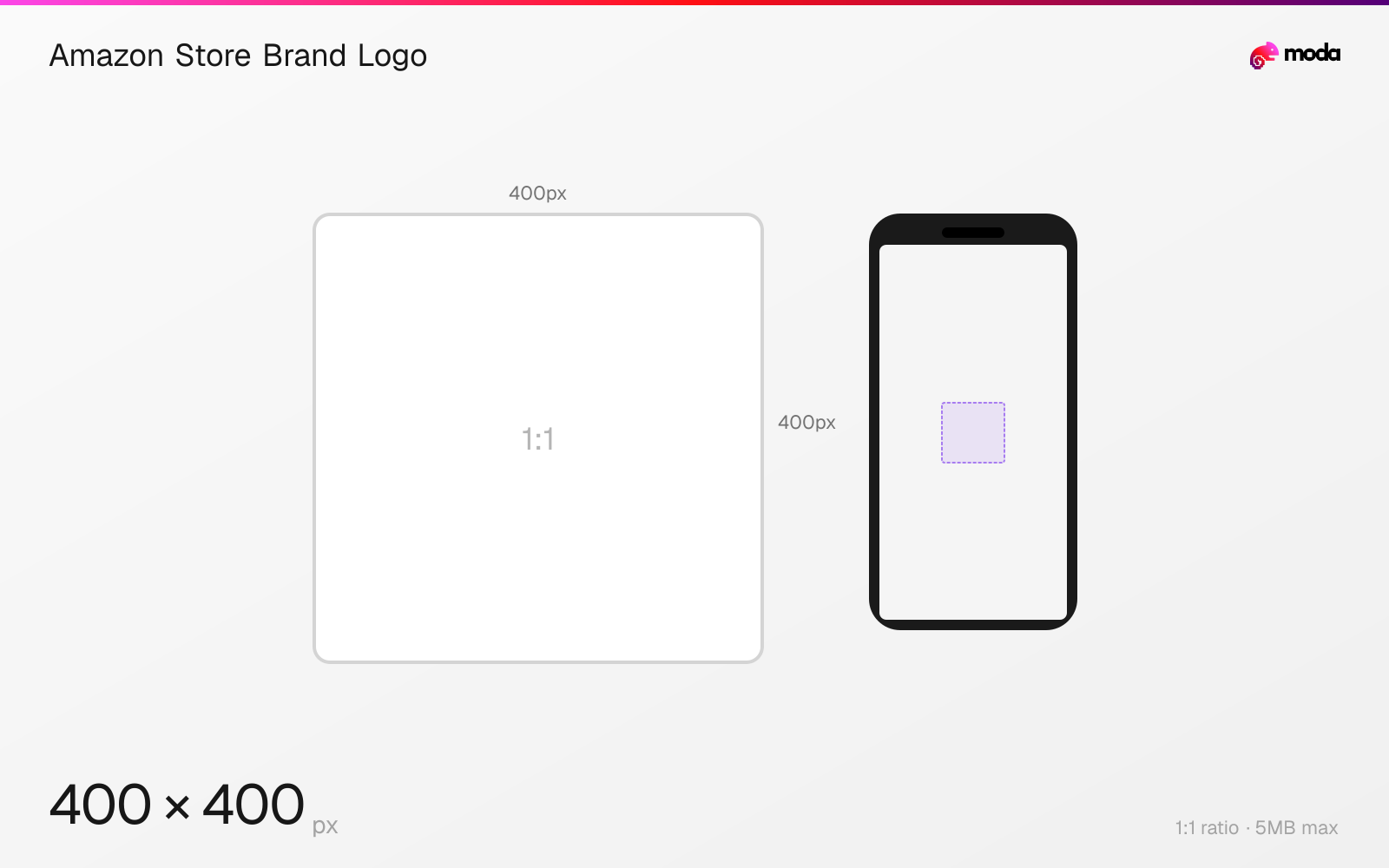
Specifications
| Spec | Value |
|---|---|
| Dimensions (px) | 400 × 400 px |
| Aspect ratio | 1:1 |
| Max file size | 5MB |
| Minimum resolution | 400x400 |
Design at this size with Moda
Start with a canvas pre-set to 400×400px and let AI generate your design.
Create an Amazon Store brand logo →Design tips
Amazon Ads requires an Amazon Store brand logo of at least 400×400 pixels with a maximum file size of 5MB. The logo sits in the Store header and acts as the home button.
- •Use a square source at least 400×400 pixels and under 5MB.
- •Center the mark and keep it legible at compact navigation size.
- •Create the logo separately from the 5:1 hero image rather than cropping one into the other.
What you need to know
The brand logo appears in the Amazon Store header alongside the hero image and navigation. Amazon sets a square minimum of 400×400 pixels and a 5MB maximum.
Because the logo also acts as the Store's home button, it should function as a compact identity mark. Use a centered symbol or short lockup that remains recognizable when the header renders smaller than the source.
Do not treat the square logo as a substitute for the 3000×600 hero. The two assets have different shapes and roles even though both are part of the Store header.
How to create an Amazon Store brand logo at the right size
- 1Open Moda and create a square canvas at least 400×400 pixels.
- 2Center a compact brand mark that remains legible in the Store navigation.
- 3Export the finished image under 5MB and upload it as the Amazon Store brand logo.
Frequently asked questions
What size should an Amazon Store logo be?
Amazon requires at least 400×400 pixels and a maximum file size of 5MB.
Where does the Amazon Store logo appear?
It appears in the Store header, acts as the home button and is shown across Store pages.
Specs last verified: August 28, 2026. Dimensions may change as platforms update their requirements.