Email banner size
The recommended email banner size is 600 × 300 pixels (2:1 aspect ratio).
Last updated:
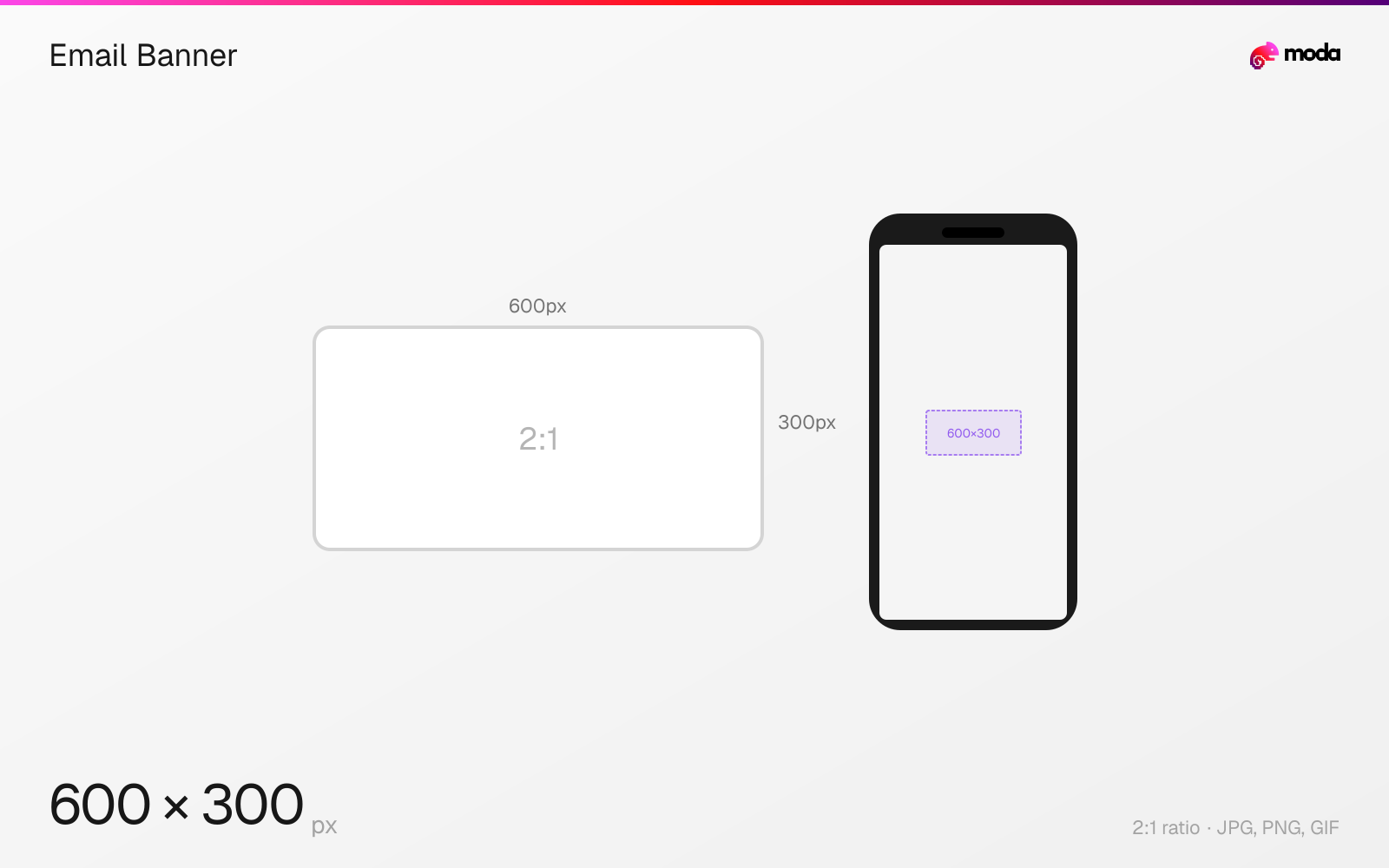
Specifications
| Spec | Value |
|---|---|
| Dimensions (px) | 600 × 300 px |
| Aspect ratio | 2:1 |
| Supported formats | JPG, PNG, GIF |
| Minimum resolution | 600x300 |
| Color mode | sRGB |
Other documented sizes
| Format | Dimensions | Aspect ratio |
|---|---|---|
| Announcement bar | 600 × 120 px | 5:1 |
| Retina supply width | 1200 × 600 px | 2:1 |
Design at this size with Moda
Start with a canvas pre-set to 600×300px and let AI generate your design.
Create an email banner →Design tips
Email banners are typically 600×300 pixels — the 600px body width that email templates assume, at a 2:1 ratio. As with every email dimension, the width is convention rather than specification; no standards body defines it, and heights vary freely with the design.
- •Never put essential information only in the banner — many clients block images by default.
- •Supply at 1200px wide and constrain with CSS for retina sharpness.
- •300–400px tall is typical for a hero; 80–120px for a slim announcement bar.
What you need to know
A banner is the hero image inside an email body, distinct from the header that sits above it. Both are built to the same 600px width because that is what the template column is, and both are constrained by the same reality: there is no email standards body, so every number here is convention anchored to what email service providers actually ship.
Heights between 300 and 400 pixels are the common range for a hero banner — enough to carry an image without pushing the call to action below the fold in a preview pane. Slimmer announcement bars run 600×80 to 600×120. None of these are enforced.
Two practical constraints matter more than the exact dimensions. First, many clients block images by default, so a banner carrying essential information will simply not be seen by a meaningful share of recipients — keep the message in live text and let the banner support it. Second, supply at double width (1200px) and constrain with CSS, or the banner will look soft on every modern phone.
How to create an email banner at the right size
- 1Open Moda and create a new canvas at 600×300 pixels.
- 2Design your email banner using AI generation or start from a blank canvas.
- 3Export as JPG and upload to your platform.
Frequently asked questions
What size should an email banner be?
600×300 pixels is the common convention, built to the 600px email body width. Heights of 300–400px are typical for a hero banner.
What is the difference between an email header and an email banner?
The header is the masthead at the top, usually carrying a logo. The banner is the hero image inside the body. Both are built to the same 600px width.
Why do my email images look blurry?
Because they are being displayed on high-density screens at their native size. Supply at roughly double the display width — 1200px for a 600px template — and constrain with CSS.
Specs last verified: August 28, 2026. Dimensions may change as platforms update their requirements.