Email header size
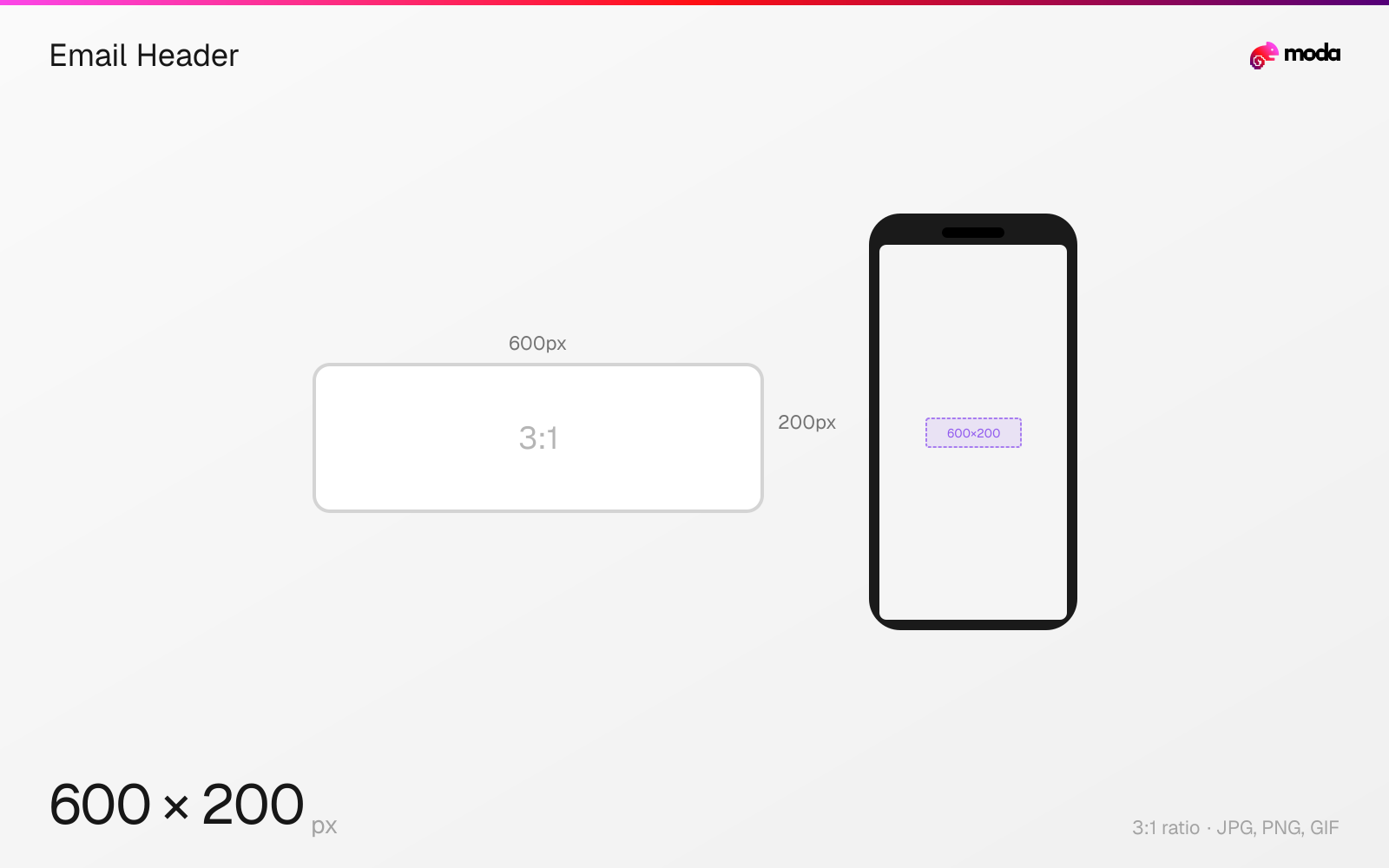
The recommended email header size is 600 × 200 pixels (3:1 aspect ratio).
Last updated:
Specifications
| Spec | Value |
|---|---|
| Dimensions (px) | 600 × 200 px |
| Aspect ratio | 3:1 |
| Supported formats | JPG, PNG, GIF |
| Minimum resolution | 600x200 |
| Color mode | sRGB |
Other documented sizes
| Format | Dimensions | Aspect ratio |
|---|---|---|
| Retina supply width | 1200 × 400 px | 3:1 |
| Mailchimp current builder | 660 × 220 px | 3:1 |
Design at this size with Moda
Start with a canvas pre-set to 600×200px and let AI generate your design.
Create an email header →Design tips
Email headers are built to a 600 pixel body width. A header of 600×200 is the common convention, though the height is a design decision rather than a specification. The width is the part that matters: 600px fits Outlook's reading pane and scales cleanly to mobile, and it is what most email service providers ship as their default template width.
- •Build to 600px wide. It is a convention, but it is the one nearly every client and template assumes.
- •Supply at 1200px wide and constrain with CSS so the header stays sharp on retina screens.
- •Height is your choice — 150–200px is typical for a masthead. Nothing enforces it.
What you need to know
The honest answer to "what size should an email header be" is that nobody specifies it. Email has no owning platform, so there is no equivalent of Meta's ads guide or Etsy's help centre to cite. What exists is a convention: a 600 pixel body width, with header artwork built to fill it.
600px persists for a practical reason. Outlook's reading pane is narrow, and anything wider forces horizontal scrolling or gets clipped in the most-used desktop client in business email. 600px also divides cleanly into common phone widths when scaled down. Mailchimp's legacy templates are exactly 600px; its newer builder moved to 660px, and some modern responsive templates run to 640px or 700px.
Height is where convention takes over entirely. A logo-and-nav masthead usually lands around 600×150 to 600×200; a fuller header with imagery runs taller. There is no rule, and no client enforces one — pick a height that serves the content and keep it consistent across sends.
For sharp rendering on high-density screens, supply the image at roughly double the display width and constrain it with CSS. Mailchimp's own guidance is 600–1200px for its 600px templates and 660–1320px for its 660px builder.
How to create an email header at the right size
- 1Open Moda and create a new canvas at 600×200 pixels.
- 2Design your email header using AI generation or start from a blank canvas.
- 3Export as JPG and upload to your platform.
Frequently asked questions
What size should an email header image be?
600 pixels wide is the convention. Heights of 150–200px are typical for a masthead, but height is a design decision, not a specification.
Is 600px an official email standard?
No. There is no standards body for email dimensions. 600px is a convention that persists because it fits Outlook's reading pane and scales well to mobile.
Should I use 600px or 660px?
Match whatever your email service provider's template uses. Mailchimp's legacy templates are 600px and its current builder is 660px.
Specs last verified: August 28, 2026. Dimensions may change as platforms update their requirements.