Email signature size
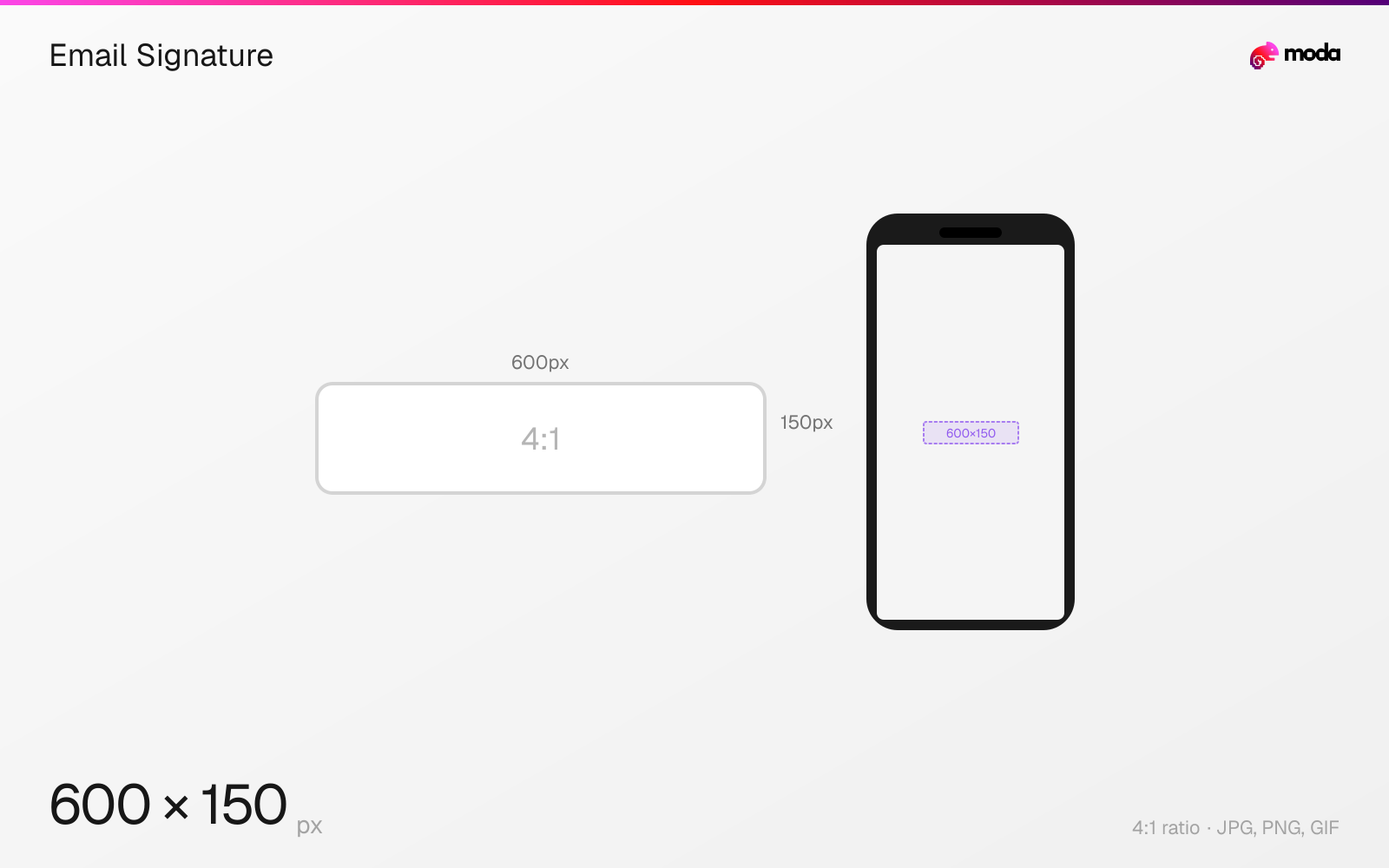
The recommended email signature size is 600 × 150 pixels (4:1 aspect ratio).
Last updated:
Specifications
| Spec | Value |
|---|---|
| Dimensions (px) | 600 × 150 px |
| Aspect ratio | 4:1 |
| Supported formats | JPG, PNG, GIF |
| Minimum resolution | 300x100 |
| Color mode | sRGB |
Other documented sizes
| Format | Dimensions | Aspect ratio |
|---|---|---|
| Logo only | 300 × 100 px | 3:1 |
Design at this size with Moda
Start with a canvas pre-set to 600×150px and let AI generate your design.
Create an email signature →Design tips
Email signatures are typically built no wider than the 600 pixel email body, with 600×150 a common footprint and logos around 150–300 pixels wide. Like every email dimension this is convention, not specification — and signatures carry one extra rule that matters more than any number: do not build the whole signature as a single image.
- •Build signatures as HTML text with a small logo image — never as one flat graphic.
- •Keep the logo to 150–300px wide, supplied at double for retina.
- •Keep the file small; signatures are re-quoted through every reply in a thread.
What you need to know
The dimension question for signatures is less important than the format question. A signature built as one flat image looks perfect when it renders and disappears entirely when the client blocks images — which, for a signature, means the recipient sees nothing where your name, title and contact details should be. Build the signature as HTML text with a small logo image, not as a single graphic.
For the logo itself, 150–300 pixels wide is the common range, supplied at double that for retina. Keeping the whole signature inside the 600 pixel email body width avoids horizontal scrolling in narrow reading panes, the same constraint that produced the 600px convention in the first place.
Signatures also get quoted and re-quoted through reply chains, so every kilobyte is multiplied. A large signature image bloats every message in a long thread and can push the whole conversation past the clipping threshold in some clients.
How to create an email signature at the right size
- 1Open Moda and create a new canvas at 600×150 pixels.
- 2Design your email signature using AI generation or start from a blank canvas.
- 3Export as JPG and upload to your platform.
Frequently asked questions
What size should an email signature be?
No wider than the 600 pixel email body. A 600×150 footprint is common, with the logo image itself around 150–300 pixels wide.
Should an email signature be an image?
No. Build it as HTML text with a small logo image. Many clients block images by default, and a signature built as one graphic vanishes completely when they do.
Specs last verified: August 28, 2026. Dimensions may change as platforms update their requirements.