Etsy profile photo size
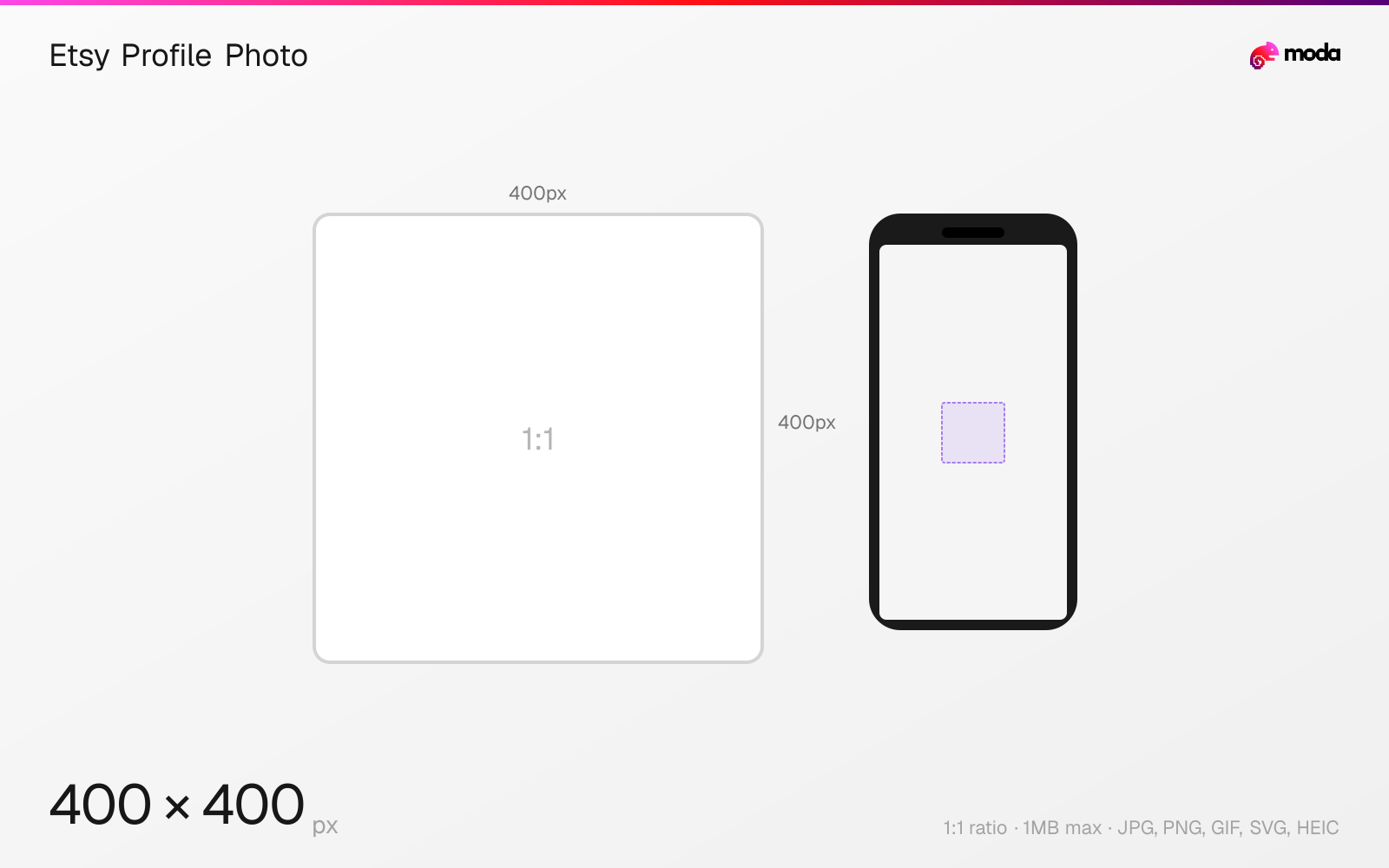
The recommended Etsy profile photo size is 400 × 400 pixels (1:1 aspect ratio).
Last updated:
Specifications
| Spec | Value |
|---|---|
| Dimensions (px) | 400 × 400 px |
| Aspect ratio | 1:1 |
| Max file size | 1MB |
| Supported formats | JPG, PNG, GIF, SVG, HEIC |
| Minimum resolution | 400x400 |
| Color mode | sRGB |
Design at this size with Moda
Start with a canvas pre-set to 400×400px and let AI generate your design.
Create an Etsy profile photo →Design tips
Etsy recommends 400×400 pixels for your personal profile photo. This is the image attached to you as a person rather than to the shop — it appears on reviews you leave and on your public profile, and Etsy displays it as a circle.
- •Centre the subject — Etsy masks the square to a circle.
- •This is your personal photo, not the shop logo; the logo is a separate 500×500 image.
- •No transparency: Etsy renders transparent areas black.
What you need to know
The profile photo and the shop logo are different images that people often confuse. The logo (500×500) represents the shop and appears in search results; the profile photo (400×400) represents you and appears on your profile and the reviews you write. A shop can have both.
Etsy crops the profile photo to a circle on display, so anything in the corners of the square is lost. Centre the subject and leave margin on all four sides.
How to create an Etsy profile photo at the right size
- 1Open Moda and create a new canvas at 400×400 pixels.
- 2Design your Etsy profile photo using AI generation or start from a blank canvas.
- 3Export as JPG and upload to Etsy.
Frequently asked questions
What size is an Etsy profile picture?
400×400 pixels square is Etsy's recommendation. It displays as a circle.
Is the Etsy profile photo the same as the shop logo?
No. The profile photo is 400×400 and represents you personally. The shop logo is 500×500 and represents the shop in search results.
Specs last verified: August 28, 2026. Dimensions may change as platforms update their requirements.