336×280 ad size
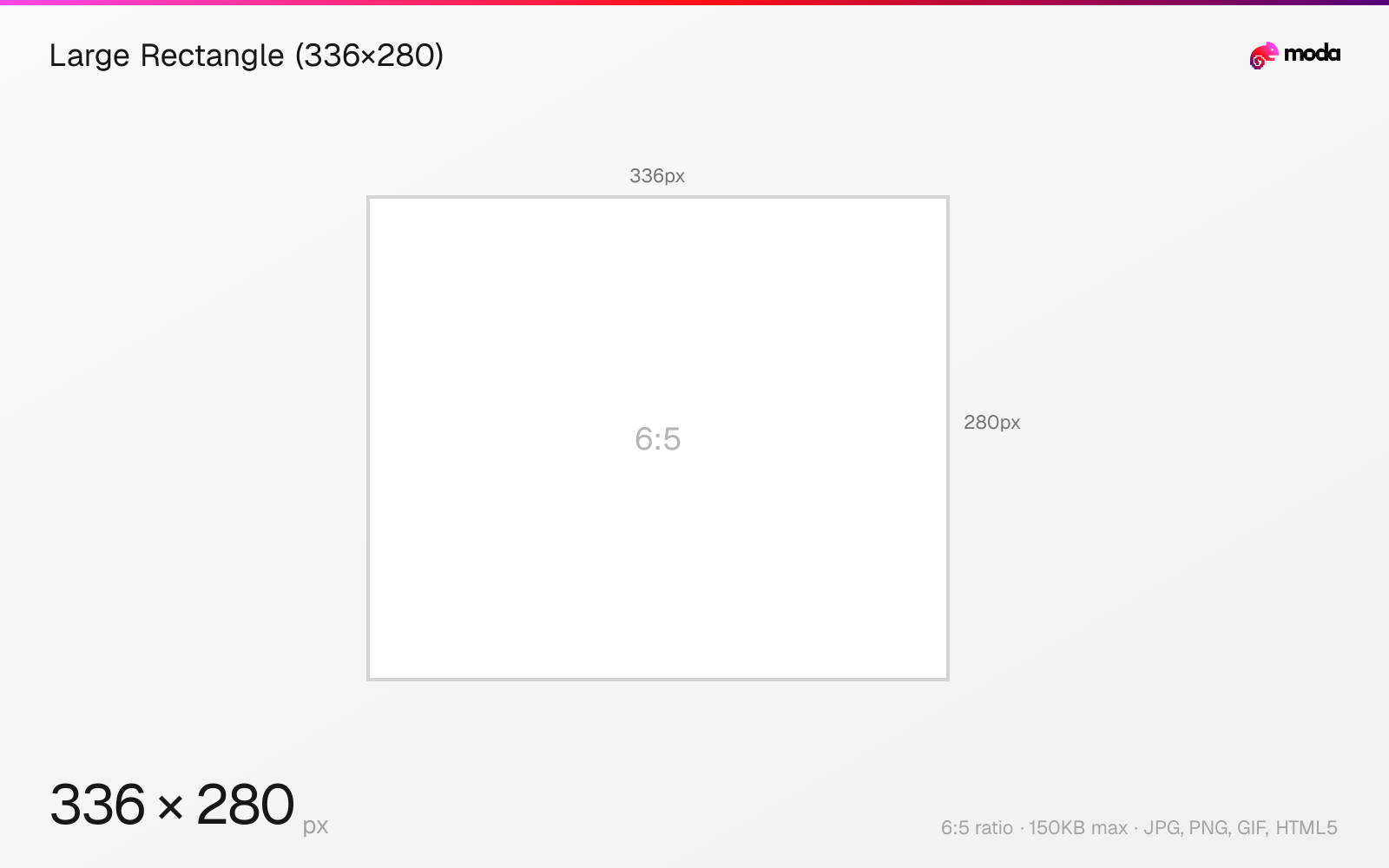
The recommended large rectangle (336×280) size is 336 × 280 pixels (6:5 aspect ratio).
Last updated:
Specifications
| Spec | Value |
|---|---|
| Dimensions (px) | 336 × 280 px |
| Aspect ratio | 6:5 |
| Max file size | 150KB |
| Supported formats | JPG, PNG, GIF, HTML5 |
| Color mode | sRGB |
Design at this size with Moda
Start with a canvas pre-set to 336×280px and let AI generate your design.
Create a large rectangle (336×280) →Design tips
The 336×280 large rectangle is an expanded version of the 300×250 medium rectangle. It offers 20% more ad space and typically appears embedded within article content on desktop websites.
- •Design alongside 300×250 — same placement, 20% more space. Create both from one base layout.
- •This format is most commonly used within article content on desktop sites.
- •Keep under 150KB. The extra pixels vs 300×250 make file size management slightly tighter.
What you need to know
The 336×280 large rectangle is essentially a bigger version of the ubiquitous 300×250 medium rectangle. The extra 36×30 pixels give designers noticeably more room for product images, headlines, and CTA buttons. It appears in the same placements as 300×250 — within article content, between paragraphs, and at the end of articles.
Not all publishers support 336×280, so inventory is smaller than 300×250. When available, the extra space gives designers more room for product imagery, longer headlines, or more breathing room around the CTA. Many advertisers create both sizes from the same base design.
Design tip: create your 336×280 first, then shrink to 300×250 by reducing margins and font sizes slightly. This ensures visual consistency across both sizes while taking advantage of the extra space where available.
How to create a large rectangle (336×280) at the right size
- 1Open Moda and create a new canvas at 336×280 pixels.
- 2Design your large rectangle (336×280) using AI generation or start from a blank canvas.
- 3Export as JPG and upload to your platform.
Frequently asked questions
What is a 336×280 ad?
A 336×280 pixel display ad called a "large rectangle." It's an expanded version of the 300×250 medium rectangle with 20% more ad space.
Should I use 336×280 or 300×250?
Use both if you can. 300×250 has broader support, while 336×280 gives you a slightly larger canvas where publishers support it. Design both from the same base layout.
Sources
Specs last verified: March 19, 2026. Dimensions may change as platforms update their requirements.