300×250 ad size
The recommended medium rectangle (300×250) size is 300 × 250 pixels (6:5 aspect ratio).
Last updated:
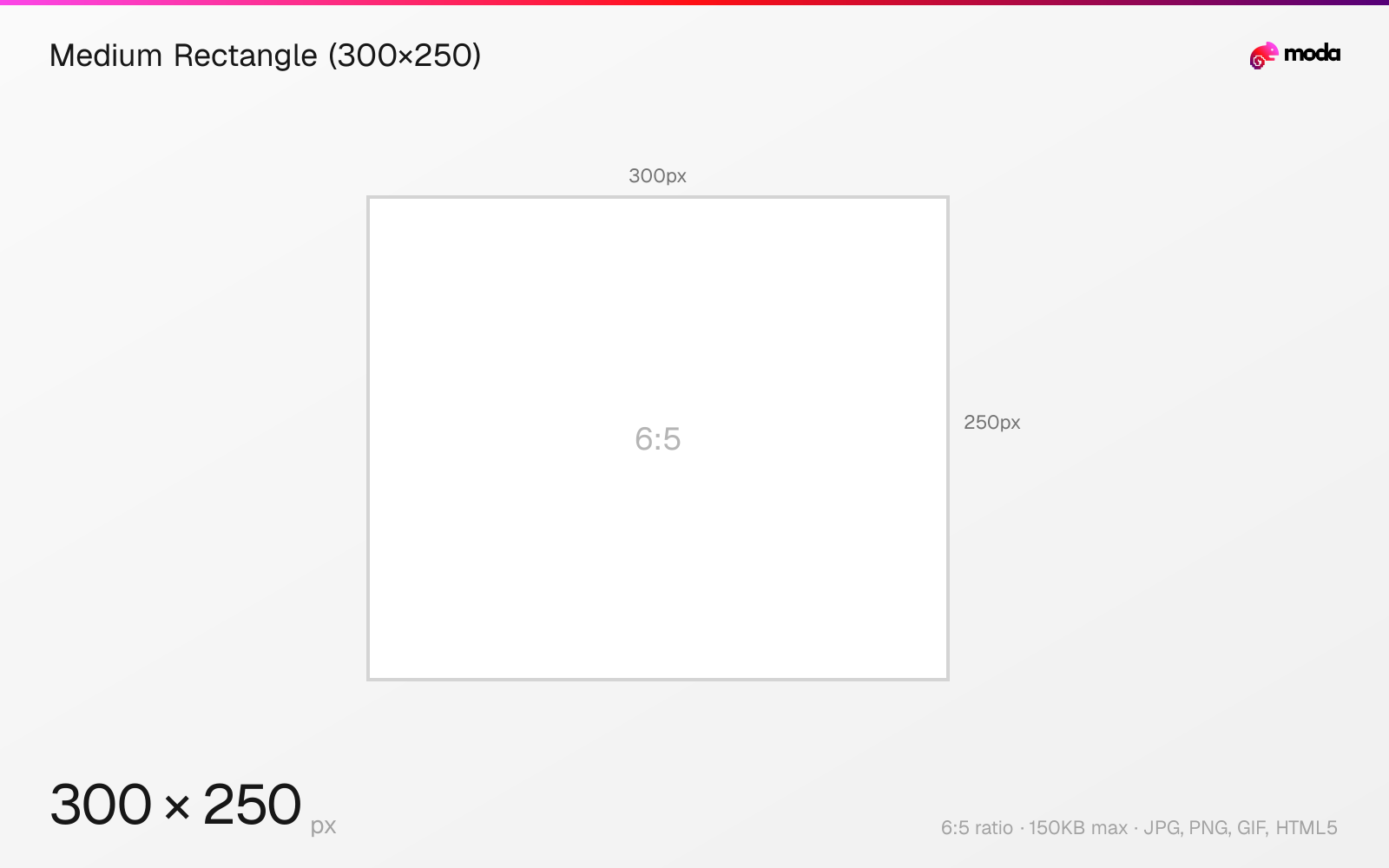
Specifications
| Spec | Value |
|---|---|
| Dimensions (px) | 300 × 250 px |
| Aspect ratio | 6:5 |
| Max file size | 150KB |
| Supported formats | JPG, PNG, GIF, HTML5 |
| Color mode | sRGB |
Design at this size with Moda
Start with a canvas pre-set to 300×250px and let AI generate your design.
Create a medium rectangle (300×250) →Design tips
The 300×250 pixel medium rectangle is one of the most common display ad sizes. It works on both desktop and mobile and is often the first fixed-size creative teams design when building a display campaign.
- •This is the #1 priority ad size — design it first, then adapt to other sizes.
- •Keep the file under 150KB. Use JPG for photos, PNG for graphics with transparent elements.
- •Include a clear CTA button — this size often appears inline with article content, so the message needs to read quickly.
What you need to know
The 300×250 medium rectangle is the most widely supported ad size across the Google Display Network, AdSense publisher sites, and programmatic ad exchanges. It typically appears within article content (between paragraphs), in sidebar positions, or at the end of articles. Its near-square proportions give designers enough space for both an image and a text message.
This size commonly appears within article content rather than only at the very top or bottom of a page. That makes it a flexible format for combining one strong image, a headline, and a call to action. The IAB (Interactive Advertising Bureau) includes it among the standard display ad sizes used across the web.
When designing 300×250 ads, keep the layout simple: one strong image or product shot, a headline (max 5-6 words), and a clear call-to-action button. The entire ad must be under 150KB. Use high-contrast colors and ensure the CTA button is large enough to tap on mobile — this size appears frequently in mobile web browsing.
How to create a medium rectangle (300×250) at the right size
- 1Open Moda and create a new canvas at 300×250 pixels.
- 2Design your medium rectangle (300×250) using AI generation or start from a blank canvas.
- 3Export as JPG and upload to your platform.
Frequently asked questions
What is a 300×250 ad?
A 300×250 pixel display ad, also called a 'medium rectangle.' It's one of the most common standard display ad sizes across desktop and mobile placements.
Where does a 300×250 ad appear?
Typically within article content (between paragraphs), in sidebars, or at the end of articles. It appears on both desktop and mobile websites.
Sources
Specs last verified: March 19, 2026. Dimensions may change as platforms update their requirements.