320×50 ad size
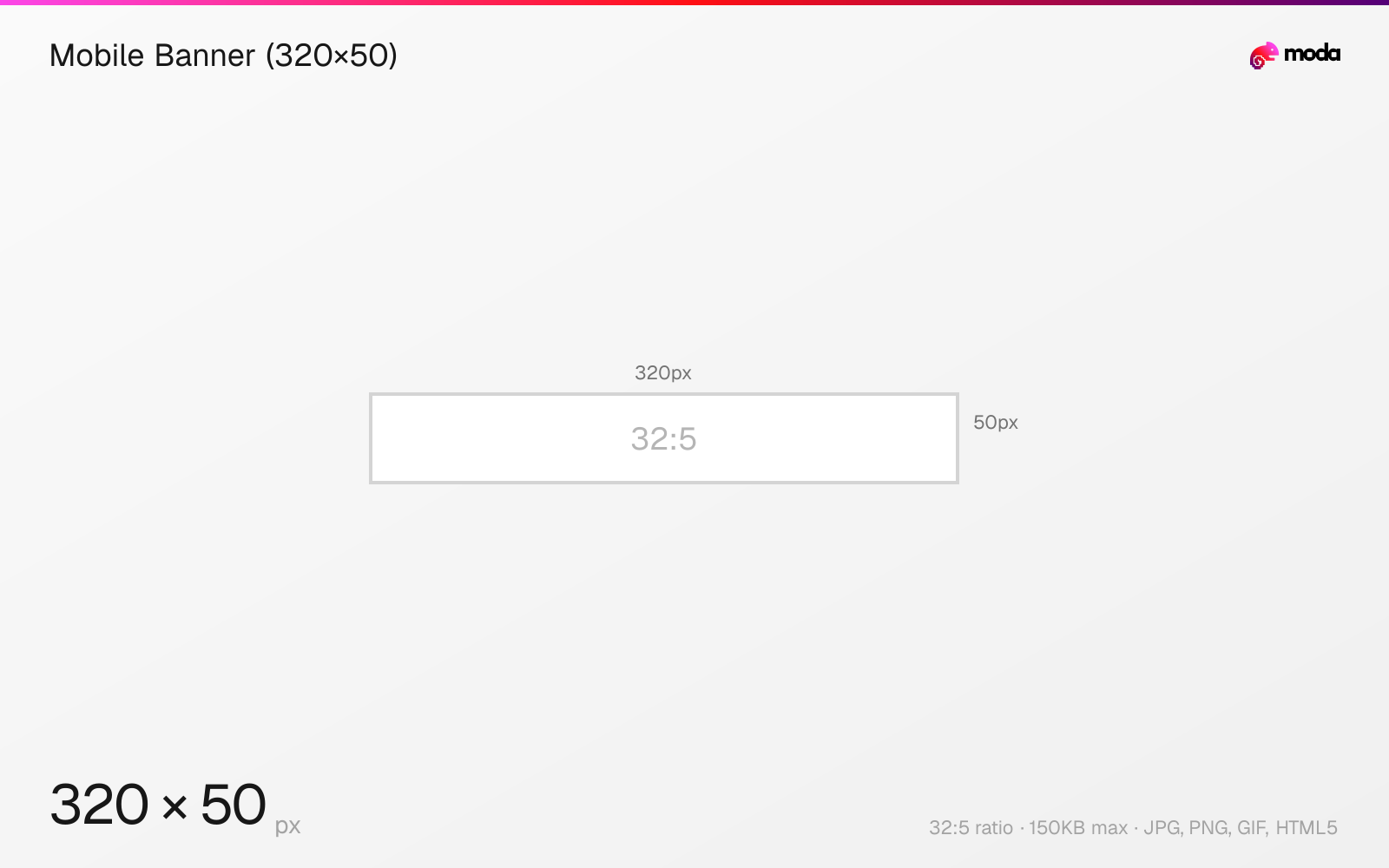
The recommended mobile banner (320×50) size is 320 × 50 pixels (32:5 aspect ratio).
Last updated:
Specifications
| Spec | Value |
|---|---|
| Dimensions (px) | 320 × 50 px |
| Aspect ratio | 32:5 |
| Max file size | 150KB |
| Supported formats | JPG, PNG, GIF, HTML5 |
| Color mode | sRGB |
Design at this size with Moda
Start with a canvas pre-set to 320×50px and let AI generate your design.
Create a mobile banner (320×50) →Design tips
The 320×50 mobile banner is the most common ad size on smartphone screens. It's the mobile equivalent of the 728×90 desktop leaderboard, appearing at the top or bottom of mobile web pages and in-app placements. Virtually every mobile ad placement supports this size.
- •Text-first design — 50px is only enough for one line. Use 14px+ font size minimum.
- •Also design 320×100 (large mobile banner) for placements that support the taller format.
- •Keep under 150KB — easy for this size, but animated GIFs can bloat quickly.
What you need to know
The 320×50 mobile banner is a fixture of mobile advertising — it appears on almost every ad-supported mobile website and app. It typically sits at the top or bottom of the screen, either as a static placement or as a sticky bar that stays visible during scrolling. The small size makes it unobtrusive but limits design options.
With only 50 pixels of height, there's room for one line of text and possibly a small logo. Effective 320×50 ads use bold, readable text (14px+ minimum), a contrasting CTA button, and skip detailed imagery. Think of it as a text-first format — the message must be instantly clear.
The larger 320×100 variant ("large mobile banner") gives twice the height and is becoming more common. If your ad platform supports it, design both — 320×100 for richer creative, 320×50 for maximum reach.
How to create a mobile banner (320×50) at the right size
- 1Open Moda and create a new canvas at 320×50 pixels.
- 2Design your mobile banner (320×50) using AI generation or start from a blank canvas.
- 3Export as JPG and upload to your platform.
Frequently asked questions
What is a 320×50 ad?
A 320×50 pixel display ad called a "mobile banner." It's the standard ad size for smartphone screens, appearing at the top or bottom of mobile web pages.
What's the difference between 320×50 and 320×100?
320×50 is the standard mobile banner (one line). 320×100 is the "large mobile banner" with twice the height, allowing richer designs. Use both for maximum coverage.
Sources
Specs last verified: March 19, 2026. Dimensions may change as platforms update their requirements.